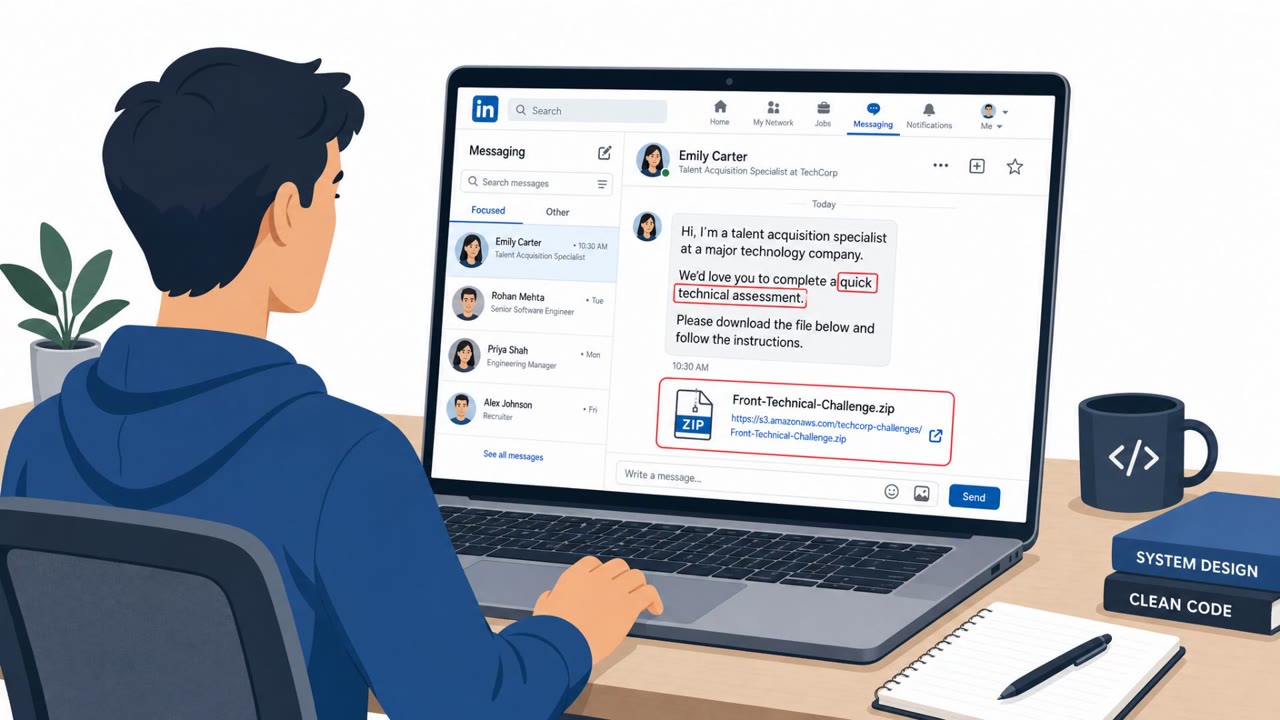
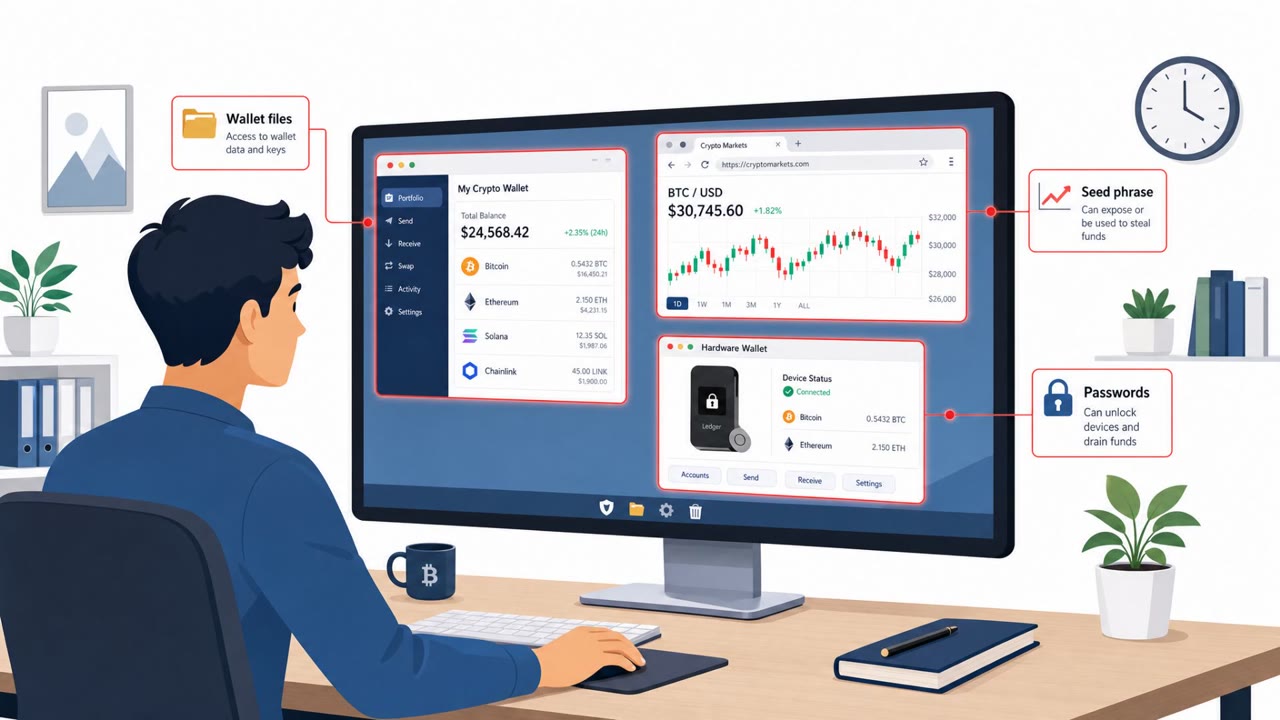
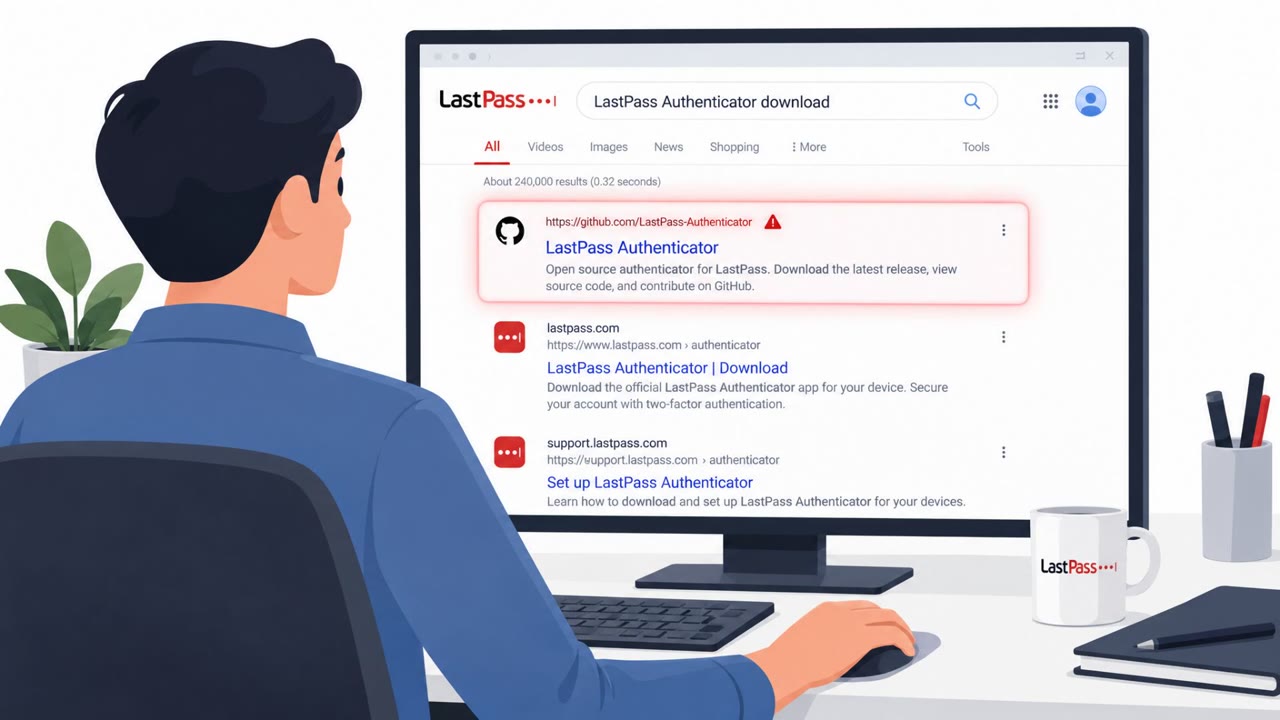
Researchers say criminals are cloning popular GitHub repositories for AI tools and developer resources, then quietly changing installation instructions to deliver an infostealer. The pages look legitimate (including original contributors), which lures developers into downloading and running a ZIP that launches a malware loader. The campaign has hit organizations across multiple regions, with financial services, banking, and technology most affected.
Key findings
- Attackers cloned legitimate GitHub repos and “subtly integrate malicious payloads,” often by adding files to a benign-looking folder or changing URLs in installation instructions.
- Because the repo “appears authentic and the original contributor is listed,” developers are more likely to trust it and run the downloaded content.
- Malware arrives as a ZIP with two binaries (lua51.dll, compiler.exe), a batch file (Application.bat), and a text file (gc.txt) that gets executed by a renamed LuaJIT interpreter.
- The loader resolves command-and-control infrastructure at runtime using the Polygon blockchain (EtherHiding), allowing rapid infrastructure changes without updating the malware.
- Targeting was observed across North America, Asia, and Southern Europe; “financial services, banking, and technology” were among the most affected.
Who’s being targeted
- Commonly targeted roles: Software Developers, AI/ML Engineers, DevOps/Platform Engineering, IT, Security Awareness/Training, Procurement/Vendor Management (software sourcing).
- Affected industries: Financial services, Banking, Technology.
- Attack channels: github, website.
- Impersonated: A well-known open-source project / legitimate GitHub repository, AI tool brands / AI developer resources hosted on GitHub.
Awareness takeaways
- Treat GitHub installation steps as untrusted until verified against the official project/vendor channel (especially download links).
- Do not run ‘installer’ scripts or binaries from a repo just because the page looks authentic, verify releases, maintainers, and file contents first.
- Be extra cautious with AI-branded “helpers” and “coding assistants,” which are being used as lures to get developers to execute malware.
- Assume attackers will try to hide infrastructure and evade detection; unusual behavior after running tools (like unexpected network calls or screenshots) should be reported immediately.
Red flags to watch for
- Installation instructions include a changed/odd download URL compared to the official project
- A “benign-looking subdirectory” contains executables/scripts (e.g., .bat, .exe, .dll) not expected for the project
- Repo looks real, but relies on trust signals (e.g., contributor name) instead of verifiable release artifacts
- Tool claims to be an installer but contains unusual components (e.g., renamed executables like compiler.exe)
- Windows batch scripts auto-launch interpreters or binaries during installation
- AI-branded repo offers downloads that do not match official vendor distribution channels
Read the video transcript
You’re on GitHub, grabbing a “Claude / ComfyUI helper tool, quick installer.” Looks legit, original contributor and all. But this is a cloned repo. The attacker quietly swapped the install steps so your “dependencies” are a ZIP with lua51.dll, compiler.exe, Application.bat, and gc.txt that drops an infostealer. Here’s the twist: despite its name, compiler.exe is just a renamed LuaJIT interpreter. When Application.bat runs it, a loader phones home through the Polygon blockchain, pulling fresh malware without ever updating the repo. Next time a GitHub AI helper says “download the latest ZIP and run Application.bat,” stop and compare those install steps against the project’s official releases before you run anything.