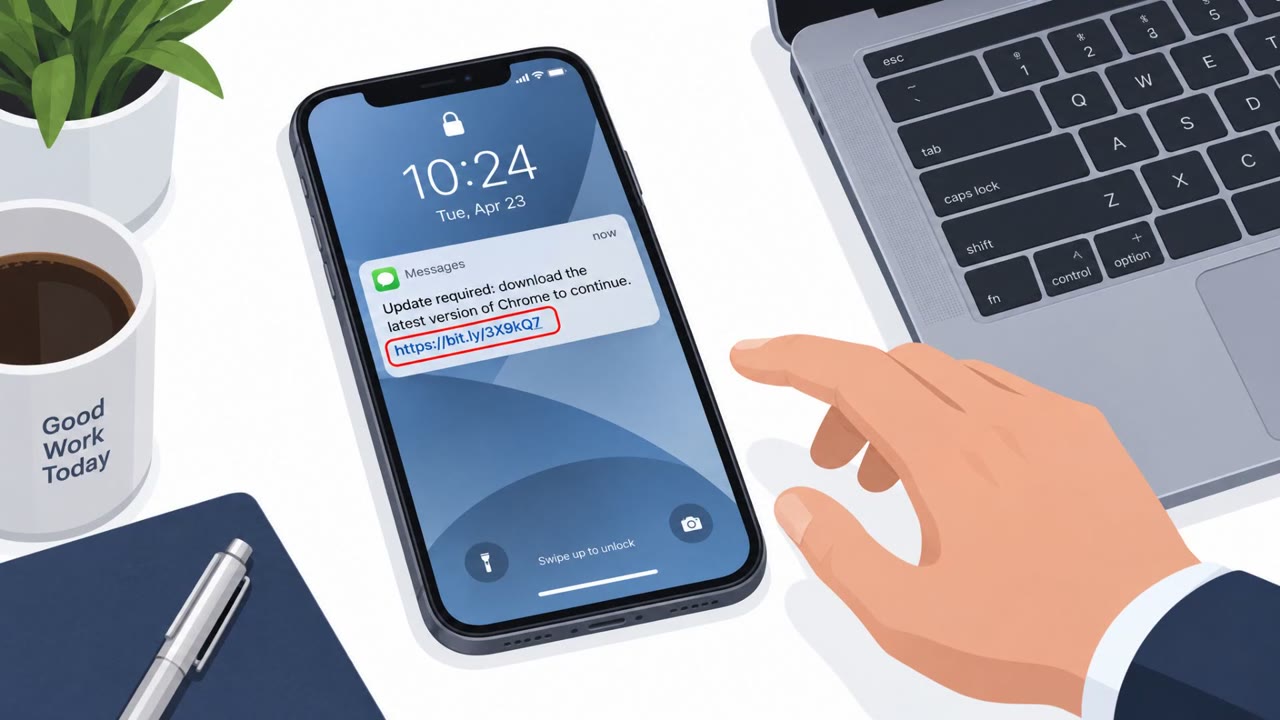
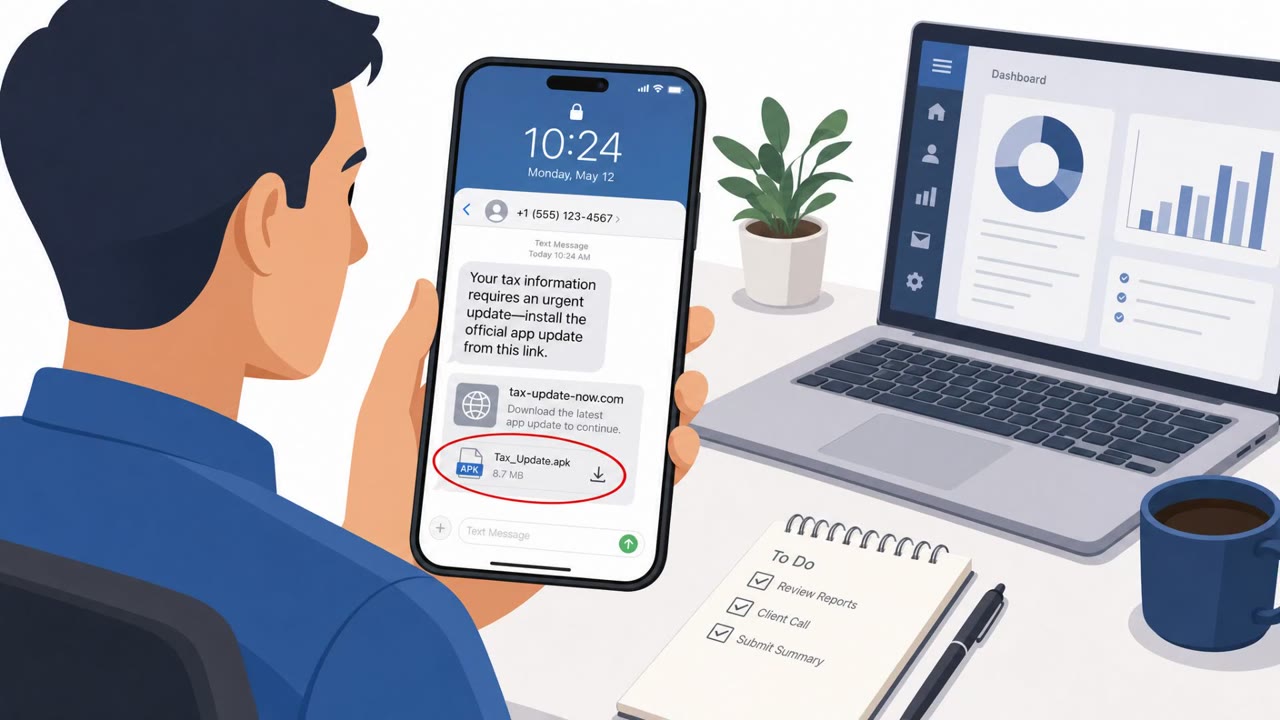
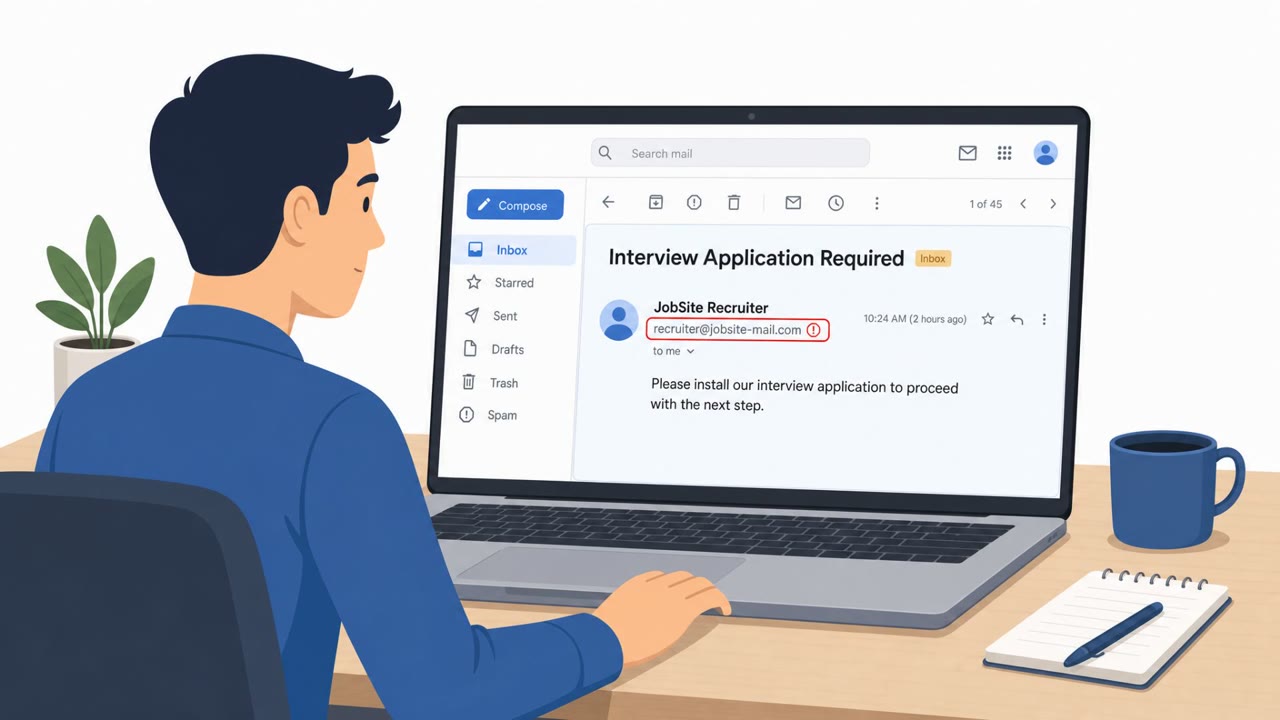
Scammers posted fake jobs on Indeed and then instructed applicants to install a fake Android “interview” app via an APK link. The app impersonates an Indeed login screen and acts as a malware dropper, ultimately installing spyware and attempting to take control of the phone using high-risk permissions like Accessibility and a VPN connection.
How the attack worked
Scammers posted fake job openings on Indeed and then contacted applicants with instructions to complete an interview by installing an Android app outside of Google Play. The lures included phrases like "Complete your interview by installing the Indeed app," requests to "Update your Indeed application," or claims of needing "Identity verification." Once installed, the fake app impersonated Indeed's login page and, after the victim entered an email address, created a VPN connection on the device. The app functioned as a trojan dropper, ultimately installing spyware as the final payload.
Why it succeeded
The scam leveraged trust in a well-known recruiting platform and the pressure job seekers feel to comply with instructions during a hiring process. Victims were told to download and install the app, connect to a VPN, create an account, and enter an invitation code, all while keeping the app open for confirmation. This step-by-step flow mimicked a legitimate onboarding process, making it easier for applicants to follow instructions without question. A related case involved an APK named "MyInterview" shared during an interview, after which the victim's phone began closing apps on its own and the app appeared listed under Android's Accessibility services.
What to watch for
- Any request to install a special "interview app" outside of an official app store
- An unnecessary VPN connection requirement for what should be a standard interview process
- Apps that request Accessibility permissions with no clear business justification
- Devices behaving abnormally after installing an app, such as apps closing unexpectedly
- Employers or recruiters whose company details do not line up with public information
How to build resistance
Organizations and job seekers can reduce risk by treating this pattern as a scam indicator. Interviewing through Indeed's platform happens entirely in a browser and never requires downloading a special app, so any message asking a candidate to install an app to participate in an interview should be treated as suspicious. Job seekers should avoid sideloading APKs for any recruiting or HR process and should only install applications from trusted stores. Because the malware's use of Accessibility permissions and VPN connections has no obvious business purpose in an interview context, these requests deserve particular scrutiny. Verifying job offers and employer details through independent channels, separate from the messages containing the app link, adds another layer of protection against this type of lure.
Key findings
- Scammers used fake job listings on Indeed to lure job seekers into installing a fake “interview” Android app (APK sideloading).
- Common lures included requests to “Complete your interview,” “Update your Indeed application,” or perform “Identity verification” by installing an app.
- The fake app impersonated Indeed’s login page and then created a VPN connection after the victim entered an email address.
- The initial app was identified as a Trojan dropper that installed additional malware; the observed final payload was spyware.
- If granted Accessibility permission, the malware could effectively take over the device and even interfere with uninstall attempts.
Who’s being targeted
- Commonly targeted roles: HR / Talent acquisition, Employees searching for jobs (general staff awareness), Helpdesk / IT support (mobile security guidance), Executives (high-level awareness of brand-impersonation lures).
- Affected industries: Employment services / recruiting platforms, General public (job seekers).
- Attack channels: email, website.
- Impersonated: A supposed employer or recruitment firm hiring via Indeed, A supposed employer contacting the candidate through Indeed.
Red flags to watch for
- Asked to install an APK outside Google Play for an interview
- Unnecessary VPN requirement for a job interview
- Brand impersonation: fake app mimics Indeed login and claims to be required by Indeed
- APK installation requested during hiring process
- App appears under downloaded Accessibility services after install
- Device begins behaving abnormally after installation (apps closing on their own)
Frequently asked questions
How does the fake Indeed interview app scam work?
Scammers post fake job listings on Indeed and then direct applicants to install a fake Android app that impersonates Indeed's login screen, presenting itself as a required interview tool. The app acts as a trojan dropper that installs additional spyware and can create a VPN connection after the victim enters an email address.
What permissions make this malware dangerous?
If granted Accessibility permission, the malware can effectively take over the device, including interfering with attempts to uninstall it.
Does Indeed require an app for interviews?
No, interviewing through Indeed's platform happens entirely in a browser and never requires downloading a special app, so any request to install an interview app is a red flag.
What should job seekers do if asked to install an APK?
Avoid sideloading any APK for a job interview or HR process, only install apps from trusted stores like Google Play, and verify job offers through independent channels.
Read the video transcript
You apply on Indeed and get this message: “Complete your interview by installing the Indeed app.” Sounds normal, right? Here’s the trick: scammers post fake jobs, then send you an APK link for a so‑called 'Interview' or 'MyInterview' app. You install it, see a fake Indeed login, enter your email, and it quietly sets up a VPN and drops spyware. Big red flag moment: a recruiter tells you to sideload an APK outside Google Play, keep the app open, connect to a VPN, and it suddenly asks for Accessibility permissions. That combo is not how real interviews work. If any interview asks you to install a special Android APK, use a VPN, or grant Accessibility, stop and walk away, Indeed interviews run in your browser, not through sideloaded apps.