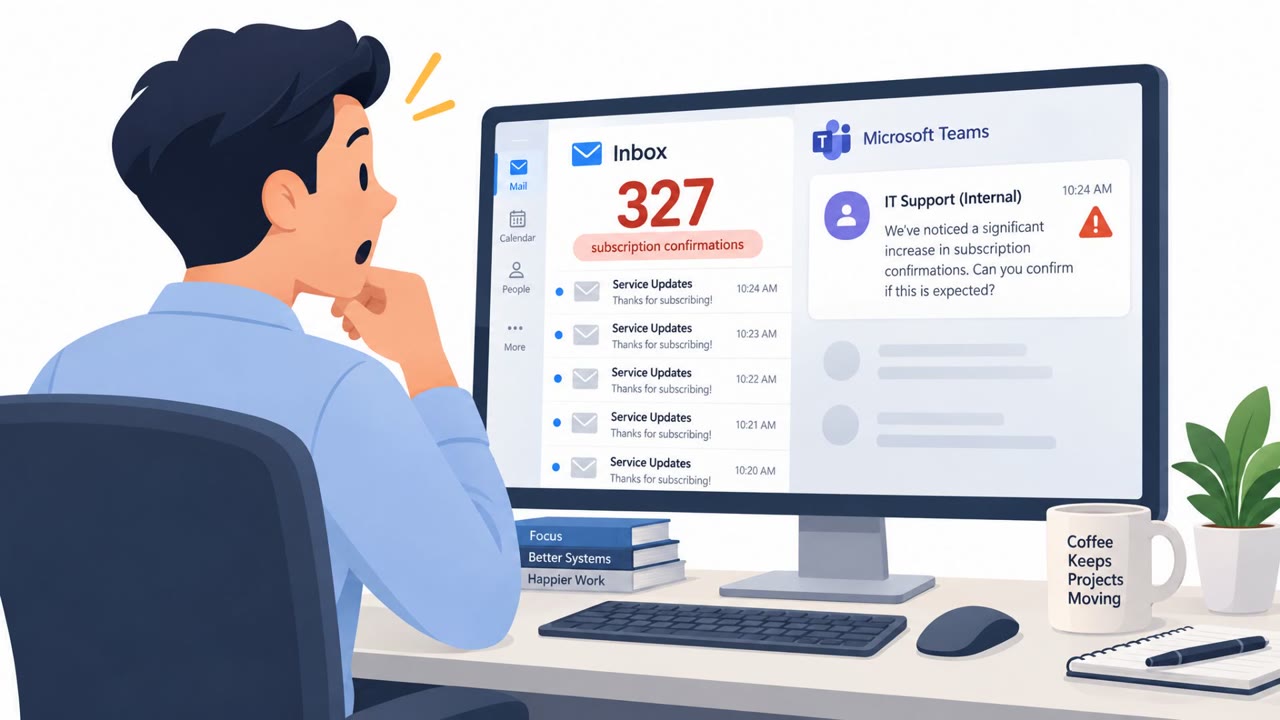
This threat report describes more than 400 real incidents in which attackers used Microsoft Teams external chat to impersonate internal IT support staff. Employees were persuaded to start remote sessions and install access tools, with some cases leading to stolen credentials, movement across company systems, and ransomware-related activity.
How the Attack Worked
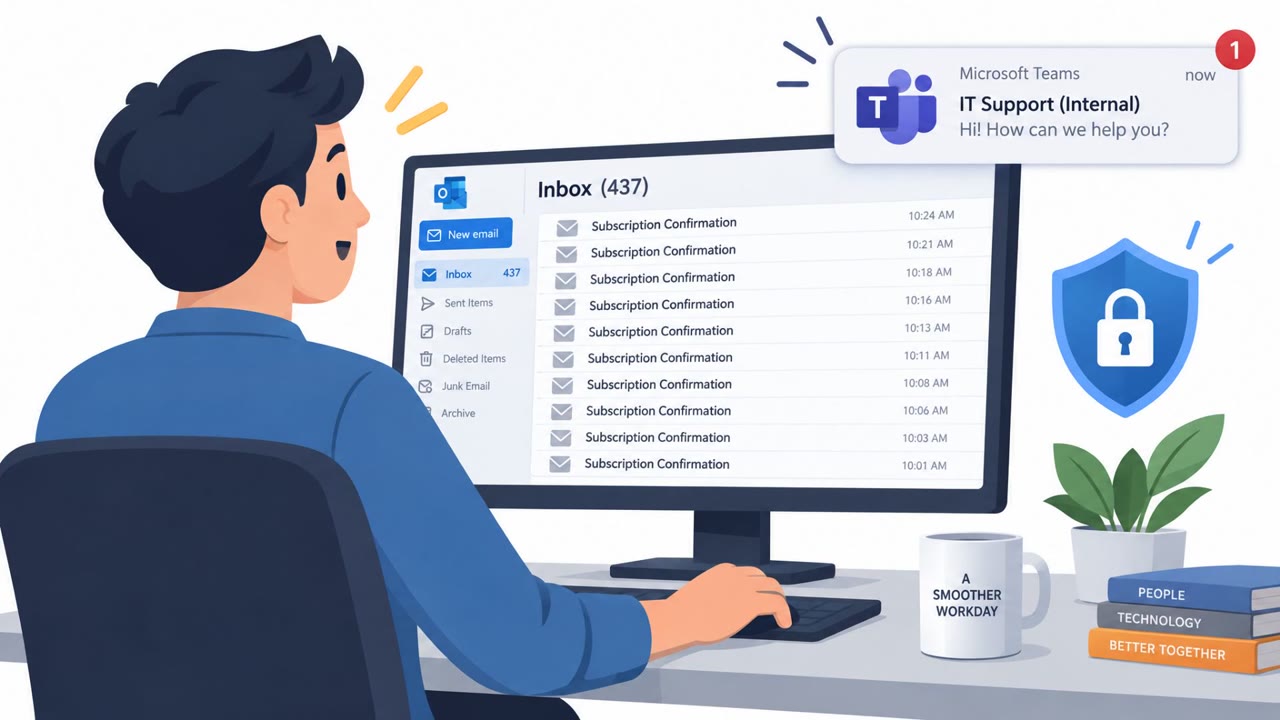
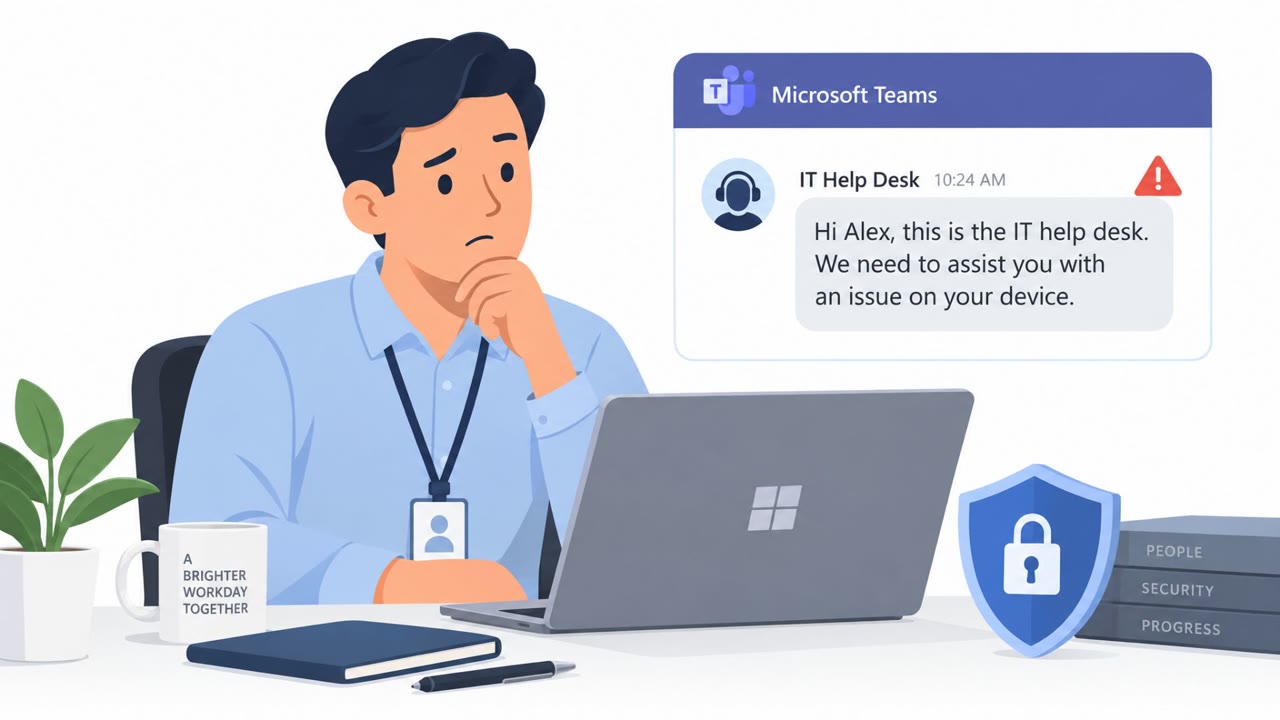
In this campaign, attackers reached employees through Microsoft Teams external chat rather than email or phone calls. They posed as internal IT support personnel and opened conversations with messages like a request to start a remote session so they could assist with a device issue. Once the employee agreed, the attacker guided them into installing a remote-access tool, giving the attacker a foothold on the device. Researchers tied this approach to more than 400 documented incidents, and in some cases the access was used to steal credentials, move laterally across internal systems, and carry out ransomware-related activity.
Why It Succeeded
The scam worked because it exploited trust in a familiar workplace tool. Employees are used to receiving legitimate IT support requests through Teams, so a chat message claiming the same origin did not immediately stand out, even though the sender was external rather than an internal colleague. The request to start a remote session or install software is also something employees may have done before with real IT staff, making the ask feel routine rather than suspicious. The medium itself, an internal-feeling chat platform, lowered the usual skepticism people might apply to unsolicited emails or phone calls.
What to Watch For
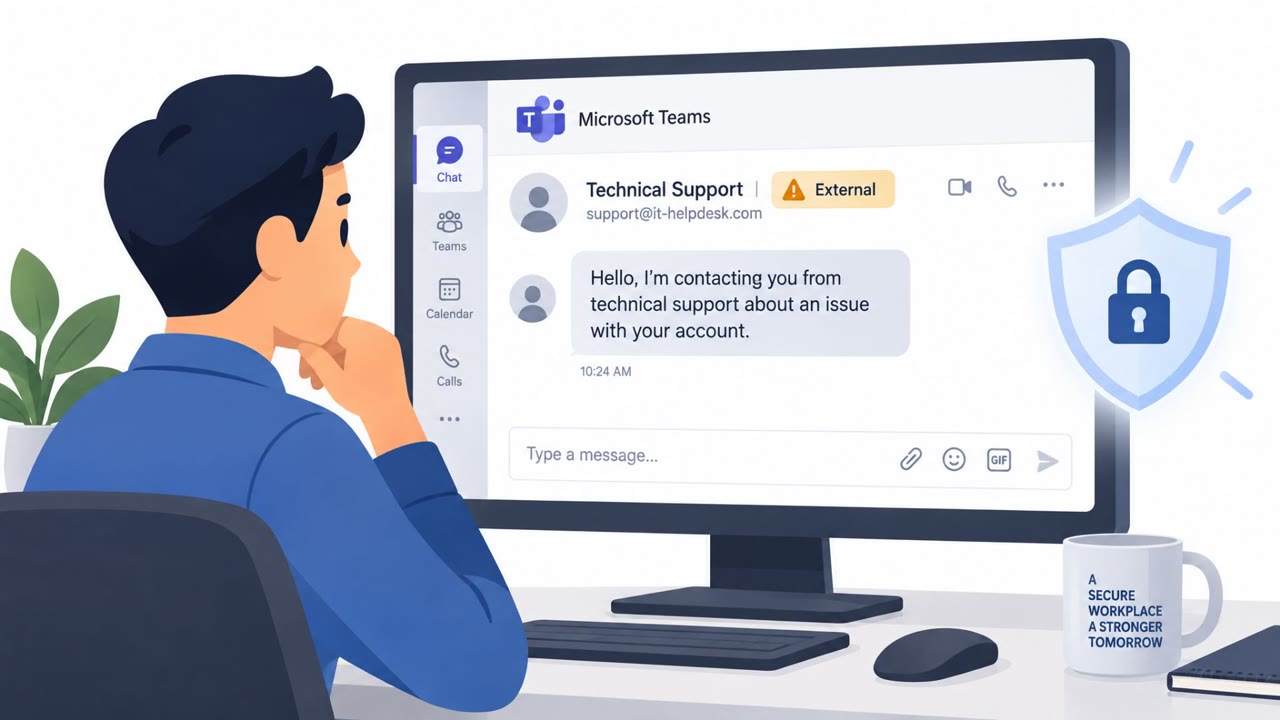
- Teams messages from IT support that are marked as coming from an external sender rather than an internal account.
- Unsolicited requests to start a remote session or install a remote-access tool, especially without a prior support ticket.
- Urgent or routine-sounding language framed as a device issue needing immediate assistance.
- Any follow-on signs after such a chat, such as unexpected login prompts or account activity, which may indicate the scam has escalated toward credential theft or lateral movement.
How to Build Resistance
Organizations and employees can reduce exposure to this type of scam with a few consistent habits. Treat any unsolicited Teams message claiming to be IT support as suspicious, particularly when the platform flags the sender as external. Before starting a remote session or installing any tool requested through chat, independently contact IT support through the established internal channel to confirm the request is legitimate. Encourage employees to report suspicious IT-support style messages quickly, since what starts as a simple chat request can, in some cases, progress to credential theft and ransomware-related activity if left unaddressed. These habits target the specific technique used here: impersonation through a trusted internal-feeling channel (see attack.mitre.org/techniques/T1566/003 and attack.mitre.org/techniques/T1656).
Key findings
- Attackers abused Microsoft Teams external chat functionality for initial access in more than 400 documented incidents.
- The attackers posed as internal IT support personnel.
- The scam persuaded employees to initiate remote sessions and install remote-access tools.
- Some incidents escalated to credential theft, lateral movement, and ransomware-related activity.
Who’s being targeted
- Commonly targeted roles: All employees, Remote workers, IT help desk personnel, Department managers.
- Affected industries: Cross-industry organizations.
- Attack channels: teams.
- Impersonated: Internal IT support personnel.
Red flags to watch for
- The contact arrives through an external Teams chat rather than an established internal support channel.
- The sender claims to be internal IT support but is an external user.
- The request asks the employee to install a remote-access tool or begin a remote session.
Frequently asked questions
How did attackers gain access using Microsoft Teams?
Attackers used Microsoft Teams external chat functionality to contact employees while impersonating internal IT support personnel, then persuaded them to start remote sessions and install access tools.
What happened after employees installed the remote-access tools?
In some documented incidents, the initial access led to credential theft, lateral movement across systems, and ransomware-related activity.
How many incidents were tied to this Teams-based scam?
Researchers documented more than 400 real incidents involving abuse of Microsoft Teams external chat functionality for initial access.
What is the clearest warning sign of this scam?
A chat message claiming to be from internal IT support that actually arrives from an external Teams user and asks the employee to start a remote session or install software.
Read the video transcript
“Internal IT Support” just messaged you on Teams. Look closer. It says, “We need you to initiate a remote session so we can assist with your device.” Next comes a request to install an access tool. Here’s the giveaway: Teams marks the sender “External.” That’s not your internal IT team. This trick appeared in over 400 incidents; some led to stolen credentials and ransomware activity. Before starting any remote session, contact IT yourself through your approved support channel.