Microsoft describes multiple real-world campaigns where attackers use trusted business workflows to trick people into granting access. One campaign impersonates IT support in Microsoft Teams to get remote control of a device, then spreads across the enterprise. Another campaign targets travelers on hospitality networks by redirecting them to device-code phishing or fake software updates.
How the Attack Worked
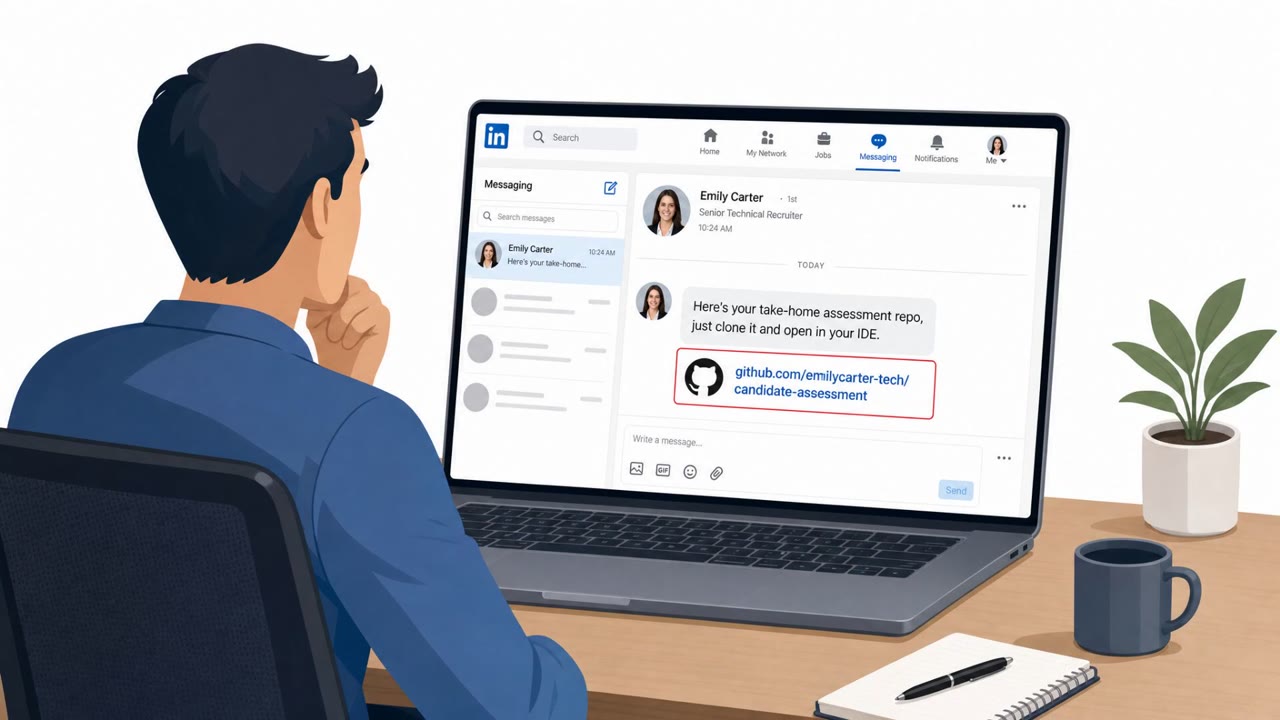
In this campaign, attackers impersonated IT support inside Microsoft Teams, a channel most employees trust because it feels internal and official. The attacker persuaded a user to grant control through legitimate remote-support software, the same kind of tool real IT teams use every day. Once that control was granted, the attacker downloaded a malicious MSI via PowerShell and established persistent command-and-control on the device. From there, the operator mapped Active Directory and attempted lateral movement using WinRM, reaching toward high-value systems including domain controllers and certificate authorities.
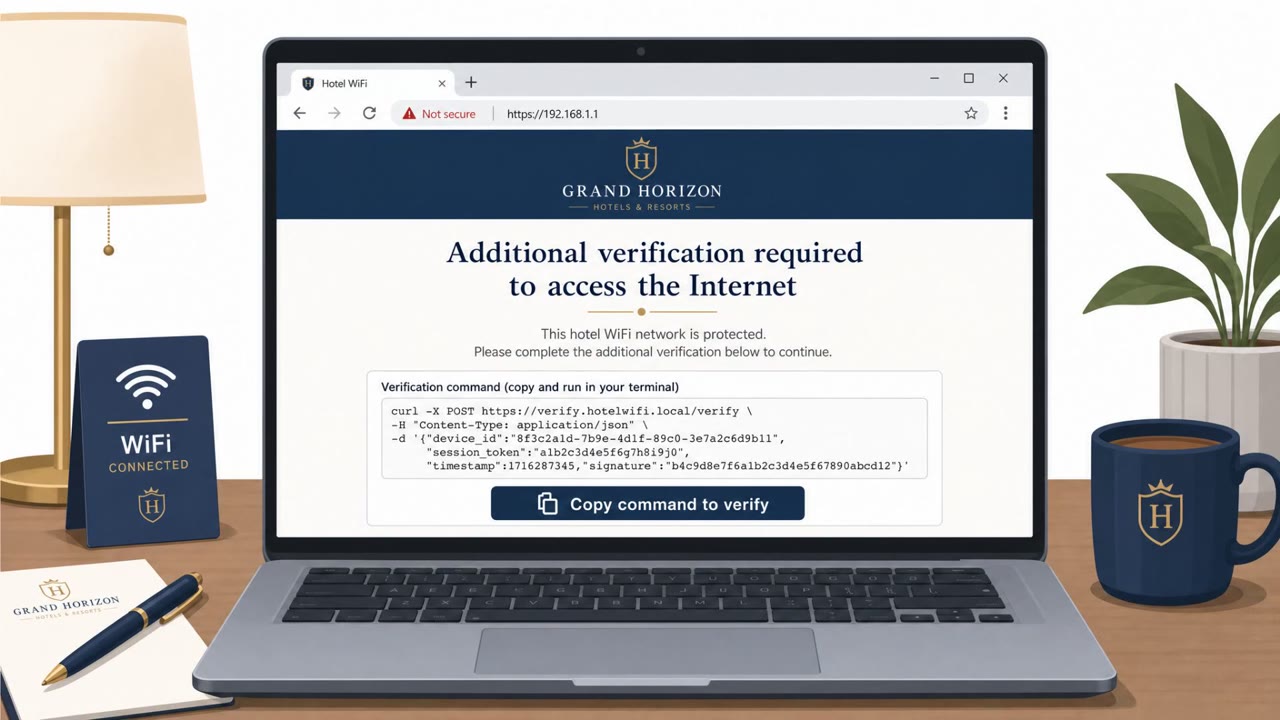
A related campaign shows how the same trust-based approach plays out on hospitality networks. Travelers connecting to hotel or public Wi-Fi were redirected into either device-code phishing through a legitimate Microsoft sign-in page or fake software updates that delivered malware. In both cases, a single moment of trust in a familiar process, whether a Teams chat or a Wi-Fi login screen, became the entry point for deeper compromise.
Why It Succeeded
These attacks succeeded because they exploited legitimate workflows rather than obvious malware. Remote-support software, Teams messaging, and Wi-Fi sign-in pages are all normal parts of daily work life, so requests through these channels do not automatically raise suspicion. The attacker only needed one person to treat an unsolicited contact as routine.
What to Watch For
- Unsolicited Teams messages claiming to be from IT support
- Pressure to quickly approve remote-control access
- Remote-support requests from unfamiliar accounts or outside normal IT ticketing
- Unexpected sign-in prompts or software update offers right after joining hotel or public Wi-Fi
Building Resistance
Organizations can reduce exposure by treating unsolicited IT support contact as suspicious until verified through an official helpdesk channel, and by requiring that remote-control approval only follow a request the employee themselves initiated. Expanding phishing-resistant authentication, blocking unnecessary device-code flows, and applying Conditional Access policies further limit how much damage a single compromised session can cause. Combined with tighter governance over remote-support tools, these steps target the exact points where trust was exploited in these campaigns.
Key findings
- Microsoft observed Storm-2945 (a subcluster of Midnight Blizzard) redirecting travelers on hospitality networks into device-code phishing or fake software updates.
- Attackers impersonated IT support via Microsoft Teams and persuaded users to grant control through legitimate remote-support software.
- After remote control, attackers downloaded a malicious MSI via PowerShell, established persistent command-and-control, and attempted lateral movement using WinRM to reach high-value systems.
- Microsoft positions phishing-resistant authentication, blocking unnecessary device-code flow, Conditional Access, and tighter control of remote support as key mitigations.
Who’s being targeted
- Commonly targeted roles: All employees, Executives and frequent travelers, IT Helpdesk/Service Desk, Identity and Access Management (IAM) teams, Endpoint security/IT operations.
- Affected industries: Hospitality (hotels, captive Wi‑Fi networks), Travel (travelers using public/hotel networks), Cross-industry enterprise environments using Teams and remote support.
- Attack channels: website, teams.
- Impersonated: Legitimate Microsoft sign-in page (abused as part of the phish), Internal IT support/helpdesk.
Red flags to watch for
- Unexpected sign-in prompted immediately after joining hotel/public Wi‑Fi
- Sign-in flow appears unrelated to Wi‑Fi access or the user’s current work
- Being offered software updates on a captive network login experience
- Unsolicited IT support contact via Teams
- Pressure to allow remote control quickly
- Remote-support request comes from an unfamiliar account or outside normal IT process
Frequently asked questions
How did attackers impersonate IT support on Microsoft Teams?
A campaign began with attackers posing as IT support through Microsoft Teams and persuading a user to grant control through legitimate remote-support software.
What did attackers do after gaining remote control?
After gaining control, attackers downloaded a malicious MSI via PowerShell, established persistent command-and-control, mapped Active Directory, and attempted lateral movement using WinRM to reach systems including domain controllers and certificate authorities.
What risk does hotel or public Wi-Fi introduce here?
Storm-2945, a subcluster of Midnight Blizzard, was observed manipulating DNS and HTTP traffic on hospitality networks to redirect travelers into device-code phishing or fake software update prompts.
What mitigations does Microsoft recommend?
Microsoft points to phishing-resistant authentication, blocking unnecessary device-code flow, Conditional Access, and tighter control of remote support tools as key mitigations.
Read the video transcript
Imagine this: you’re on hotel Wi‑Fi, and suddenly a Microsoft sign‑in page pops up out of nowhere. Microsoft saw Storm‑2945 on hotel networks doing exactly this, redirecting travelers into device‑code phishing on a real Microsoft page, or fake software updates that drop malware. Now layer on this: back at work, a random 'IT Support' message pops up in Teams, urgently asking for remote control. In real attacks, once people clicked accept, the operator pushed a malicious MSI with PowerShell and used WinRM to hunt for domain controllers. Your move is simple: if someone on Teams says they’re IT and wants remote control, stop. Don’t click anything, open your official helpdesk portal or call the real IT number and verify first.