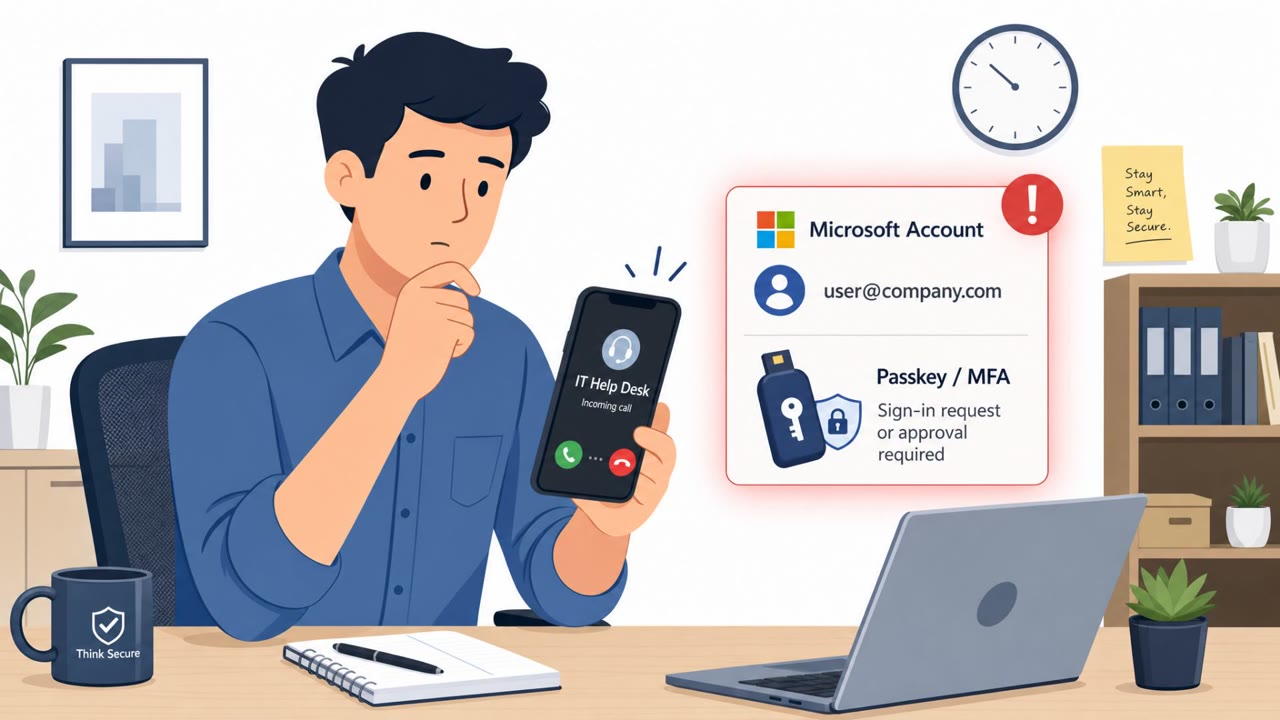
Microsoft says attackers have been compromising Microsoft 365 cloud accounts by posing as internal IT staff and pressuring employees to “update” passkeys or sign-in settings. Victims are directed to lookalike sign-in pages or tricked into authorizing attacker access via device-code sign-in, after which attackers add their own authentication methods and steal data from SharePoint, OneDrive, and sometimes Exchange Online email.
How the attack worked
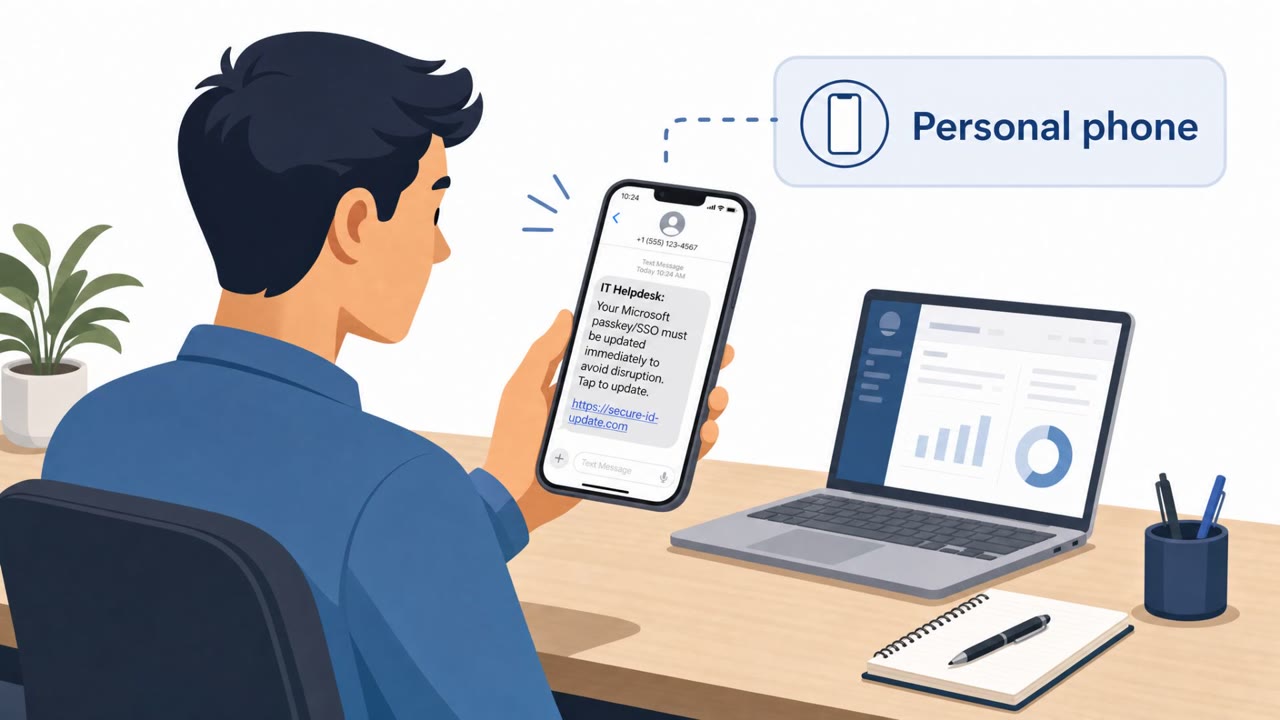
Attackers posed as internal IT helpdesk staff and reached out to employees directly on their personal phones, either by call or text. The pretext centered on a supposed need to update a passkey, multifactor authentication method, or single sign-on setting, framed with urgency: employees were warned they could lose access if they did not act. This outreach method is notable because it bypasses monitored corporate channels, meaning organizations may have little visibility into the first point of contact.
Once an employee engaged, they were directed to a sign-in page designed to look like a legitimate Microsoft login screen. In some cases, the attackers included the organization's name in the web address to increase the appearance of legitimacy. Requests were also sometimes relayed through an already compromised employee's Teams account, adding a layer of apparent trust since the message came from a colleague.
Why it succeeded
Two separate technical paths allowed account takeover. In one, an attacker-controlled site relayed the sign-in attempt to Microsoft and captured both credentials and a session token after the employee completed an MFA check that was not phishing-resistant. In another, the employee entered a device code on Microsoft's real authentication page, and that action authorized an attacker-controlled client to receive a token. Both methods exploit trust in familiar-looking authentication steps rather than relying on stolen passwords alone.
After gaining access, attackers added authentication methods they controlled, such as a phone number, authenticator app, or software one-time password. This gave them a durable way to satisfy future login challenges even if the original compromise was detected.
What to watch for
- Unexpected calls or texts to a personal phone claiming to be from IT
- Urgent language warning of lost access unless settings are updated immediately
- Sign-in links that resemble Microsoft's login pages, even ones containing the organization's name
- Sign-in setting requests arriving through Teams chat rather than official IT channels
- Device code prompts appearing without the employee having initiated the sign-in themselves
Building resistance
Employees should verify any unexpected passkey, MFA, or SSO update request through a known, trusted IT channel rather than the number or link provided in the message. Organizations should consider requiring phishing-resistant MFA and restricting who can register new authentication methods, since attackers rely on adding their own methods to maintain access. Monitoring for new authentication method registrations and unusual device-code approvals can also help catch compromise attempts before attackers reach SharePoint, OneDrive, or Exchange Online data.
Key findings
- Attackers posed as IT/helpdesk staff and used “passkey update” or other sign-in setting changes as the pretext.
- Initial outreach was via call or text to an employee’s personal phone, increasing the chance the organization had limited visibility of the first contact.
- Victims were sent to lookalike Microsoft sign-in pages; in some cases the org name was included in the URL to increase trust.
- Microsoft observed multiple paths to takeover, including capturing credentials/session tokens after a non-phishing-resistant MFA step, and abusing device-code sign-in to authorize an attacker-controlled client.
- After access, attackers added authentication methods they controlled (phone number, authenticator app, or software OTP) to make future logins easier.
- Post-compromise activity included searching cloud resources and downloading data from SharePoint/OneDrive, and sometimes collecting email from Exchange Online for hours or days.
Who’s being targeted
- Commonly targeted roles: All employees, IT helpdesk/service desk, Identity & access management (IAM) admins, Microsoft 365 administrators, Security operations (SOC).
- Affected industries: Any organization using Microsoft 365 (cross-industry).
- Attack channels: vishing, website, smishing, teams.
- Impersonated: Internal IT helpdesk staff, Internal IT/helpdesk (via text message), Coworker/internal Teams account (compromised) and/or IT helpdesk.
Red flags to watch for
- Unexpected IT outreach to a personal phone
- Urgency/threat of losing access unless action is taken immediately
- Link goes to a lookalike sign-in page (possibly with the org name embedded in the web address)
- Request comes via personal phone outside normal IT channels
- Mobile browsing reduces ability to verify URL and security indicators
- Completing MFA on a page reached from an unsolicited text
- Security/account-update requests arriving via Teams chat instead of official IT ticketing/email
- Message comes from a colleague account but tone/behavior is unusual
- Includes a link to a sign-in page that is only “similar” to Microsoft’s legitimate screens
Frequently asked questions
How did attackers trick employees into compromising their Microsoft 365 accounts?
Attackers called or texted employees' personal phones posing as IT helpdesk staff, warning they would lose access unless they updated a passkey, MFA, or SSO setting, then directed them to lookalike Microsoft sign-in pages.
What happened after attackers gained access to an account?
Attackers added their own authentication methods, such as a phone number, authenticator app, or software OTP, to maintain access, then searched and downloaded data from SharePoint, OneDrive, and sometimes Exchange Online email.
What is device-code phishing and why is it dangerous here?
In one case an employee entered a device code on Microsoft's real authentication page, and that step authorized an attacker-controlled client to receive a token, giving attackers access without needing to steal a password directly.
What can organizations do to reduce risk from these attacks?
Microsoft recommends requiring phishing-resistant MFA and restricting the registration of new authentication methods, along with training employees to verify unexpected sign-in setting requests through a trusted channel.
Read the video transcript
You get a text on your personal phone: “IT Helpdesk: update your Microsoft passkey now or you’ll lose access.” They say it’s a passkey or MFA update, and send you to a Microsoft login page that even has your company name in the web address. You sign in and even complete MFA, but behind the scenes they grab your session and add their own phone or authenticator, then quietly pull data from SharePoint, OneDrive, maybe your email for days. If anyone pushes a passkey or MFA update to your personal phone, don’t tap the link, contact IT through your usual channel and ask, “Did you really send this?”