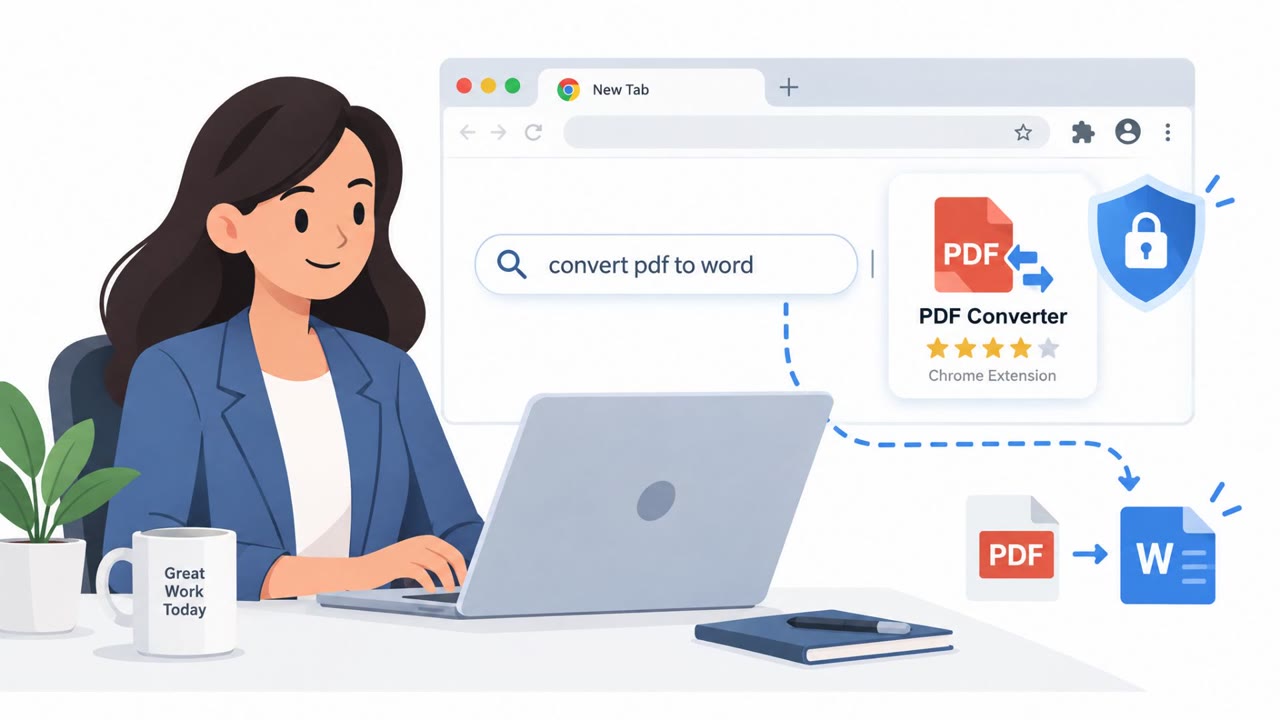
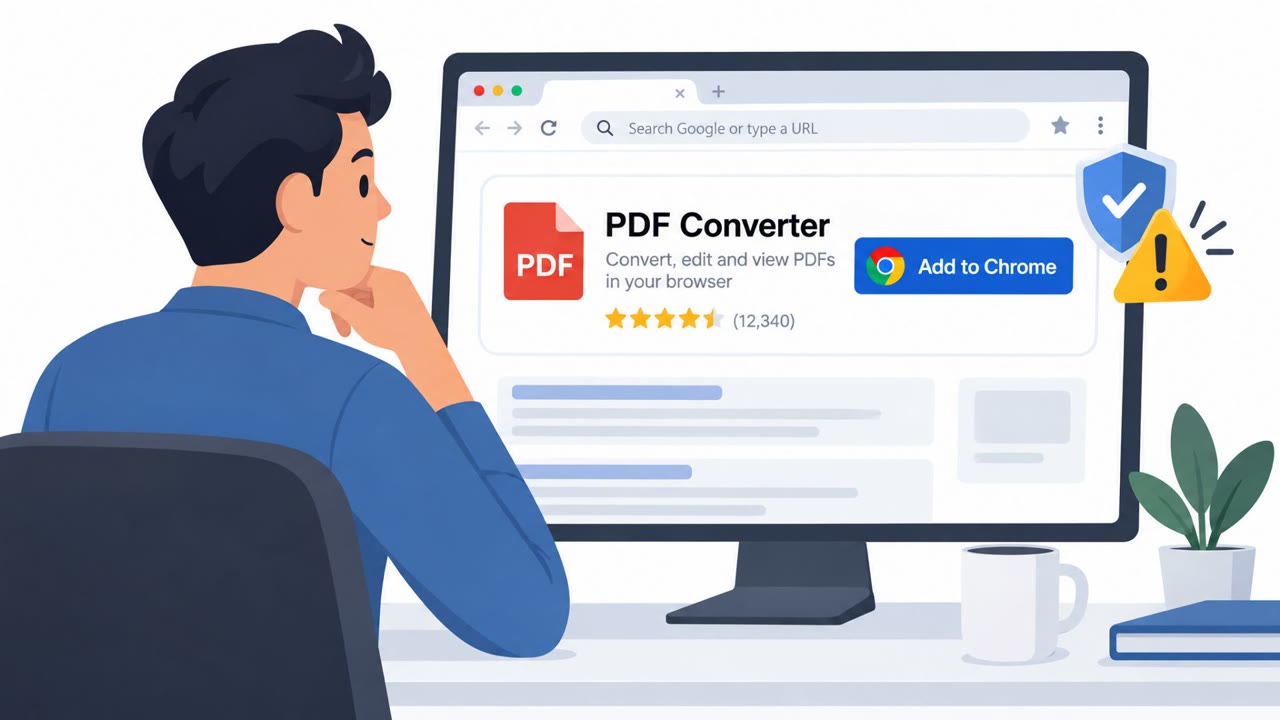
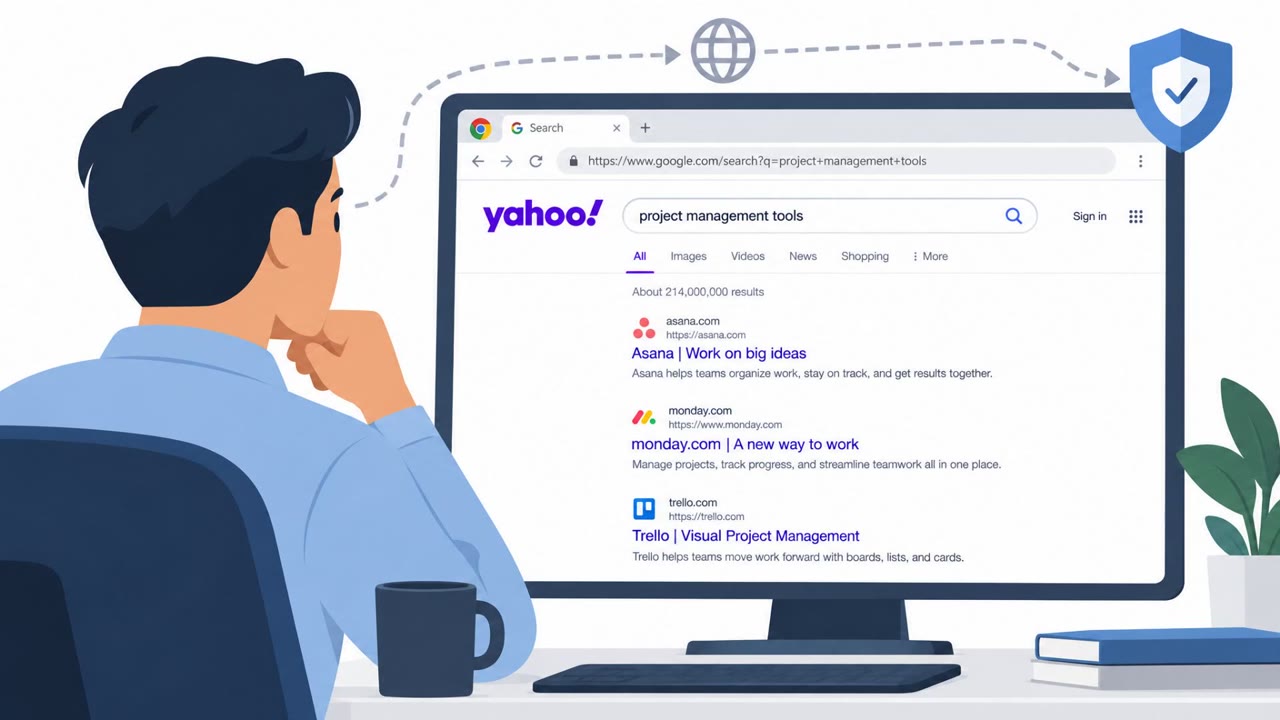
A long-running operation used ads for seemingly useful Chrome extensions, including PDF converters, manual finders, safe-search tools, and AI search tools. Once installed, the extensions redirected users’ searches through operator-controlled servers, exposing search activity and generating referral revenue.
Key findings
- Socket identified 319 browser extensions associated with an estimated 13.4 million installs over a decade.
- Ads promoted extensions as helpful tools for finding manuals, converting PDFs, safer searching, and AI-powered search.
- The extensions changed or controlled search behavior and routed queries through operator-controlled servers before forwarding them to Yahoo or Bing.
- Search queries were often tied to a unique identifier, potentially allowing operators to track an individual’s searches over time.
- Most extensions were unlisted in the official Chrome Web Store, making them accessible through direct links but not normal store searches.
Who’s being targeted
- Commonly targeted roles: All employees who use Chrome, Administrative staff, Knowledge workers, IT support, Security awareness teams.
- Affected industries: Consumer internet users, Organizations using Google Chrome, All industries.
- Attack channels: website.
- Impersonated: A seemingly legitimate Chrome Web Store extension publisher, A search-security or AI-search tool provider.
Awareness takeaways
- Treat ads for quick-fix browser tools, especially PDF converters, manual finders, and search-security tools, as untrusted until the publisher and permissions have been independently verified.
- Review installed browser extensions regularly and remove anything unrecognized, unused, or untrusted.
- Investigate any notice that a browser extension controls search settings, and treat unexpected search redirects as a warning sign.
- Avoid entering sensitive personal or work-related searches through a browser whose extensions have not been vetted.
Red flags to watch for
- The extension was reached through an advertisement or direct link rather than a normal Chrome Web Store search.
- The extension claims to provide a simple utility but requests control over search settings.
- The listing is unlisted, so it does not appear in ordinary store searches.
- Chrome reports that an extension is controlling the search setting.
- Searches are unexpectedly routed away from the selected search provider.
- A security-themed extension was installed after clicking an ad.
Read the video transcript
Need to convert a PDF? That sponsored Chrome extension looks handy. The ad leads to a real Chrome Web Store listing, often unlisted, so you wouldn’t find it by searching the store. Install it, and it takes control of your search settings. Here’s the catch: your searches go through its servers before reaching Yahoo or Bing. A unique ID can tie those searches back to you. Socket found 319 extensions linked to 13.4 million installs. If Chrome says an extension controls search, open your extensions and remove it if you don’t trust it.