Huntress reported real-world attacks where criminals used social engineering to get victims to install or run remote support tools, then deployed modified (rogue) ScreenConnect clients. After gaining control, the attackers ran scripts to recon the system, stage additional payloads, and spread the same malicious chain to other endpoints connected via ScreenConnect.
How the attack worked
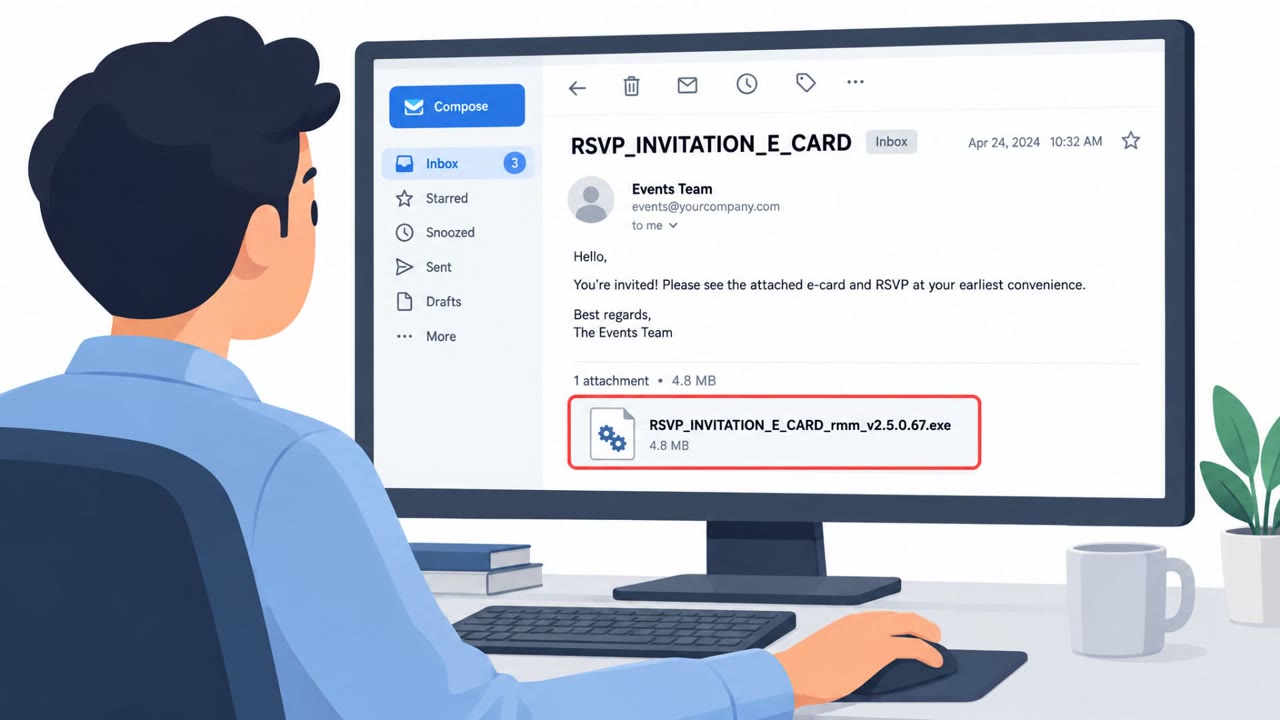
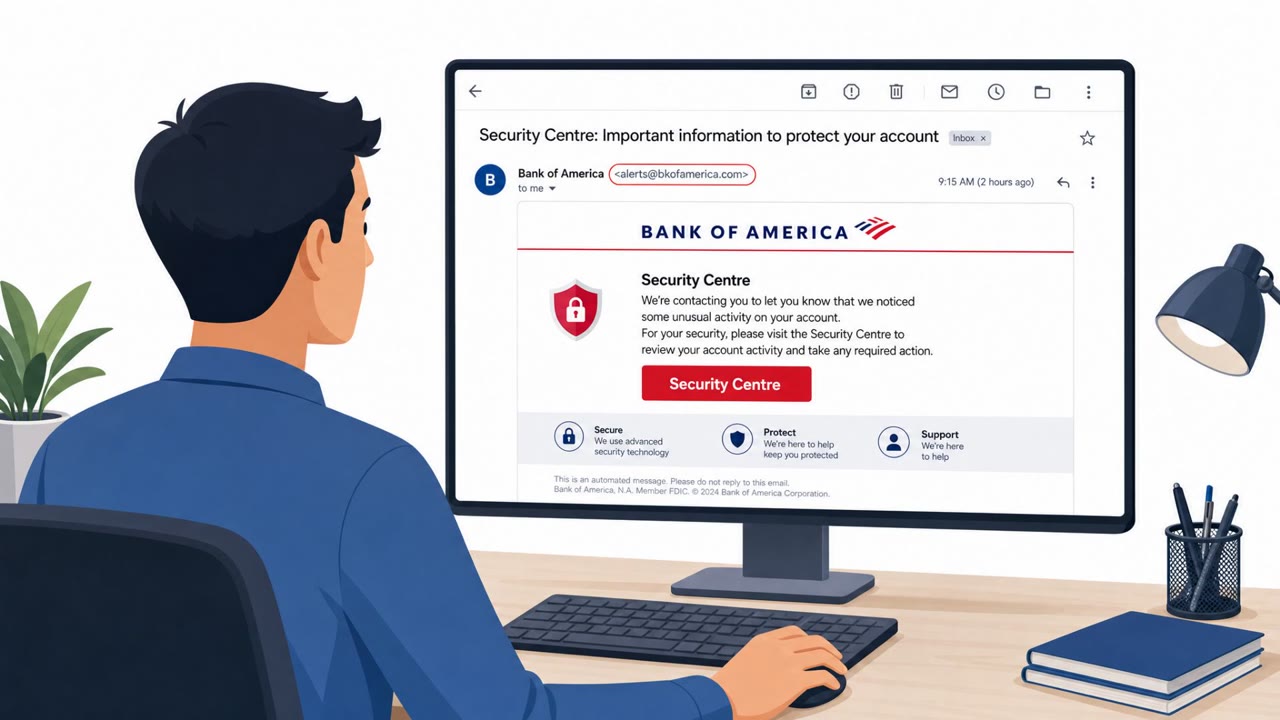
This campaign began with social engineering rather than a technical exploit. In one documented case, an attacker posed as tech support and instructed the victim to open Windows Quick Assist, a built-in remote support tool, giving the attacker control of the machine. On the same day, the same VBScript files were seen deployed in another environment, likely through a phishing message rather than a phone call.
Once a rogue ScreenConnect client was installed, it spawned repeated Windows Script Host (wscript.exe) processes to run four VBScript files from the ScreenConnect temporary directory, with an additional VBScript added for persistence. These scripts performed reconnaissance, staged further payloads, and executed PowerShell. A follow-on PowerShell script attempted a UAC bypass and cleaned up evidence of the intrusion.
Why it spread like a worm
What made this campaign notable is how it propagated. Rather than stopping at the initial victim, the attackers used ScreenConnect's own connectivity to push the identical staged chain to other endpoints already connected through the tool. This let a single successful social engineering attempt cascade across multiple machines without needing a fresh phishing lure or call for each new victim.
Why it succeeded
The attack relied on trust in familiar remote support workflows. A phone call claiming to be tech support, paired with a request to open a legitimate Windows tool like Quick Assist, does not look like an attack to most users. Because the victim initiated the remote session themselves, the malicious activity that followed had a much easier path into the environment.
What to watch for
- Unsolicited calls or messages claiming to be tech support and asking for remote access
- Pressure to immediately open Quick Assist, ScreenConnect, or similar remote tools
- Remote control requests that were not verified through a known internal IT channel
- Command windows, scripts, or PowerShell activity appearing during a remote support session
How to build resistance
Organizations should train employees to treat unsolicited tech support outreach as suspicious and to verify any remote access request through a known internal channel before allowing control of their machine. Staff should also understand that a remote session can be used to run malicious scripts, and should report it immediately if a supposed helper starts running scripts or command windows. IT administrators managing ScreenConnect should apply extra scrutiny to on-premises installations for unauthorized changes or rogue clients, and consider disabling file transfer functionality as an added precaution.
Related techniques include T1566.002, T1219, and T1059.001.
Key findings
- Worm-like activity started with social engineering that led to rogue ScreenConnect clients being deployed on victim machines.
- In at least one case, the attacker posed as tech support and instructed the user to run Windows Quick Assist to gain control.
- Rogue ScreenConnect spawned repeated Windows Script Host (wscript.exe) processes to run four VBScript files, plus an additional VBScript for persistence.
- The scripts performed reconnaissance, staged payloads, and executed PowerShell; a follow-on PowerShell script attempted UAC bypass and cleaned up evidence.
- The campaign attempted to propagate by using ScreenConnect connectivity to push the same staged chain to other connected endpoints.
- ConnectWise issued an advisory about an issue affecting ScreenConnect file transfer behavior and advised disabling file transfer as a mitigation until a fix is released.
Who’s being targeted
- Commonly targeted roles: All employees, IT helpdesk / desktop support, IT administrators managing ScreenConnect, Security operations.
- Affected industries: Multiple industries (various organizations impacted; not specified).
- Attack channels: vishing, email.
- Impersonated: Tech support, Unspecified (phishing sender).
Red flags to watch for
- Unsolicited tech support outreach
- Pressure to use remote-control software immediately
- Remote control request not verified through official IT channels
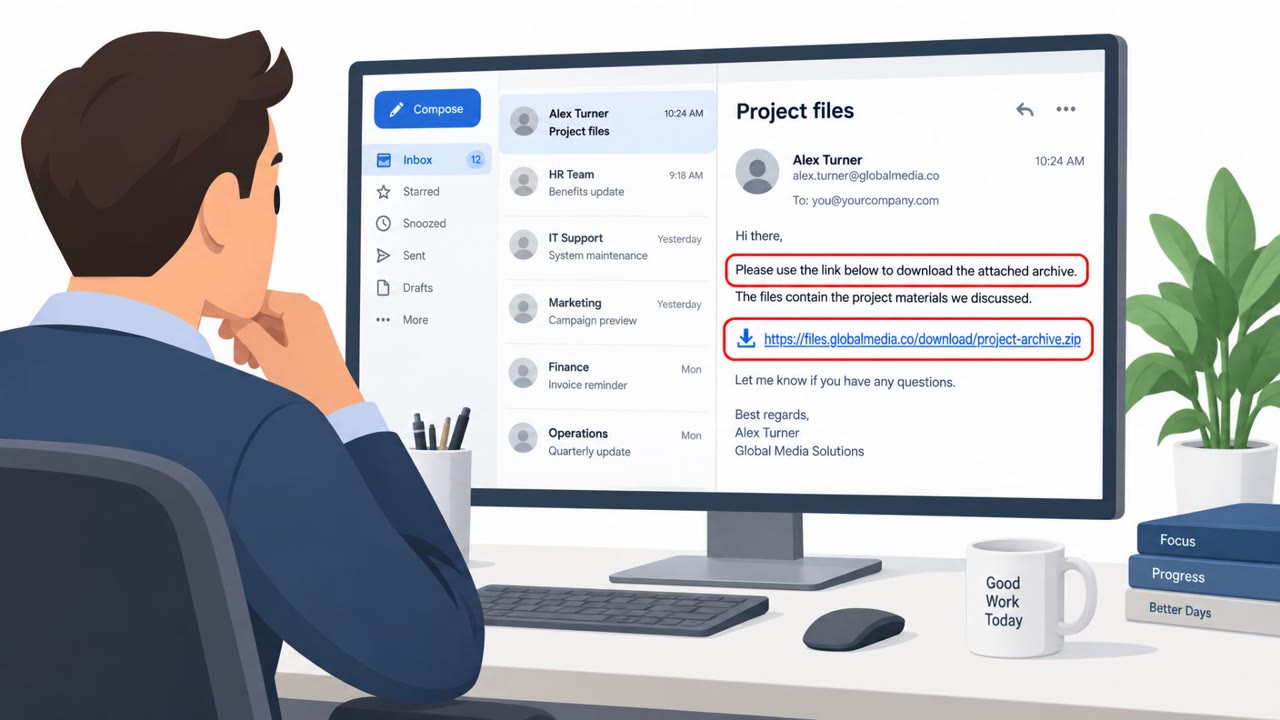
- Unexpected email leading to software/script execution
- Prompts to run downloaded files or enable scripts
- Security tools flagging script execution (wscript.exe/PowerShell) shortly after
Frequently asked questions
How did attackers gain initial access in this campaign?
In at least one case, an attacker posed as tech support and convinced the victim to open Windows Quick Assist, which gave the attacker remote control of the machine. A related incident on the same day involved the same VBScript files being deployed, likely through phishing.
What did the rogue ScreenConnect client do after installation?
It spawned repeated wscript.exe processes to run four VBScript files plus an additional VBScript for persistence, performed reconnaissance, staged payloads, ran PowerShell, and attempted a UAC bypass while cleaning up evidence.
How did the attack spread to other machines?
The campaign used existing ScreenConnect connectivity to push the same staged script chain to other endpoints connected through that tool, giving it worm-like propagation.
What mitigation did ConnectWise recommend?
ConnectWise issued an advisory about an issue affecting ScreenConnect file transfer behavior and recommended disabling file transfer functionality until a fix is released.
Read the video transcript
Imagine this: someone calls, says they're tech support, and asks you to open Windows Quick Assist so they can 'fix' your PC. In a real August 20 attack, the caller did exactly that. Once in through Quick Assist, they dropped a rogue ScreenConnect client that started spawning wscript.exe and multiple VBScript files in the ScreenConnect temp folder. Those scripts ran recon, staged more payloads, kicked off PowerShell to try a UAC bypass, wiped traces, and then used ScreenConnect to push the same malicious chain to other connected machines, like a worm riding your remote support tool. Here’s the move: if anyone you didn’t contact first asks you to open Quick Assist, ScreenConnect, or any remote tool, hang up and call our official IT number to verify before you share control.