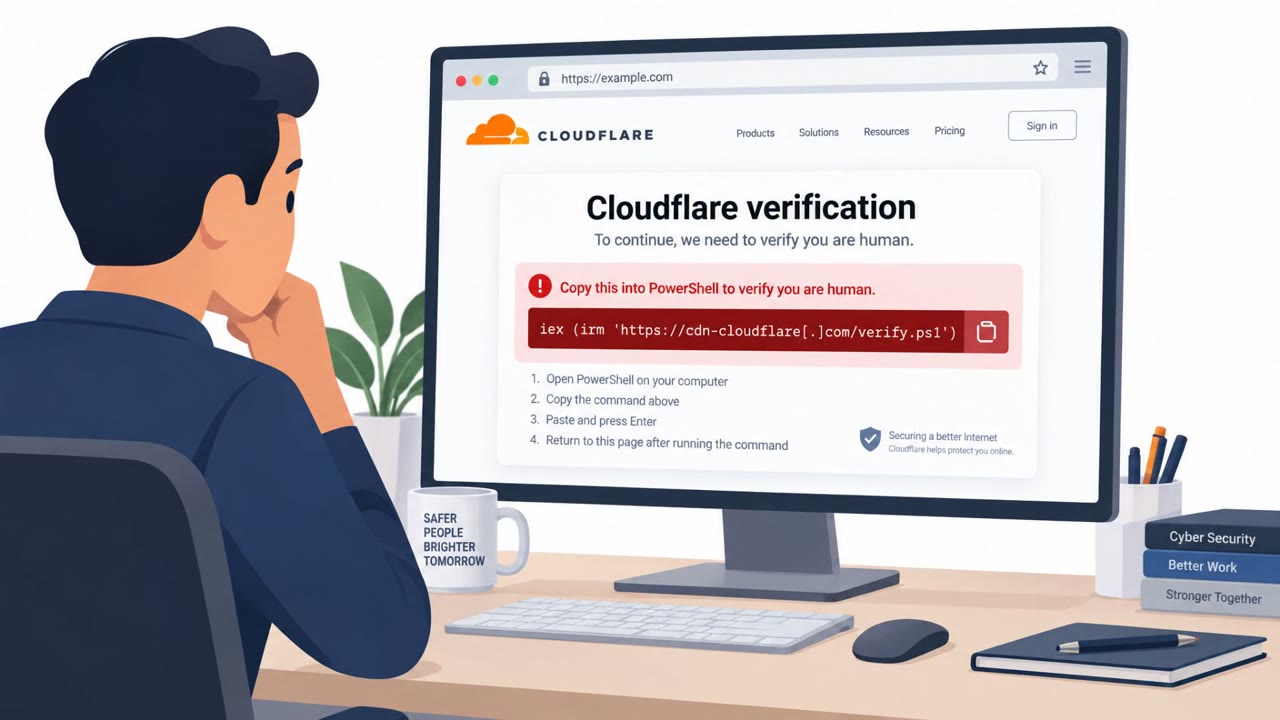
Attackers are actively using fake human-verification prompts to persuade people to run commands through a legitimate, digitally signed Siemens application. The broader report also says SafePay ransomware operators gain access through phishing and stolen credentials, then target recovery data and threaten to leak stolen files.
How the attack worked
In this scheme, attackers present users with a fake human-verification prompt, the kind of check-box or captcha-style interaction many people now expect on legitimate websites and applications. Instead of confirming a person is human, the prompt convinces the user to run commands through a legitimate, digitally signed Siemens program. Because the application itself is trusted and signed, the activity can look routine to both the user and some security tools.
This approach relies on the T1204.004 technique, user execution through a form of malicious copy paste, where the victim is guided into pasting or running commands they believe are harmless verification steps.
Why it succeeded
The core reason this technique works is trust. The Siemens technique abuses trust in a recognized application rather than relying on an obviously malicious unsigned tool. Users and even some security controls are conditioned to treat signed, well-known software as safe, so a prompt that appears to come from or interact with that software can bypass normal suspicion. This is compounded by how common verification prompts have become across everyday browsing and software use, making people less likely to question one more request to click or run something.
What to watch for
Security teams and employees should watch for:
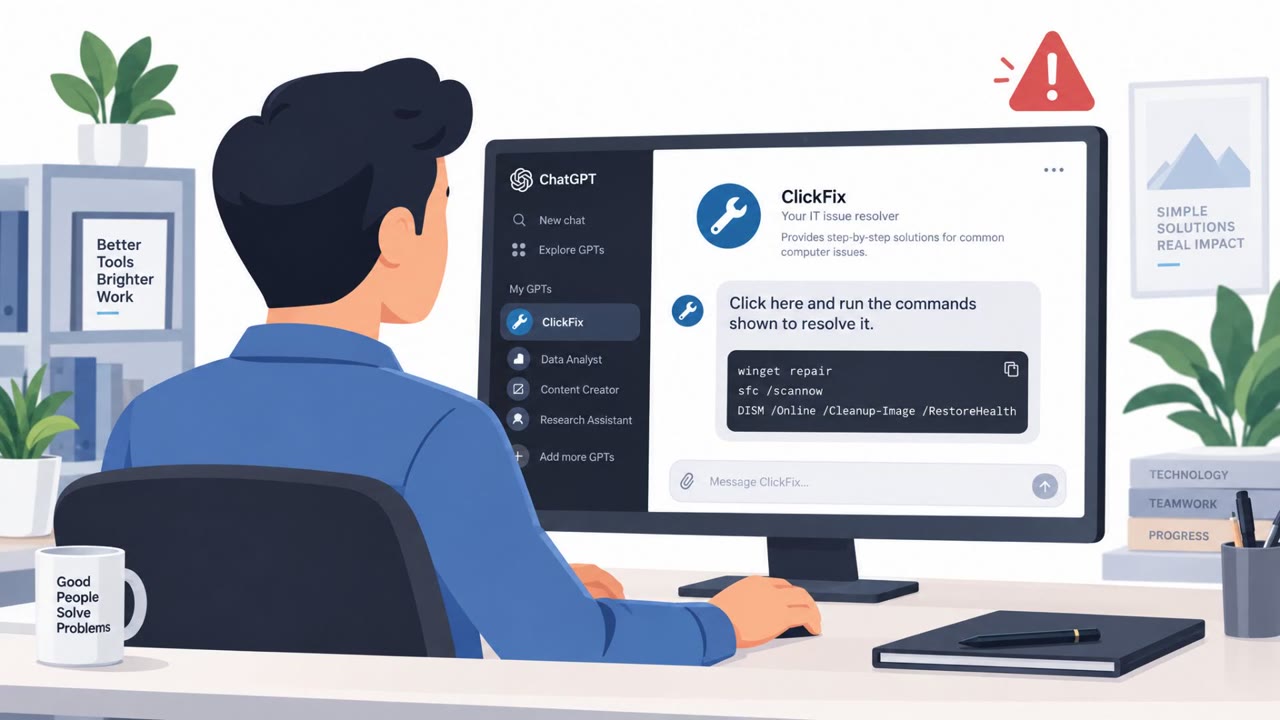
- Unexpected verification prompts that ask users to run commands or paste text into a terminal or application
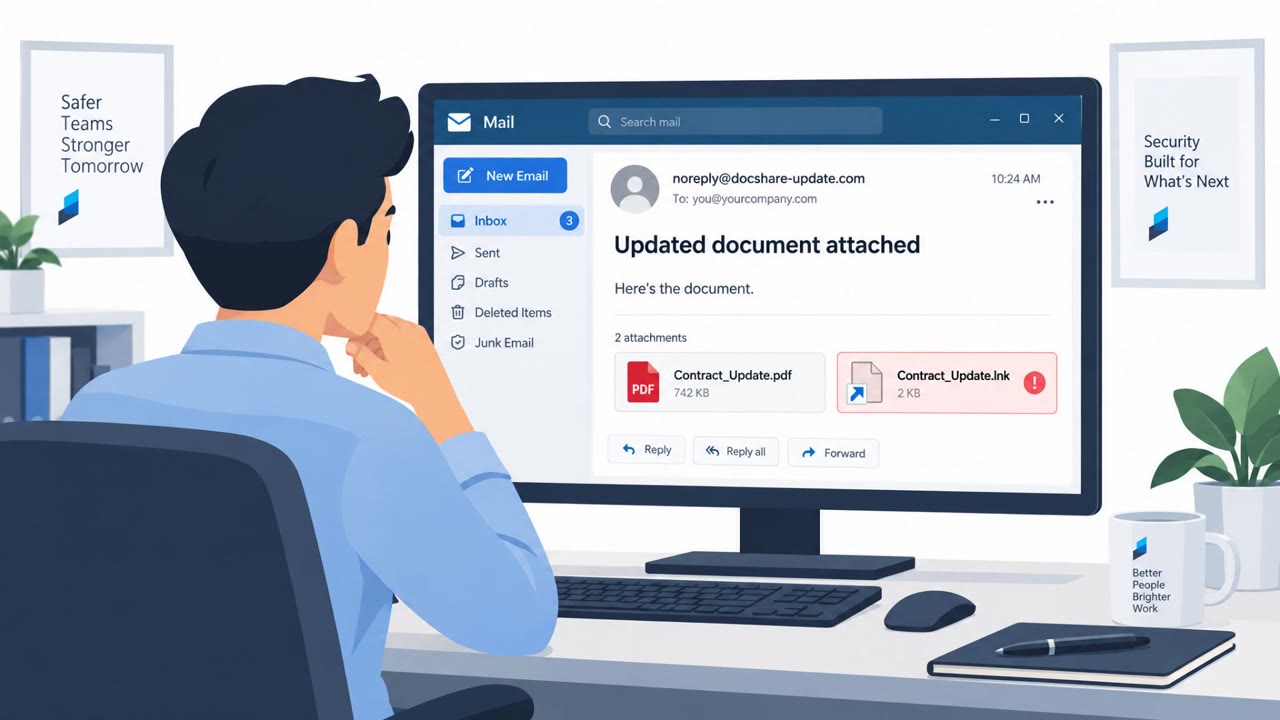
- Signed applications executing from unusual locations, loading unexpected files, or behaving inconsistently with their normal purpose
- Requests to perform unfamiliar actions inside otherwise trusted software, especially outside of expected workflows
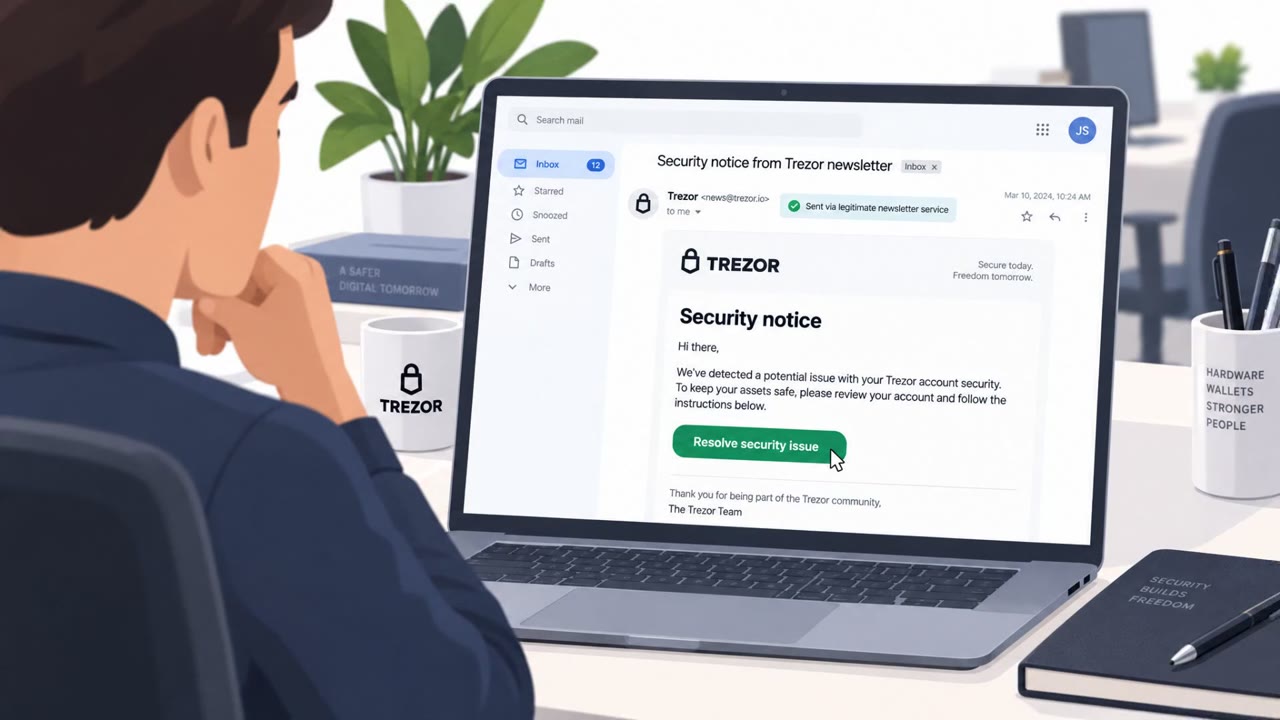
- Broader ransomware precursors such as phishing attempts, unusual login activity, or use of stolen credentials, since SafePay operators reportedly use these methods for initial access before destroying recovery data and threatening to leak stolen files
How to build resistance
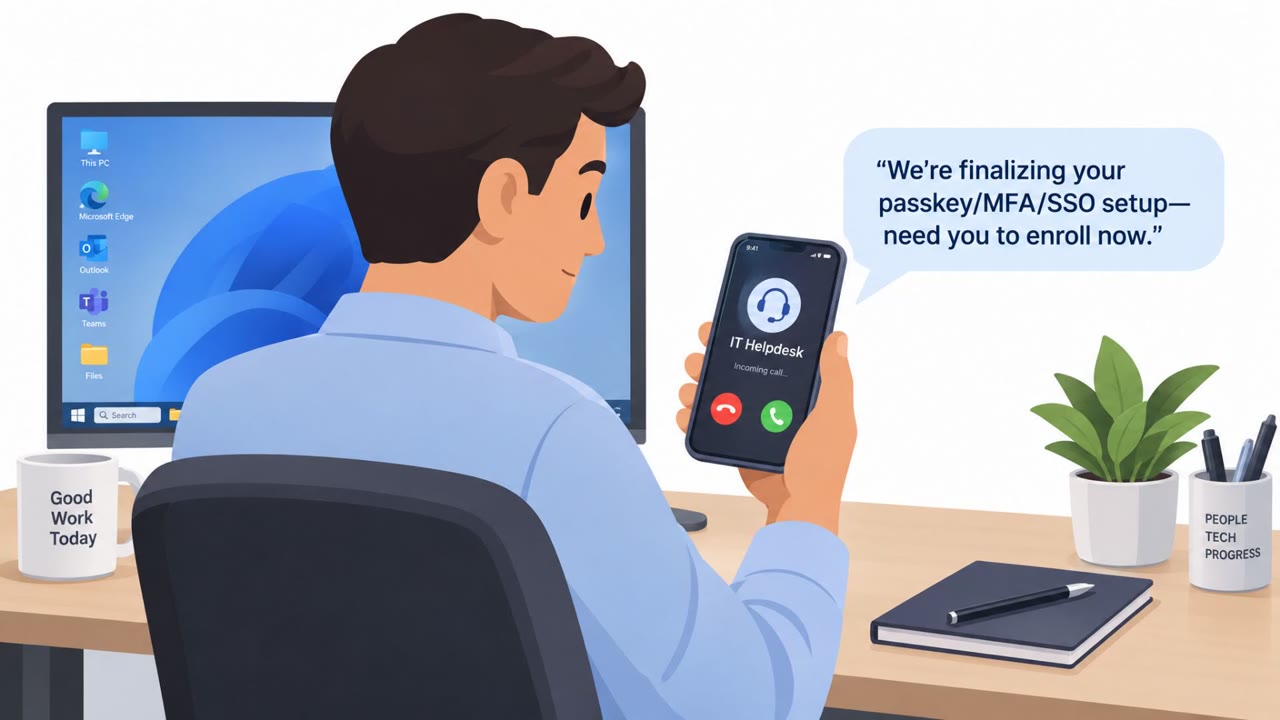
Organizations can reduce the risk from this type of attack by combining user awareness with technical controls. Employees across manufacturing, engineering, IT, help desk, and security operations roles should be trained to pause and verify unexpected prompts through an approved IT or security contact rather than acting on them immediately, even when a trusted application is involved.
On the technical side, defenders should:
- Patch exposed VPNs and firewalls promptly
- Enforce phishing-resistant multi-factor authentication
- Tightly restrict administrative access
- Maintain tested offline and immutable backups to limit the impact of ransomware operators who destroy recovery data
Together, these steps address both the social engineering entry point and the follow-on ransomware risk described in the broader report.
Key findings
- Attackers use fake human-verification prompts to convince users to run commands through a legitimate signed Siemens program.
- The Siemens technique abuses trust in a recognized application rather than relying on an obviously malicious unsigned tool.
- SafePay ransomware operators reportedly use stolen credentials, phishing, and unpatched internet-facing systems for initial access.
- SafePay operators destroy recovery data and threaten to leak stolen files after gaining access.
- Organizations should treat unexpected verification prompts and requests to run commands as potentially malicious, even when a trusted application is involved.
Who’s being targeted
- Commonly targeted roles: All employees, Manufacturing and engineering users, IT administrators, Help desk teams, Security operations teams, Backup and recovery administrators.
- Affected industries: Manufacturing, Critical infrastructure, Organizations using Siemens Software Center, Organizations using internet-facing VPNs and firewalls.
Frequently asked questions
How do fake verification prompts lead to a Siemens software compromise?
Attackers present a fake human-verification prompt that convinces users to run commands through a legitimate, digitally signed Siemens application, abusing trust in a recognized tool rather than using obviously malicious software.
Why is this attack harder to detect than typical malware?
Because it relies on a trusted, signed Siemens program instead of an unsigned or clearly malicious file, which makes the activity look more legitimate to users and some security tools.
How is this related to SafePay ransomware?
The broader report notes that SafePay ransomware operators separately gain access through phishing, stolen credentials, and unpatched internet-facing systems, then destroy recovery data and threaten to leak stolen files.
What should employees do if they see an unexpected verification prompt?
They should pause and avoid running any commands, and verify the prompt through an approved IT or security contact before taking action.
Read the video transcript
A human-verification check asks you to run a command? Stop. This fake check tells you to run a command through Siemens Software Center. The app is real and digitally signed. That's the trick: a trusted app can still be misused. Siemens Software Center shouldn't need instructions from a random webpage. And a signed app running from an unusual location is a red flag, not proof it's safe. If a verification prompt wants a command, don't run it. Send the prompt to your approved IT contact.