Fake Zoom Installer Drops CloudSyncD Backdoor

Infosecurity Magazine · Medium sophistication
Last updated October 1, 2026

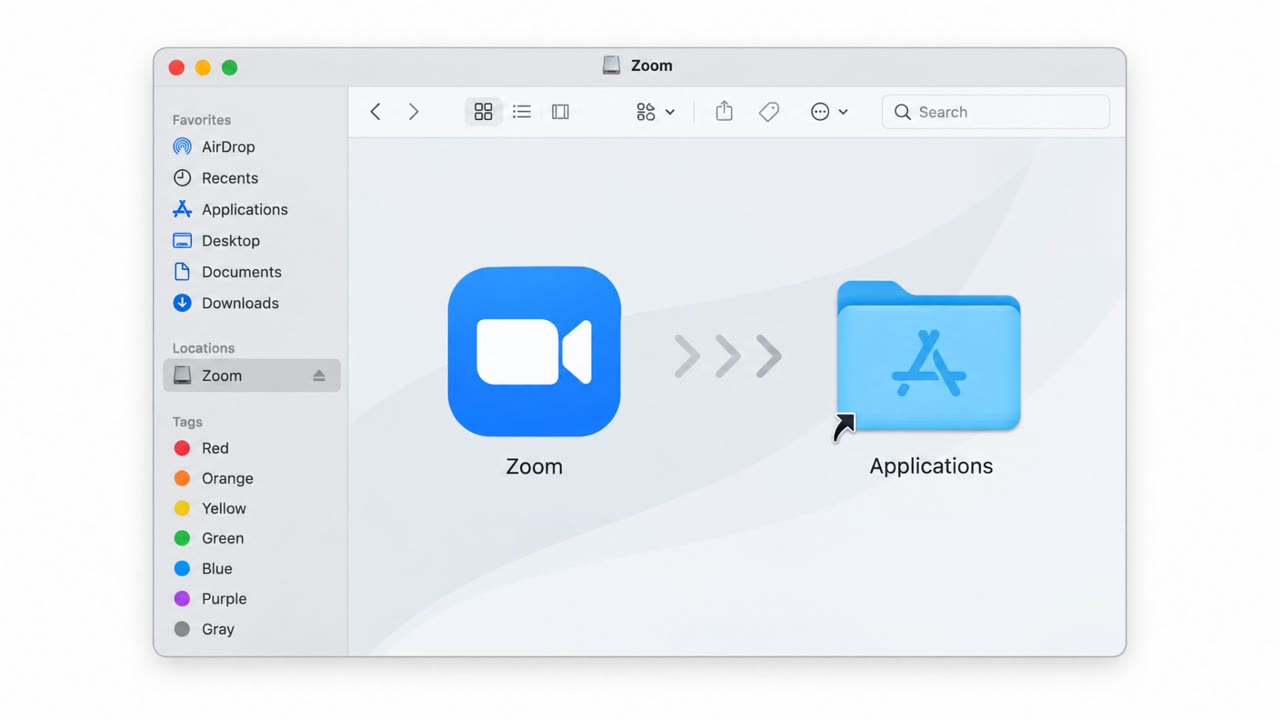
Researchers found a fake Zoom installer for macOS that tricks users into bypassing built-in security checks and entering their Mac login password. The password is used locally to run a second-stage backdoor with elevated privileges, enabling remote commands and additional payload delivery. Jamf did not confirm real-world infections but observed samples configured to talk to live command-and-control servers.

Key findings

  • Malware was distributed inside a disk image made to look like a real Zoom installer.
  • Users are instructed to bypass macOS protections (Gatekeeper) via System Settings.
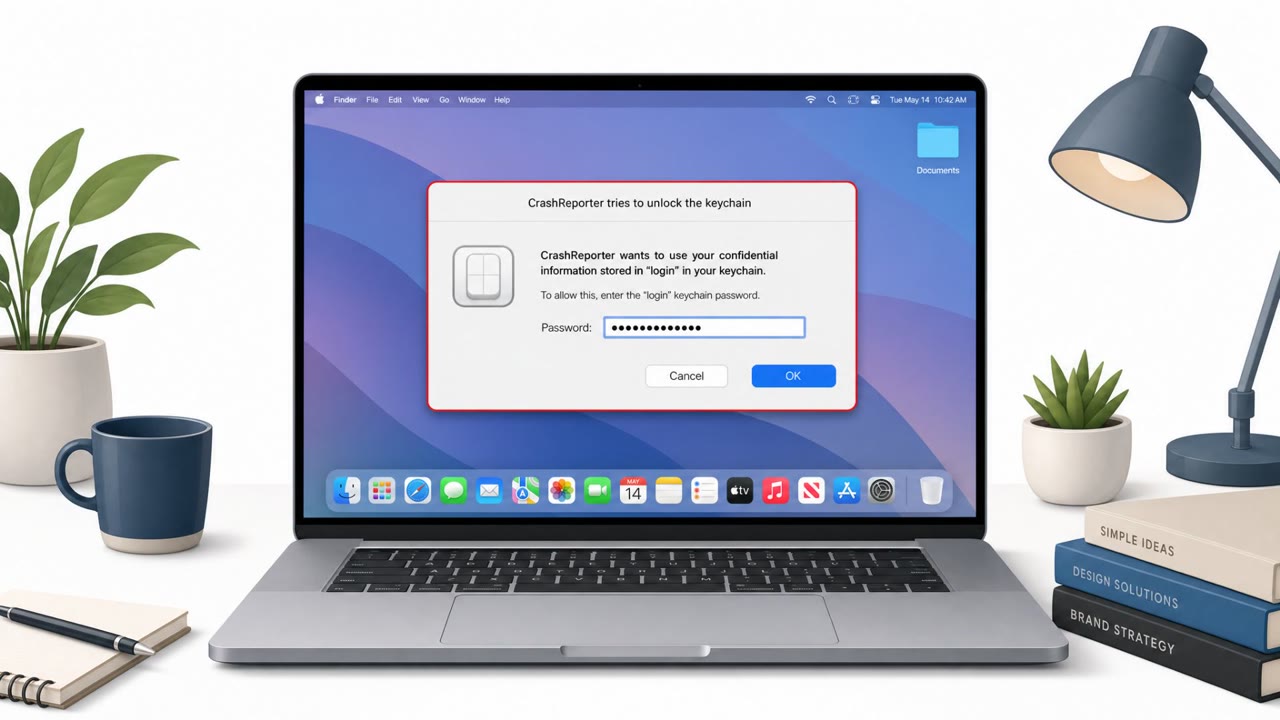
  • A fake authorization prompt collects the user’s Mac login password and validates it locally.
  • The password is used to run a second-stage payload with elevated privileges (e.g., via sudo).
  • Backdoor uses encrypted C2 traffic and sends system survey data.
  • Jamf observed samples configured for live C2, but reported no confirmed infections.

Who’s being targeted

  • Commonly targeted roles: All macOS users, IT/Helpdesk, Corporate communications (software update messaging), Security awareness training participants.
  • Attack channels: website.
  • Impersonated: Zoom installer (legitimate software installer branding).

Awareness takeaways

  • Only install or update tools like Zoom from trusted, approved sources (official vendor site/App Store or company portal), not lookalike installers.
  • Treat any instructions to bypass macOS security protections (Gatekeeper) as a major red flag and stop to verify with IT.
  • Be suspicious of unexpected password prompts during software installs; verify the request before entering your Mac login password.
  • Understand that attackers may use your password locally to run hidden components, even if the password is not sent off the computer.

Red flags to watch for

  • Installer instructs you to bypass macOS security protections (Gatekeeper) to run it
  • Unexpected request for your Mac login password during an app install/update
  • Software is delivered as a disk image “designed to resemble a legitimate Zoom installer” rather than obtained from an approved source
Try Mirage

Mirage safely runs attacks like this one against your own team, so you find out what happens before a real adversary does.

Get a demo
Read the video transcript

You download a Zoom update for macOS… and it asks for your Mac login password. Totally normal, right? This fake Zoom installer arrives as a disk image, then walks you through bypassing Gatekeeper in System Settings. Next, it pops up a slick password box and quietly uses your password to launch a hidden backdoor. Here’s the trap: the password never leaves your Mac. It’s validated locally, then used with sudo-level access to run a backdoor that talks over encrypted C2 and surveys your system, while you think Zoom just installed. If any installer tells you to bypass Gatekeeper or asks for your Mac password unexpectedly, stop. Don’t enter it, contact IT and only use Zoom from our approved sources.

Similar attacks

Fake Zoom Installer Tricks Mac Users for Password

Fake Zoom Installer Tricks Mac Users for Password

Researchers found a malicious macOS app disguised as a Zoom installer. It walks users through bypassing macOS security prompts, then repeatedly asks for the user’s password to ‘continue installation’ until the correct password is entered. The stolen password is hidden inside a fake settings file…

October 3, 2026
Fake Download Sites Push Malware Installers

Fake Download Sites Push Malware Installers

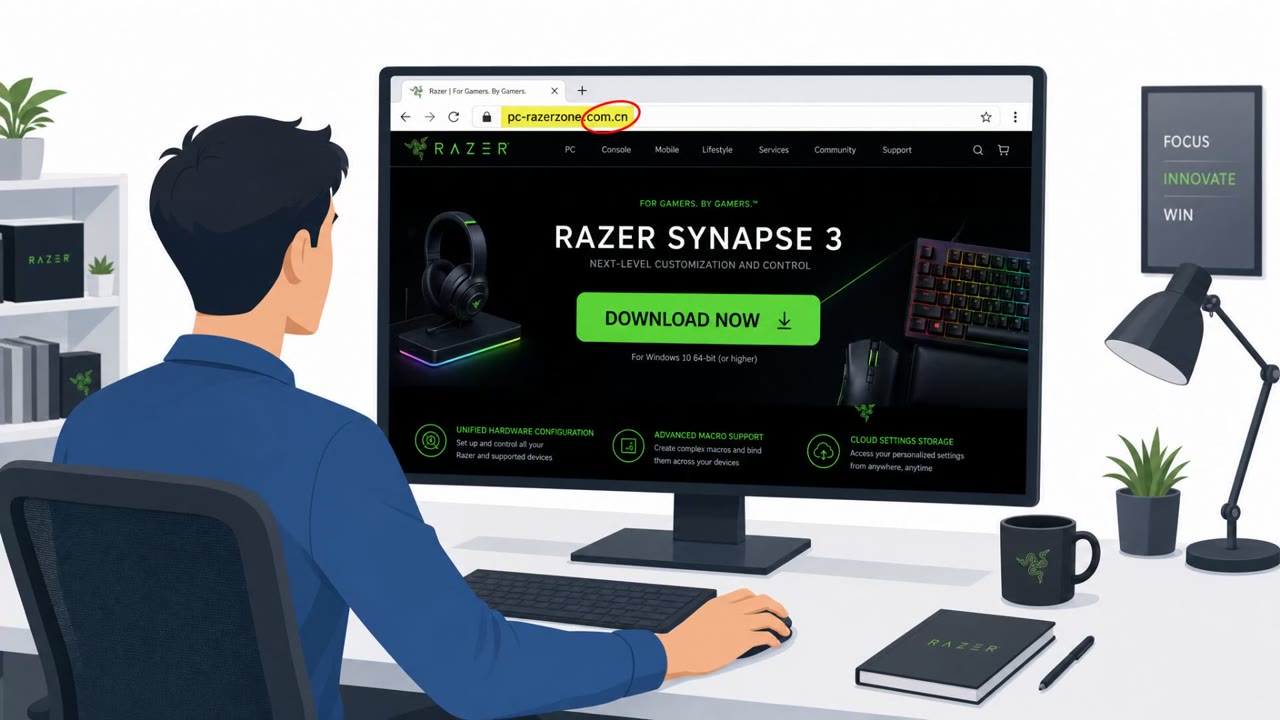
Microsoft reports an active campaign where attackers set up counterfeit software download pages that mimic well-known brands and trick users into installing malware. Victims visit a look-alike vendor site, click “Download now,” then run a bundled installer that drops persistent malware and connects…

September 2, 2026
Fake GitHub Page Tricks Mac Users Into Malware

Fake GitHub Page Tricks Mac Users Into Malware

Researchers found a real macOS malware campaign that uses a fake GitHub download page to convince users to paste a command into Terminal and enter their Mac password. The malware then steals credentials, cookies, and files, and can even turn the victim’s Chromium browser into a remotely controlled…

August 17, 2026
Fake Zoom Installer Drops CloudSyncD Backdoor

Fake Zoom Installer Drops CloudSyncD Backdoor

Researchers found macOS users being tricked into installing a fake Zoom app that actually installs a persistent backdoor called CloudSyncD. The installer guides the victim through a normal-looking setup and prompts for the user’s password so it can run with elevated privileges and stay on the Mac…

October 2, 2026
Fake GitHub Lure Spreads AmnesiaStealer on macOS

Fake GitHub Lure Spreads AmnesiaStealer on macOS

Researchers describe AmnesiaStealer, a macOS infostealer spread via a convincing fake GitHub download page that tricks users into pasting a Terminal command. After installation, it uses an “Installer”-style password prompt to capture the Mac login password, steal browser and keychain data, and can…

August 14, 2026
Fake Mac Crash Reporter Steals Passwords

Fake Mac Crash Reporter Steals Passwords

Researchers warn about a new macOS infostealer called “CrashStealer” that pretends to be Apple’s Crash Reporter. It uses a legitimate-looking installer and a fake macOS-style password prompt to trick users into unlocking Keychain, then steals credentials and crypto wallet data.

July 15, 2026