Attackers are sending calendar invitations that auto-appear in tools like Google Calendar, tricking people into clicking links or calling “support” numbers. The calendar event often mimics voicemails, payment receipts, or auto-renewals and leads to fake login pages (Microsoft/Google/PayPal) or phone scams. Because some calendar apps can add invites automatically, victims may never notice the original email invite.
How the Attack Works
This attack abuses a feature meant to make scheduling easier: calendar apps that automatically add invitations to a user's calendar. Attackers send a calendar invite disguised as a routine notification, such as a new voicemail, a payment receipt, a PayPal unusual activity alert, or an auto-renewal warning. Because some calendar apps add these events automatically, the invite can appear directly in the victim's calendar without them ever opening or interacting with the original email.
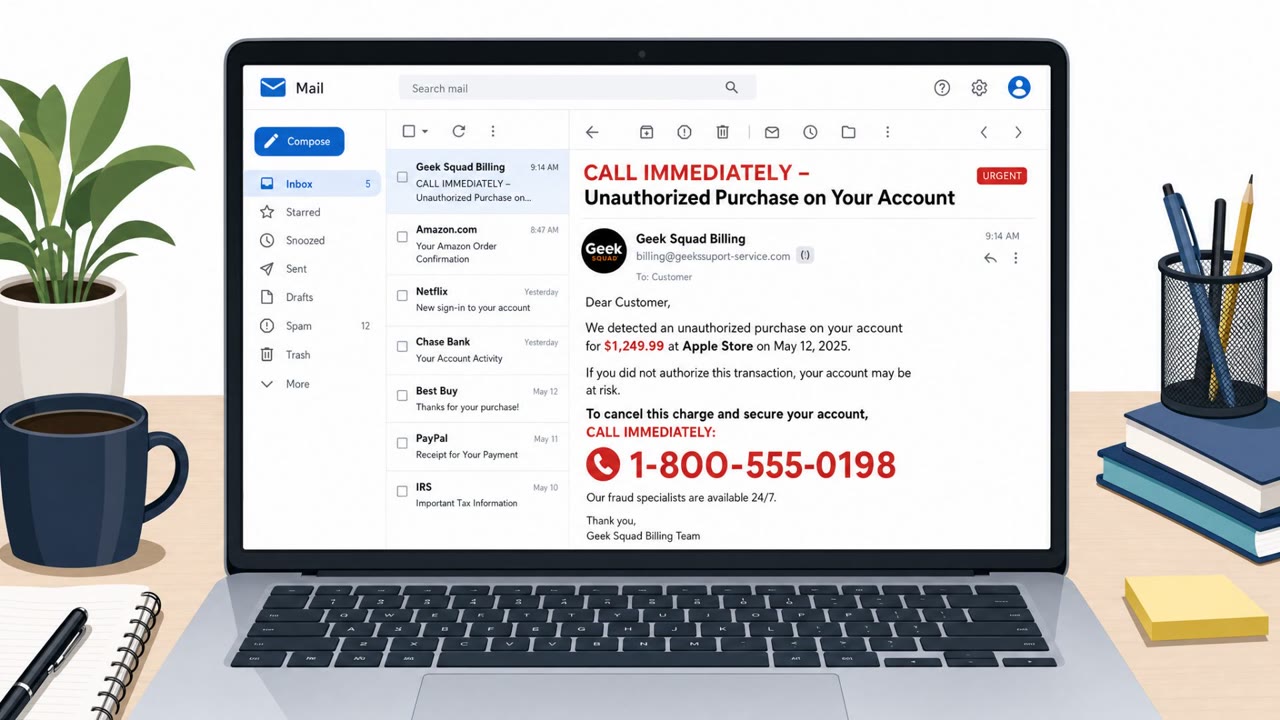
The event description typically contains either a link or a phone number. Clicking the link leads to a fake login page impersonating a service like Microsoft, Google, or PayPal, designed to harvest credentials. Calling the phone number connects the victim to a fake 'support' line, where they may be asked to cancel a charge that never actually happened, handing over personal or account details in the process.
Why It Succeeds
The tactic succeeds because it exploits trust in the calendar itself rather than the inbox. Many people are trained to scrutinize suspicious emails but may not apply the same skepticism to something that simply shows up as an appointment or reminder. Attackers increase the illusion of legitimacy in a few ways:
- Some scammers use legitimate platforms such as Zoom to send invitations, making them harder to distinguish from real meeting requests and harder for security tools to filter.
- Invites can be customized to look internal, including company branding, which lowers suspicion among employees who assume the message originated inside their own organization.
- Urgency-based pretexts, like an auto-payment processing within 24 hours, push recipients to act quickly rather than verify.
What to Watch For
Red flags that point to this type of attack include:
- An unexpected calendar entry for a voicemail, payment, or renewal you weren't expecting.
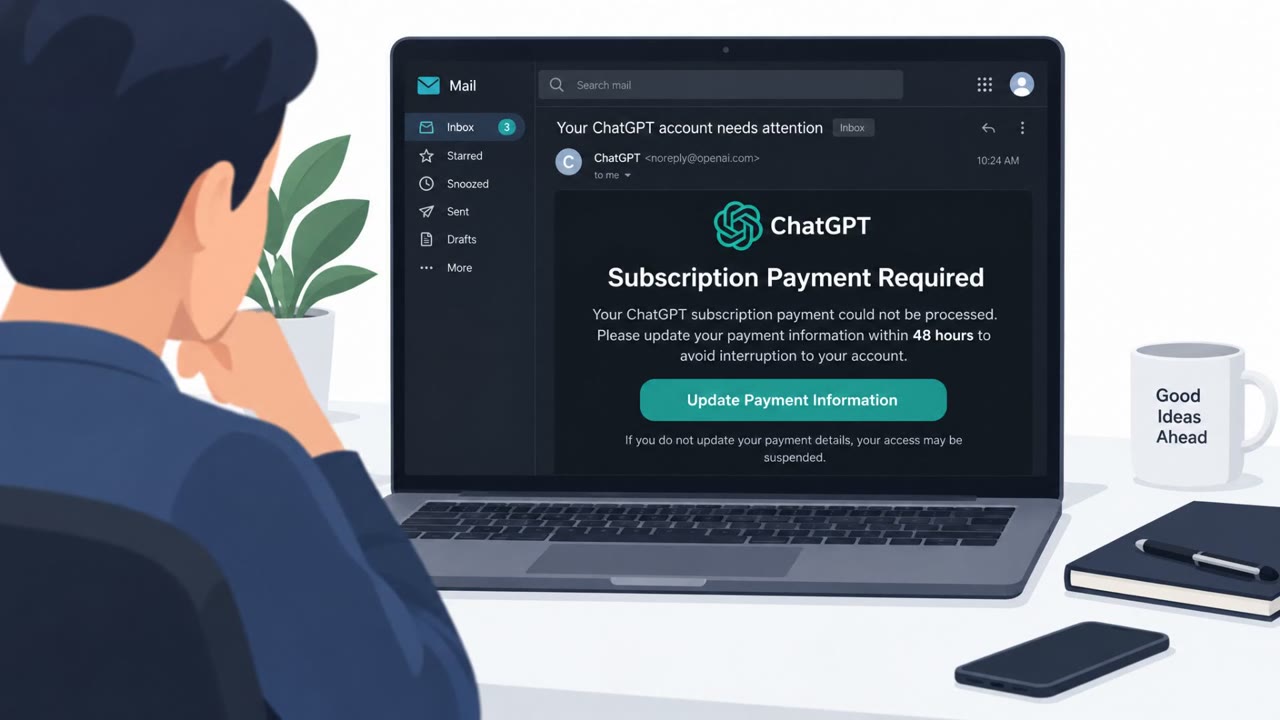
- An event description containing a link to 'more details' that asks for login credentials.
- A phone number embedded in the invite tied to resolving a billing issue you never initiated.
- An invite that appears without you ever having accepted it.
Building Resistance
Organizations and individuals can reduce exposure to this technique with a few practical steps. Treat an unexpected calendar invite the same way you would treat a suspicious email: don't click embedded links or call listed phone numbers. Where possible, disable automatic acceptance of calendar invitations or restrict invites to known senders. If an invite looks suspicious, avoid clicking 'decline', since this can confirm to the attacker that the email address is active; instead, delete the invite or report it as spam or junk. Finally, remain cautious even when an invite appears to come from inside the organization or uses a recognizable platform, since branding and sender names can be spoofed or misused to add false credibility.
Key findings
- Calendar phishing is reported as seeing “exponential growth” and is used to push victims to credential-harvesting pages or phone scams.
- Invites can show up in calendars even if the user never opens the email invite, because some calendar apps add invitations automatically.
- Common lures include fake meetings, voicemail notifications, payment receipts, PayPal unusual activity alerts, and auto-renewal warnings with a link or phone number.
- Some attackers use legitimate platforms (e.g., Zoom) to make invites look more trustworthy and harder for security tools to block.
- Attackers may make the invite appear internal by customizing content and adding company logos.
Who’s being targeted
- Commonly targeted roles: All employees, Finance, Executive assistants, IT/Helpdesk, HR.
- Affected industries: Any industry using email and electronic calendars, Technology, Finance (secondary impact via bank pretexts).
- Attack channels: email, vishing.
- Impersonated: Legitimate service brand (e.g., Microsoft, Google, PayPal) or an internal sender, Support desk for a payment/service provider.
Red flags to watch for
- Unexpected calendar entry you don’t recognize (especially for payments/voicemails you weren’t expecting)
- Event description includes an urgent link to “more details” that asks for login details
- Invite appears without you knowingly accepting it
- Calendar invite includes a phone number to resolve a billing issue you did not initiate
- Pressure/urgency language about imminent payment processing
- Unverifiable ‘support’ contact details embedded in a calendar event
Frequently asked questions
How does calendar phishing work?
Attackers send calendar invitations that mimic voicemails, payment receipts, or auto-renewal alerts. The event description contains a link to a fake login page or a phone number to call, and some calendar apps add these invites automatically without the user accepting them.
Why are calendar invites more dangerous than regular phishing emails?
Because some calendar apps can add invitations automatically, victims may never see or open the original email invite, so the suspicious event just appears in their calendar as if it were legitimate.
Should I click 'decline' on a suspicious calendar invite?
No. Declining can confirm to the sender that your email address is active. Instead, delete the invite or report it as spam or junk.
What brands are commonly impersonated in these scams?
Common lures impersonate services like Microsoft, Google, and PayPal with fake login pages, or use legitimate platforms such as Zoom to make the invite look more trustworthy.
Read the video transcript
You open your calendar and see this: “Payment receipt confirmation – $298.99” with a Zoom icon and our company logo. You never accepted an invite, but calendar phishing is growing fast, and apps like Google Calendar can auto-add these. Inside the event: a link to “view details” or a “support” number to cancel a charge that never happened. Click that link and you land on a perfect-looking Microsoft, Google, or PayPal login page. But it’s a credential-harvesting fake, built just to grab your password or keep you talking on the phone. Here’s the move: if a calendar invite pops up that you don’t recognize, especially for payments, voicemails, or auto-renewals, don’t click links or call numbers in it. Delete it and report it as spam.