A cyberpsychology researcher described falling for a real credential-phishing email sent to a rarely used university account. The message asked her to update an old password, and a busy moment made the request seem legitimate. The article stresses that supportive reporting matters because shame can cause employees to hide phishing mistakes.
How the attack worked
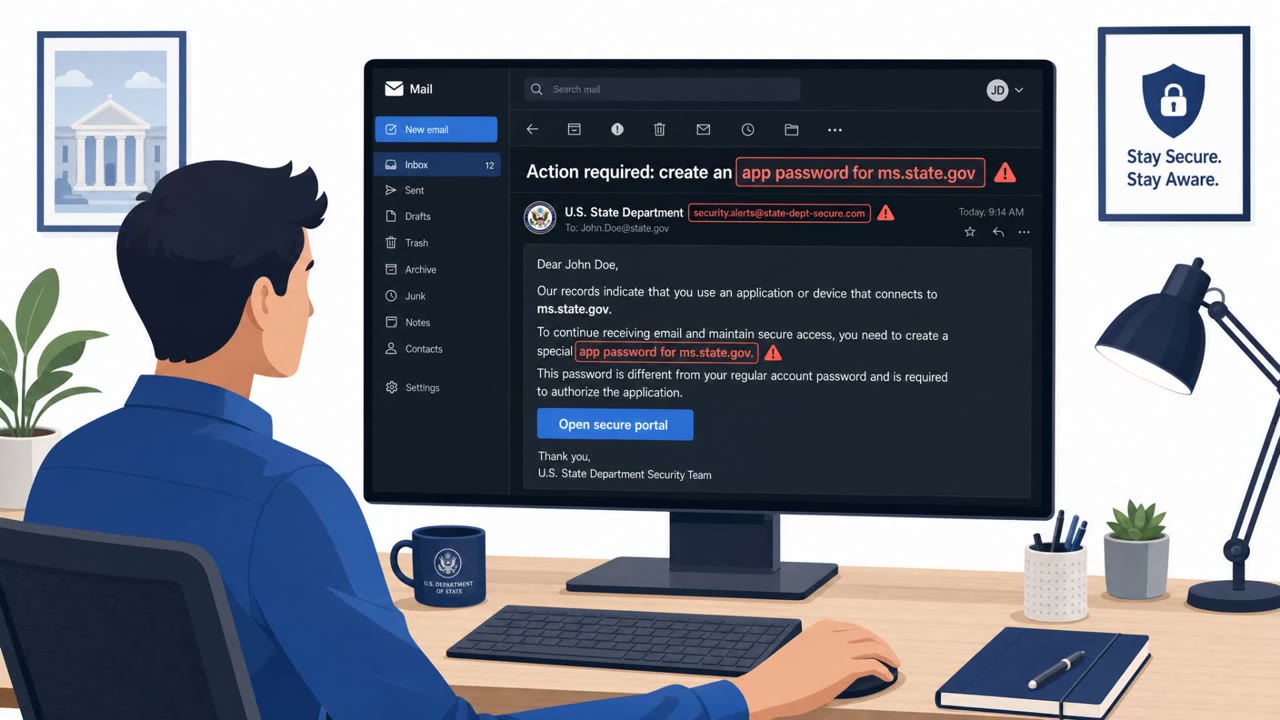
A cyberpsychology researcher, Dr. Nicola Fox Hamilton, received a password-update email in a university account she rarely checked. The timing mattered: she was finishing her PhD during marking season at IADT, a busy period that left little room to scrutinize an unexpected message. The email asked her to update an old password, a request that felt plausible given the account's age and infrequent use. She clicked through and entered her credentials, realizing the mistake only after submitting them.
This is a low-sophistication attack in terms of technique, relying on credential harvesting (T1566.002, T1204.001) rather than complex infrastructure. Its success came entirely from timing and context, not technical novelty.
Why it succeeded
Several factors converged to make the email believable:
- The account was rarely checked, so the recipient had little baseline sense of what normal account activity looked like.
- The request to update an old password mapped onto a plausible, mundane IT task.
- The timing coincided with a busy work period, reducing the attention available to question the email.
The case illustrates a broader point made in the source material: anyone can be caught in a moment of vulnerability, and confidence or expertise does not remove that risk.
What to watch for
Red flags in this type of scenario include:
- An unexpected password-reset request tied to an account that is rarely used.
- A request to enter credentials immediately after clicking an email link, rather than navigating independently to a known portal.
- Messaging that arrives or is acted on during periods of high workload, when scrutiny is naturally lower.
Building resistance
The most actionable lesson is around reporting behavior, not just detection. Employees should report a suspected phishing click immediately, even after entering credentials, since prompt reporting gives security teams time to protect the account and investigate. Delayed reporting, driven by shame or fear of blame, can extend an attacker's window inside the network.
Organizations can support this by treating mistakes with education rather than blame. Framing phishing tests as a way to find training gaps, rather than to catch people out, reduces the self-blame and defensiveness that discourage quick reporting. As a practical habit, employees should also default to visiting known account portals directly rather than clicking links in unexpected password-related emails, regardless of how familiar or official the message appears.
Key findings
- Dr. Nicola Fox Hamilton clicked a real email asking her to update an old password and entered her credentials.
- The phishing email succeeded because it arrived during a busy period and concerned a rarely checked university account, making the request seem plausible.
- Shame and fear of blame can delay reporting after a phishing click, potentially giving attackers more time in an organization.
- Romance and investment scammers may spend months building trust, gathering personal information, and isolating victims before requesting money.
Who’s being targeted
- Commonly targeted roles: All employees, Faculty and researchers, Administrative staff, IT and security teams, Security awareness managers.
- Affected industries: Education, All industries.
- Attack channels: email.
- Impersonated: University IT or account-security team.
Red flags to watch for
- An unexpected password-reset request in an account that is rarely used
- A request to enter credentials after following an email link
- Pressure to act during a busy work period rather than using the known university account portal
Frequently asked questions
How did the phishing email succeed against a security expert?
It arrived during a busy marking period in a rarely checked university account and asked her to update an old password, which made the request seem plausible enough that she clicked and entered her credentials.
Why does shame matter after a phishing click?
Shame and fear of blame can make employees delay reporting a click, and every month of silence can give an attacker more time inside the network.
What should employees do if they click a suspicious password link?
Report the click immediately rather than staying silent, and in general go directly to the known account portal instead of using links in unexpected password-update emails.
How should security teams respond to phishing test failures?
The researcher urged teams to explain that tests look for training gaps and to respond to failures with support and education rather than blame.
Read the video transcript
A phishing email caught a cyberpsychology researcher. During marking season, Dr. Nicola Fox Hamilton saw: ‘Your university account password needs to be updated.’ It sounded plausible. She clicked the link and entered her credentials. Aha: the password warning wasn’t the giveaway. The email link asking for credentials was. She knew right after submitting, and shame can make that moment worse. If you entered a password through an email link, report it to your security team immediately. No shame, speed protects the account.