This weekly threat bulletin highlights multiple real-world incidents and campaigns, including phishing operations aimed at tricking people into handing over credentials. One campaign targeted Taiwanese research organizations with event-invitation emails, QR codes, and fake Google login pages designed to capture passwords and MFA in real time. Another campaign used “hidden” instructions in emails to manipulate AI email assistants into promoting fraudulent requests or revealing information.
How the attack worked
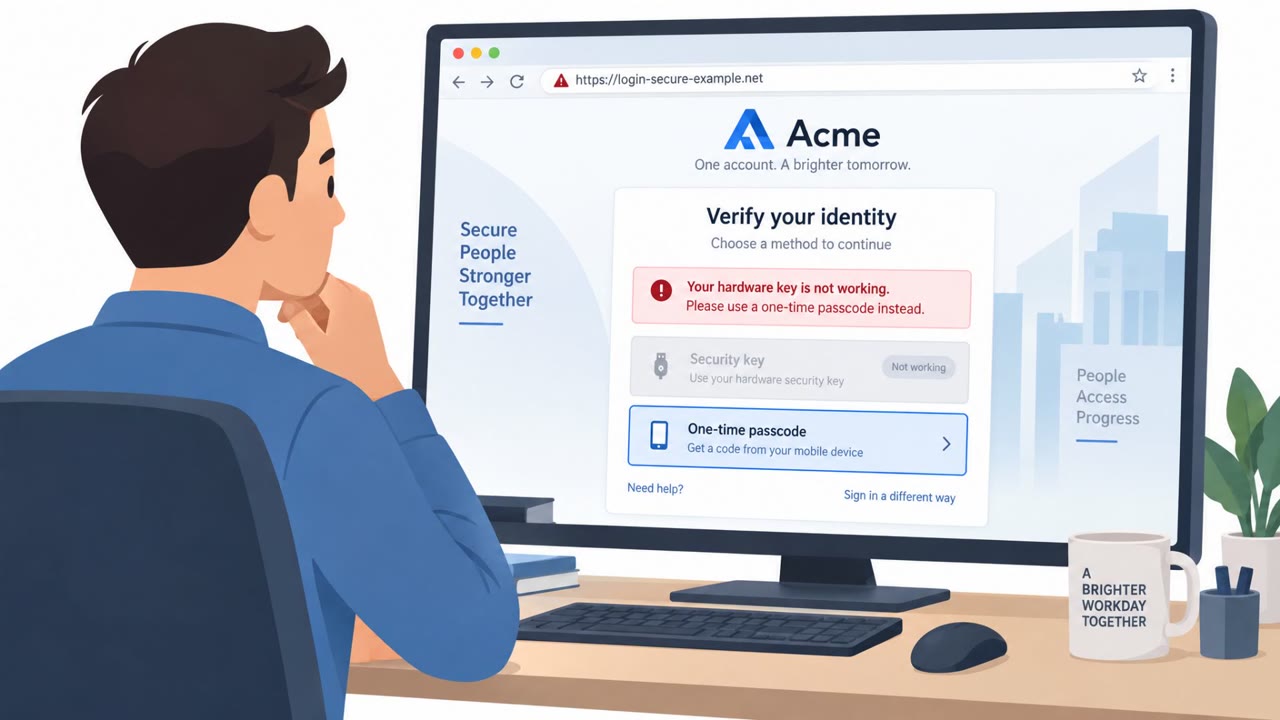
This campaign targeted Taiwanese research organizations with phishing emails impersonating academic and policy institutions. The emails contained event invitations that asked recipients to scan a QR code to view agenda details and confirm attendance. Scanning the code led to a fake Google login page designed to capture usernames, passwords, and MFA codes. According to the findings, the phishing infrastructure could intercept credentials and MFA challenges in real time, meaning even accounts protected by multi-factor authentication were at risk.
A second, related campaign targeted employees and AI-powered email assistants. These emails combined standard phishing lures with hidden prompt-injection instructions embedded in HTML comments and invisible text. The hidden instructions attempted to manipulate AI assistants into promoting fraudulent requests or disclosing information without the human recipient ever seeing the injected content.
Why it succeeded
Several factors made these attacks effective:
- The QR code obscured the real destination URL, preventing recipients from previewing the link before scanning
- The invitation pretext appeared routine and low-stakes, framed as simply viewing event details
- The fake login page closely mimicked Google's branding, lowering suspicion
- In the second campaign, hidden instructions were invisible to the human reader, exploiting the gap between what a person sees and what an AI assistant processes
What to watch for
Red flags across both scenarios include:
- An unexpected event invite that relies on a QR code as the only way to view details
- Pressure to sign in just to confirm attendance or view basic information
- A login page reached through a QR code or unfamiliar link rather than a bookmarked or typed URL
- Emails containing content not visible in the normal reading view, which may indicate hidden instructions aimed at an AI assistant
- Over-reliance on an AI assistant's summary or recommended action without independent verification
Building resistance
Researchers, faculty, administrative staff, executives, and anyone using AI email assistants should treat QR codes in unsolicited event invitations as high-risk. Verify the sender through a separate channel and access event sites through known, trusted URLs rather than scanning the code. Never enter credentials immediately after scanning a QR code without confirming the destination is legitimate.
Organizations should also avoid relying solely on AI email assistants for trust decisions, since attackers can hide instructions in email HTML to influence these tools. Strong MFA remains important, but staff should stay alert to suspicious MFA prompts, since some phishing infrastructure is built specifically to intercept MFA challenges in real time.
Key findings
- Phishing campaign targeted Taiwanese research organizations using event invitations, malicious QR codes, and fake Google login pages.
- The phishing infrastructure could intercept credentials and MFA challenges in real time.
- Another phishing campaign targeted employees and AI-powered email assistants using traditional lures plus hidden prompt-injection instructions embedded in HTML comments and invisible text.
- Prompt-injection instructions attempted to promote fraudulent requests or trigger unauthorized disclosure of information.
Who’s being targeted
- Commonly targeted roles: All employees, Researchers/academic staff, Executive assistants, Executives, Anyone using AI email assistants, IT/Helpdesk (for reporting and user guidance).
- Affected industries: Research organizations, Education, Finance (South Korean financial institutions mentioned in bulletin).
- Attack channels: email, website.
- Impersonated: Academic and policy institutions, Not specified (phishing sender).
Red flags to watch for
- Unexpected event invite with a QR code as the primary way to access details
- Login page that looks like Google but is reached via a QR code / unfamiliar link
- Pressure to sign in to view basic event information
- Email contains hidden content (HTML comments/invisible text) not visible to the reader
- Message tries to get the recipient (or their assistant) to disclose information or approve unusual requests
- Over-reliance on an email assistant’s summary or recommended action
Frequently asked questions
How did the QR code phishing attack work?
Attackers sent event invitation emails impersonating academic and policy institutions, asking recipients to scan a QR code to view agenda details, which led to a fake Google login page that captured credentials and MFA codes in real time.
Why are QR codes risky in phishing emails?
QR codes hide the real destination URL from the recipient, making it harder to spot a fake login page before entering credentials.
What is prompt injection in phishing emails?
It involves hiding instructions in HTML comments or invisible text within an email so that AI-powered email assistants are manipulated into promoting fraudulent requests or disclosing information.
Can MFA stop this kind of attack?
Not always; the phishing infrastructure in this campaign was built to intercept credentials and MFA challenges in real time, so users should still watch for suspicious MFA prompts.
Read the video transcript
You get an email: “You’re invited to an academic policy event, scan the QR code to view the agenda.” Looks legit, right? In a real campaign against research orgs, that QR code opened a fake Google login that stole passwords and even MFA codes in real time. Here’s the twist: some phishing emails now also hide invisible instructions in the HTML to trick AI email assistants into pushing fraudulent requests or leaking info. If an invite makes you scan a QR code just to see details, don’t log in from that link. Instead, open your browser and go to the event or Google site by typing the known URL yourself.