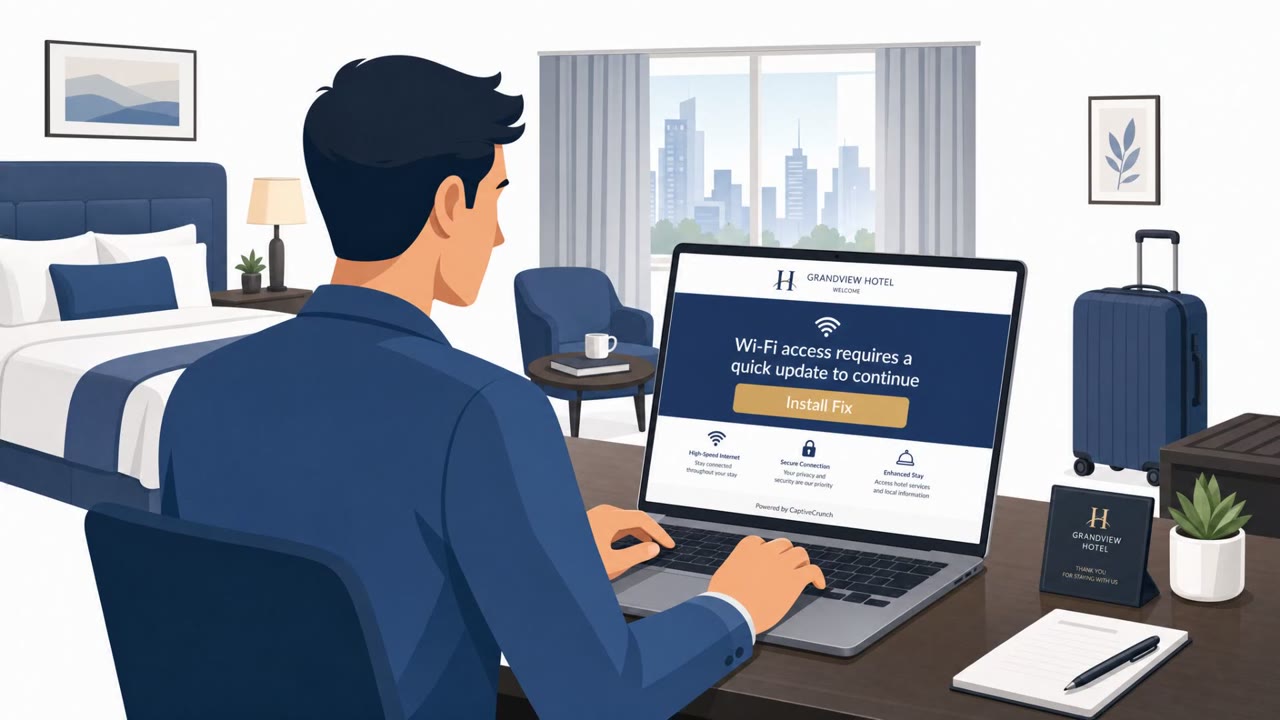
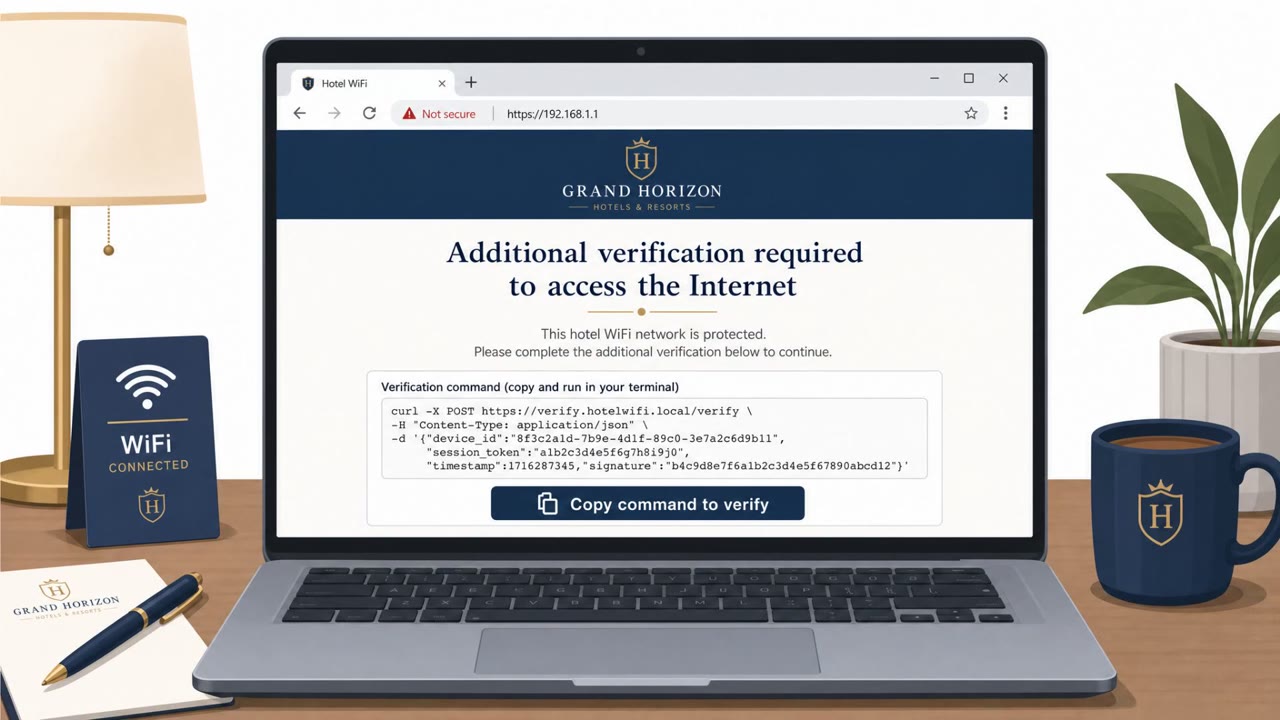
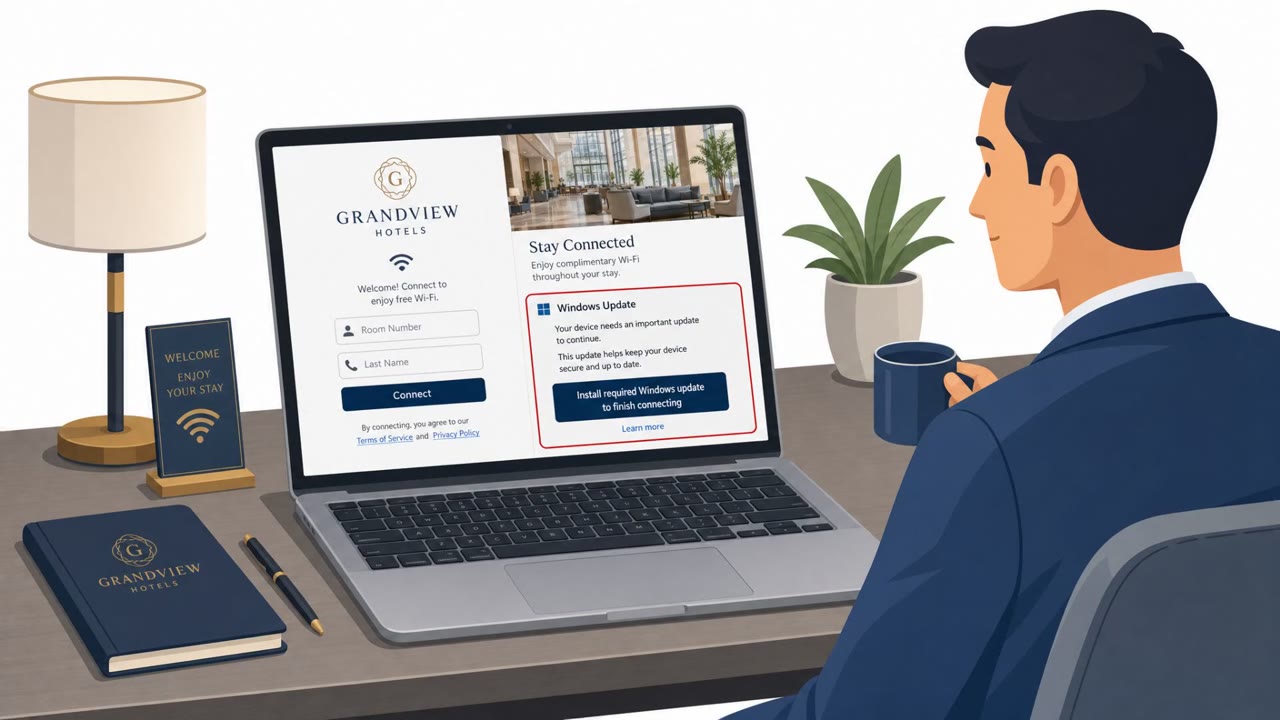
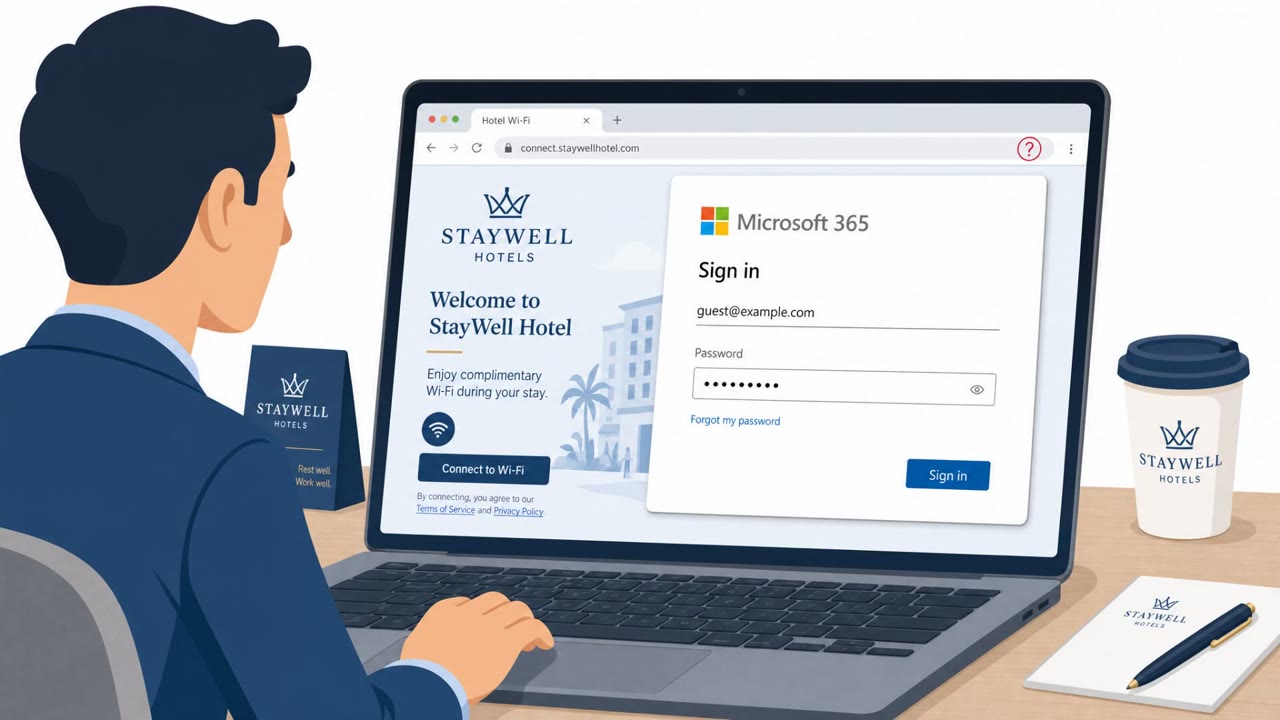
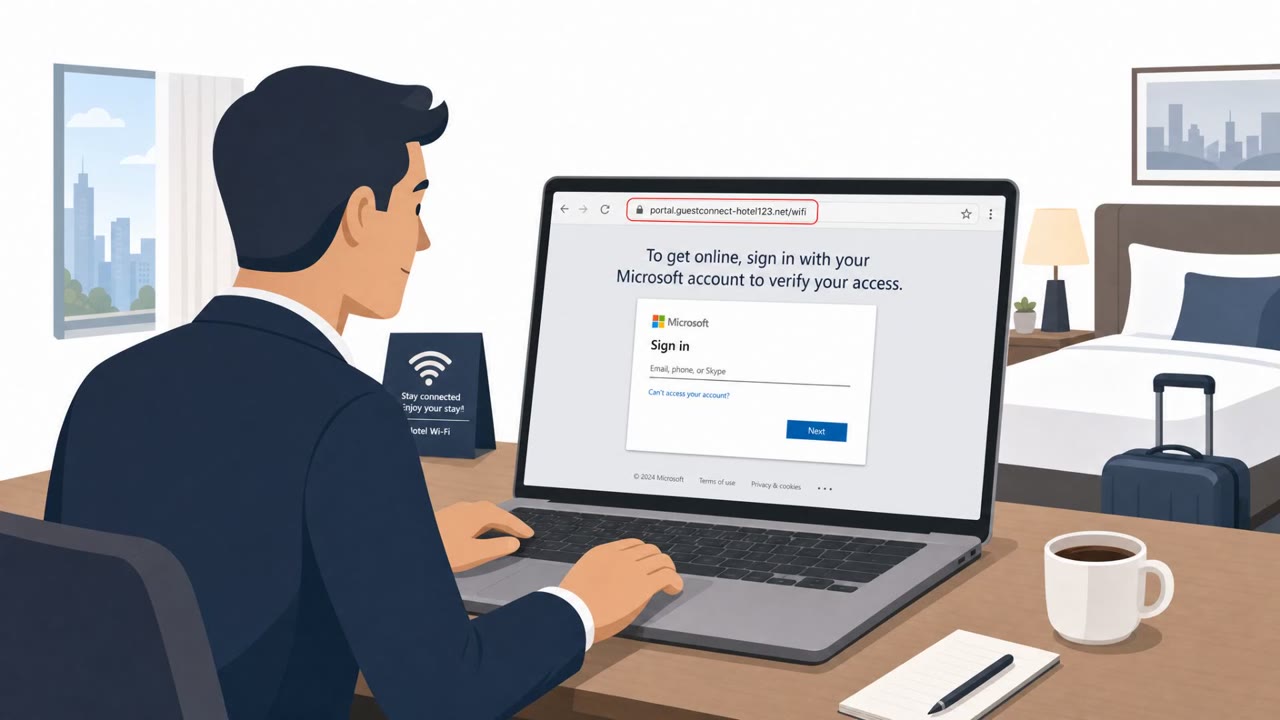
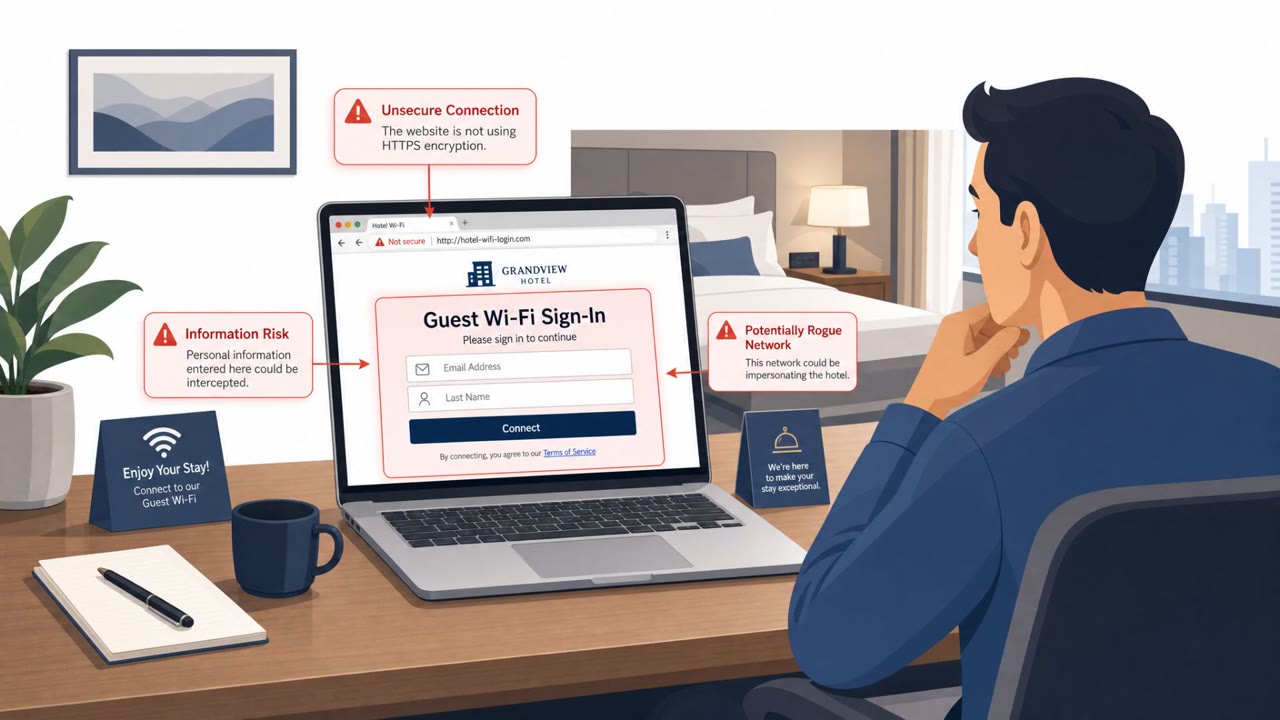
Attackers are compromising public Wi‑Fi equipment (such as in hotels and conference centers) and changing DNS settings so victims are silently redirected to look‑alike login pages. The goal is to capture usernames and passwords, including Microsoft 365 credentials, when users try to sign in.
Key findings
- Attackers compromise public Wi‑Fi devices (hotels, conference centers, etc.) and modify DNS settings.
- Victims are redirected to fake login pages without realizing it.
- The intent is to steal credentials, including Microsoft 365 account logins.
Who’s being targeted
- Commonly targeted roles: All employees, Frequent travelers, Executives, Sales and field teams, IT/security helpdesk (for response triage).
- Affected industries: Hospitality (hotels), Conference and event venues, Any organization with traveling staff using public Wi‑Fi.
- Attack channels: website.
- Impersonated: Microsoft 365 sign-in page.
Awareness takeaways
- Treat unexpected sign-in pages on public Wi‑Fi as suspicious; don’t enter work credentials unless you manually navigate to the known, official site/app.
- Be extra cautious using hotel/conference Wi‑Fi for corporate logins; prefer a trusted hotspot or VPN when possible.
- If you think you entered credentials into a suspicious page, change your password immediately and report it to IT/security.
Red flags to watch for
- Login page appears unexpectedly after joining public Wi‑Fi
- Slightly unusual URL/domain or certificate warnings
- Sign-in prompt repeats even after entering correct credentials
Read the video transcript
You connect to hotel Wi‑Fi, open your browser, and boom, “Microsoft 365 Sign in” pops up before anything else loads. Behind the scenes, hacked public Wi‑Fi gear has its DNS changed, silently sending you to a look‑alike Microsoft 365 page built only to steal your username and password. Red flags: the sign‑in page appears right after joining Wi‑Fi, the URL looks a bit off or throws a certificate warning, or it keeps asking you to sign in again even after you type the right password. If a Microsoft 365 login appears on public Wi‑Fi, don’t trust the pop‑up, close it and open the official Microsoft 365 site or app yourself before you sign in.