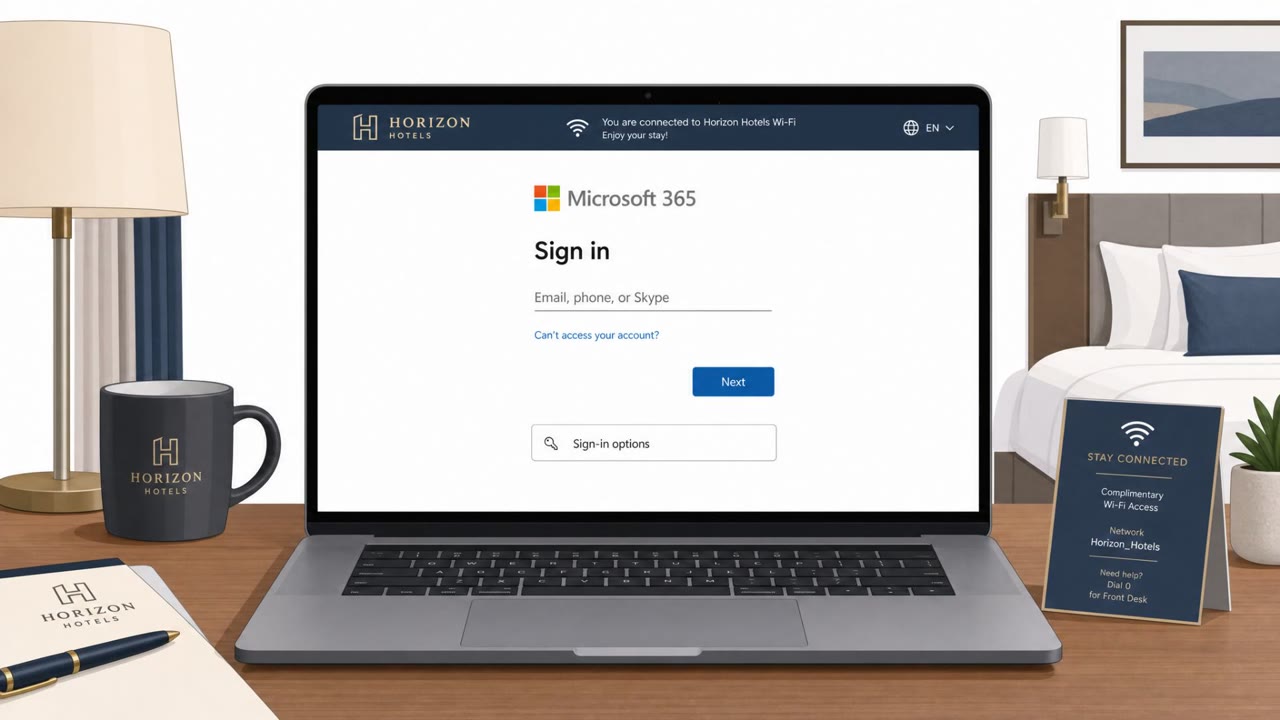
Microsoft reports a Russian state-backed operation that compromises hotel and conference Wi‑Fi “captive portals” to redirect travelers to fake Microsoft 365 sign-in pages or fake update prompts that install malware. One method abuses Microsoft’s device-code login flow so victims unknowingly approve the attacker’s session, potentially bypassing MFA. The campaign appears aimed at corporate travelers across many industries rather than a single sector.
Key findings
- Microsoft says a Russian state-backed campaign compromises hotel/conference Wi‑Fi captive portals and redirects users to attacker-controlled content.
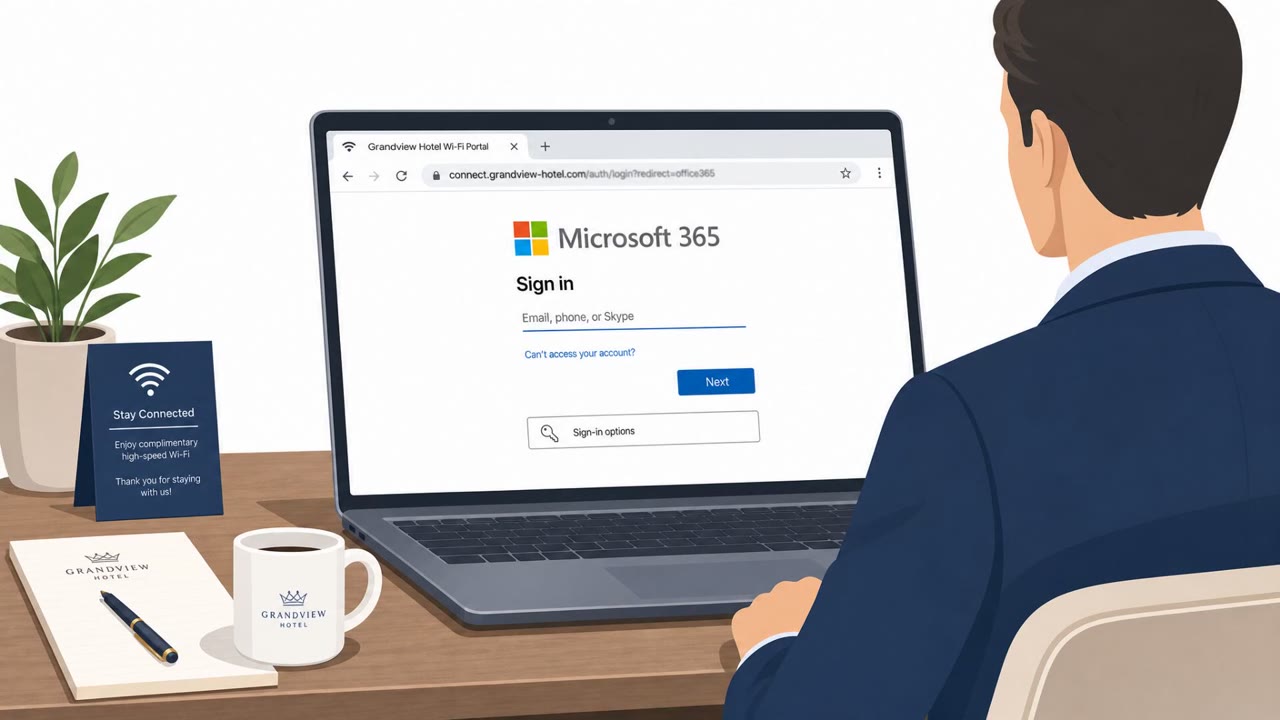
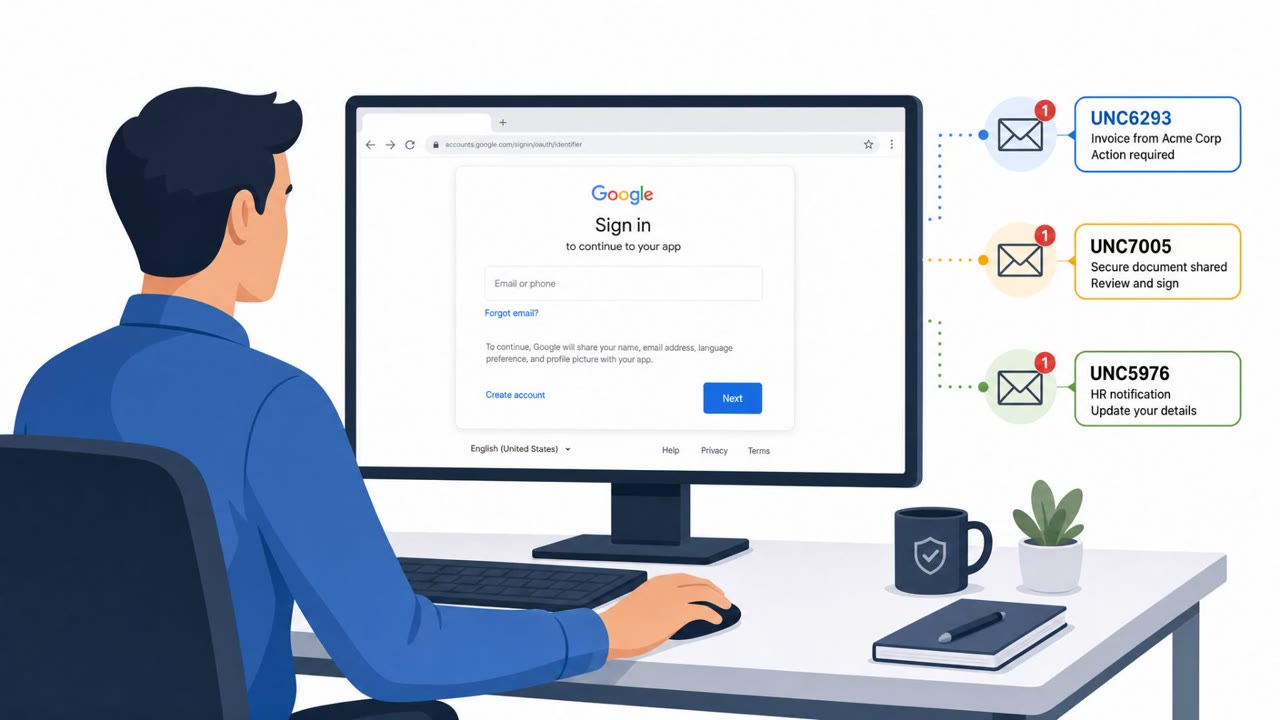
- Victims are shown convincing Microsoft 365 login pages and, in one variation, are tricked into completing device-code authentication that authorizes the attacker’s session.
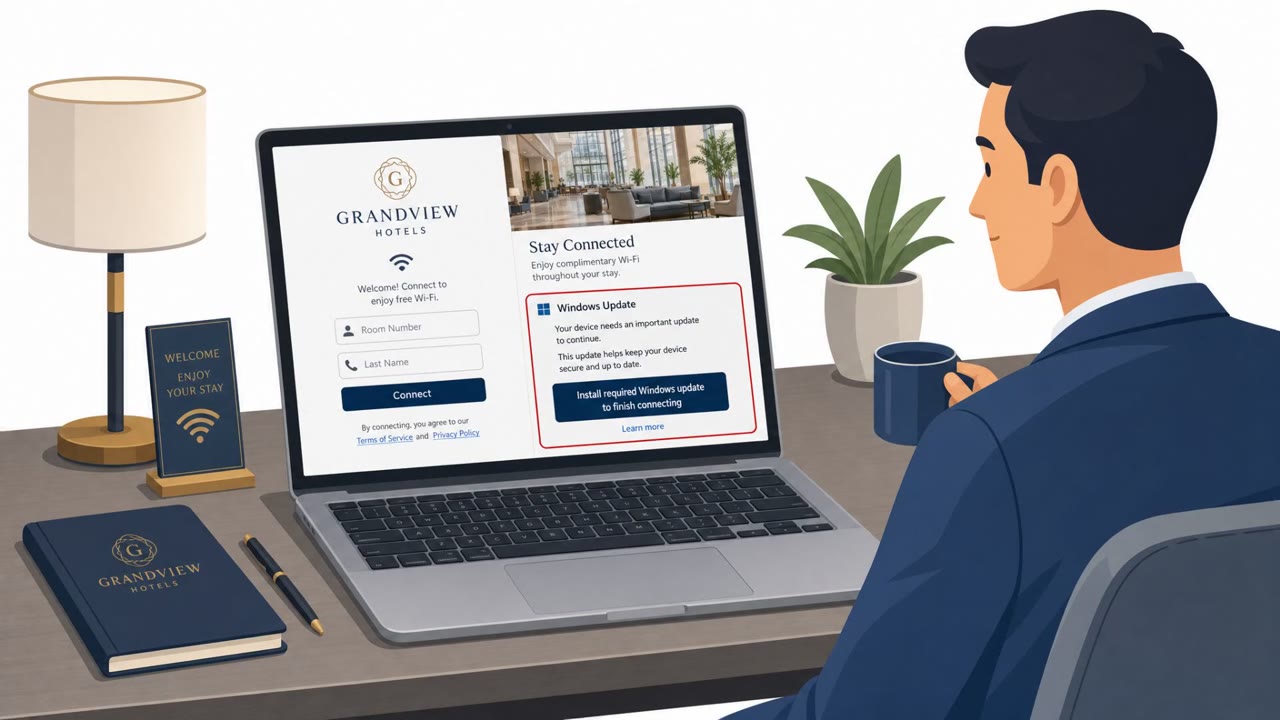
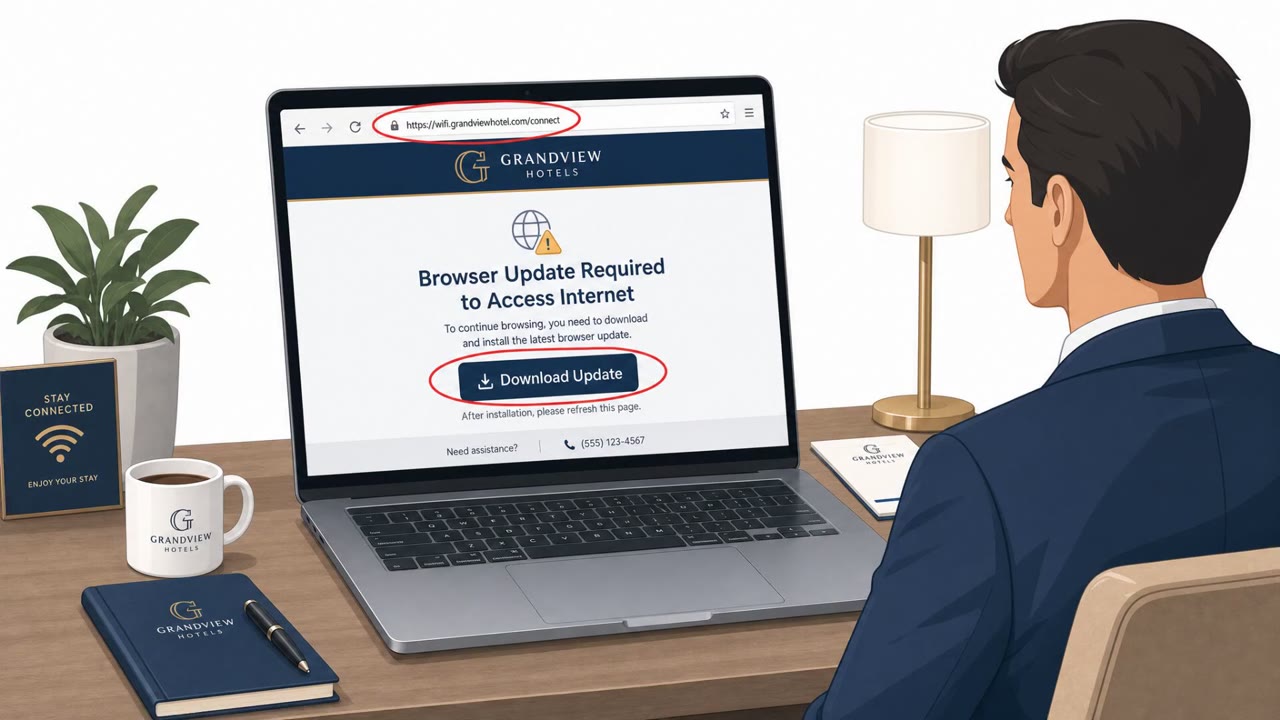
- Other victims see fake Windows/browser/security/network repair prompts designed to get them to install malware.
- Tools described include CornFlake (remote access trojan) and ChocoShell (PowerShell infostealer focused on browser and Microsoft 365 token theft).
- The campaign appears to target corporate travelers broadly (financial, legal, healthcare, energy, retail, and professional services mentioned).
Who’s being targeted
- Commonly targeted roles: All employees who travel, Executives, Finance, Legal, Sales, Consultants, IT / Helpdesk.
- Affected industries: Hospitality (hotels, conferences, captive-portal Wi‑Fi operators), Financial services, Legal services, Healthcare, Energy, Retail, Professional services.
- Attack channels: website.
- Impersonated: Microsoft 365 sign-in, Microsoft device sign-in (device-code authentication), Windows Update / Microsoft Defender / browser update / DirectX / network repair tool.
Awareness takeaways
- Treat hotel, conference, and airport Wi‑Fi as untrusted; prefer a personal hotspot or private connection.
- Never install software, updates, certificates, or ‘network repair’ tools offered by a captive portal.
- Reject unexpected Microsoft device-code sign-in requests; only approve sign-ins you personally initiated.
- Where possible, use phishing-resistant sign-in methods (passkeys / phishing-resistant MFA) and reduce unnecessary device-code authentication in the organization.
Red flags to watch for
- Login prompt appears immediately after joining guest Wi‑Fi/captive portal
- Unexpected Microsoft 365 sign-in request while merely trying to access Wi‑Fi
- Captive portal behavior seems unusual (extra redirects / repeated prompts)
- Unexpected device-code prompt when you did not initiate a sign-in
- A code is provided to you that you didn’t request
- The request happens while connecting to hotel/conference Wi‑Fi
- Updates offered through a Wi‑Fi login/terms page instead of the normal OS update process
- Pressure to install a certificate/tool to get internet access
- Update prompts that appear only on a specific Wi‑Fi network
Read the video transcript
You join hotel Wi‑Fi, click past the terms page… and suddenly you’re staring at a Microsoft 365 login screen. Microsoft says a Russian state-backed group is hijacking hotel and conference captive portals, silently redirecting you to fake M365 logins or a real Microsoft device-code page where you enter their code and unknowingly approve their session. Red flags: the M365 login pops up right after joining guest Wi‑Fi, extra redirects or repeated prompts, or a device code you never asked for while just trying to get online. That’s not normal Wi‑Fi behavior. When you travel, treat hotel, conference, and airport Wi‑Fi as untrusted, use your phone’s hotspot instead, and never enter a device code or M365 password you didn’t personally start the sign-in for.