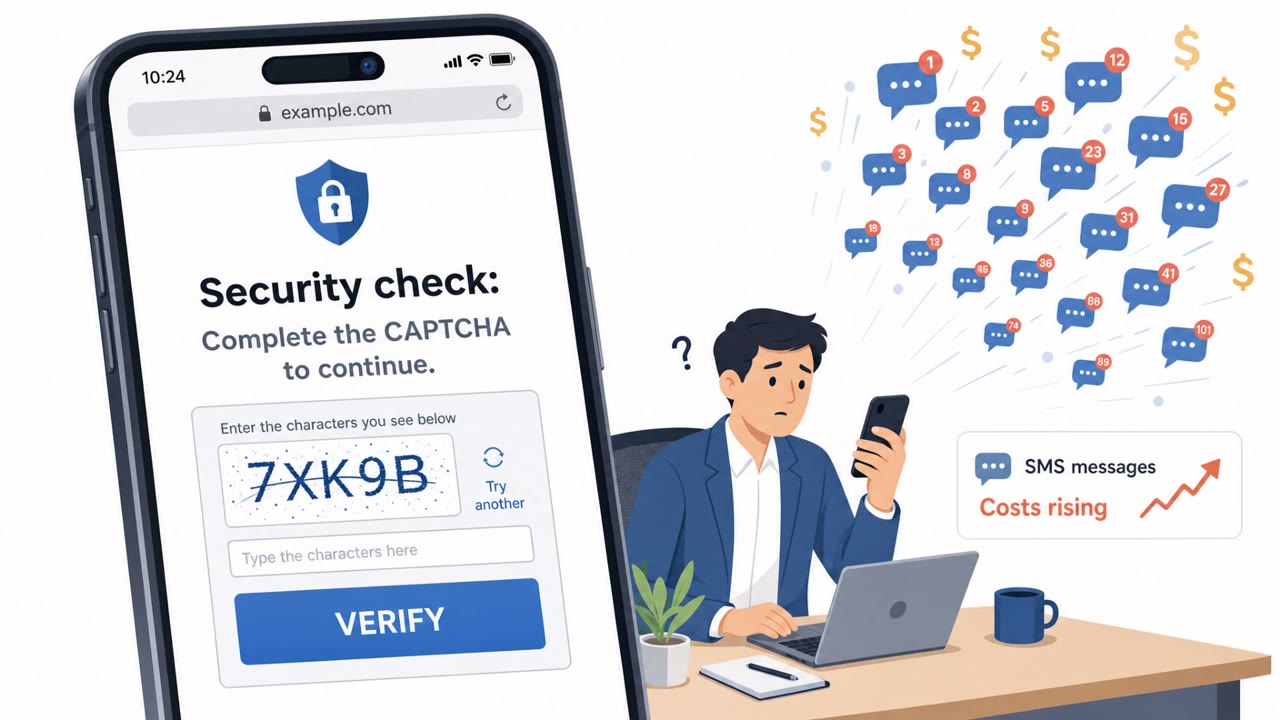
Cisco Talos reported a real-time phishing framework called “JWR” that guides victims through fake checkout and login pages while attackers watch keystrokes live. It is being delivered through SMS messages that impersonate toll and postal authorities, and it can capture payment details, identity data, and one-time MFA/2FA codes at the exact moment they’re needed.
How the attack worked
Cisco Talos documented a real-time phishing framework called JWR, likely a variant of an existing phishing-as-a-service platform known as 'The Outsider.' Unlike static phishing pages, JWR keeps an open WebSocket connection between the attacker and the victim's browser session. This lets an operator watch keystrokes as they happen and dynamically steer the victim through fake checkout and login screens, adjusting the flow based on what the target is doing.
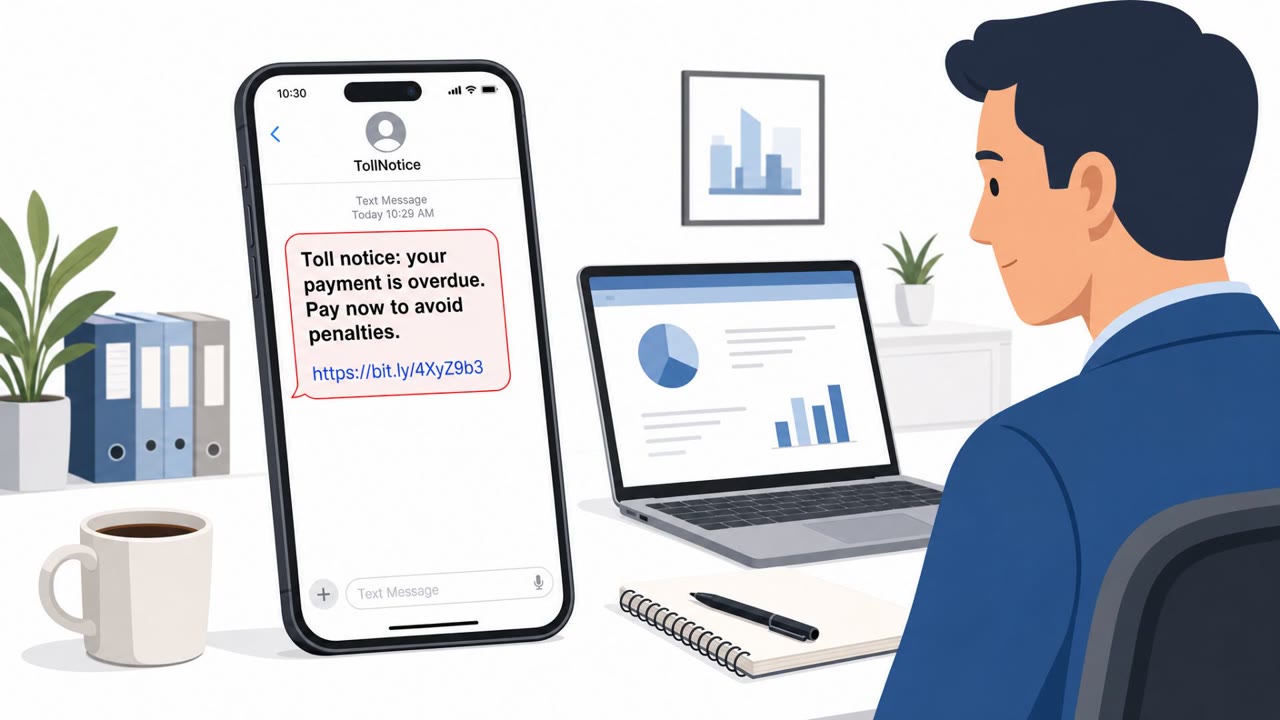
The framework is currently spread through SMS messages, or smishing, that impersonate regional toll and postal authorities. A typical message claims an unpaid toll or a held package, pushing the recipient to click a link and resolve the issue immediately.
Why it succeeded
The live, operator-driven nature of JWR is what makes it effective against multi-factor authentication. Because a human or automated operator is monitoring the session, they can prompt the victim for a one-time 2FA code at the exact moment it is needed, effectively bypassing MFA that would otherwise stop credential theft. The pages also benefit from seamless integration with legitimate e-commerce platforms, which helps fake checkout flows look convincing to victims who are simply trying to pay a small fee.
JWR is also broad in what it collects: payment data, 2FA codes, identity documents, and device fingerprints. Talos notes that this volume of data gives attackers a comprehensive identity profile that can support extensive follow-on fraud, not just a single fraudulent transaction.
What to watch for
- Unexpected text messages about unpaid tolls or delivery fees that include a link
- Urgent language pressuring quick payment to avoid penalties
- Login or checkout pages that ask for a one-time 2FA code during what should be a simple payment or verification step
- Requests to upload identity documents for a routine delivery issue
- Unusual authentication attempts or sign-in patterns, since stolen device fingerprints and session data can undermine conditional access policies
Building resistance
Security teams should prioritize user education specifically around smishing tied to toll and delivery fee messages, since this is the current delivery method for JWR. Employees should be reminded never to enter 2FA codes into a page reached from a text-message link, and to verify toll or delivery notices through an official website or app instead. Monitoring for unusual authentication attempts can help catch cases where stolen fingerprints or session data are reused. Where feasible, moving high-risk users to phishing-resistant MFA methods, such as FIDO2 hardware keys, reduces the impact of real-time phishing frameworks like JWR, since these methods are not tied to a code that can be relayed by an attacker in the moment.
Key findings
- JWR is a “previously undocumented, real-time phishing framework” and likely a variant of “The Outsider” phishing-as-a-service platform.
- It keeps an open WebSocket connection so attackers can “monitor keystrokes live” and steer victims through fake checkout/login flows in real time.
- It is “currently deployed via SMS lures impersonating regional toll and postal authorities.”
- It can steal “payment data, 2FA codes, identity documents, and device fingerprints.”
- Operator-driven timing allows attackers to “actively bypass multi-factor authentication (MFA) by prompting victims for 2FA codes exactly when needed.”
- The lures can look legitimate because of “seamless integration with legitimate e-commerce platforms like Shopify.”
Who’s being targeted
- Commonly targeted roles: All employees, Executives, Finance, HR, IT helpdesk, Security/Identity team.
- Affected industries: All industries (employee mobile users), Consumers/public sector impersonation (toll and postal authorities), E-commerce.
- Attack channels: smishing, website.
- Impersonated: Regional toll authority, Postal authority / delivery service.
Red flags to watch for
- Unexpected SMS about a toll/delivery fee with a link
- Pressure/urgency to pay quickly to avoid penalties
- Asks for a 2FA code during a “payment” or “verification” flow
- SMS claims to be from a postal authority but routes you to a checkout/login page
- Requests identity documents in a hurry for a basic delivery issue
- Unusual sign-in prompts and repeated requests for MFA/2FA codes
Frequently asked questions
What is the JWR phishing framework?
JWR is a previously undocumented, real-time phishing framework identified by Cisco Talos, likely a variant of the 'The Outsider' phishing-as-a-service platform. It keeps an open WebSocket connection so attackers can monitor keystrokes live and steer victims through fake checkout and login flows.
How does this attack bypass 2FA?
Because attackers are watching the victim's session in real time, they can prompt for a one-time 2FA code exactly when it is needed to complete a fraudulent login or payment, defeating standard MFA.
What lures are being used to deliver JWR?
The framework is currently deployed via SMS messages impersonating regional toll and postal authorities, directing recipients to fake payment or delivery-verification pages.
What data can attackers steal with JWR?
According to Talos, JWR can capture payment data, 2FA codes, identity documents, and device fingerprints, giving attackers a comprehensive identity profile for follow-on fraud.
Read the video transcript
You get a text: “Toll Notice: unpaid balance. Pay now to avoid penalties: [link].” Looks routine, right? Behind that link is a real-time phishing kit called JWR. It opens a fake toll checkout that looks like Shopify, while an operator watches your keystrokes live over WebSocket. Then it asks for a one-time 2FA code to “confirm payment” or “verify delivery.” That’s the trap: JWR lets them grab your 2FA code at the exact second they need it to log in as you. If you get an unexpected toll or delivery-fee text with a link, don’t tap it, open the official toll or postal app or website yourself and check there instead.