Cisco Talos reported a real-world SMS phishing campaign using a framework called “JWR” that impersonates toll agencies and postal/courier services to lure victims to fake payment and login pages. Unlike basic phishing pages, the operator can actively steer the victim through fake checkout/login steps in real time and capture payment details, credentials, and one-time passcodes as the victim types them. Talos links JWR to a likely variant of “The Outsider” phishing-as-a-service operation.
How the attack worked
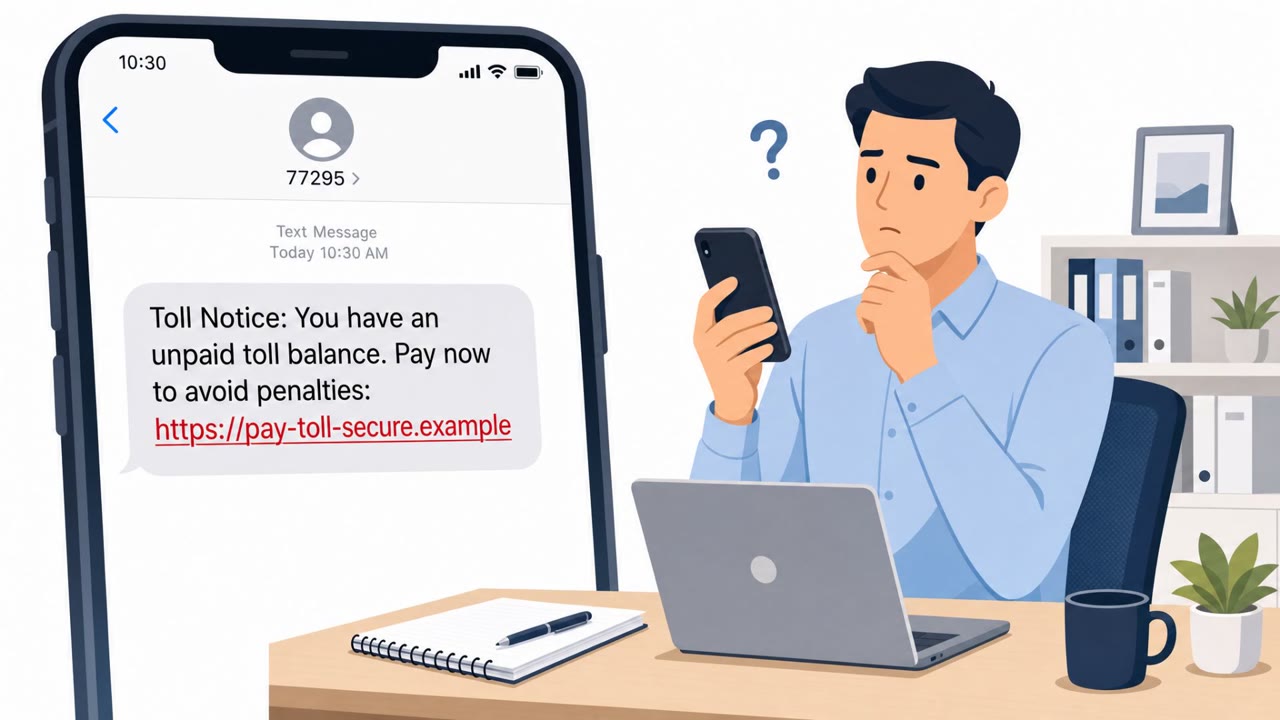
The JWR campaign begins with an SMS message impersonating a toll authority or a postal/courier service, claiming an unpaid fee or a delivery issue that needs immediate action. Victims who tap the link are taken to a convincing fake checkout or login page modeled after major payment and shopping platforms. Unlike static phishing pages, JWR keeps a live connection open to the attacker, allowing them to steer each victim's session in real time and adapt the flow based on what the victim enters.
Why it succeeded
The real-time, operator-driven design is what sets this campaign apart from typical smishing. Because a person is actively guiding the interaction, the kit can respond to victim behavior, ask for additional verification when needed, and request one-time passcodes exactly when the victim expects a legitimate 2FA prompt. The pretexts, unpaid tolls and delivery problems, create urgency that pushes people to act quickly rather than verify the request independently. The realism of the impersonated checkout and login pages also removes visual cues that many people rely on to judge legitimacy.
What to watch for
- Unexpected text messages demanding immediate payment for tolls or claiming a delivery problem
- Links that lead to checkout or login pages instead of a known official app or bookmarked site
- Requests for SMS or 2FA verification codes as part of a payment or delivery process
- Pages asking for identity documents, Social Security numbers, or other data unrelated to a routine payment
- Any site that pressures immediate action to avoid a penalty or missed delivery
How to build resistance
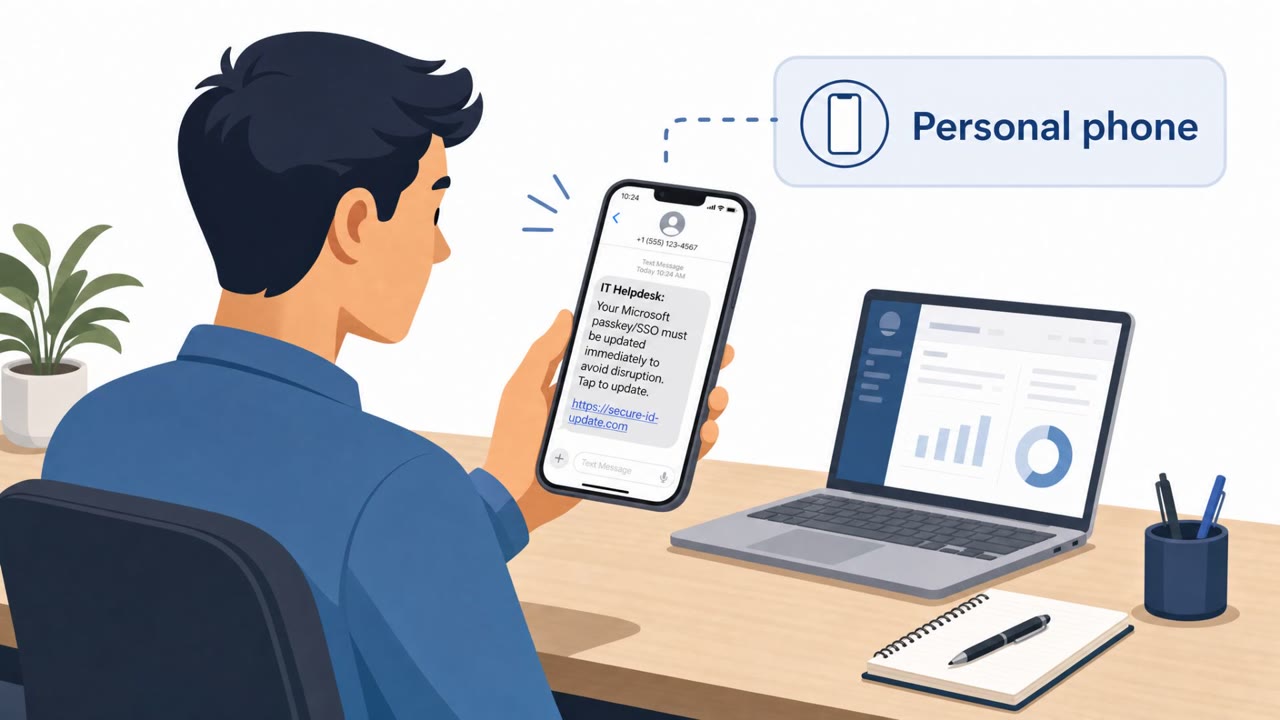
Organizations should reinforce that legitimate toll authorities, postal services, and couriers do not request one-time passcodes through a linked web page. Employees on personal mobile devices are a key exposure point since these lures rely on SMS delivery rather than corporate email filtering. Encourage staff, especially in finance, executive support, and shipping and receiving roles, to navigate directly to official sites or apps rather than clicking links in unsolicited texts. Awareness training should emphasize that a page looking realistic is not proof of legitimacy, since these kits are built specifically to imitate trusted checkout and login flows. Treating any request for an OTP or 2FA code from a text-linked site as a red flag, regardless of how convincing the surrounding page appears, is one of the most effective defenses against this style of attack.
Key findings
- Talos observed an active SMS-delivered campaign impersonating toll authorities and postal/courier services in Southeast Asia and the Middle East.
- The phishing kit can impersonate checkout and login flows for major platforms (e.g., Shopify, PayPal, Apple, Klarna) and some banks.
- The framework supports real-time, operator-driven sessions (victim keystrokes streamed live), enabling theft of payment data, credentials, and 2FA/OTP codes.
- Data targeted includes identity documents (passport/driver’s license images), Social Security numbers, and device fingerprints, beyond typical card-only scams.
- Talos assesses (medium confidence) JWR is a variant of “The Outsider” PhaaS, operated by the actor “Outsider Enterprise.”
Who’s being targeted
- Commonly targeted roles: All employees (mobile-first), Finance, Executive assistants/administrative staff, Customer support/shipping & receiving.
- Affected industries: Payments and e-commerce, Logistics and courier services, Transportation/toll authorities, Retail (online shopping).
- Attack channels: smishing, website.
- Impersonated: Toll authority (government/road operator), Postal or courier service.
Red flags to watch for
- Unexpected SMS demanding immediate payment
- Link leads to a look‑alike checkout/login page
- Site asks for extra verification like OTP/2FA codes and identity details
- Unsolicited delivery text that pushes payment/verification
- Page requests sensitive documents (ID/passport) or unusually detailed personal data
- Requests one-time codes (SMS/2FA) to ‘verify’
Frequently asked questions
What is the JWR phishing framework?
JWR is a phishing kit identified by Cisco Talos that impersonates toll authorities and postal or courier services via SMS to lure victims into fake checkout and login pages, capturing payment details, credentials, and one-time passcodes.
How does JWR steal OTP codes in real time?
The kit supports operator-driven sessions where victim keystrokes are streamed live, allowing the attacker to request and capture SMS OTP or 2FA codes as the victim types them.
What data does JWR target beyond payment card numbers?
Talos found the kit also targets identity documents like passport and driver's license images, Social Security numbers, and device fingerprints, going beyond typical card-only scams.
Is JWR linked to a known phishing-as-a-service operation?
Talos assesses with medium confidence that JWR is a variant of a phishing-as-a-service operation called "The Outsider," run by an actor referred to as Outsider Enterprise.
Read the video transcript
You get a text: “Toll notice: your payment is overdue. Pay now to avoid penalties.” Looks routine, right? Behind that link is a JWR smishing page that looks like a real toll or courier checkout, Shopify, PayPal, even Apple-style screens, while someone watches your card number and SMS OTP appear in real time. These JWR pages don’t stop at cards, they ask for passport or driver’s license photos, Social Security numbers, even extra 2FA codes to “verify” a simple toll or delivery. If a text wants payment or OTPs, don’t tap the link, open the official toll, courier, or banking app yourself and check from there.