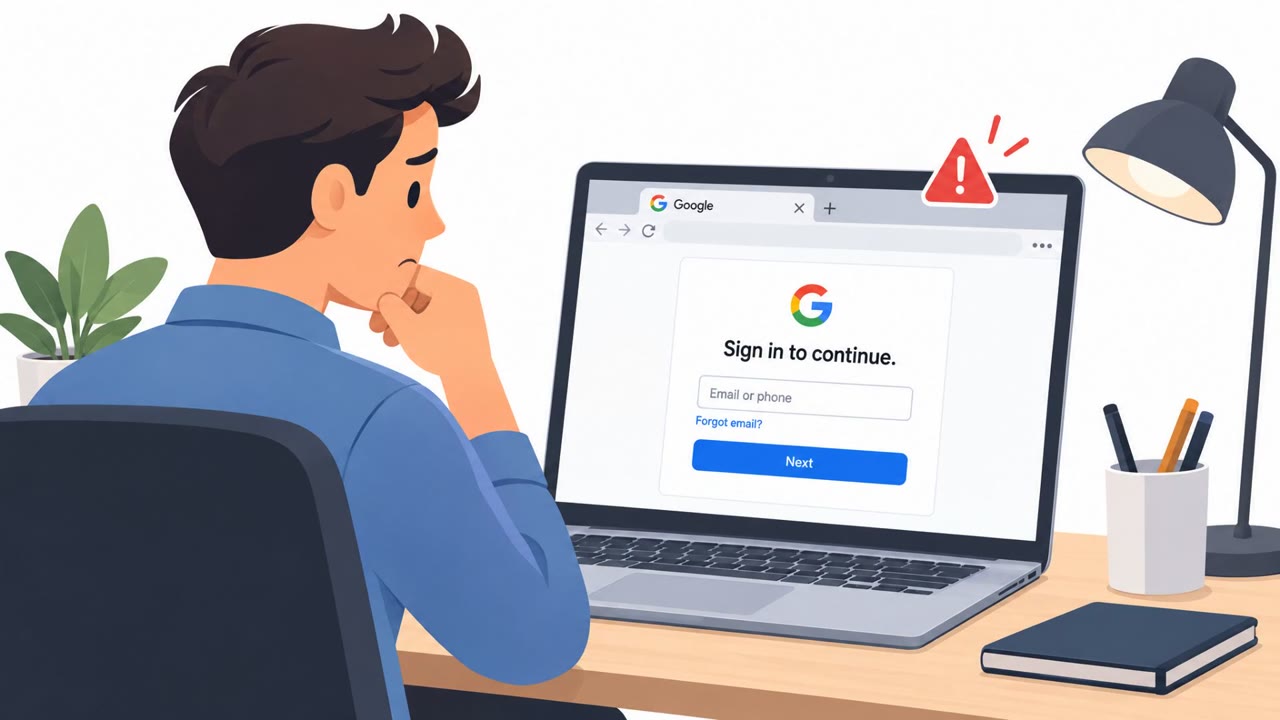
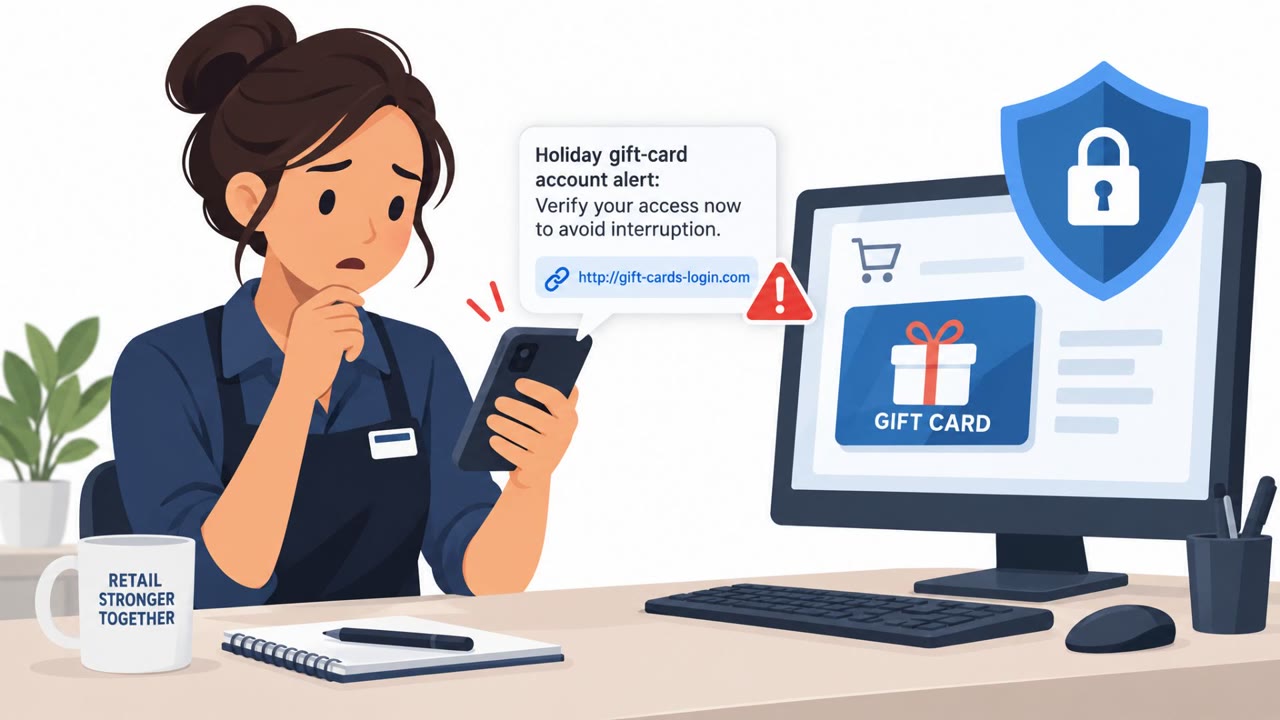
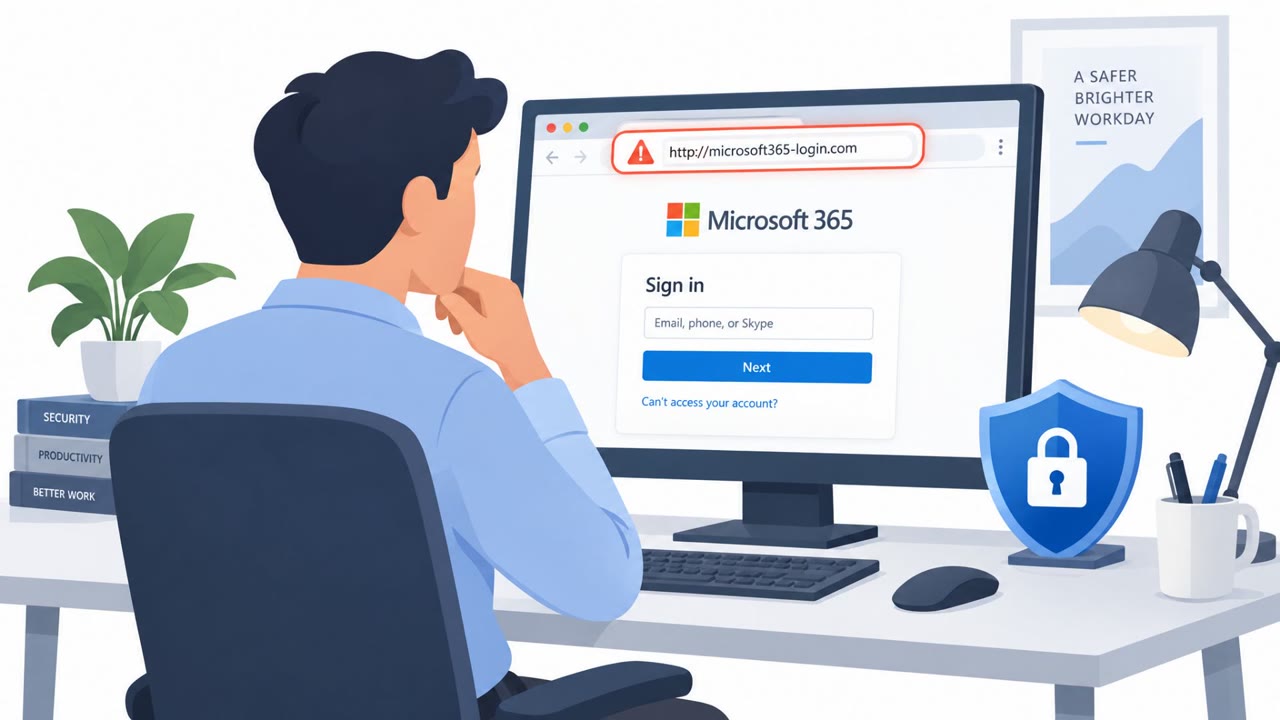
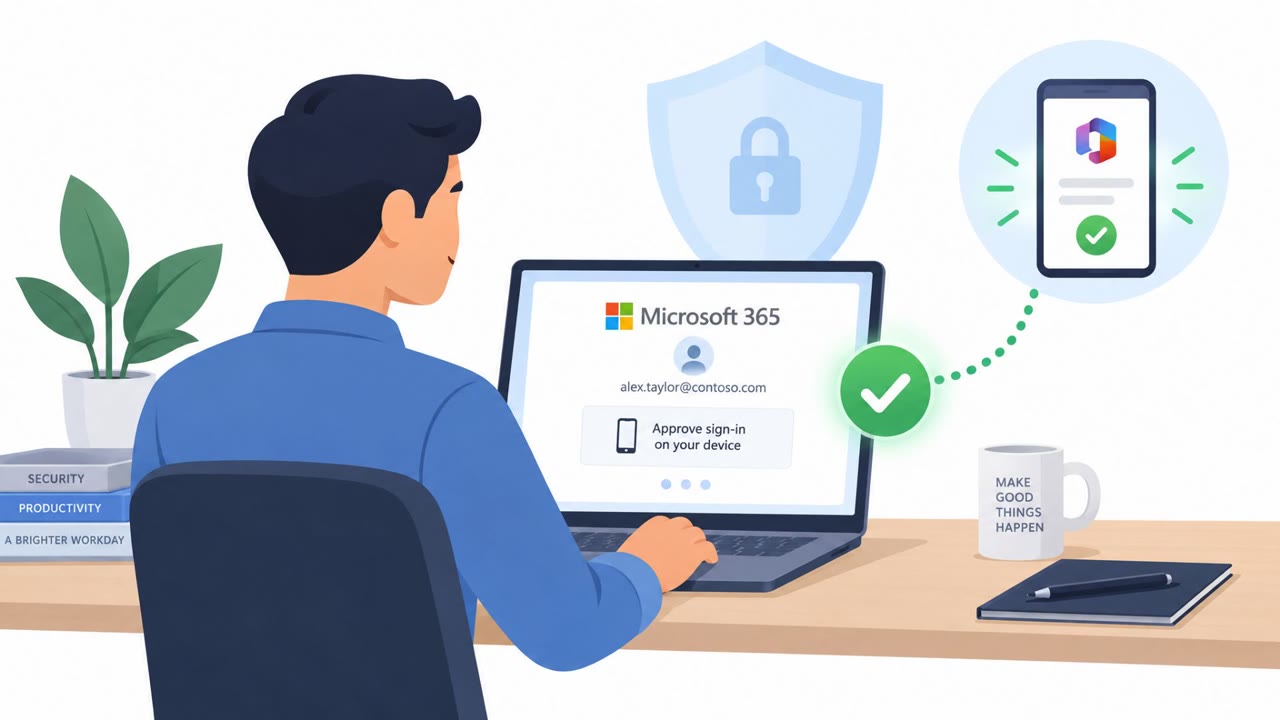
MS-ISAC tracked attackers who used a phished K-12 staff account to send phishing messages to that employee’s contacts, including staff at other school districts. Because the messages came from legitimate, authenticated accounts, they could bypass normal email filters and help attackers move from one district to another. Attackers also used hijacked school accounts to pose as superintendents and commit fraud.
How the attack worked
MS-ISAC tracked a pattern where attackers phished a single legitimate K-12 staff account, then used that account to send phishing messages to its contacts, including staff at other districts. Because the sending account was genuine and authenticated, the messages traveled over normal, trusted email paths. This let attackers hop from one district to another, expanding their reach with each successful compromise. MS-ISAC notified 808 of its 6,116 K-12 members that staff accounts or credentials were found circulating on underground and dark-web marketplaces, underscoring how widespread the exposure of school credentials has become.
In a related pattern, attackers used hijacked K-12 accounts to impersonate superintendents, sending fraudulent requests intended to look like they came from district leadership.
Why it succeeded
The core reason this technique worked is trust in the sender. Email filters and recipients alike are built to be more suspicious of spoofed or unfamiliar senders, but these messages came from real, previously trusted accounts. That authenticity weakened the filtering that schools normally rely on to catch phishing. Recipients had little reason to question a message that appeared to come from a known colleague or contact at another district, even when the request itself was unusual.
Survey data reinforces how central this issue is: phishing or email compromise was identified as the most common incident by 87% of surveyed districts, suggesting that account-based trust is a persistent weak point across the sector.
What to watch for
- An unexpected message from a familiar school-district contact, even though the sender's address looks correct.
- A known contact making an unusual request or pushing for quick action.
- A message from a sender that is legitimate, but where the wording, context, or requested action feels out of character.
- A request that appears to come from a superintendent or other leader but does not match normal approval or financial processes.
Building resistance
Districts and staff can reduce the impact of this account-hopping pattern by focusing less on whether a sender address looks genuine and more on whether the request itself is expected. Key practices include:
- Treating unexpected requests from known contacts with caution, since the account may have been taken over.
- Independently verifying unusual requests that appear to come from superintendents or other leaders, especially when money, records, or account access are involved.
- Not relying solely on email-filter warnings, since authenticated accounts can bypass those protections.
- Reporting suspected account compromise quickly, since CIS assesses with high confidence that this account-takeover hopping will continue through the school year.
This pattern maps to known techniques including Phishing (T1566), Internal Spearphishing (T1534), Valid Accounts (T1078), and Impersonation (T1656), all of which rely on exploiting trust in legitimate, already-compromised accounts rather than technical deception alone.
Key findings
- MS-ISAC notified 808 of its 6,116 K-12 members that staff accounts or credentials were circulating on underground and dark-web marketplaces.
- Attackers used one phished district account to send phishing messages to its contacts, including staff in other districts.
- Messages sent from genuine, hijacked accounts use authenticated email paths, reducing the effectiveness of email filtering.
- Attackers have impersonated superintendents through hijacked K-12 accounts to commit fraud.
- Phishing or email compromise was identified as the most common incident by 87% of surveyed districts.
- CIS assesses with high confidence that this account-takeover hopping will continue during the school year.
Who’s being targeted
- Commonly targeted roles: Teachers, School district staff, School administrators, Superintendents and executive assistants, Finance and purchasing staff, District IT and security teams.
- Affected industries: K-12 education, School districts, County offices of education.
- Attack channels: email.
- Impersonated: A legitimate K-12 district staff member whose email account has been hijacked., A school superintendent..
Red flags to watch for
- The message is unexpected even though it comes from a familiar account.
- A known contact sends an unusual request or asks the recipient to take action quickly.
- The sender's account may be legitimate, but the context, wording, or requested action is out of character.
- A senior leader makes an unusual request by email.
- The request is inconsistent with normal approval or financial processes.
- The message comes from a real account, but the request should be verified through a known independent channel.
Frequently asked questions
How did attackers spread phishing between school districts?
Attackers phished one legitimate district account, then used it to send phishing messages to that account's contacts, including staff at other districts.
Why do these phishing messages bypass email filters?
The messages come from real, hijacked accounts over authenticated email paths, which weakens the filters schools rely on to catch phishing.
What kind of fraud have attackers committed with hijacked school accounts?
Attackers have posed as superintendents from hijacked K-12 accounts to commit fraud.
How common is phishing or email compromise in K-12 districts?
Phishing or email compromise was identified as the most common incident by 87% of surveyed districts.
Read the video transcript
That email from your district contact? It might really be their account. MS-ISAC tracked this: someone phishes one school staff account, then emails its contacts at other districts. The messages travel through authenticated email, so filters may miss them. Here's the tell: the address is genuine, but the request isn't. A familiar colleague suddenly wants a quick response, or a superintendent emails an unusual payment request. Before you act, call that person using a number you already have, not one in the email.