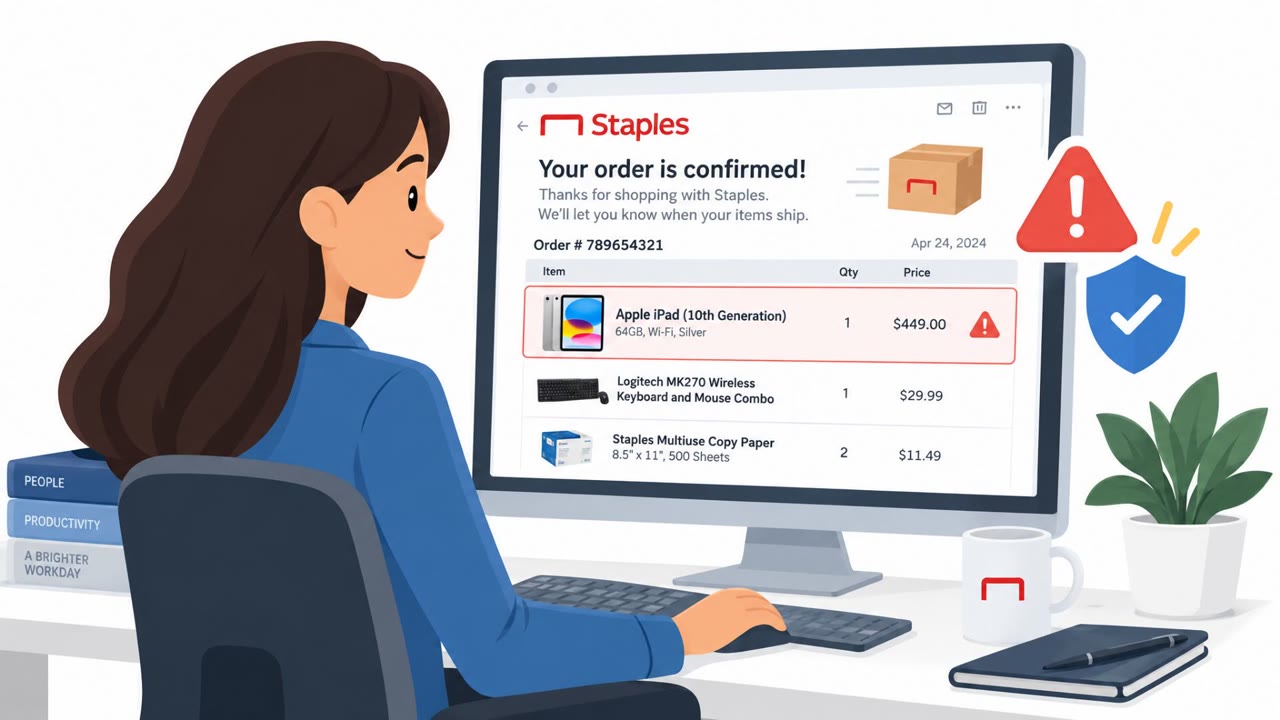
Attackers are abusing legitimate services such as Dell and Staples to send real, authenticated emails containing fraudulent support phone numbers. The emails pass normal authentication checks because the trusted platform sends them, but the attacker controls fields displayed in the message and uses them to lure recipients into calling a scam helpline. Cisco Talos also observed similar abuse through registration emails and bounced-email notices carrying file-sharing lures.
Key findings
- Attackers used Dell and Staples transactional-email systems to deliver fraudulent support numbers inside otherwise legitimate order confirmations.
- The Dell example confirmed a $736.09 purchase of Microsoft Project Standard 2024 and placed “Helpline” plus a phone number in the “Ship To” field.
- Cisco Talos reported abuse of more than 25 legitimate platforms across collaboration, file-sharing, survey, payment, and AI services.
- The messages can pass SPF, DKIM, and DMARC because the legitimate platform, not the attacker’s own mail system, sends the email.
- Talos also observed malicious lures delivered through list-bombing workflows and failed-delivery notifications, including a WeTransfer-themed file-sharing lure.
- Unexpected support numbers, cancellation instructions, or urgent language in a receipt should be treated as warning signs.
Who’s being targeted
- Commonly targeted roles: All employees, Finance and accounting, Procurement, IT and help desk, Customer support, Executive assistants.
- Affected industries: All industries, Technology, Retail, Professional services, Finance and accounting.
- Attack channels: email, vishing.
- Impersonated: Dell order confirmation system, Legitimate registration, subscription, or notification platform, Mail delivery system.
Awareness takeaways
- Do not trust an unexpected order confirmation just because it displays a known brand, uses a familiar template, or passes email authentication. Verify the purchase through the vendor’s official website or a known phone number, not a number included in the message.
- Treat support numbers, cancellation instructions, and urgent wording placed in order, billing, or shipping fields as potential fraud indicators.
- Be cautious with delivery-failure notices, especially if they ask you to open a file, follow a link, or review a shared document you were not expecting.
- Report unsolicited registration or confirmation emails rather than interacting with embedded messages, particularly if they contain unusual text in profile fields such as name, company, or title.
Red flags to watch for
- An unexpected purchase confirmation for an item the recipient did not order
- A support phone number placed in the “Ship To” or billing details instead of a normal address
- An instruction to call a number in the email rather than using a known Dell contact method
- An unsolicited confirmation, registration, or subscription message
- Urgent or promotional content embedded in a name, company, or title field
- A message that is authenticated but does not match any activity the recipient performed
- A bounce notice that includes a file-sharing prompt instead of only explaining why delivery failed
- An unexpected delivery report for mail the recipient did not send
- A request to open content nested within a technical failure message
Read the video transcript
A Dell receipt says you bought Microsoft Project for $736.09. You didn’t. Here’s the twist: Dell really sent the email. Its template and authentication checks are genuine. But someone put ‘Helpline’ and a phone number in the ‘Ship To’ field. That’s the callback trap: the unexpected charge makes you call the number in the receipt. Staples orders have carried fake numbers too. A real email can still contain someone else’s instructions. If the purchase isn’t yours, don’t call the receipt’s helpline. Open Dell’s website yourself and check your orders there.