Researchers demonstrated that a business bank’s AI chatbot could be tricked into rendering malicious content from uploaded invoices and payment-reference text. When a customer asked the chatbot to process a PDF or list transactions, the flaw could run code in the customer’s active banking session and expose account data. The issue was responsibly disclosed and the bank deployed a fix.
How the attack worked
Researchers found that a business bank's AI chatbot would render untrusted HTML content returned in its own responses. This created a cross-site scripting opening that executed inside a customer's authenticated banking session. Two delivery paths were demonstrated.
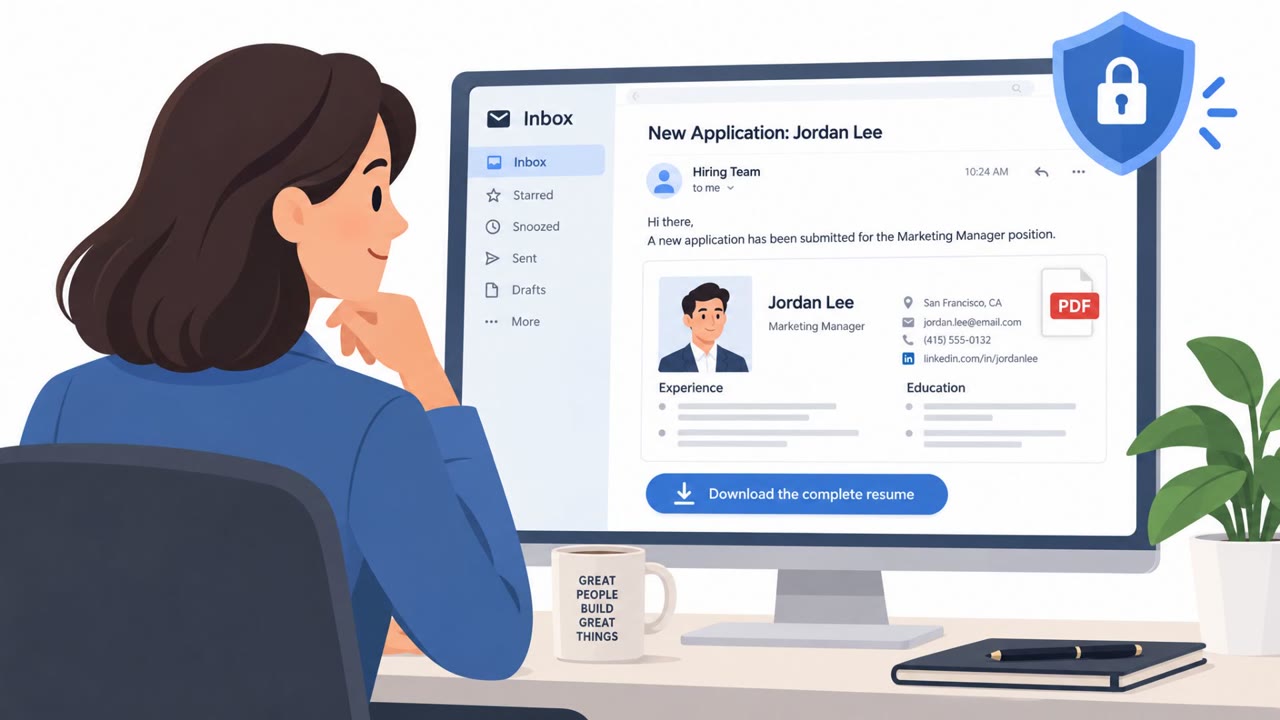
The first used an invoice PDF containing hidden white-on-white text. When a customer uploaded the PDF and asked the chatbot to add the beneficiary named in it, the hidden instructions steered the chatbot's response through indirect prompt injection, requesting that an unusually long or strange beneficiary name be reproduced, which triggered the XSS.
The second path used SEPA payment references. Because of character and length limits, the payload and a decoding instruction were split across two separate one-cent transactions. When the customer later asked the AI assistant to list that month's transactions, the assistant reconstructed the encoded content and rendered it, triggering the same XSS without the victim interacting with the payload directly.
Why it succeeded
The underlying issue was that the AI assistant treated content from uploaded documents and transaction references as safe to render as-is. Document uploads and payment references are normal parts of accounts payable and treasury workflows, so neither looked suspicious to the customer. Once triggered, the injected JavaScript ran with the access of the authenticated session, making authenticated API requests and sending retrieved data to an external server.
What to watch for
- PDFs or invoices that are unusually formatted, contain hidden or invisible text, or come from unfamiliar senders.
- Beneficiary names that are unusually long, strange, or inconsistent with the sender's identity.
- Unexpected small-value transactions, such as one-cent payments, appearing in account activity.
- Transaction descriptions containing unusual technical-looking text or encoded characters.
- Chatbot responses that display broken formatting, unexpected images, or odd rendering behavior.
How to build resistance
Teams in accounts payable, finance, and treasury who upload invoices or rely on AI banking assistants should treat all uploaded documents as untrusted, even when they appear to be ordinary invoices from a known business partner. Any unusual instruction or formatting returned by an AI assistant, especially around beneficiary names or payment details, should prompt a pause and manual verification rather than automatic trust. Reviewing unexpected low-value payments and odd reference text before using an AI tool to summarize transactions adds another layer of defense. Finally, beneficiary additions and payment changes should be confirmed through a separate, known-good verification channel rather than relying solely on AI-generated output, since multi-factor authentication alone may not prevent all downstream actions once a session is compromised.
Key findings
- The AI chatbot rendered untrusted HTML in its responses, allowing cross-site scripting (XSS) in an authenticated banking session.
- A malicious PDF could contain hidden white-on-white text that instructed the AI to reproduce a harmful beneficiary name in its response.
- The researchers showed that SEPA payment references could carry split instructions that caused the AI to reconstruct encoded characters and render the malicious content.
- A customer merely asking the chatbot to list transactions could trigger the transaction-reference attack without manually copying malicious text into the chat.
- The proof of concept loaded external JavaScript, made authenticated API requests, and sent retrieved data to an external server.
- The bank acknowledged the report and, after remediation, AI responses appeared to HTML-encode content consistently.
Who’s being targeted
- Commonly targeted roles: Accounts Payable, Finance, Treasury, Business banking users, Customer support teams, Employees who upload invoices or use AI banking assistants.
- Affected industries: Banking, Financial services, Business banking customers.
- Attack channels: website.
- Impersonated: Third-party invoice sender, Bank transfer sender.
Red flags to watch for
- The PDF contains hidden white-on-white text.
- The beneficiary name is unusually long or strange.
- The chatbot response displays broken images or unexpected formatting.
- Transaction references ask the AI to combine parts or decode characters.
- Unexpected one-cent transactions appear in the account.
- Transaction descriptions contain unusual technical-looking text or encoded symbols.
Frequently asked questions
How did the XSS attack on the banking AI chatbot work?
The chatbot rendered untrusted HTML in its responses. Hidden white-on-white text in an uploaded PDF or encoded text split across SEPA payment references could instruct the AI to reproduce content that triggered cross-site scripting in the customer's authenticated session.
Did a victim need to do anything unusual to trigger the attack?
No. A customer simply asking the chatbot to add a beneficiary from an attached PDF or to list recent transactions could trigger the attack without copying any malicious text manually.
What could the attacker do once the XSS executed?
The proof of concept loaded external JavaScript, made authenticated API requests, and sent retrieved data to an external server, all within the victim's active banking session.
Was the vulnerability fixed?
Yes. The bank acknowledged the report and after remediation, AI responses appeared to HTML-encode content consistently.
Read the video transcript
Two one-cent payments could put your banking session at risk. Researchers split instructions across the SEPA references. Ask the bank’s AI, ‘List this month’s transactions,’ and it could reassemble them into harmful HTML. That’s the twist: payment text became code in an authenticated session. A PDF invoice could do it too, using hidden white-on-white instructions and a strange beneficiary name. The bank fixed this flaw. Still, if AI shows strange payment details, stop and verify them outside the chat.