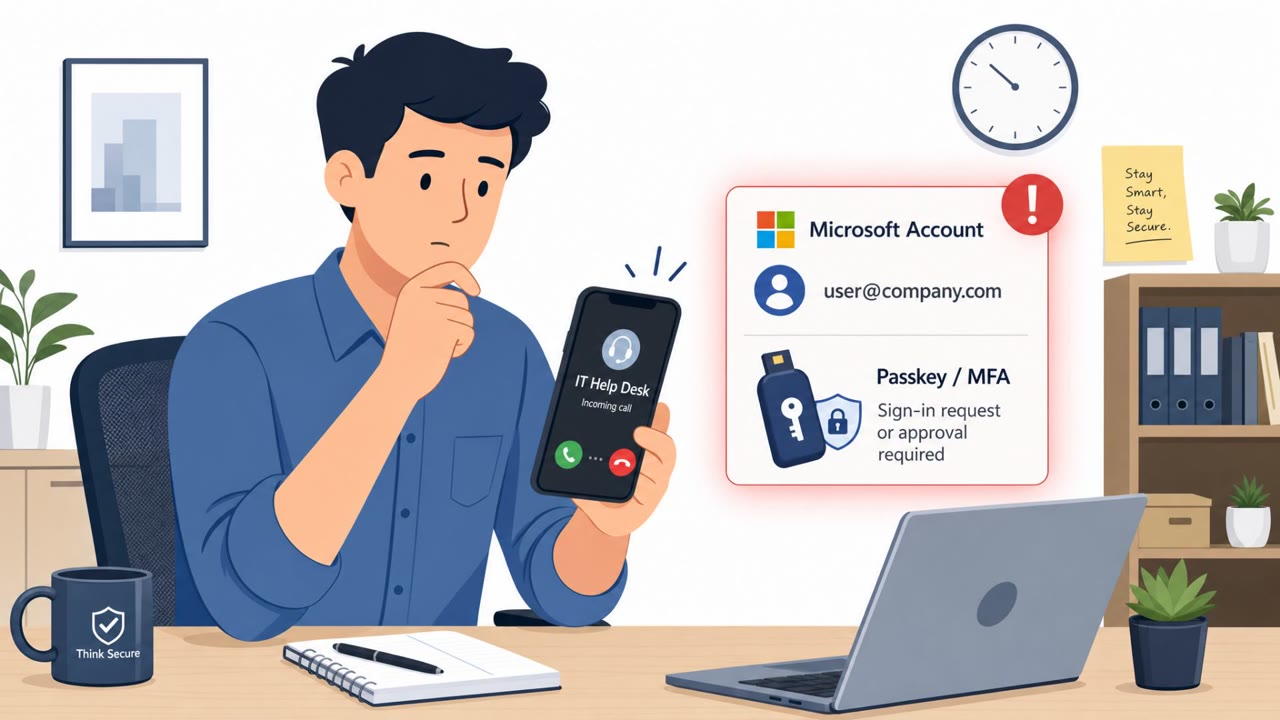
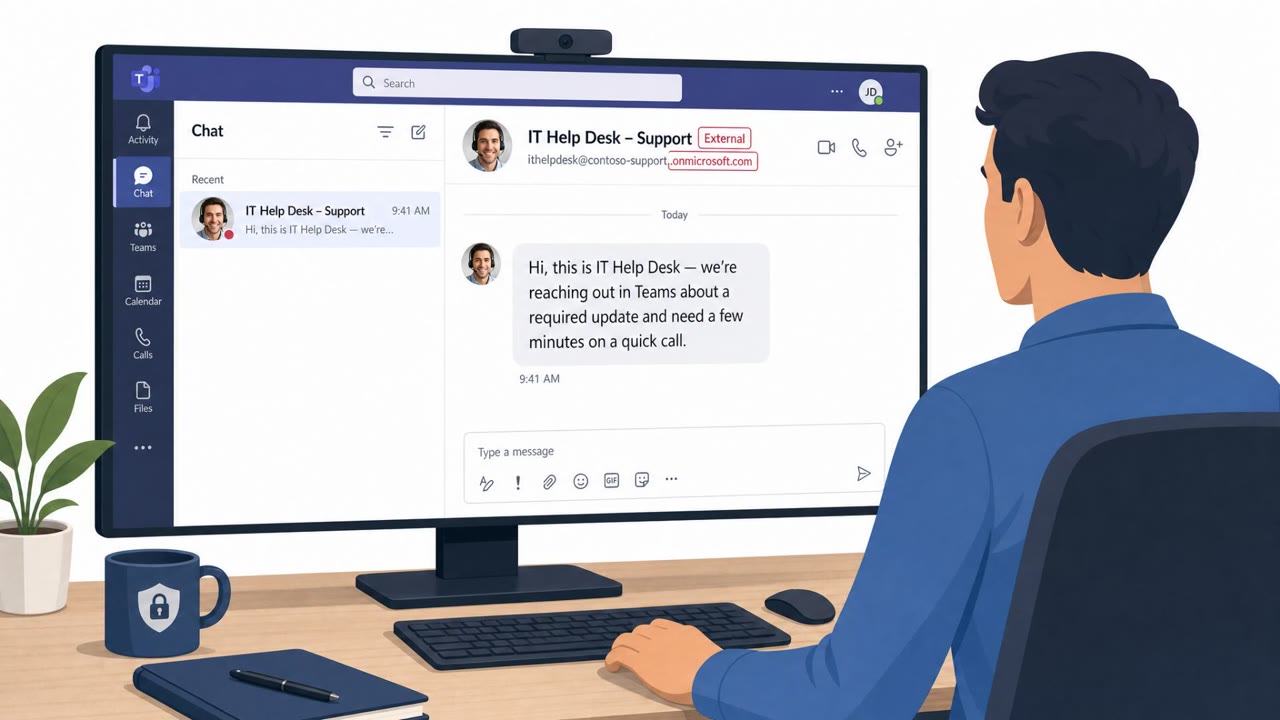
Sophos reports a real Microsoft Teams voice-phishing campaign where attackers pretended to be IT support to convince employees to start remote-access sessions. After gaining access, the attackers ran commands to download malware and in several cases deployed Chaos ransomware within hours. The activity (tracked as STAC4749) hit dozens of organizations, mainly in the US and Canada, across multiple sectors including services, manufacturing, energy, construction/engineering, and law firms.
How the attack worked
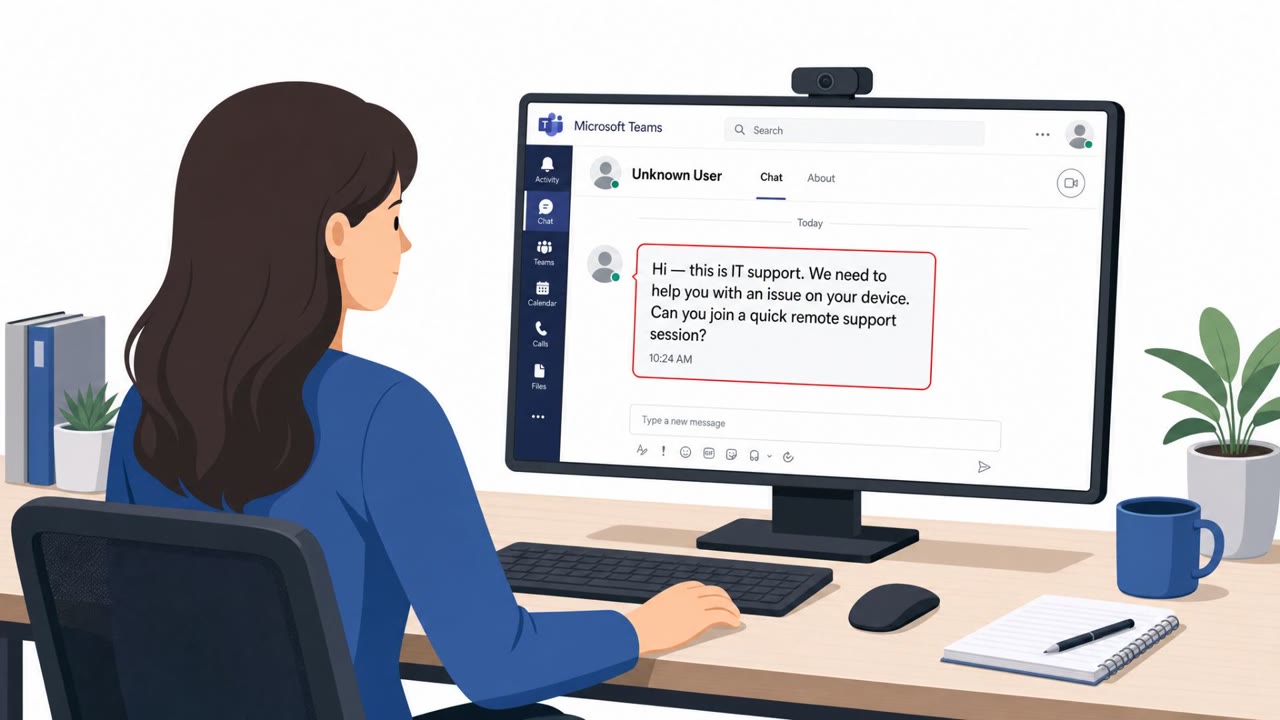
This campaign, tracked as STAC4749, began with first contact through Microsoft Teams chats and calls in which operators impersonated helpdesk or IT support staff. The pretext was simple: a support issue needed fixing, and the target had to start a remote session. Operators created IT-themed cloud domains under the ".top" top-level domain and used plausible employee usernames to make their accounts look legitimate to targets who had no reason to doubt an internal IT contact.
Once a remote session was underway, either through an existing remote-access tool or one the victim was persuaded to download, the operators launched PowerShell on the compromised system. This was used to retrieve and execute malicious payloads hosted on attacker-controlled web servers. These payloads were typically staged in user-writable directories, most commonly AppData\Roaming, which let the activity blend into normal user file locations rather than requiring elevated access.
Why it succeeded
The attack relied on a pretext that employees encounter regularly: an IT support request. Because it arrived through Teams, a trusted internal collaboration tool, and used a professional-sounding username plus a domain designed to look IT-related, it bypassed the skepticism that might apply to an unfamiliar email or phone number. The request to start a remote session or install a tool did not necessarily look out of place if the target believed they were speaking with real IT staff.
What to watch for
- Unsolicited Teams chats or calls claiming to be IT support, especially from external accounts
- Usernames or domains tied to unusual top-level domains like ".top"
- Pressure to start a remote session or install new remote-access software during the interaction
- PowerShell execution or downloads occurring shortly after a remote session begins
- Files appearing in user-writable locations such as AppData\Roaming
How to build resistance
Organizations affected spanned services, manufacturing, energy, construction and engineering, and legal services, showing this pretext can reach nearly any employee, not just technical staff. Because at least three compromises led to Chaos ransomware deployment, in one case less than 17 hours after initial access, the window to detect and stop this activity is short.
Defenders should train employees to treat unsolicited IT support contact on Teams as unverified until confirmed through a known internal channel, such as a direct call to the IT helpdesk using a number already on file. Staff should also be reminded that legitimate IT support rarely requires urgent action mid-chat, and that new remote-access tools should never be installed without separate confirmation. Reporting suspicious remote-support requests immediately, rather than after the fact, gives security teams a better chance to intervene before payloads execute.
Key findings
- Sophos observed a Teams vishing campaign targeting dozens of organizations from February to June.
- Attackers impersonated IT/helpdesk staff in Teams chats and calls to persuade users to grant remote access.
- Operators created IT-themed “.top” cloud domains and used plausible employee usernames to appear legitimate.
- The goal was to launch a remote session via an existing tool or by getting the victim to download an alternative, then run PowerShell to fetch malicious payloads from attacker-controlled servers.
- At least three compromises led to Chaos ransomware deployment, sometimes less than 17 hours after initial access.
Who’s being targeted
- Commonly targeted roles: All employees, Executive assistants, Legal staff, Professional services staff, Engineering and construction staff, IT helpdesk / IT support managers.
- Affected industries: Services, Manufacturing, Energy, Construction and engineering, Legal services (especially IP law).
- Attack channels: teams, vishing, website.
- Impersonated: Internal IT support / helpdesk.
Red flags to watch for
- Unsolicited Teams chat/call claiming to be IT support
- External Teams account using an IT-themed “.top” domain and a plausible-looking username
- Pressure to start remote access or install software during the call
- Remote session leads to command execution (PowerShell) and downloads from the internet
- Downloads executing from user-writable locations like AppData\Roaming
- Unexpected follow-on activity soon after access (rapid spread and encryption)
Frequently asked questions
How did attackers gain initial access in this Teams vishing campaign?
Attackers made first contact through Teams chats and calls, impersonating helpdesk or IT support staff, and used IT-themed ".top" domains with plausible employee usernames to appear legitimate.
What did attackers do after gaining remote access?
They launched PowerShell on the compromised system to retrieve and execute malicious payloads from attacker-controlled web servers, typically staged in user-writable directories like AppData\Roaming.
How fast did ransomware follow after the initial compromise?
In at least three compromises, attackers deployed Chaos ransomware, with one case occurring less than 17 hours after initial access.
Who is most likely to be targeted by this type of attack?
The campaign hit dozens of organizations across services, manufacturing, energy, construction/engineering, and law firms, with all employees and IT helpdesk staff being common targets.
Read the video transcript
You’re in Teams, and a call pops up: “Hi, this is IT Support. We need to start a quick remote session to fix an issue.” Sophos saw this for real: STAC4749 used fake IT accounts from IT-themed .top domains in Teams, got remote access, then ran PowerShell to pull malware and push Chaos ransomware in under a day. Here’s the trick: first contact is an unsolicited Teams chat or call, they insist on a remote session or new remote tool, then quietly run scripts from AppData\Roaming while you think they’re 'fixing' something. If anyone on Teams asks for a remote session out of the blue, hang up and message our real IT team through our normal channel to confirm before you do anything.