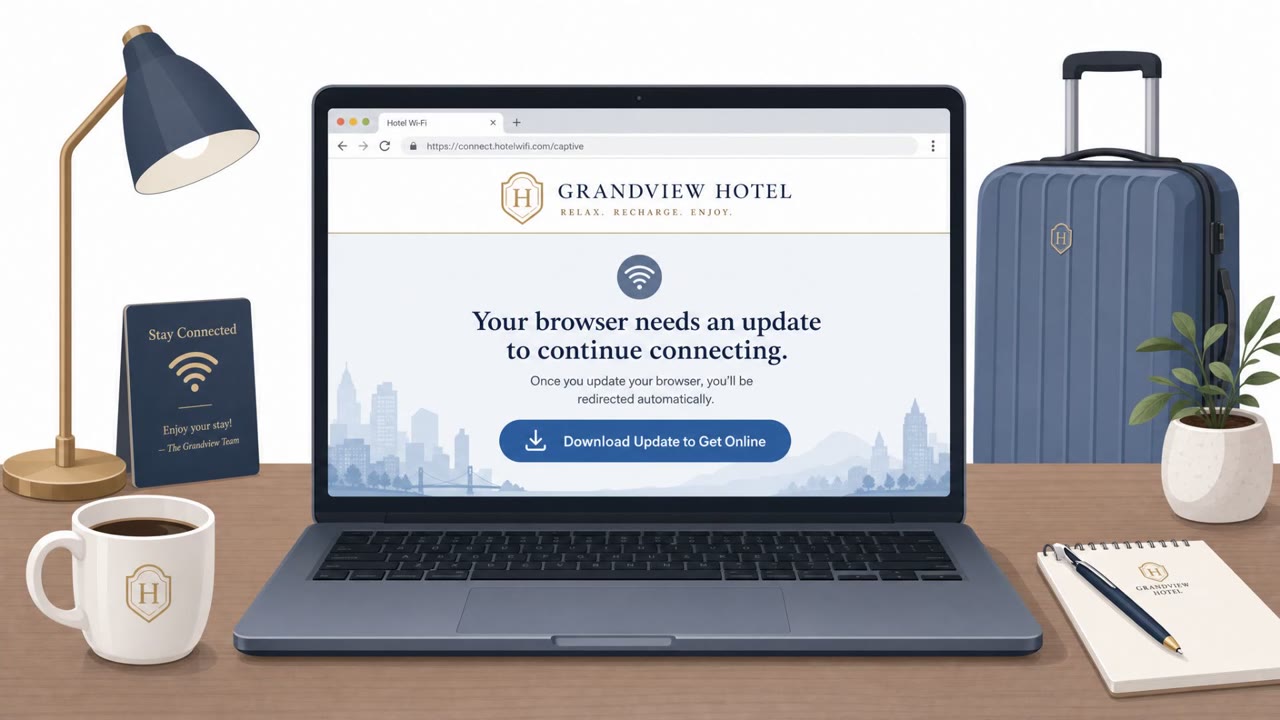
Microsoft reported a real campaign where Russian-linked attackers tampered with hotel and conference Wi‑Fi “captive portals” to redirect travelers to attacker-controlled pages. Victims were tricked into installing malware or completing a Microsoft “device code” sign-in that granted the attacker access, enabling theft of Microsoft 365/Azure AD tokens and potential account takeover.
How the attack worked
Microsoft has attributed a campaign called CaptiveCrunch to Storm-2945, an operational sub-cluster of Midnight Blizzard/APT29. Instead of relying on email, the attackers manipulated DNS and HTTP traffic on Wi-Fi networks served by captive portals at hotels, conference centers, and other shared venues. This let them redirect a traveler's traffic through attacker-controlled infrastructure the moment the traveler tried to connect to the internet.
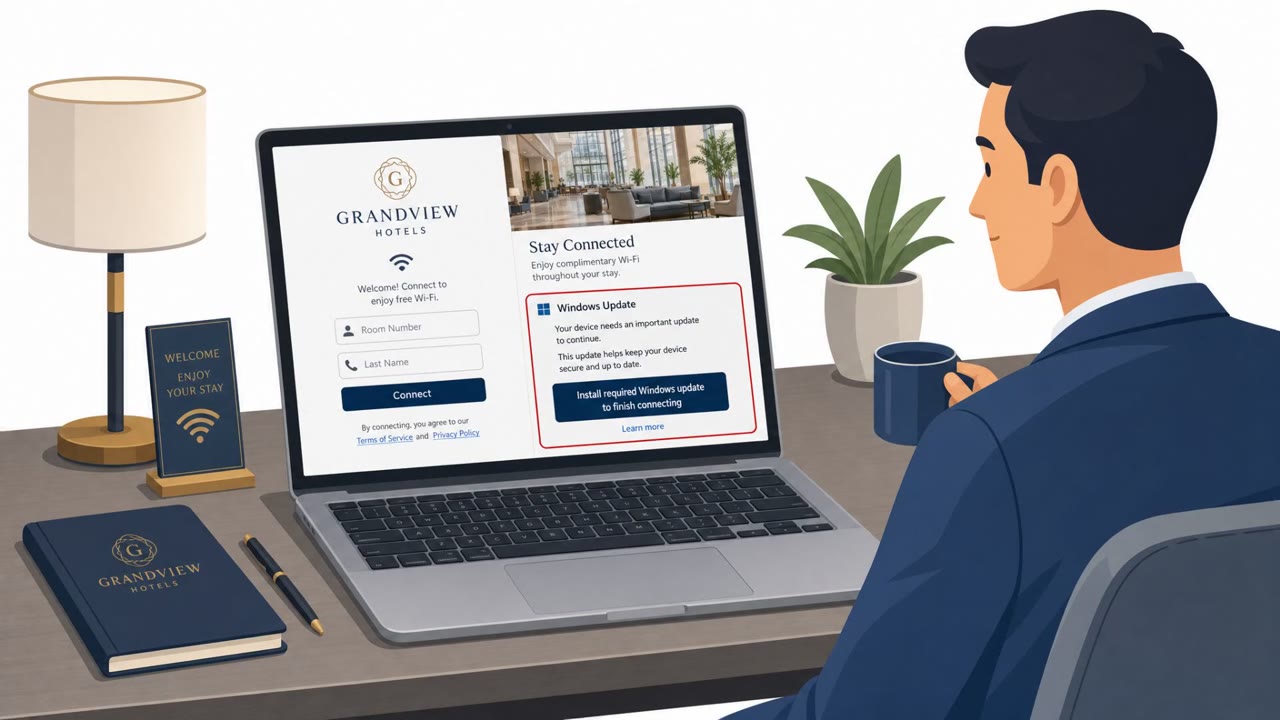
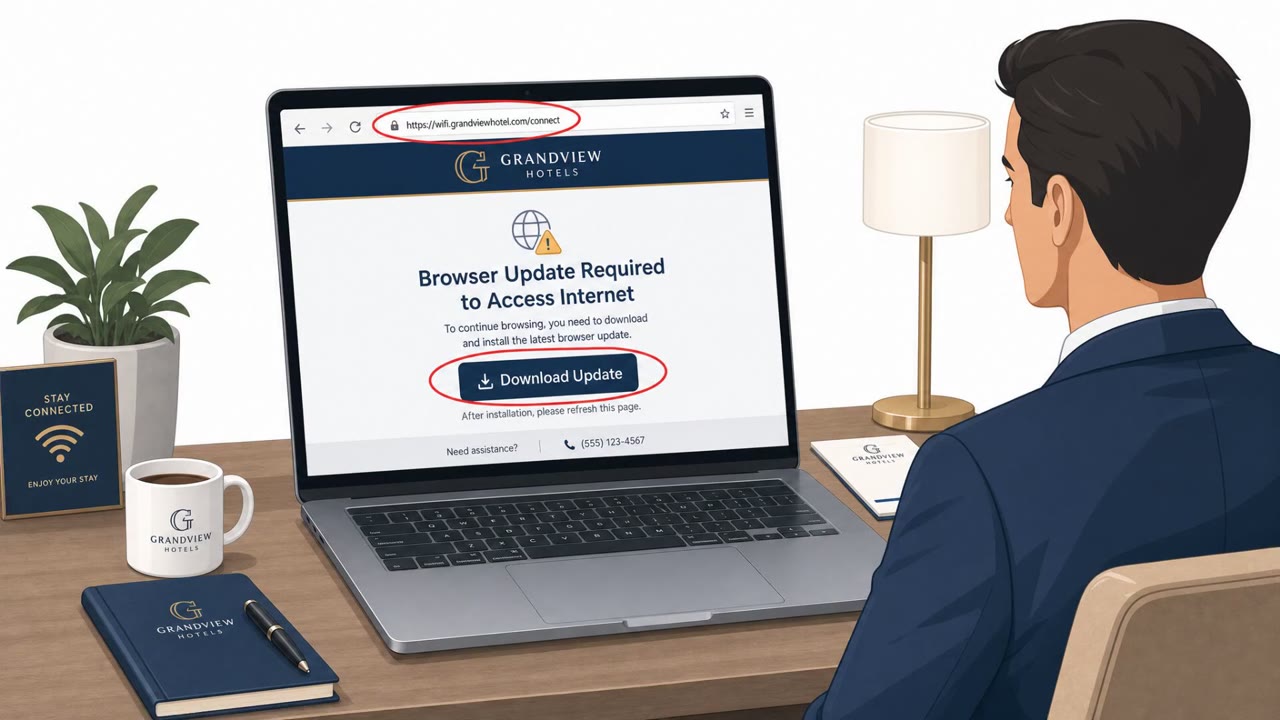
From there, victims were pushed toward ClickFix-style pages disguised as Windows Update screens, Google verification pages, DirectX installers, browser update prompts, or disk optimization utilities, whichever fit the venue. Executing these fake tools delivered malware known as CornFlake, and in some cases credential theft tooling called ChocoShell, which specifically targeted Microsoft 365 and Azure AD tokens, including refresh and WAM tokens, enabling session replay without needing browser cookies.
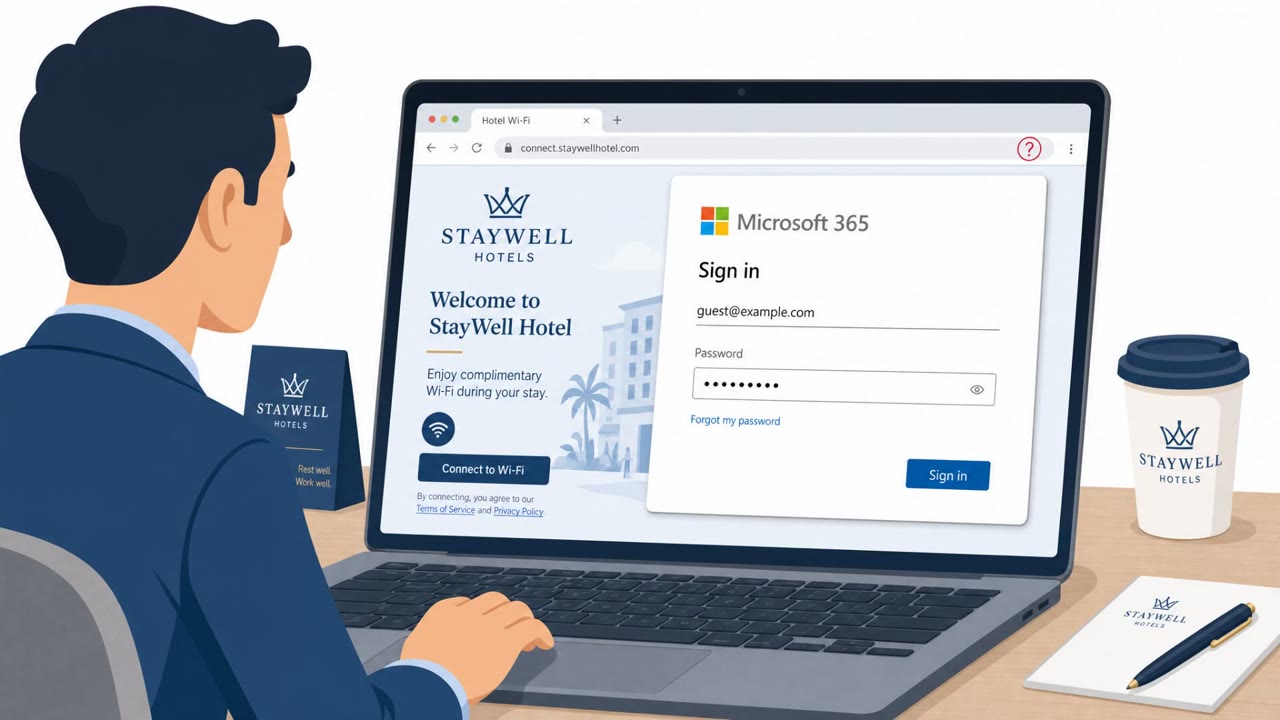
Starting July 16, some landing pages added a second technique: device code phishing. The attacker initiates a legitimate Microsoft device code authentication request and shows the victim a code to enter on Microsoft's real sign-in page. When the victim completes this step to "connect to Wi-Fi," they actually authenticate the attacker's session, an MFA-satisfied session, since the user just completed the factor.
Why it succeeded
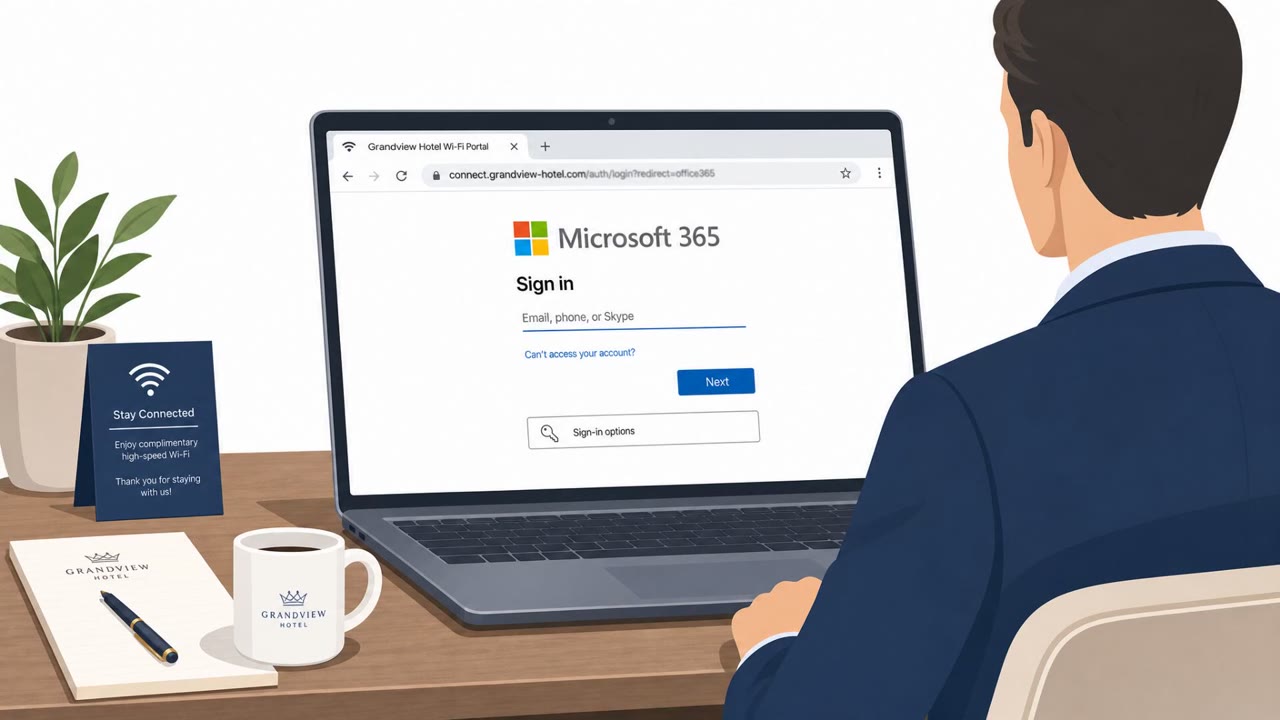
The attack succeeded because it exploited a moment of low suspicion: joining Wi-Fi at a hotel or conference. Captive portals are expected to ask for some interaction, so a prompt to install a driver, verify a browser, or enter a code does not immediately look out of place. Separately, researchers at ReliaQuest documented attackers compromising Wi-Fi gateways directly and quietly rerouting guests to fake Microsoft login pages, showing this is not a single-technique problem but a pattern across venue networks.
What to watch for
- A Wi-Fi login page asking you to download or run software before you can connect
- Update, verification, or optimization prompts that appear right after joining public Wi-Fi
- A request to use a device code as part of connecting to Wi-Fi
- A Microsoft sign-in page appearing during Wi-Fi registration, especially if you did not start the login yourself
How to build resistance
- Treat hotel, conference, and airport Wi-Fi as hostile, and use a mobile hotspot or cellular data when possible
- Never install anything a captive portal presents as an update, certificate, troubleshooting tool, or security utility
- Avoid entering corporate credentials on venue Wi-Fi registration pages
- Restrict Microsoft's device code authentication flow through Conditional Access policies wherever it is not explicitly required
Key findings
- Microsoft attributed the CaptiveCrunch campaign to Storm-2945 (an operational sub-cluster of Midnight Blizzard/APT29).
- Attackers manipulated DNS and HTTP traffic on captive portal networks at hotels, conference centers, and shared venues to redirect guests to attacker infrastructure.
- Victims were pushed to ClickFix-style fake update/verification pages to deliver malware (CornFlake) and credential theft tooling (ChocoShell).
- ChocoShell specifically targeted Microsoft 365 and Azure AD tokens (including refresh and WAM tokens), enabling session replay without needing browser cookies.
- Landing pages later added device code phishing using Microsoft’s legitimate device code flow, causing users to authenticate the attacker’s session.
- Guidance emphasized treating public/shared Wi‑Fi as hostile and avoiding downloads/credential entry via captive portals.
Who’s being targeted
- Commonly targeted roles: Executives, Sales, Consultants/Professional Services, Frequent travelers, IT/Identity & Access Management, Finance (travel-heavy roles).
- Affected industries: Hospitality (hotels), Conference and event venues, Any industry with corporate travelers.
- Attack channels: website.
- Impersonated: Windows Update / browser update / DirectX installer / Google verification (varies by page), Microsoft device code authentication flow (legitimate Microsoft sign-in page used in an attacker-initiated session), Microsoft sign-in page.
Red flags to watch for
- Wi‑Fi login page asking you to download/install software to connect
- Update prompts appearing immediately after joining public Wi‑Fi
- Generic or overly broad “fix/optimization” tools shown inside a venue portal
- Unexpected request to use a device code as part of joining Wi‑Fi
- A code-based Microsoft login initiated from a venue portal rather than your work app
- You did not start the sign-in yourself but are asked to complete it
- Microsoft login appears during Wi‑Fi registration
- Sign-in page domain/URL does not match known Microsoft domains
- You are asked for corporate credentials to use guest Wi‑Fi
Frequently asked questions
What is the CaptiveCrunch campaign?
CaptiveCrunch is a campaign, attributed by Microsoft to Storm-2945 (a sub-cluster of Midnight Blizzard/APT29), that manipulated DNS and HTTP traffic on hotel and conference Wi-Fi captive portals to redirect travelers to attacker-controlled infrastructure.
How did attackers steal Microsoft 365 tokens through Wi-Fi portals?
Fake update pages delivered credential theft tooling called ChocoShell, which targeted Microsoft 365 and Azure AD tokens, including refresh and WAM tokens, allowing attackers to replay sessions without needing browser cookies.
What is device code phishing and why is it dangerous on hotel Wi-Fi?
Device code phishing uses Microsoft's legitimate device code sign-in flow: the attacker initiates authentication and gives the victim a code to enter on Microsoft's real page, so the victim unknowingly authenticates the attacker's session with MFA already satisfied.
How can travelers protect themselves from malicious captive portals?
Treat hotel, conference, and airport Wi-Fi as untrusted, use a mobile hotspot or cellular data when possible, avoid installing anything a captive portal offers as an update or utility, and never enter corporate credentials on venue registration pages.
Read the video transcript
You know that hotel Wi‑Fi page that pops up before you get online? Storm‑2945 has been hijacking those to steal Microsoft 365 access. In this CaptiveCrunch campaign, they tamper with hotel and conference Wi‑Fi so the portal shows fake Windows Update or Google verification pages, pushing you to download a so‑called fix that’s actually CornFlake malware targeting your Microsoft 365 tokens. Here’s the nasty part: some portals now push a Microsoft device code login. You see a real Microsoft page and type in the code they give you, but that code approves the attacker’s session, giving them your Microsoft 365 and Azure AD access without ever stealing your password. If any hotel, conference, or airport Wi‑Fi ever tells you to download software or use a device code to get online, stop and switch to your phone’s hotspot instead.