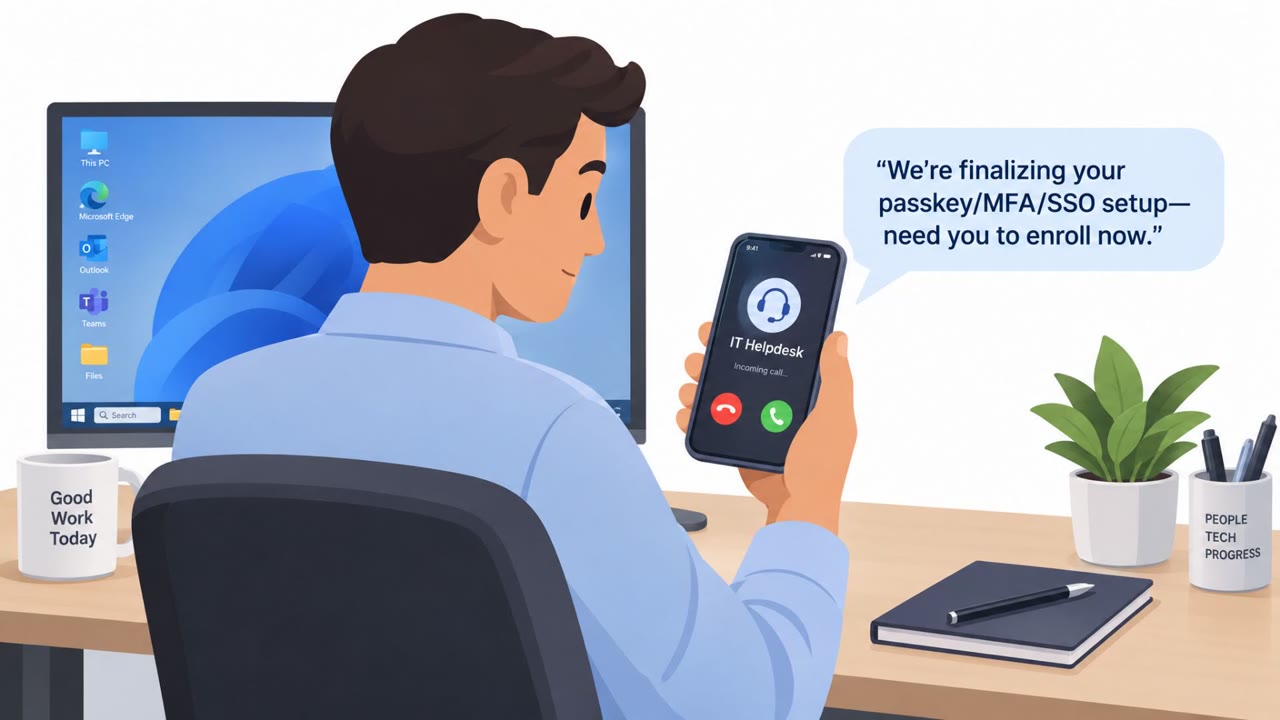
The article describes real-world ways attackers get around multifactor authentication (MFA), including “push bombing” (MFA fatigue), phishing pages that relay codes in real time, SIM swapping, and stealing session cookies so MFA isn’t needed again. It also cites known incidents (e.g., Uber 2022 MFA fatigue; Colonial Pipeline legacy VPN without MFA) and provides practical defensive steps like phishing-resistant MFA, tightening account recovery, and regularly reviewing authentication workflows.
How the Attack Worked
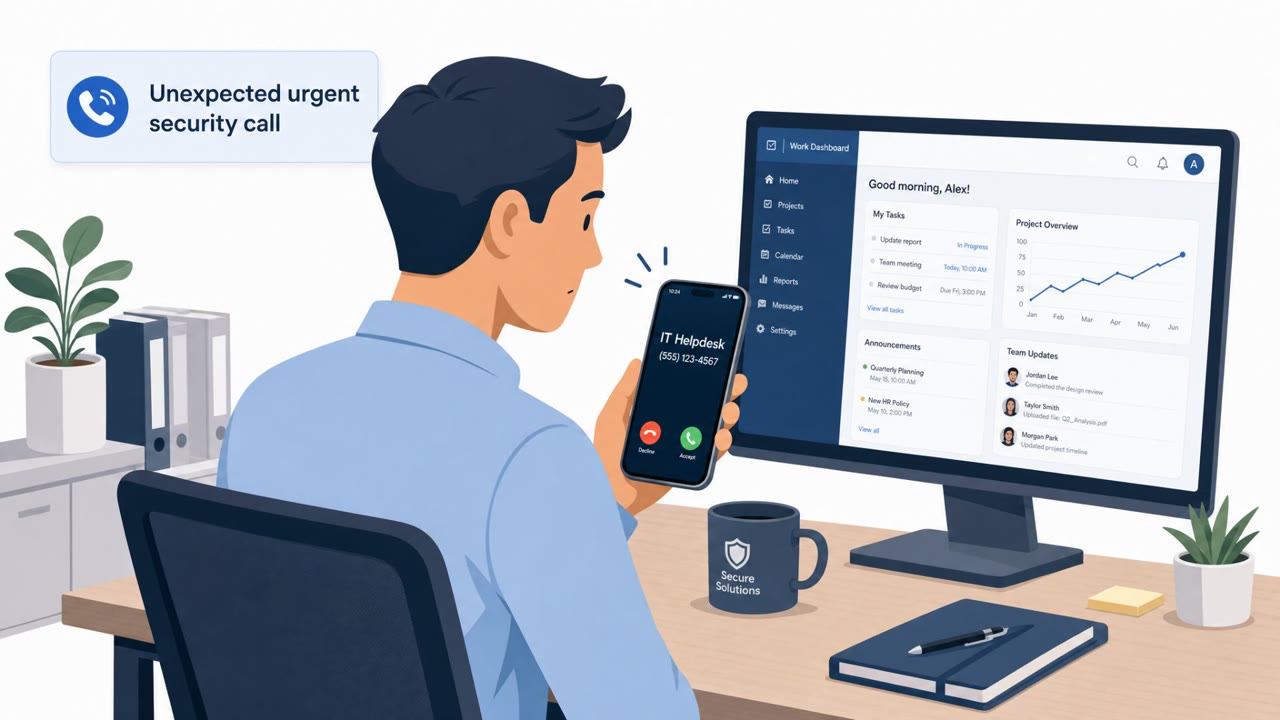
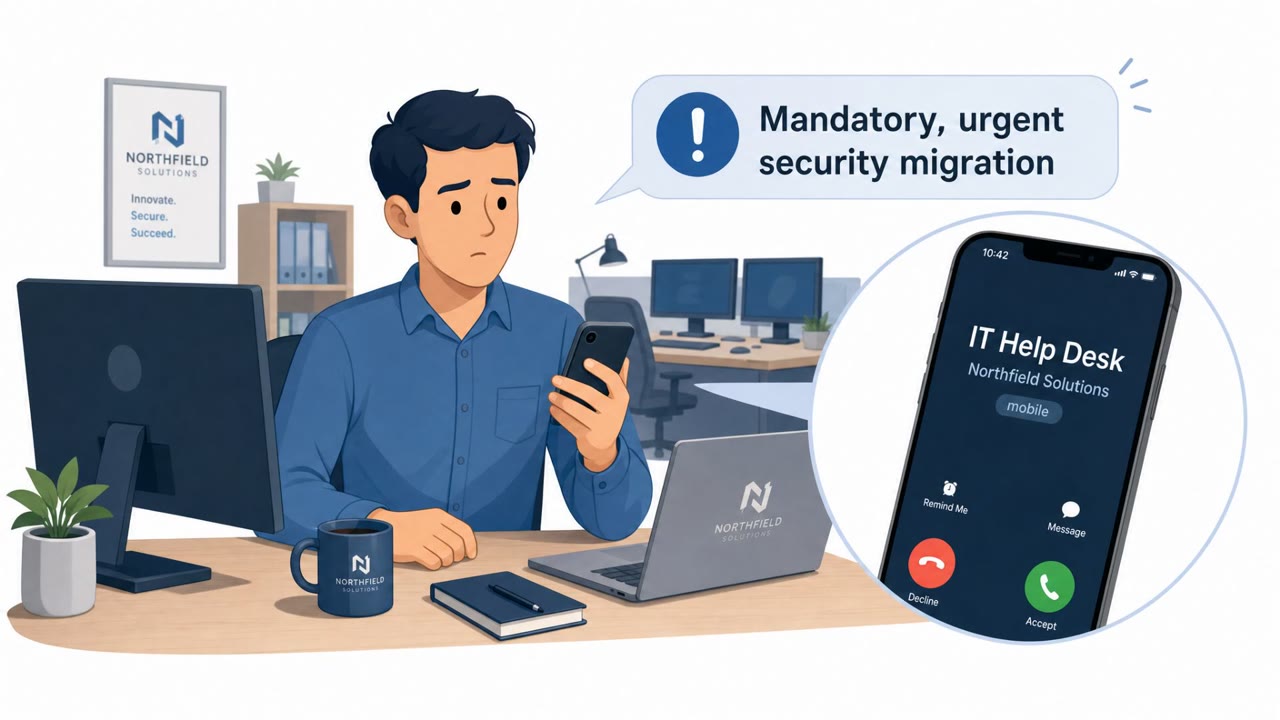
Multifactor authentication is often treated as a near-guarantee of account security, but attackers have developed several real-world techniques to get around it. One method, known as MFA fatigue or push bombing, involves rapidly sending numerous authorization requests, typically via SMS push messages, until a user gives in and approves the request, granting access to an attacker. Attackers often pair this with social engineering, impersonating internal IT or security staff to create a false sense of trust and pressure the target into approving the login.
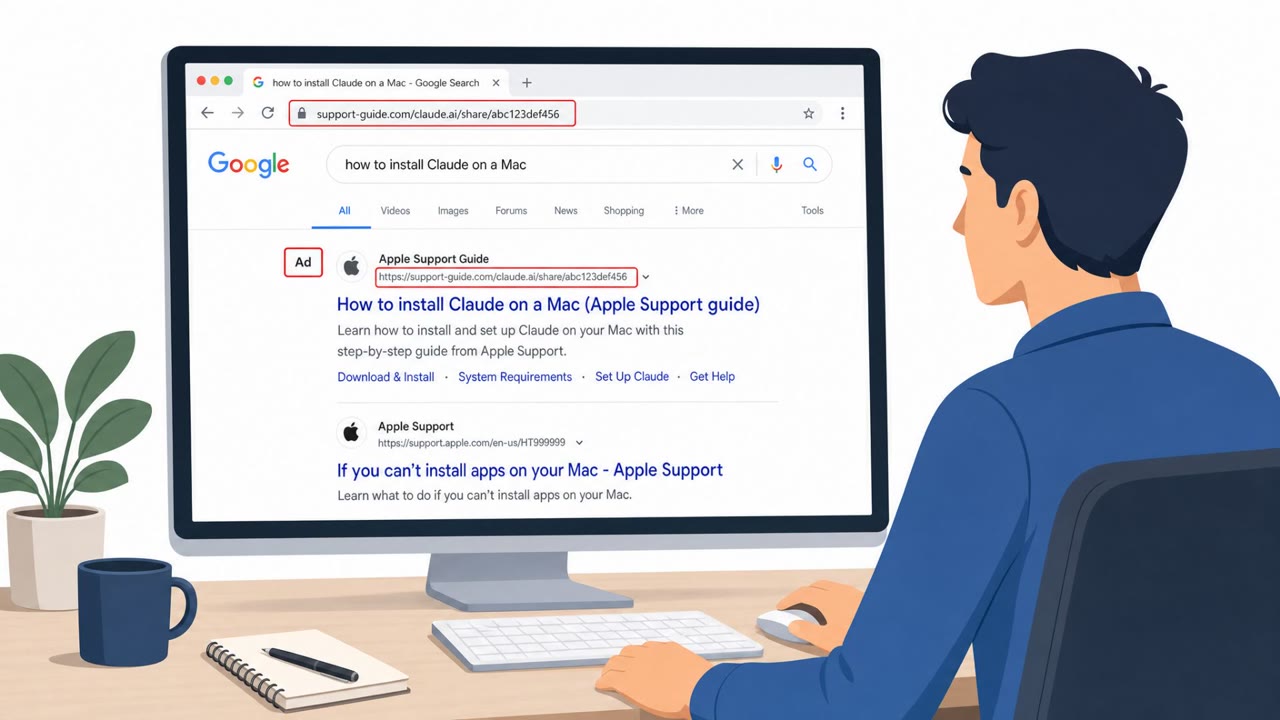
Other techniques target the authentication channel itself rather than the user's patience. SIM swapping works by convincing a telecom customer service employee that the attacker is the legitimate phone owner, redirecting SMS one-time codes to the attacker's device. Separately, attackers set up phony login pages or use real-time relays and man-in-the-middle proxies to intercept MFA codes as a user types them in. In some cases, attackers skip credentials and codes altogether by stealing session cookies or authentication tokens, since the authorization process has no way of knowing whether the current holder of that token ever legitimately authenticated.
Why It Succeeded
These techniques succeed because they exploit trust and process gaps rather than breaking encryption. A flood of prompts wears down user attention, and a confident, urgent-sounding pretext from someone claiming to be IT reduces scrutiny. Telecom support processes can be manipulated through social engineering rather than technical exploitation. And because many websites don't enforce session inactivity limits, a stolen cookie can grant ongoing access without ever triggering another MFA challenge.
What to Watch For
- Repeated, unexpected MFA prompts that the user did not initiate
- Pressure to approve a prompt quickly to resolve an alleged security issue
- Login pages reached through unusual links, or unexpected re-authentication requests after already being signed in
- Requests to a telecom or IT support line that skip standard identity verification steps
How to Build Resistance
Organizations can reduce exposure by treating unexpected MFA prompts as a likely attack: employees should deny and report them rather than approve them to "make the alerts stop." Reducing reliance on SMS-based codes and strengthening account recovery and SIM-change processes closes off common bypass paths. Enforcing session timeouts and monitoring for cookie or token theft limits how much value an attacker gains from a captured session. Regularly reviewing authentication workflows, including how IT, service desk, and telecom support staff verify identity, helps ensure MFA delivers the protection it's meant to provide.
Key findings
- MFA fatigue (“push bombing”/“prompt bombing”) works by spamming approval requests until a user accepts.
- Attackers combine MFA fatigue with social engineering to create trust and pressure users to approve sign-ins.
- Real-time phishing relays/evil proxies and fake login pages can capture one-time passcodes and bypass MFA.
- SIM swapping can redirect SMS codes by convincing a telecom support agent the attacker is the phone owner.
- Stolen session cookies/tokens can allow attackers to bypass MFA entirely if sessions are not tightly controlled.
Who’s being targeted
- Commonly targeted roles: All employees, IT / Identity & Access Management, Service desk / helpdesk, Executives and other high-value targets, Telecom customer support (for SIM-swap prevention).
- Affected industries: Technology and SaaS, Critical infrastructure / Energy, Any industry using remote access, VPNs, or cloud identity.
- Attack channels: vishing, website.
- Impersonated: Internal IT / Security team, Legitimate phone owner (customer) calling the telecom provider, Legitimate sign-in page for a service the user uses.
Red flags to watch for
- Repeated, unexpected MFA prompts the user did not initiate
- Pressure to approve quickly to resolve an alleged security issue
- The request comes via a generic or unverifiable support contact
- Caller cannot pass strong identity verification but insists on urgent SIM/number transfer
- High-pressure request to bypass normal checks
- Recent account changes followed immediately by authentication attempts
- Login page URL/domain looks slightly off or is reached from an unusual link
- Unexpected re-authentication prompts after the user is already logged in
- Browser behavior changes (extra redirects, new prompts) during sign-in
Frequently asked questions
What is MFA fatigue or push bombing?
MFA fatigue, also called push bombing or prompt bombing, is when an attacker rapidly sends numerous authorization requests until a user gives in and approves one, granting access.
Can attackers bypass MFA even without stealing a password?
Yes. Attackers can intercept session cookies or tokens after a user authenticates, and reuse that session to bypass MFA entirely since the system cannot verify whether the token holder legitimately authenticated.
How does a SIM swap defeat SMS-based MFA?
An attacker convinces a telecom customer service employee that they are the legitimate phone owner, then redirects the victim's number to a new SIM so SMS one-time codes are delivered to the attacker instead.
What should employees do if they get an unexpected MFA prompt?
Treat any MFA prompt they did not initiate as a potential attack, deny it, and report it immediately rather than approving it to make the alerts stop.
Read the video transcript
You know those random MFA pop‑ups on your phone? Attackers now spam those on purpose until you finally tap Approve. This is what hit Uber in 2022: nonstop prompts plus a fake ‘IT support’ call, saying, “Just approve one to stop the alerts.” One tap, and they’re in, MFA and all. And it’s not just push bombing. Fake login pages can grab your one-time codes in real time, SIM swaps can hijack your SMS, and stolen session cookies can skip MFA entirely. Your move: if you get an MFA prompt you didn’t start, hit Deny and report it to Security immediately, treat every unexpected prompt as an active attack.