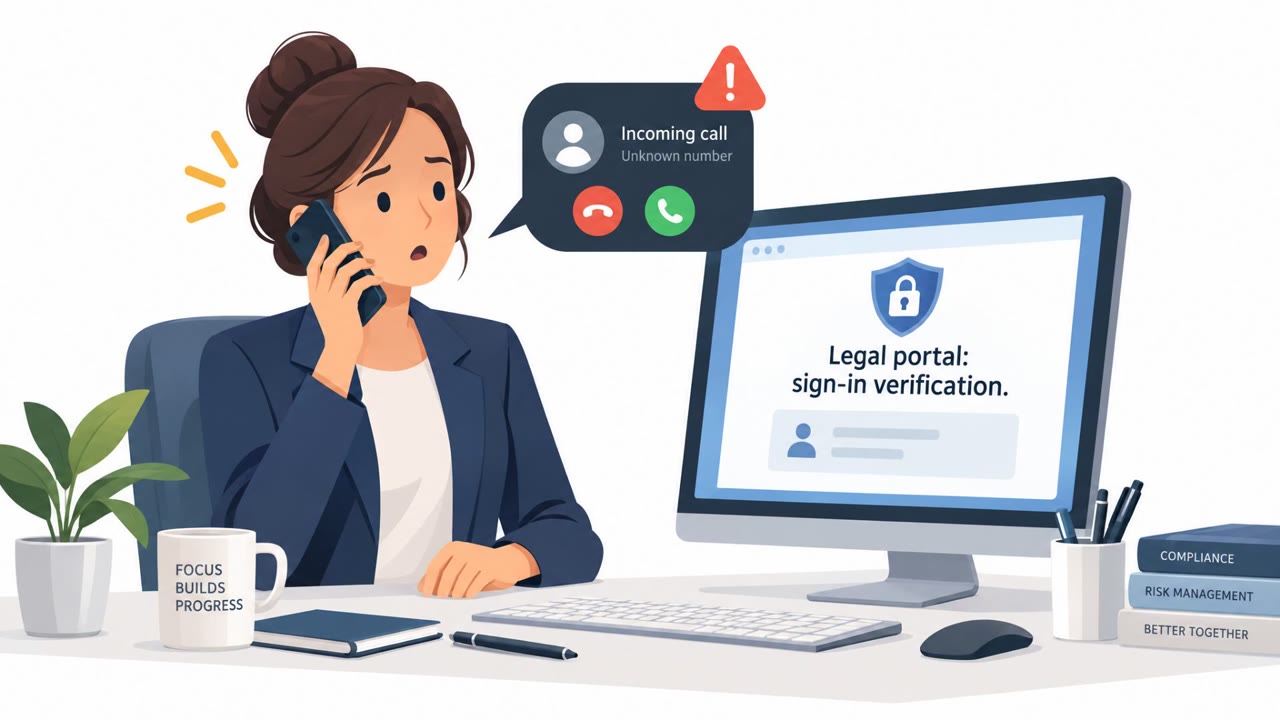
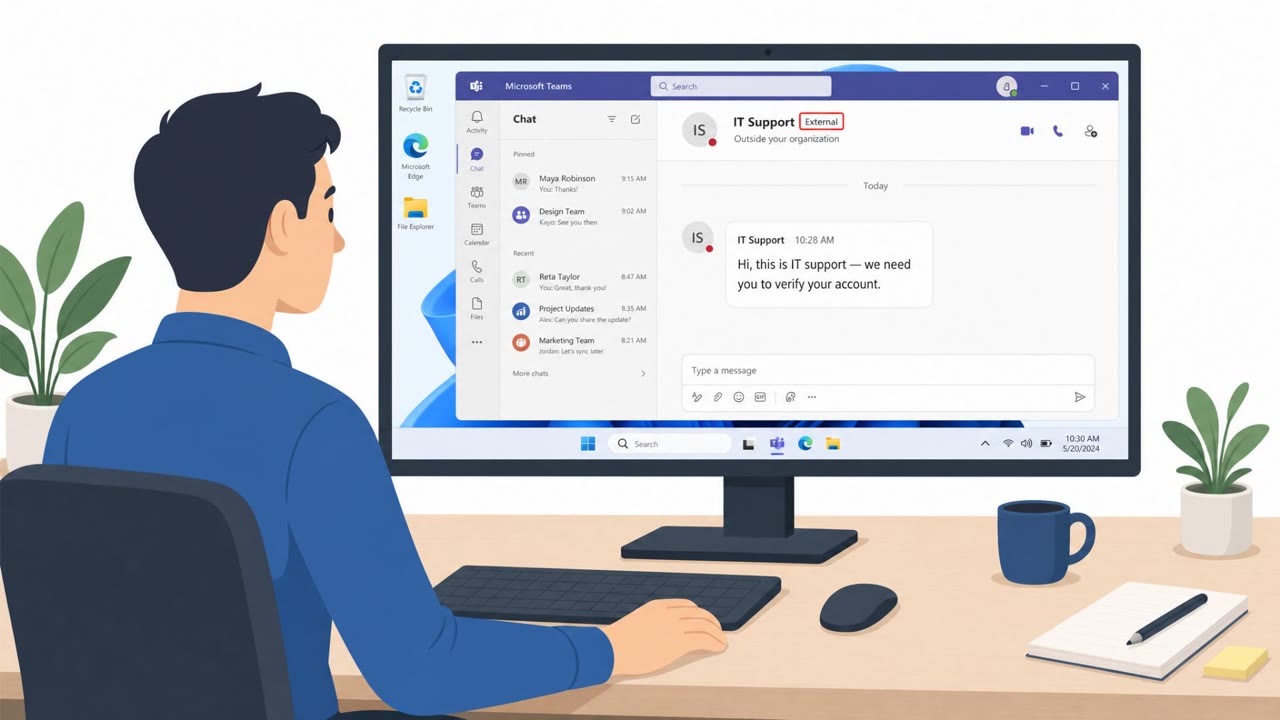
Researchers linked the emerging Inception data-extortion brand to phone-based phishing calls targeting employee single sign-on credentials. Callers posed as support staff, pressured employees to reset passwords on fake sign-in pages, and then sought MFA codes or push approvals to access and steal data.
How the attack worked
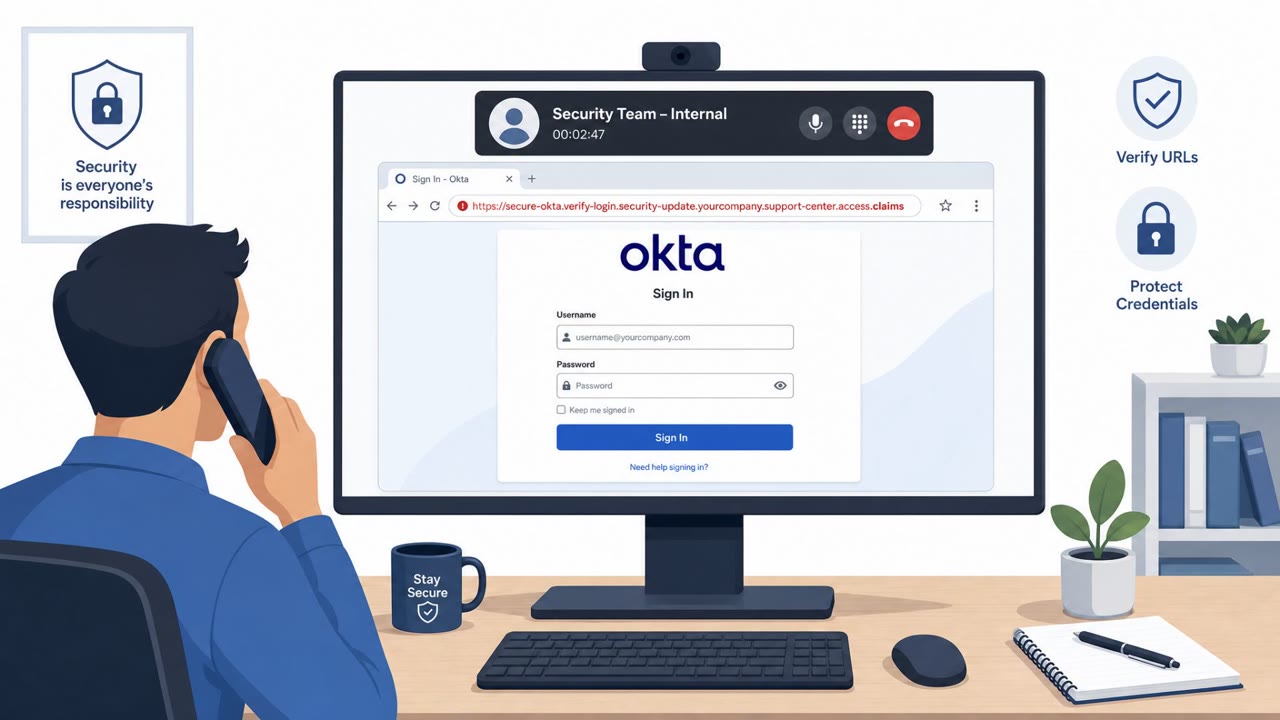
The campaign tracked as O-UNC-053, linked to the Inception data-extortion brand and prior ShinyHunters leak site activity, combined phone calls with fake login pages to steal single sign-on credentials. Callers posed as support staff and pressured employees into resetting their passwords through counterfeit sign-in pages. Once a victim entered their username and password, the operators moved to the next step: requesting an MFA one-time code or an approval for an unexpected push notification.
Because the attack relied on a phone call paired with a web-only phishing kit, it skipped email entirely. ReversingLabs confirmed the phishing kit on 21 domains and linked 41 additional domains to the operation with high confidence, using legal-themed lookalike domain names to appear legitimate.
Why it succeeded
This approach worked because it exploited trust in a human voice rather than a suspicious link in an inbox. An unsolicited call claiming to be from internal support creates urgency and can override an employee's usual caution about unfamiliar websites. Pairing the call with a convincing sign-in page that mimicked real identity provider portals, often modeled on Okta, made the request feel routine rather than alarming. Because the lure sites were web-only, traditional email filtering and anti-phishing controls never had a chance to intercept the attempt.
What to watch for
- An unsolicited caller pressures an employee to reset a password immediately.
- The caller directs the employee to a sign-in page instead of the normal company portal.
- A request for an MFA one-time code or approval of a push notification the employee did not initiate.
- A login page domain that looks unusual, legal-themed, or unrelated to the organization's actual identity provider.
Building resistance
Organizations and employees can reduce exposure to this style of attack with a few concrete habits:
- Treat unexpected support calls requesting a password reset as suspicious, and independently verify the caller through a known internal number or service portal before acting.
- Never share an MFA one-time code or approve a push notification that was not self-initiated.
- Always use the organization's known sign-in portal rather than a link or website supplied by an unsolicited caller.
- Prioritize phishing-resistant authentication, such as passkeys or FIDO2 security keys, for sensitive applications, since Okta noted this kit could not bypass that type of authentication.
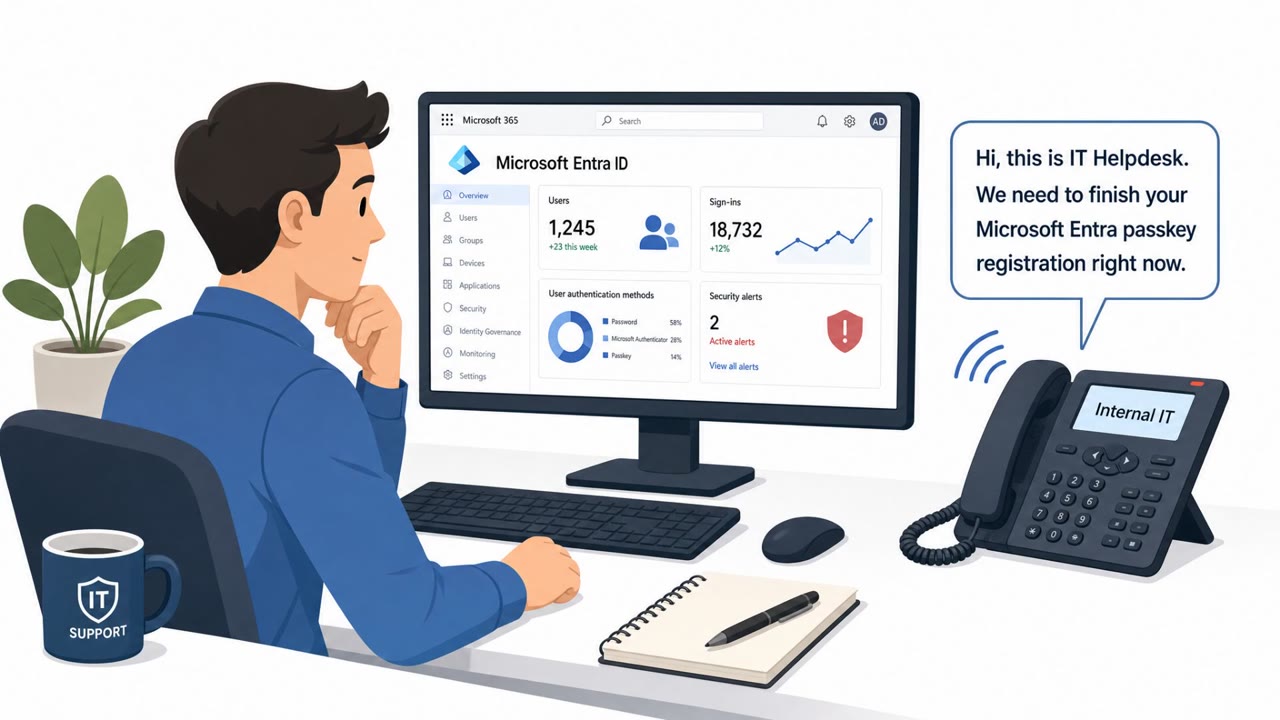
Help desk staff and identity and access management teams should also apply strict identity verification checks before resetting passwords or MFA factors on a caller's request, since this step is where the Inception-linked campaign gained its initial foothold.
Key findings
- The O-UNC-053 cluster was linked to a new Inception-branded data-extortion operation after activity previously associated with the ShinyHunters leak site.
- Attackers called employees while posing as support staff and pressured them to reset passwords through counterfeit sign-in pages.
- The operation captured usernames and passwords, then attempted to obtain MFA one-time codes or push approvals.
- The phishing sites used legal-themed lookalike domains and were web-only, avoiding email-filter controls.
- ReversingLabs confirmed the phishing kit on 21 domains and linked 41 additional domains to the operation with high confidence.
- Okta said phishing-resistant authentication, such as passkeys or FIDO2 security keys, prevented the kit from bypassing authentication.
Who’s being targeted
- Commonly targeted roles: All employees, Help desk and IT support staff, Identity and access management teams, Administrators of sensitive applications, Security operations teams.
- Affected industries: Multiple industries; specific victim sectors were not identified.
- Attack channels: vishing, website.
- Impersonated: Support staff.
Red flags to watch for
- An unsolicited caller pressures the employee to reset a password immediately.
- The caller directs the employee to a sign-in page rather than having them use the normal company portal.
- The caller asks for an MFA code or asks the employee to approve an unexpected push notification.
Frequently asked questions
What is the Inception vishing campaign?
It is a data-extortion operation, linked to activity previously associated with the ShinyHunters leak site, that used phone calls posing as support staff to trick employees into resetting passwords on counterfeit SSO sign-in pages.
How did the attackers bypass email security controls?
The phishing sites were web-only and used legal-themed lookalike domains, so the campaign never had to pass through email filters.
What authentication method stopped this attack?
Okta said phishing-resistant authentication, such as passkeys or FIDO2 security keys, prevented the phishing kit from bypassing authentication.
What should employees do if they get an unexpected password reset call?
Treat the call as suspicious and independently contact IT through a known internal number or service portal before resetting any password or approving an MFA request.
Read the video transcript
“Support staff calling. You must reset your SSO password now.” That’s Inception vishing: the caller sends you to a fake sign-in page on a legal-themed lookalike domain. You enter your username and password. Then they ask for your MFA code, or tell you to approve a push. Aha: no suspicious email to catch. The trap starts with a call. Don’t follow the caller’s link or approve that push. Hang up and call IT using your known internal number.