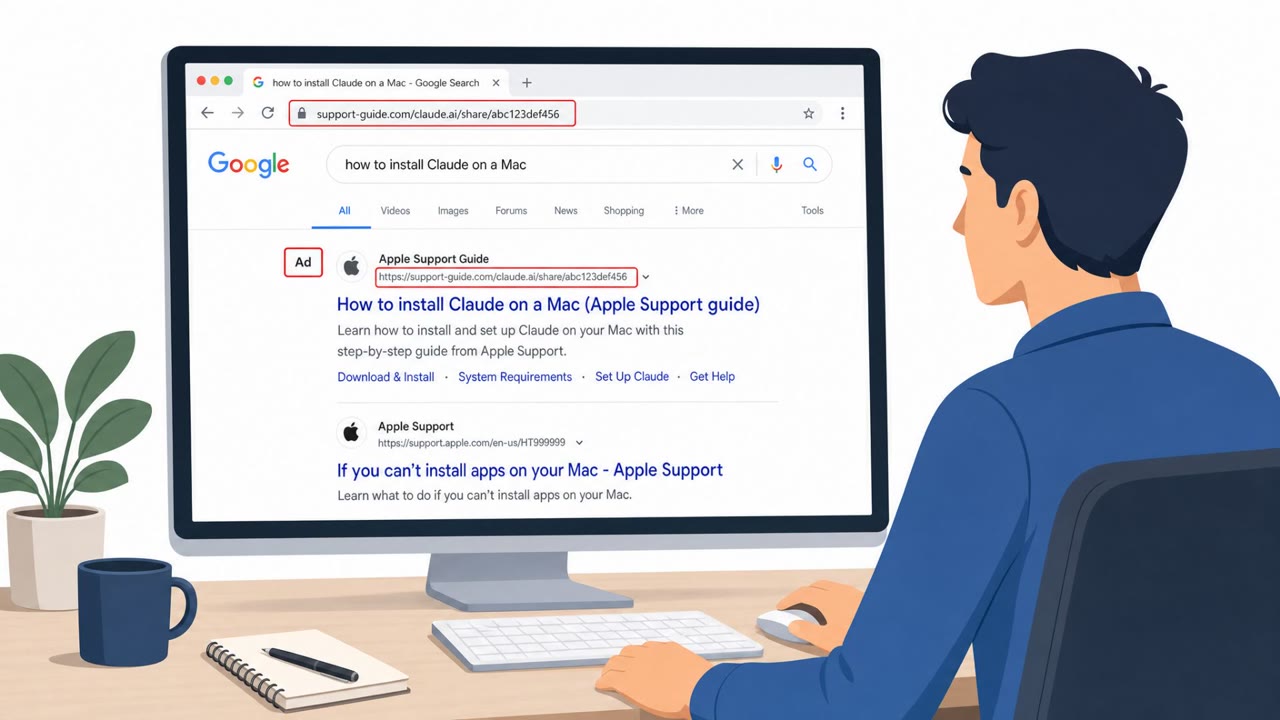
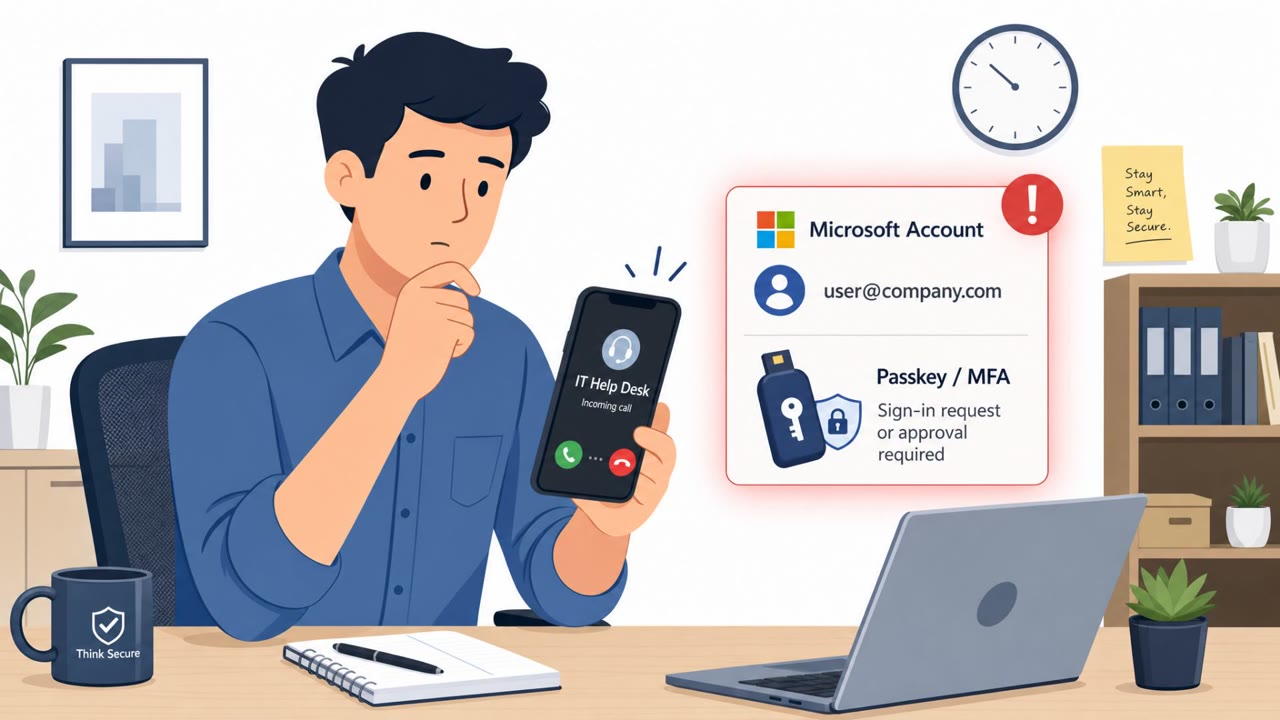
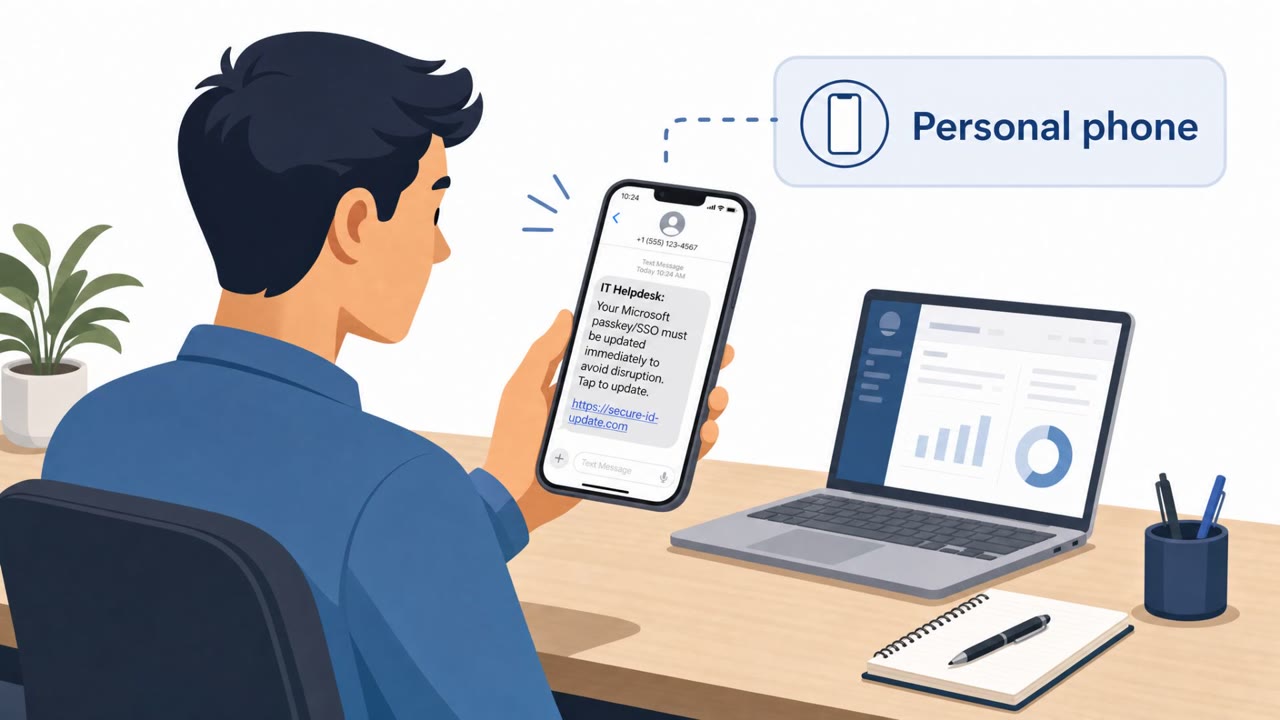
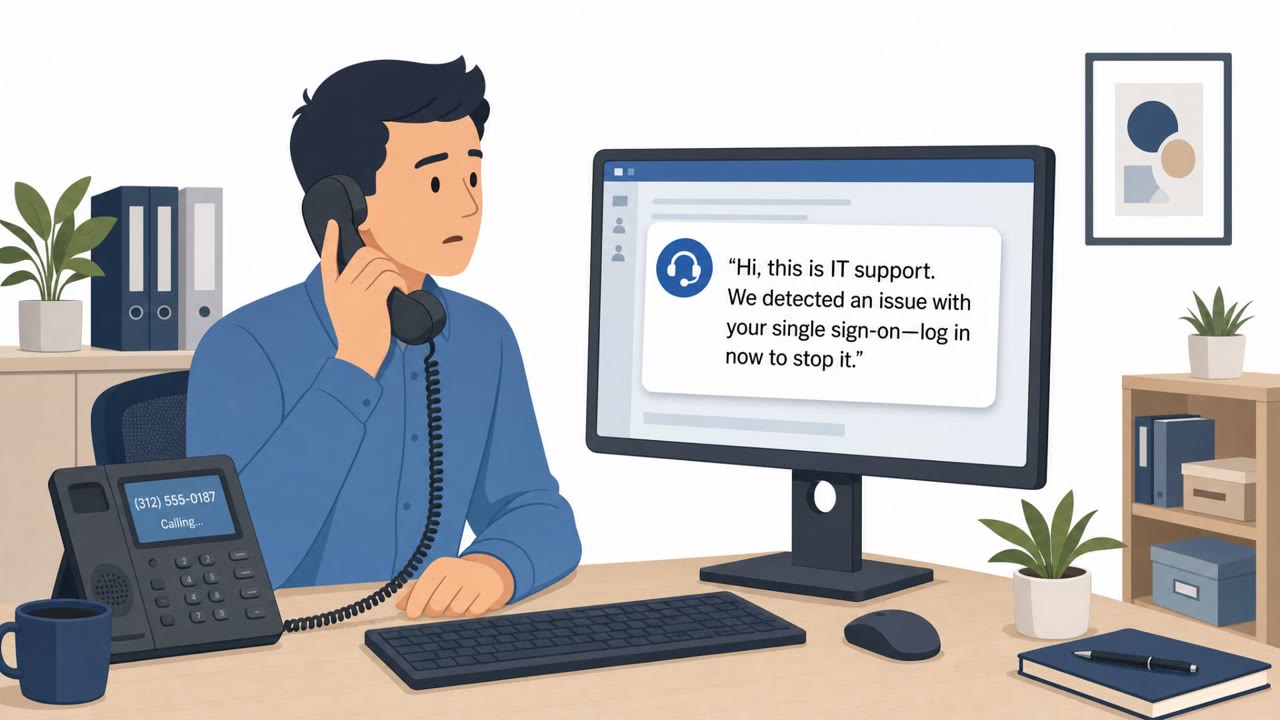
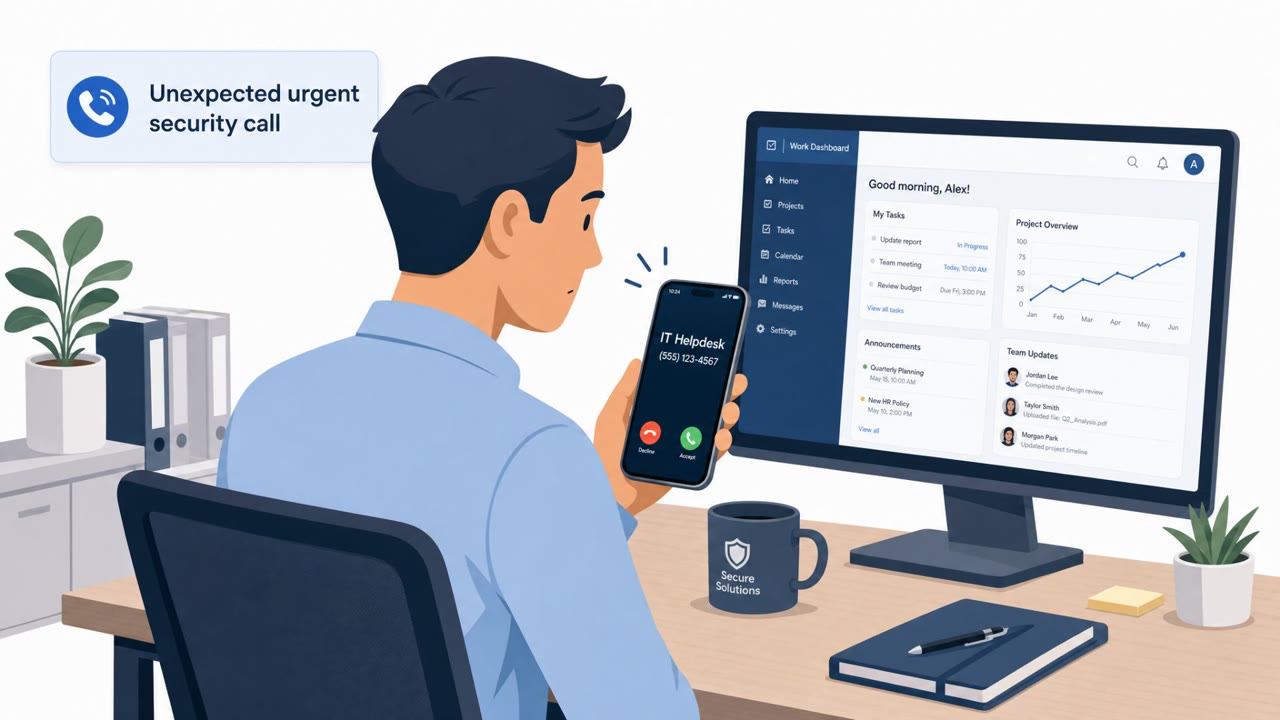
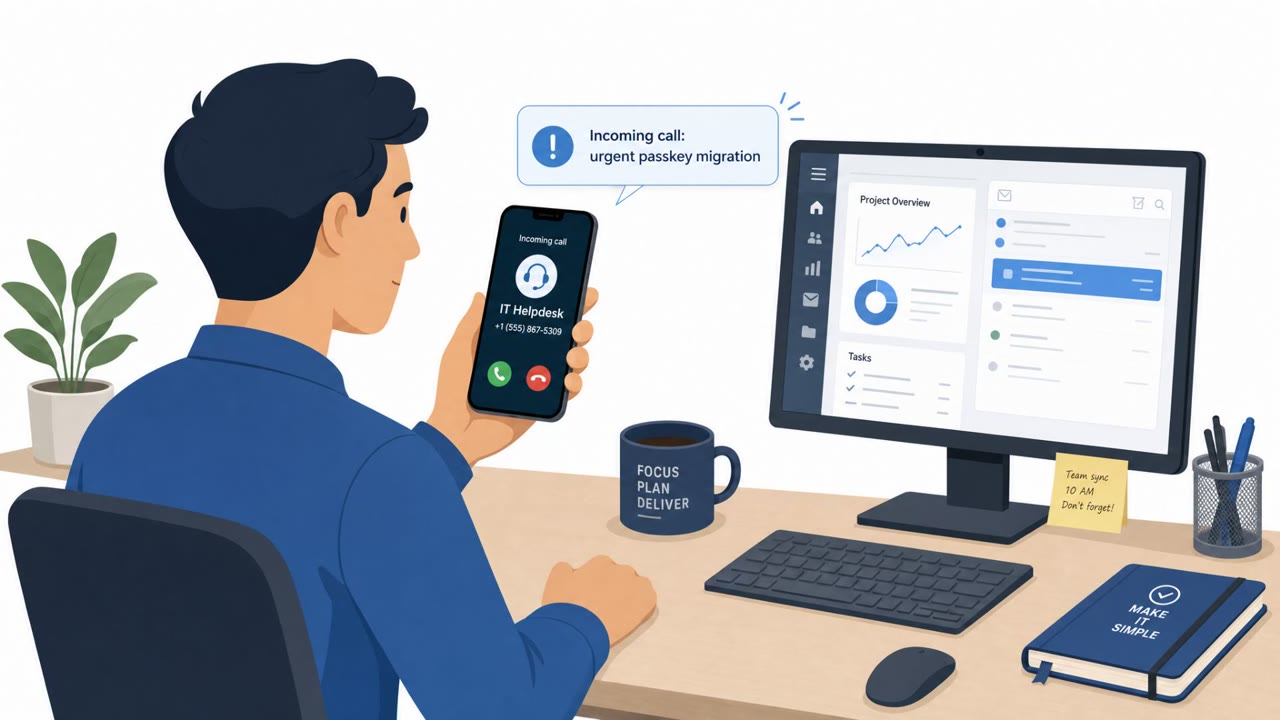
The “Pink” data extortion group is running a real-world voice phishing campaign targeting employees in Microsoft 365 / Entra ID environments. Callers impersonate the internal IT helpdesk and direct staff to realistic lookalike login sites timed to Microsoft’s passkey-enrollment prompts, enabling attackers to register their own passkey and gain persistent access. A notable tell is a fake “recovery” page showing crypto-style BIP-39 seed phrases, which do not belong in Microsoft Entra flows.
How the Attack Worked
The group known as Pink (also tracked as O-UNC-066 or CL-CRI-1147) runs a voice phishing campaign against Microsoft 365 and Entra ID users, active since April 2026 and surging through July 2026. Callers pose as internal IT helpdesk staff, telling employees they need to complete a Microsoft Entra passkey enrollment step. Victims are directed to a realistic, employer-branded lookalike subdomain to sign in, timed to coincide with Microsoft's own passkey enrollment nudges so the request feels expected.
Once on the fake site, victims are shown a Microsoft-branded page presenting a list of BIP-39 seed phrases and told to write them down as an identity backup. This step has no legitimate place in Entra ID login flows. While the victim is occupied copying down the words, the attacker quietly registers their own persistent, phishing-resistant passkey on the victim's real Entra profile, gaining long-term access without needing further credentials or MFA prompts.
Why It Succeeded
The campaign blends several elements that make it hard to spot:
- Calls sound like routine internal IT compliance work rather than an obvious scam
- The lookalike login pages are branded to match the employer, not a generic phishing template
- The timing aligns with real Microsoft passkey enrollment prompts, reducing suspicion
- The fake recovery step borrows crypto-style language that many users have seen elsewhere and may assume is a modern security feature
This combination lets the attacker register a passkey that grants ongoing access, described as a definitive indicator of compromise once identified, without immediately alarming the victim.
What to Watch For
Employees and security teams should treat the following as red flags:
- An unsolicited call claiming urgent IT compliance action is needed
- Being directed to sign in through a link provided during a call rather than a known URL or bookmark
- Any corporate Microsoft login flow that displays crypto-style seed phrases or asks users to write down recovery words
Because BIP-39 seed phrases have no technical function within Microsoft Entra ID, seeing them during a corporate login should be treated as an active compromise signal.
Building Resistance
Organizations can reduce exposure to this pattern with a mix of process and technical controls:
- Establish out-of-band verification so staff hang up on unsolicited IT calls and confirm requests through known internal channels
- Train employees to avoid signing in through links given over the phone
- Restrict passkey registration to known corporate IP ranges through conditional access policies
- Monitor logs for newly bound passkeys, especially those given benign or generic names
These steps target the specific mechanics of this campaign, from the initial vishing call to the final passkey registration that gives attackers persistent access to systems like SharePoint and OneDrive.
Key findings
- Pink (aka O-UNC-066 / CL-CRI-1147) is running a sophisticated vishing campaign against Microsoft 365 and Entra ID users, active since April 2026 and surging in July 2026.
- Attackers impersonate internal IT helpdesk staff and guide users to employer-branded lookalike subdomains to capture credentials and adapt the phishing flow to the victim’s MFA prompts.
- During a July 2026 attack, the phishing kit displayed a Microsoft-branded “recovery” page listing BIP-39 seed phrases and instructing the user to write them down as an “identity backup.”
- The seed-phrase step is a distraction while attackers register their own passkey on the victim’s real Entra profile, then use persistent access to exfiltrate data from SharePoint and OneDrive.
- Recommended mitigations include restricting passkey registration to corporate IP ranges, monitoring for newly bound passkeys with benign names, and enforcing out-of-band verification for unsolicited IT calls.
Who’s being targeted
- Commonly targeted roles: All employees, Helpdesk / IT support, SOC / Security operations, Identity and Access Management (IAM) administrators, Finance and executive assistants (high-risk for social engineering calls).
- Affected industries: Healthcare, Technology, Aviation, Automotive, Construction, Food and beverage.
- Attack channels: vishing, website.
- Impersonated: Internal IT helpdesk.
Red flags to watch for
- Unsolicited call claiming urgent IT compliance action is required
- Being directed to an employer-branded lookalike subdomain to sign in
- A “recovery” step that shows crypto-style BIP-39 seed words and asks you to write them down
Frequently asked questions
What is the Pink vishing campaign?
It is a voice phishing operation in which callers impersonate internal IT helpdesk staff and direct employees to employer-branded lookalike login pages to hijack their Microsoft Entra ID accounts.
Why do attackers show a BIP-39 seed phrase during the attack?
The seed phrase screen is a distraction that keeps the victim occupied while the attacker registers their own phishing-resistant passkey on the victim's real Entra profile, since seed phrases have no legitimate role in Entra ID.
How can organizations stop unauthorized passkey enrollment?
Recommended mitigations include restricting passkey registration to known corporate IP ranges, monitoring logs for newly bound passkeys with benign names, and enforcing out-of-band verification for unsolicited IT calls.
What should employees do if they get an unexpected IT helpdesk call?
They should hang up and verify the request through a known internal number rather than following any link or instructions given during the call.
Read the video transcript
You get a call: “Hi, this is IT Helpdesk. We need to finish your Microsoft Entra passkey registration right now.” This is the Pink vishing crew. They walk you to a company-branded lookalike login site, then a fake Microsoft recovery page that shows a list of crypto-style BIP-39 seed words and tells you to write them down. Here’s the trick: while you’re busy copying those seed words, they’re on your real Entra profile in the background, quietly registering their own passkey so they can live in your SharePoint and OneDrive. Aha moment: Microsoft never shows crypto seed phrases. If an IT caller sends you to a login page and you see BIP-39 words, hang up and call the real helpdesk number yourself.