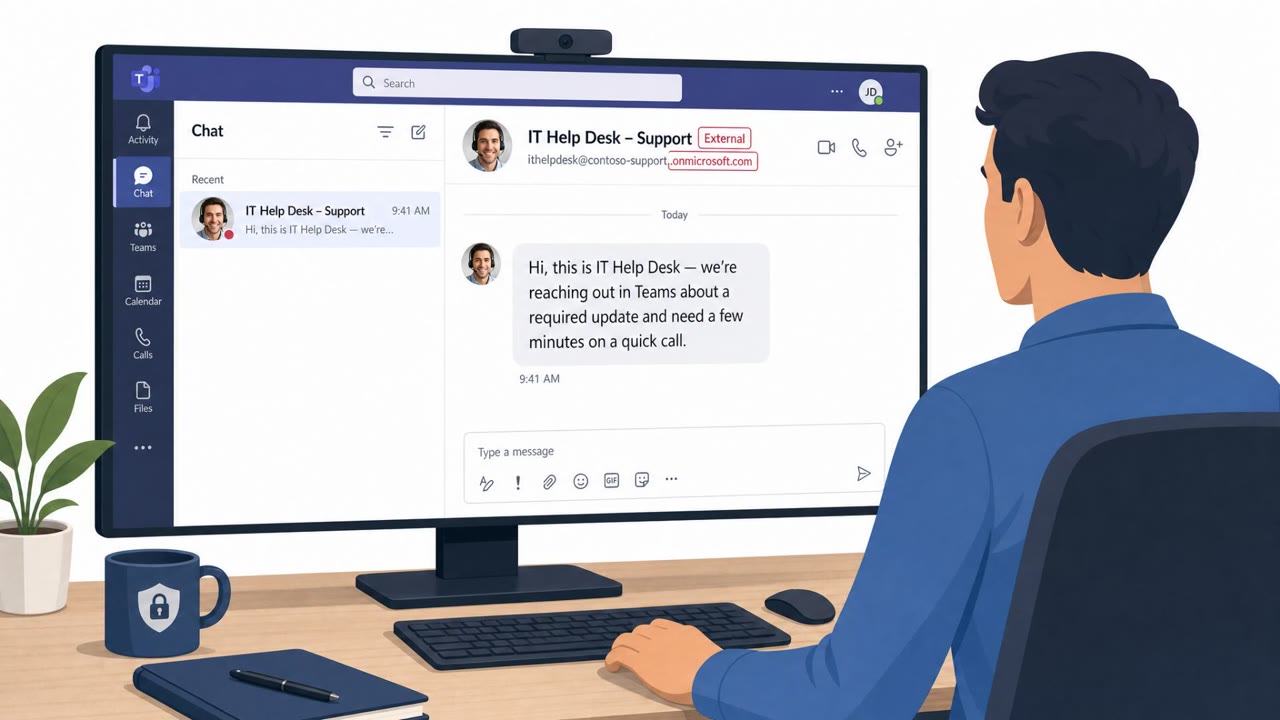
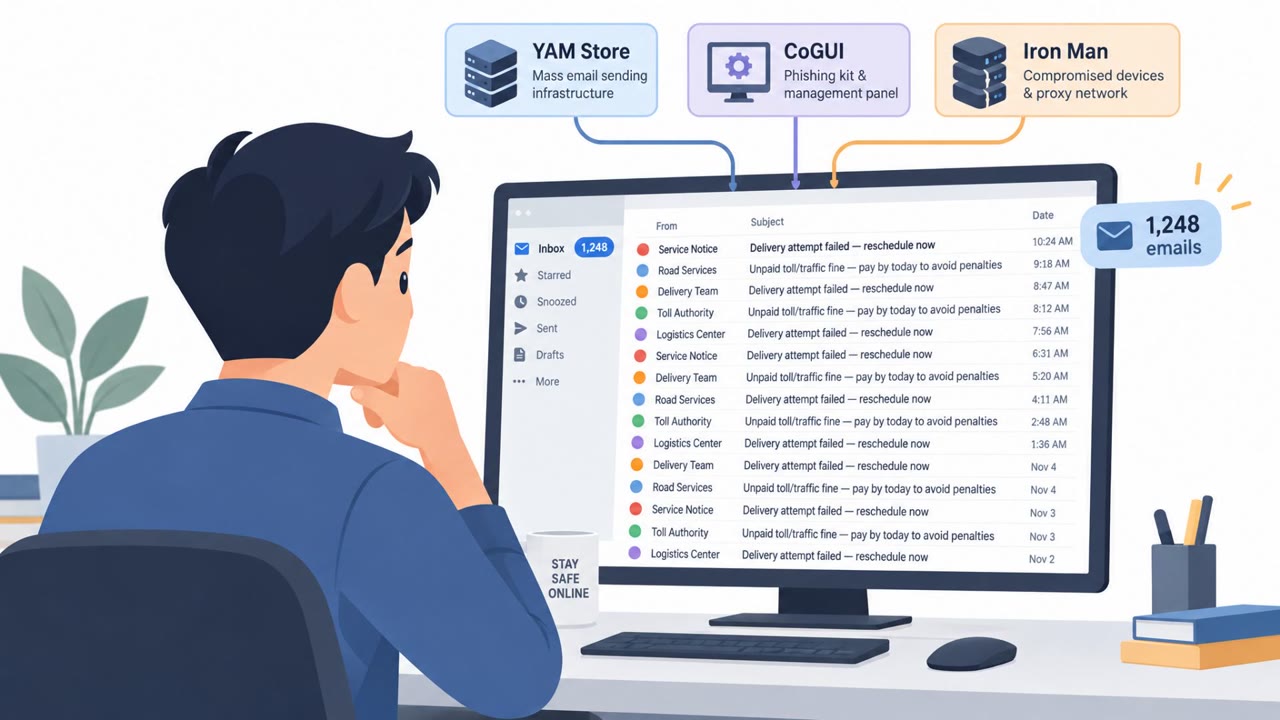
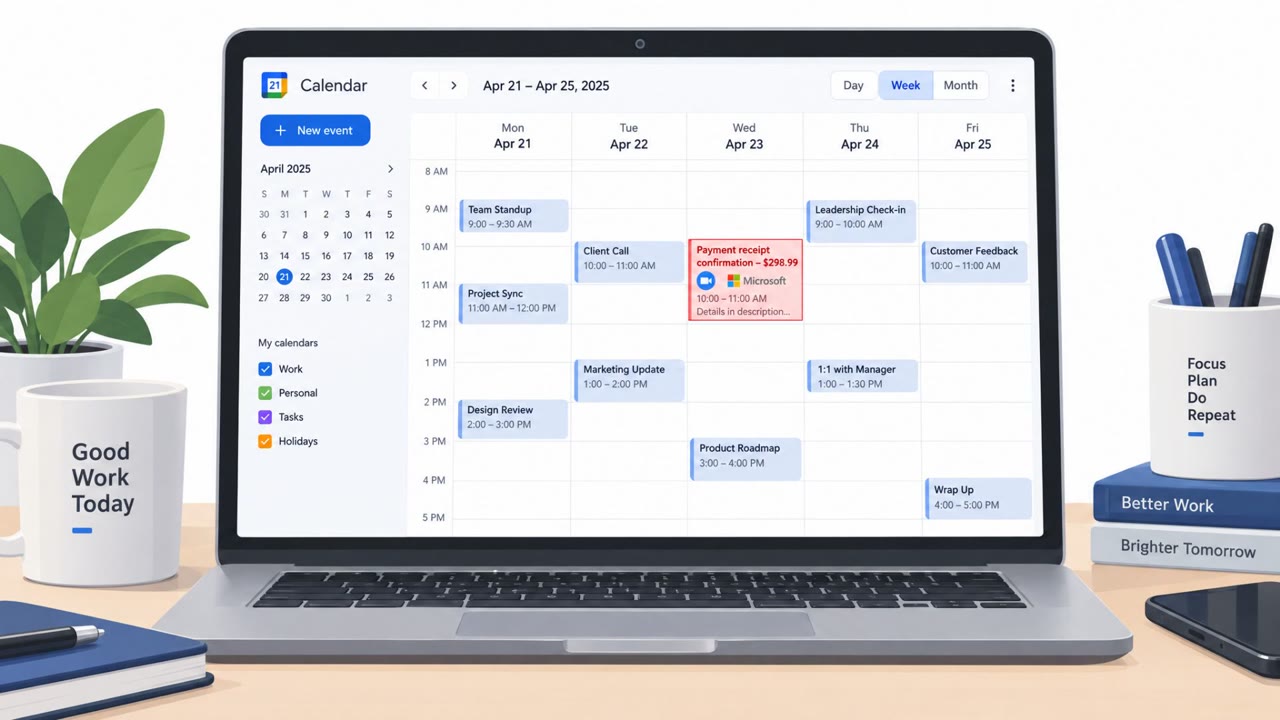
Victims in China reported losing thousands to hundreds of thousands of dollars after scammers convinced them to move conversations onto Microsoft Teams using login credentials the scammers provided. Common setups included romance and “investment” pitches (including crypto) and official-sounding law enforcement pretexts, with scammers leveraging Teams accounts they controlled to later cut off access and erase chat history.
How the attack worked
Scammers typically make first contact on popular social or professional platforms, then steer the conversation toward moving to Microsoft Teams or a similar workplace app. Rather than letting the victim set up their own account, the scammer creates a Teams login and hands it over, using enterprise features to keep control of the environment. Once the victim is inside that scammer-controlled space, the attacker can later deactivate the account or erase the chat history, cutting off any evidence of the conversation.
Three pretexts show up in the reporting: a fake recruiter asking a job seeker to move communication to Teams for 'work' reasons, a romantic interest who frames Teams as a private 'secret base' before introducing a cryptocurrency investment pitch, and a caller posing as law enforcement investigating a joint case with US Customs and Border Protection who pushes the target to install Webex for a video call.
Why it succeeded
The core trust lever is brand recognition. Because Teams is made by a well known, trusted technology company, victims assumed the app itself vouched for the person using it. One victim explained she trusted the setup simply because Microsoft developed it. Scammers reinforced this by offering plausible cover stories, such as claiming a victim's device only allowed certain approved apps, to explain why communication had to move off familiar channels like WeChat.
The romance and investment variation succeeded by combining emotional investment with financial urgency: once trust was established privately on Teams, the promise of returns 'much faster than trading stocks' pushed victims to commit more money, in at least one case through bank loans.
What to watch for
- Being asked to download Teams, Webex, or another collaboration app and sign in with credentials someone else created for you.
- A new contact insisting communication must move off the original platform, with an unusual explanation for why.
- A relationship or professional contact quickly transitioning into investment advice, especially cryptocurrency, with promises of fast profits.
- Unexpected calls invoking law enforcement or cross-border investigations that pressure you to install software immediately.
Building resistance
- Never sign in to an account that was created and handed to you by someone else, regardless of which app it is.
- Treat a request to switch platforms combined with financial or romantic pressure as a strong signal to slow down.
- Verify any law enforcement contact independently through channels you look up yourself, not through numbers or links the caller provides.
- Be cautious of investment pitches that arrive through a personal or romantic relationship rather than a vetted financial channel.
Key findings
- Scammers initiate contact on popular social platforms, then push victims to move to Microsoft Teams (or similar workplace apps) to increase trust and control the environment.
- Victims are told to log in using credentials created and provided by the scammer, allowing the scammer to later deactivate accounts and remove access to chat logs.
- A common end goal is getting victims to invest money (often crypto) and even take loans to increase deposits, after which the scammer disappears.
- A variation uses an authority pretext: callers claim involvement with law enforcement and instruct targets to download Webex for a video call.
- Microsoft added in-app warnings in China and discontinued the personal version of Teams there, limiting availability to enterprise accounts.
Who’s being targeted
- Commonly targeted roles: All employees, Finance, Executives, HR/Recruiting, Sales (customer/prospect communications), Anyone using collaboration tools (Teams/Webex).
- Affected industries: General public / consumers, Online dating, Social media platforms, Technology and communications platforms.
- Attack channels: linkedin, teams, vishing, website.
- Impersonated: Job recruiter / hiring contact (identity varies), “a researcher working for Microsoft” (romantic interest), Law enforcement / government investigators.
Red flags to watch for
- You are told to use an account created by someone else (shared credentials).
- Pressure to move off the original platform into a ‘work’ app quickly.
- Unusual explanation for why standard channels (WeChat/email) can’t be used.
- Romantic relationship quickly shifts into investment advice and pressure to add funds.
- The other party insists on using a specific platform and provides your login.
- Promises of unusually fast profits compared to normal investing.
- Unexpected urgent call invoking law enforcement and cross-border investigations.
- Instruction to install a specific app to continue the conversation.
- Authority pressure before independent verification.
Frequently asked questions
Why do scammers push victims onto Microsoft Teams?
Scammers use Teams because it is a legitimate workplace app from a trusted multinational tech company, which lowers victims' guard, and because they can create the account themselves and control access to it, including the ability to erase chat history later.
What is the biggest red flag in this scam?
Being told to log in using credentials that someone else created for you is a major warning sign. Legitimate contacts do not need you to use an account they set up on your behalf.
How does the romance to investment pattern work?
A relationship builds on a platform, then moves to Teams as a private 'secret base,' after which the scammer introduces a cryptocurrency investment opportunity promising fast profits, sometimes encouraging victims to take out loans to invest more.
What should I do if someone claiming to be law enforcement asks me to install Webex?
Do not follow their instructions or install any app they suggest. Verify the claim independently through official channels you look up yourself before taking any further action.
Read the video transcript
You meet a “recruiter” on LinkedIn, and they say, “Let’s move to Microsoft Teams, I’ll send you a login.” That’s the scam. These scammers create a Microsoft Teams account for you, send you the username and password, then move the chat there to pitch “investment projects” or even fake law enforcement calls. One victim was told Teams was their “secret base together” by a ‘Microsoft researcher’ boyfriend, then pushed into a crypto scheme and lost over $100,000. Because the scammer owned the account, they could erase the chat and vanish. Your move: if anyone, recruiter, romantic interest, or “police”, gives you a ready-made Teams or Webex login, stop. Don’t sign in. Use only accounts you created yourself.