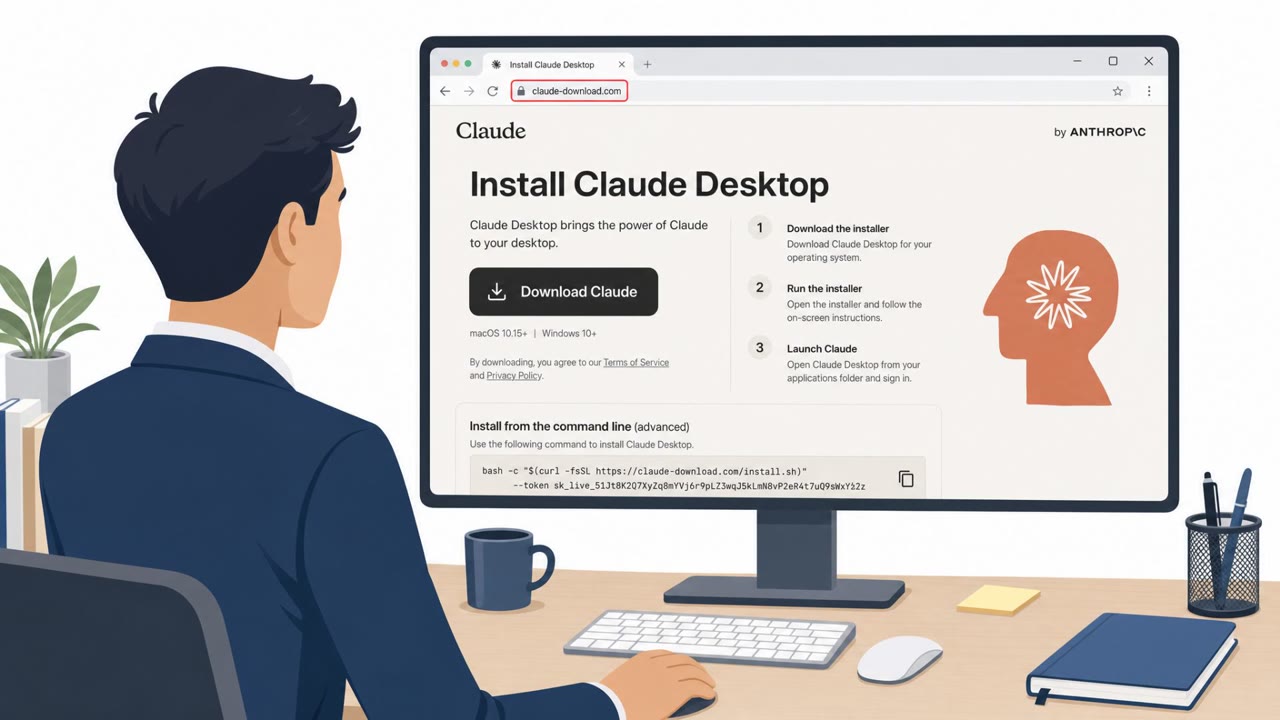
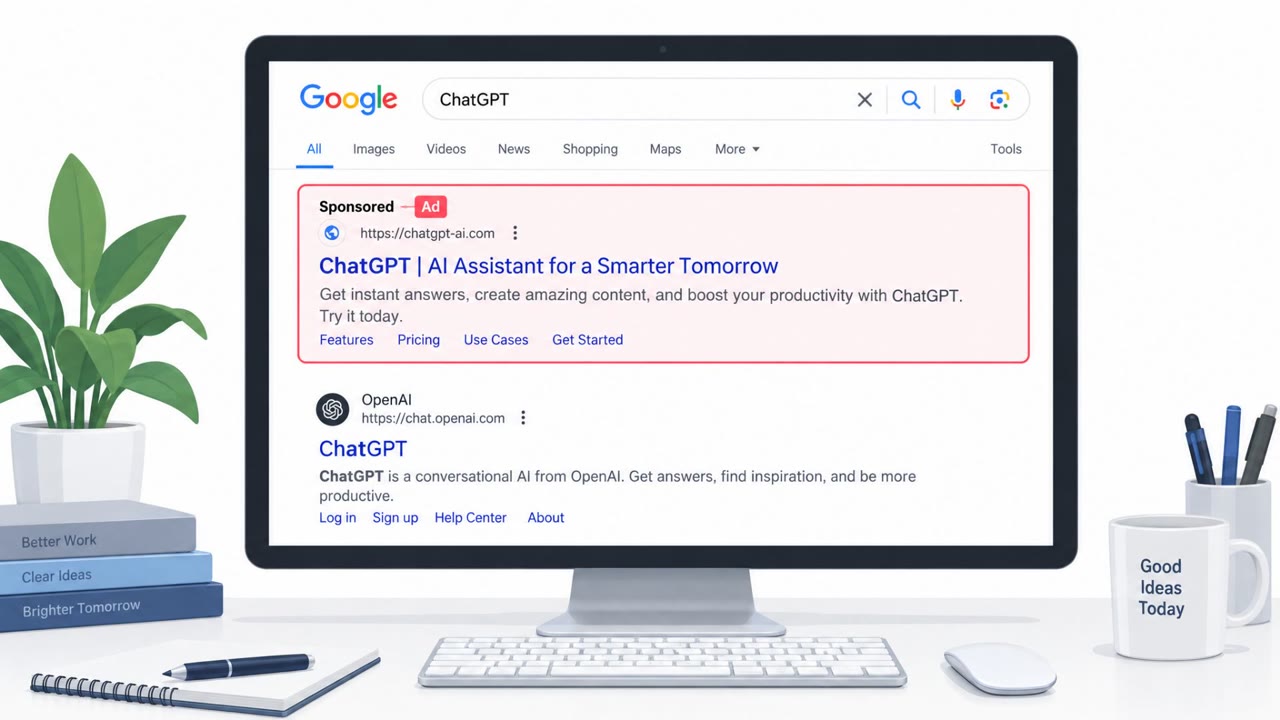
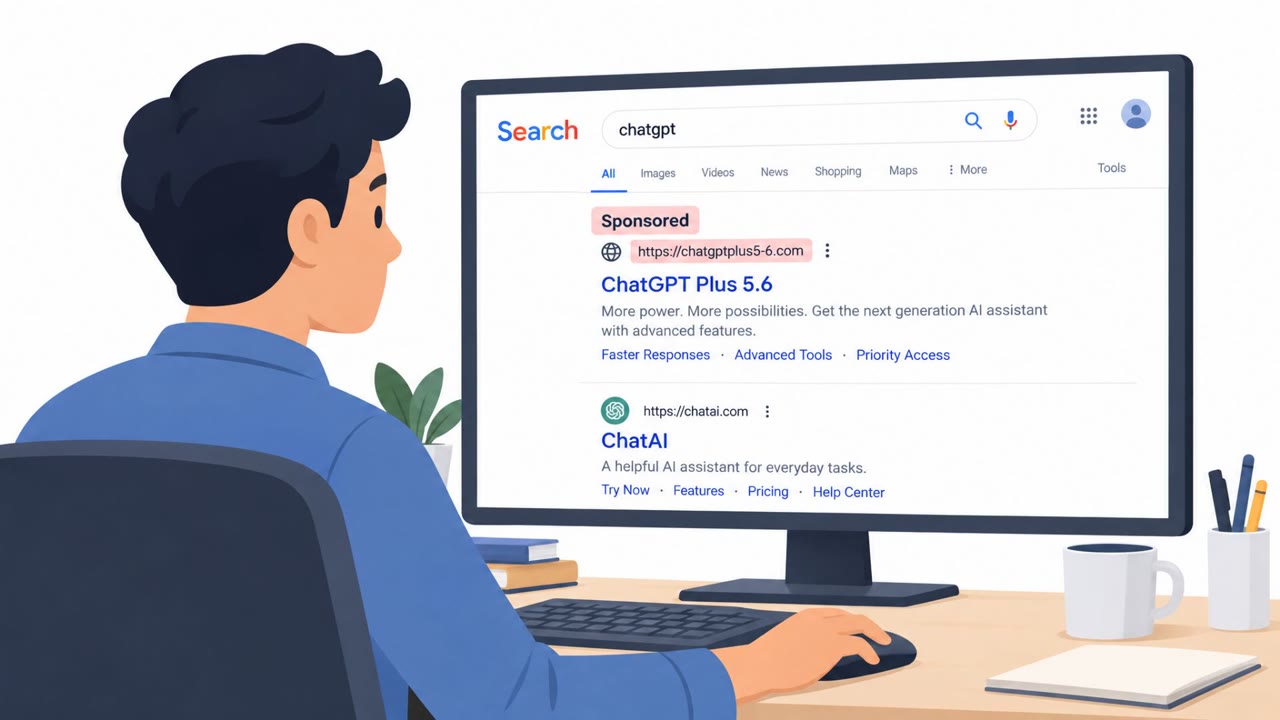
Researchers found 186 fake AI-tool domains that exploit typing mistakes to redirect visitors to malicious verification pages, browser-hijacking software, or unwanted search extensions. The sites imitate familiar services such as ChatGPT, Claude, Gemini, Copilot, and Perplexity, turning a simple mistyped web address into a request to run commands, install software, or change browser search settings.
Key findings
- The campaign, called TypoPrompting, uses 186 lookalike domains across 27 AI brands to catch users who mistype popular AI-tool addresses.
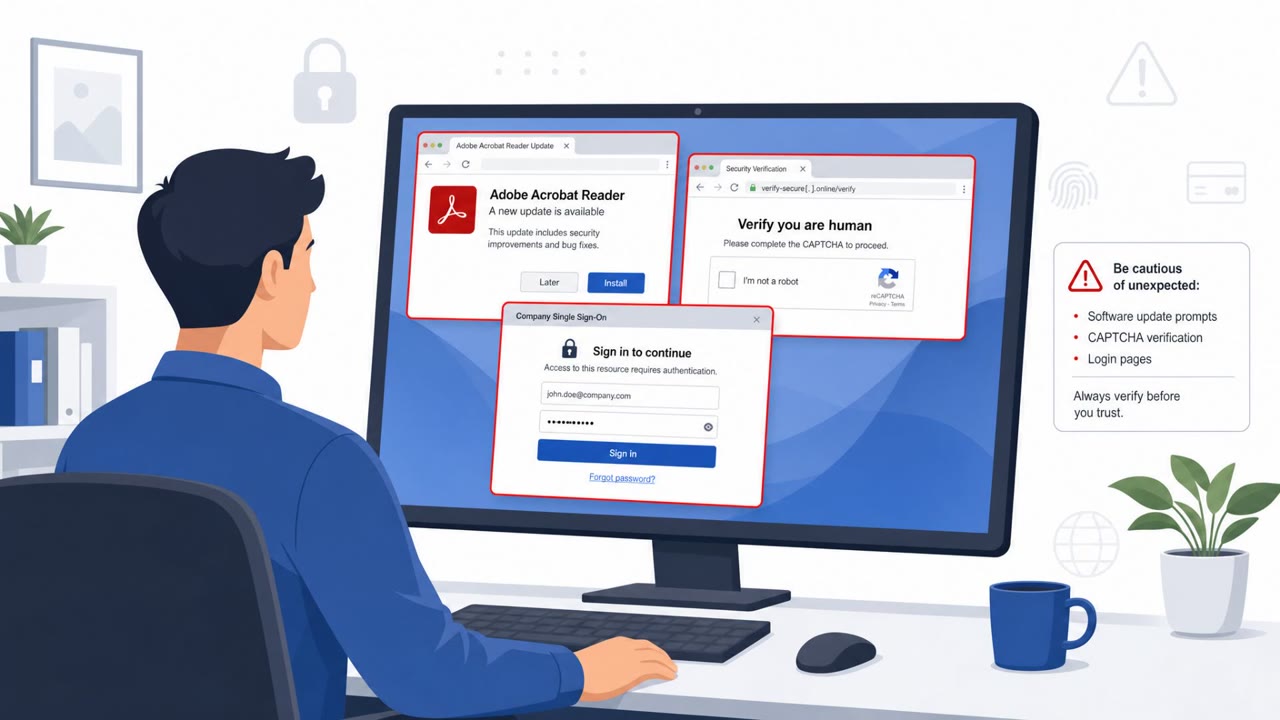
- One route sends visitors through a browser- and IP-fingerprinting redirect chain to a fake Cloudflare verification page that delivers a PowerShell command.
- Other routes use fake Security Check pages to deliver Net Guard, or redirect users to Chrome extensions that replace the browser's default search provider.
- The Quick Search extension changes searches to find.flashysearches[.]com; workplace searches may expose internal hostnames, customer names, and project details.
- The researchers identified a broader group of 211 entry domains impersonating not only AI brands but also banks, insurers, and enterprise software providers.
Who’s being targeted
- Commonly targeted roles: All employees, AI-tool users, Remote workers, Knowledge workers, Researchers, IT and security teams.
- Affected industries: Information and media, Financial services, Insurance, Healthcare, Telecommunications, Professional services, Technology, All industries using AI tools.
- Attack channels: website.
- Impersonated: Cloudflare verification service, Net Guard security scanner, Quick Search browser extension.
Awareness takeaways
- Use approved bookmarks, managed application portals, or trusted links for AI tools rather than typing their addresses from memory.
- Never run a command, paste clipboard content, or open a terminal because a website says it is required for verification.
- Treat unexpected security checks and software-install prompts as suspicious, especially after reaching a site through a typo or redirect.
- Do not install browser extensions reached through advertisements, redirects, or lookalike domains without verifying that the extension is approved and necessary.
Red flags to watch for
- The page was reached through a misspelled AI-tool domain.
- A verification page asks the user to run or paste a command.
- A normal website verification should not require PowerShell or clipboard commands.
- The security check appears after visiting a typo of an AI-tool domain.
- The page asks for software installation rather than simply verifying browser access.
- The app can alter browser profiles, search settings, and extensions.
- The extension is reached from a misspelled AI-service domain.
- An AI-related visit unexpectedly leads to an extension installation.
- Changing the default search provider can expose work-related search queries to a third party.
Read the video transcript
One typo in an AI-tool address can land you somewhere else. It's called TypoPrompting: 186 lookalike domains catch mistakes. Some redirect through browser and IP checks to a fake Cloudflare page saying, 'Verify you are human.' Here's the tell: real website checks don't need PowerShell. Other typo pages push a 'Security Check' installing Net Guard, or Quick Search, which changes your search provider. Need ChatGPT, Claude, or Perplexity? Open it from your approved bookmark, not an address typed from memory.