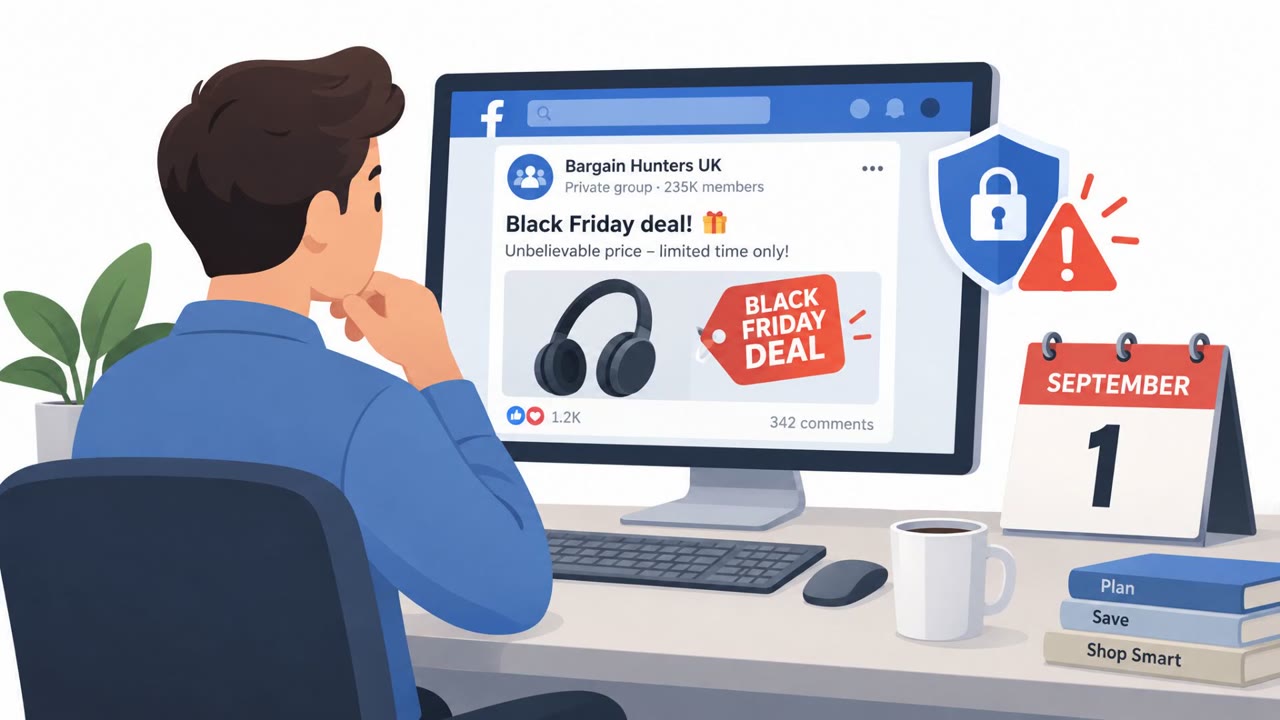
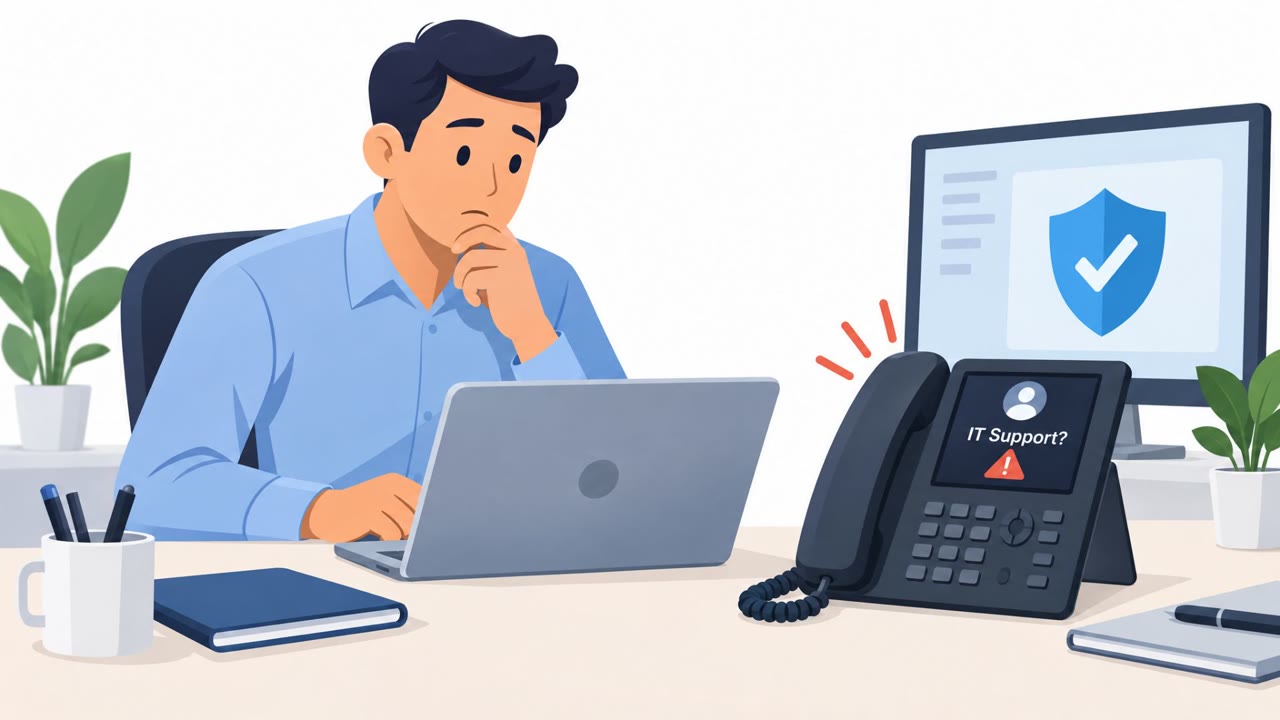
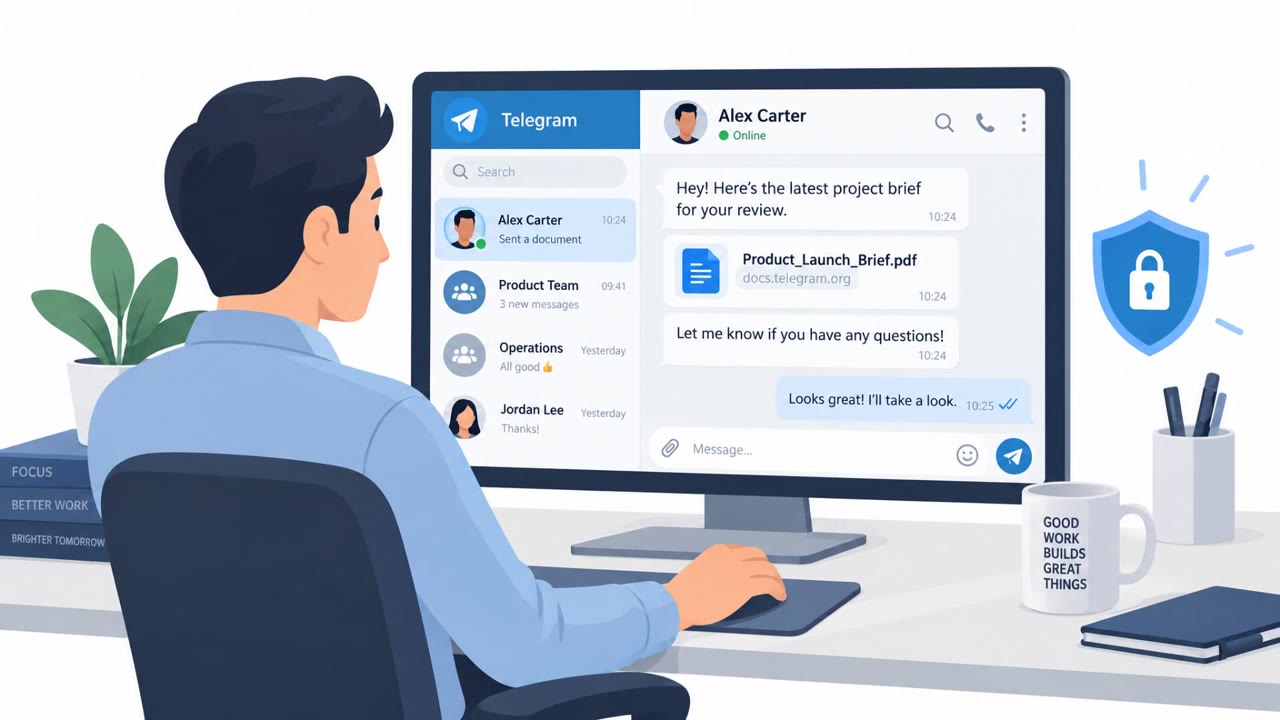
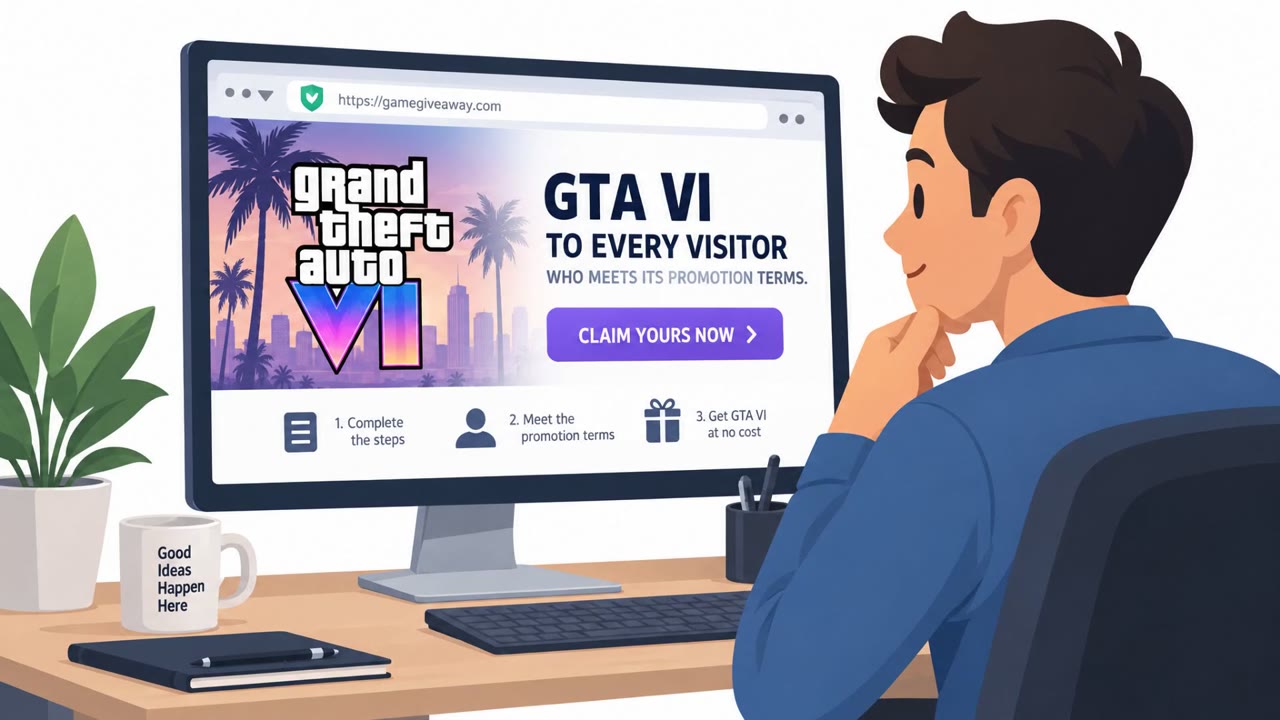
Kaspersky observed real phishing and scam campaigns that impersonate major retail, streaming, and technology brands during the Black Friday shopping period. The campaigns use fake login and payment pages, urgent Apple Pay warnings that push victims to call fake support, and discounted streaming offers followed by WhatsApp conversations to steal personal information, account credentials, or money.
How the attack worked
During the Black Friday shopping period, Kaspersky observed phishing and scam campaigns that impersonate major retail, streaming, and technology brands. Kaspersky blocked over 19 million attempts to access phishing links targeting online-store, payment-system, and banking users between January and October 2026. The campaigns relied on three main approaches: fake Apple support pop-ups warning of a suspicious Apple Pay pre-authorization, discounted Netflix-style subscription offers that later moved to WhatsApp, and brand-lookalike login pages for platforms such as Amazon and Shopify.
Why it succeeded
Each scenario exploited an established behavior rather than a technical flaw. The fake Apple support pages used urgency and alarming pop-ups to push victims toward calling a number controlled by attackers, where fake operators attempted to extract sensitive details or remote access. The Netflix-themed pages offered unusually generous discounts or bundles, collected personal data upfront, and then used WhatsApp as an informal follow-up channel to request more information or money, a tactic that adds a sense of real-time, human credibility. The fake login pages for Amazon and Shopify reproduced the original branding, layout, and sign-in options so closely that the only functional part of the page was the credential field itself, which sent everything typed directly to attackers.
What to watch for
- Unsolicited pop-ups warning about payment pre-authorizations that demand an immediate phone call
- A support phone number presented only through a browser pop-up rather than a known app or website
- Streaming or retail discounts that seem unusually generous for the brand
- Promotional pages that ask for more personal information than a simple purchase would require
- A transaction or support conversation that shifts from a website to WhatsApp
- Login pages that look correct but are reached through an unexpected link or address
How to build resistance
Defenders and everyday shoppers can reduce exposure by independently verifying support contacts through official apps or known websites rather than numbers shown in pop-ups. Unusually generous Black Friday offers and bundles should be confirmed directly with the brand before any data or payment is provided. Logins should be entered only after navigating to a retailer or service through a bookmark, app, or manually typed address, never through a link from a promotion. Finally, any shift from a legitimate storefront to an informal channel like WhatsApp, especially one asking for additional information or money, should be treated as a signal to pause and verify before responding further.
Key findings
- Kaspersky blocked 19,063,077 attempts to access phishing links targeting online-store, payment-system, and banking users from January through October 2026.
- Amazon, Apple, Netflix, Shopify, and Alibaba-related brands accounted for 83.83% of phishing detections associated with online stores and subscription services.
- Fraudulent pages copied legitimate branding, layouts, and sign-in options while sending entered credentials directly to attackers.
- Fake Apple support pages used alarming pop-ups about an Apple Pay “pre-authorization” to pressure victims into calling a fraudulent support number.
- Netflix-themed scam pages offered fake discounts or bundles, collected personal data, and then contacted victims through WhatsApp for additional information or money.
Who’s being targeted
- Commonly targeted roles: All employees, Online shoppers, Finance and procurement staff, Customer support teams, Employees who use personal devices for work.
- Affected industries: Retail and e-commerce, Banking and payment services, Streaming and subscription services, Consumer technology, Telecommunications.
- Attack channels: website, whatsapp.
- Impersonated: Apple Support, Netflix, Amazon or Shopify.
Red flags to watch for
- Unsolicited pop-ups that create panic and demand immediate action
- A support phone number presented by a web pop-up rather than a known Apple support channel
- A request to disclose sensitive details or allow remote device access
- An unusually generous streaming discount or bundle
- A promotion page that asks for more personal data than needed
- A business transaction moved to an informal WhatsApp chat
- A familiar-looking page reached through an unexpected link
- Only the credential-entry fields work while other page features do not
- A login page that closely copies branding but is hosted on an unfamiliar website address
Frequently asked questions
What brands are most impersonated in Black Friday phishing scams?
Kaspersky found that Amazon, Apple, Netflix, Shopify, and Alibaba-related brands accounted for 83.83% of phishing detections tied to online stores and subscription services.
How does the fake Apple Pay support scam work?
A fraudulent page claims a suspicious Apple Pay pre-authorization was detected and pressures the visitor to call a listed support number, where a fake operator tries to extract sensitive information or remote device access.
Why do scammers move conversations to WhatsApp?
After collecting personal data through a fake Netflix-style discount page, attackers contact victims on WhatsApp to request further information or money, using the informal channel to add credibility.
How can I tell a fake login page from a real one?
Fraudulent login pages copy the original layout, branding, and sign-in options closely, but only the credential-entry fields actually work, since everything typed goes directly to the attackers.
Read the video transcript
Black Friday scam pages can look exactly like brands you trust. One fake Apple Support page flashes: ‘Suspicious Apple Pay pre-authorization, call support immediately.’ That number leads to someone asking for sensitive details or remote access. Another offers a cheap Netflix bundle, collects your details, then follows up on WhatsApp for money. A familiar logo isn't proof the page is real. Before you call, sign in, or pay, open the brand's app or type its website yourself.