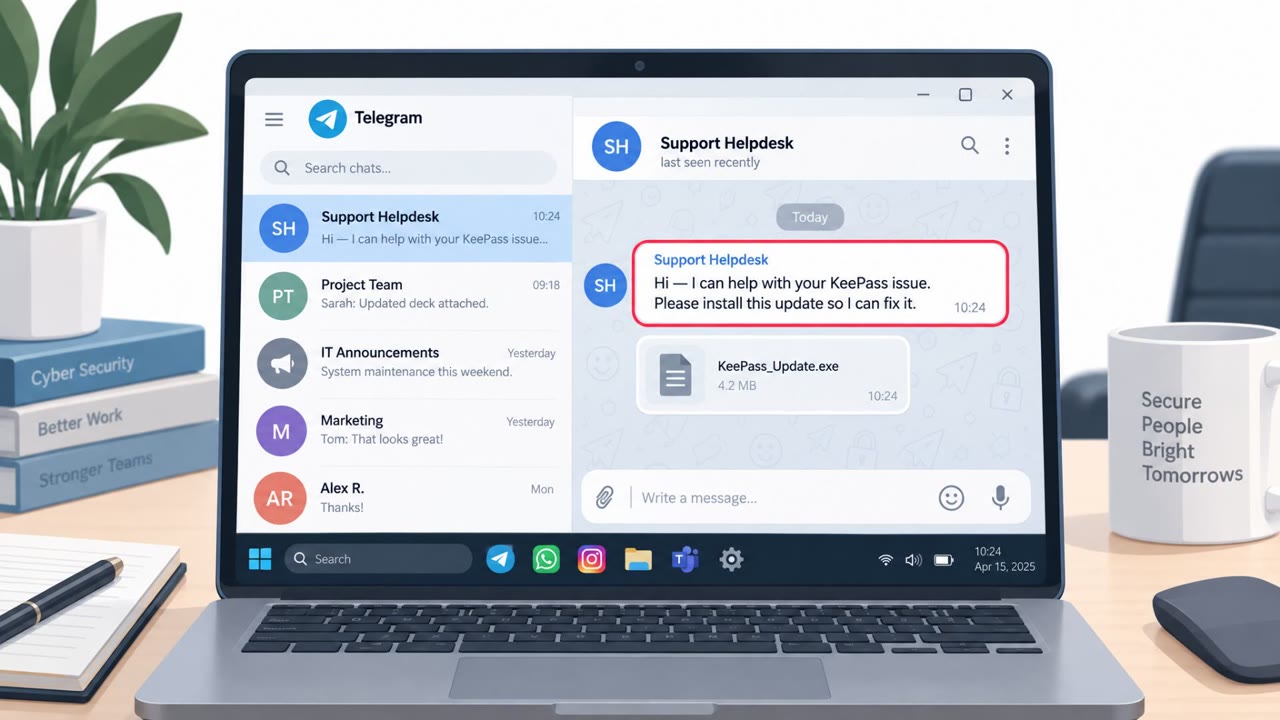
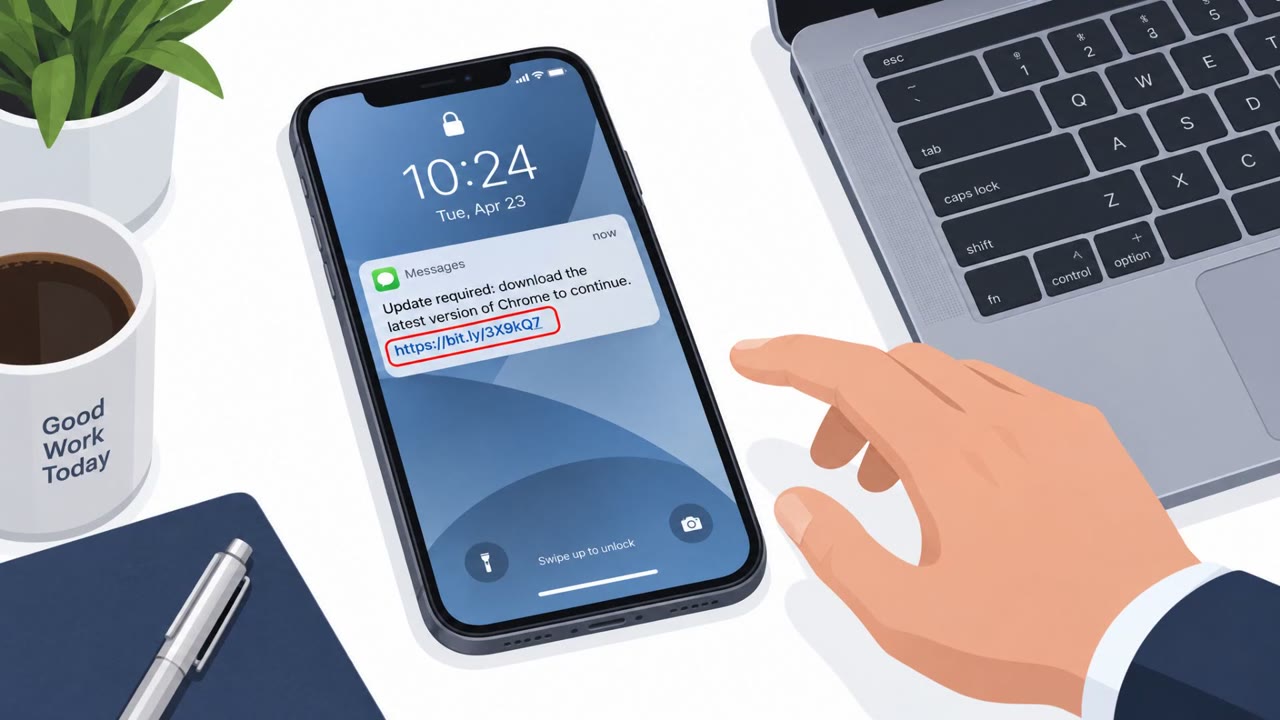
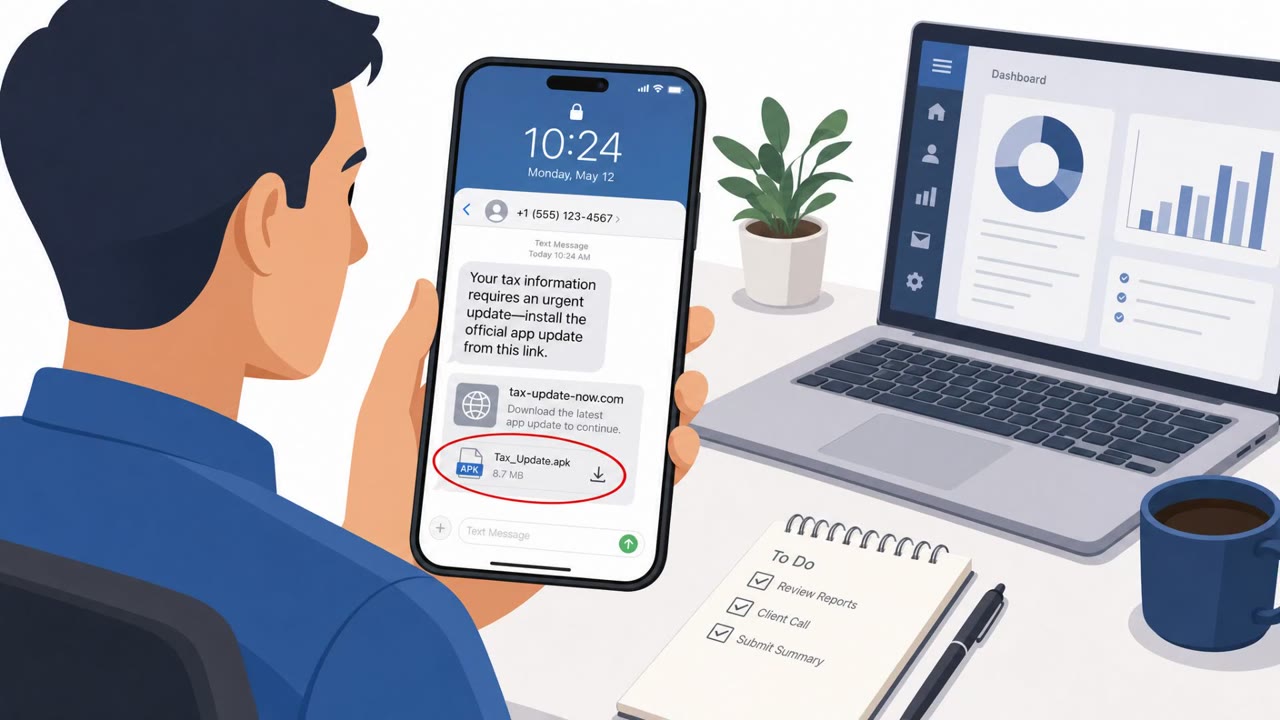
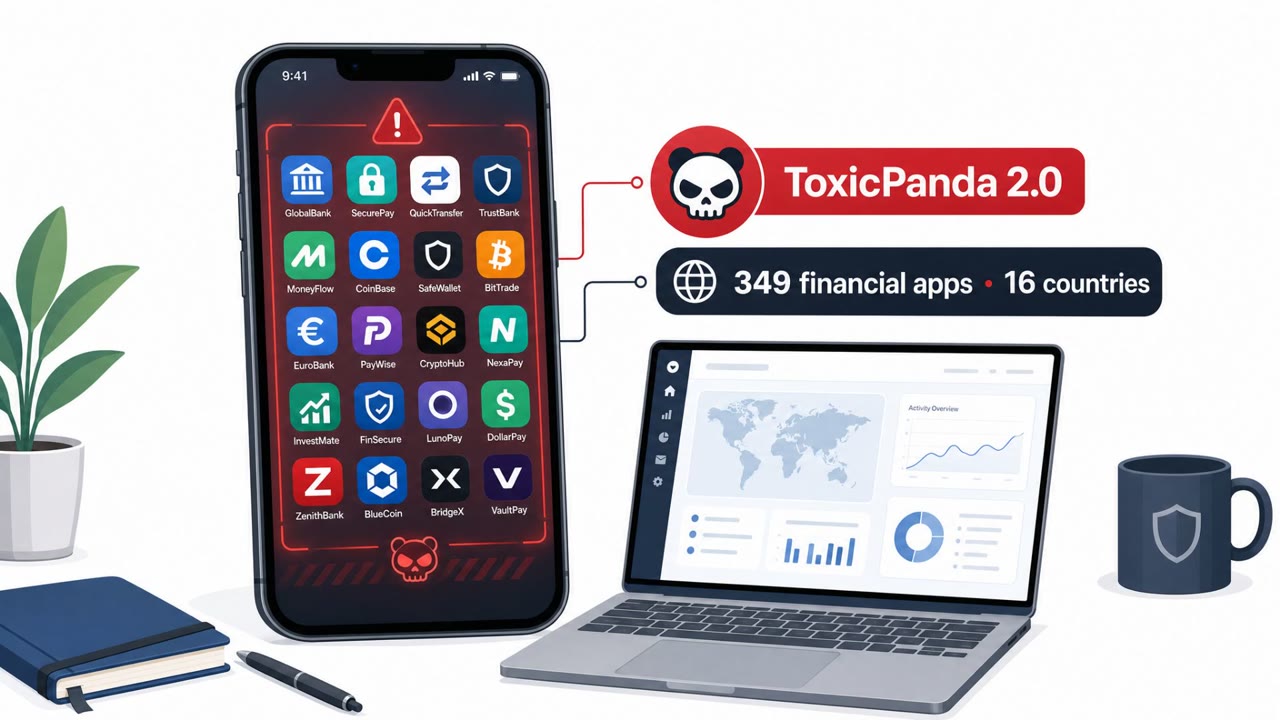
Researchers report two Android banking malware families (ToxicPanda 2.0 and GoldDigger) that rely on tricking people into installing malicious apps and granting powerful permissions. GoldDigger campaigns impersonate airlines and shopping retailers and then abuse Android Accessibility to take over banking apps and initiate fraudulent transfers from the victim’s device.
Key findings
- ToxicPanda 2.0 adds a PIN-harvesting workflow and uses overlays plus Android Accessibility abuse to capture on-screen data and credentials.
- ToxicPanda 2.0 can show full-screen “system update” overlays to hide background actions and can trick victims into granting Device Administrator privileges.
- Zimperium says ToxicPanda 2.0 distribution shifted to “Amazon AWS-hosted buckets,” suggesting cloud hosting is used for delivery.
- GoldDigger campaigns “impersonate airline companies and shopping retailers,” leading to widespread infections in South Africa and the U.K.
- After installation, victims are prompted to grant Accessibility permissions, which the malware then uses to mimic user actions inside banking apps and initiate fraudulent transactions.
- GoldDigger can also use overlays to capture credentials and provide real-time screen access to operators.
Who’s being targeted
- Commonly targeted roles: All employees (Android users), Finance teams (high-risk for fraud impacts), Executives, Frequent travelers, Anyone who uses mobile banking or crypto apps.
- Affected industries: Finance (banking), Cryptocurrency/financial services, Airlines (impersonated brand), Retail/e-commerce (impersonated brand).
- Attack channels: website.
- Impersonated: Airline company or shopping retailer (brand impersonation), Android system update, A legitimate-looking app/system permission prompt.
Awareness takeaways
- Treat ‘permission prompts’ (especially Accessibility and Device Administrator) as a major warning sign and deny them unless there is a clear business need.
- Be skeptical of unexpected ‘system update’ screens or overlays, stop and verify rather than continuing to enter PINs or credentials.
- Only install mobile apps from trusted sources/developers and remove unfamiliar apps quickly.
- Monitor bank accounts for unusual transactions because these threats can initiate transfers directly from the banking app on the phone.
Red flags to watch for
- App requests Accessibility permissions unrelated to its purpose
- App is not from a trusted developer/source
- Unexpected overlays or behavior after installation
- Unexpected full-screen ‘system update’ screen at unusual times
- Device behaves oddly while an ‘update’ is supposedly running
- Prompts that don’t look like standard Android update flows
- Unfamiliar app requesting Device Administrator privileges
- Permission request doesn’t match the app’s purpose
- Pressure to approve privileges to proceed
Read the video transcript
You install a “special offer” airline app… and ten minutes later, money is moving out of your banking app by itself. That’s GoldDigger and ToxicPanda 2.0, Android banking malware hiding in fake airline and shopping apps, often hosted on Amazon AWS buckets. After install, they pop up a friendly message: “To work properly, please enable Accessibility services.” Here’s the nasty part: once you tap Allow, they abuse Accessibility to mimic your taps inside banking apps, use overlays to steal your PIN, and even throw up a full-screen fake “System update in progress” to hide what’s really happening. Your move: if any airline or shopping app asks for Accessibility or Device Administrator, stop right there and deny it, no exception.