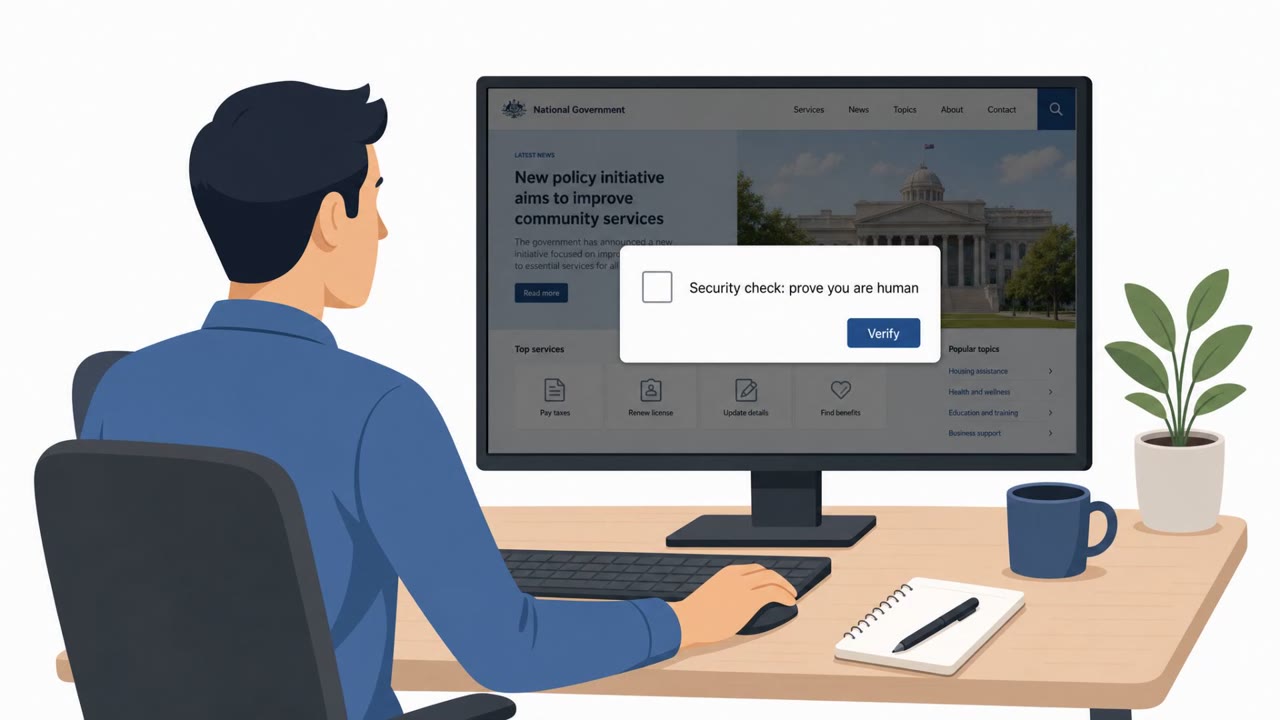
Berlin authorities are investigating a new release of stolen government data, including published login credentials. Germany’s cyber agency also warned of a related campaign where attackers compromise websites and use fake CAPTCHA pages to trick visitors into running malicious commands, enabling data theft and ransomware.
How the Attack Worked
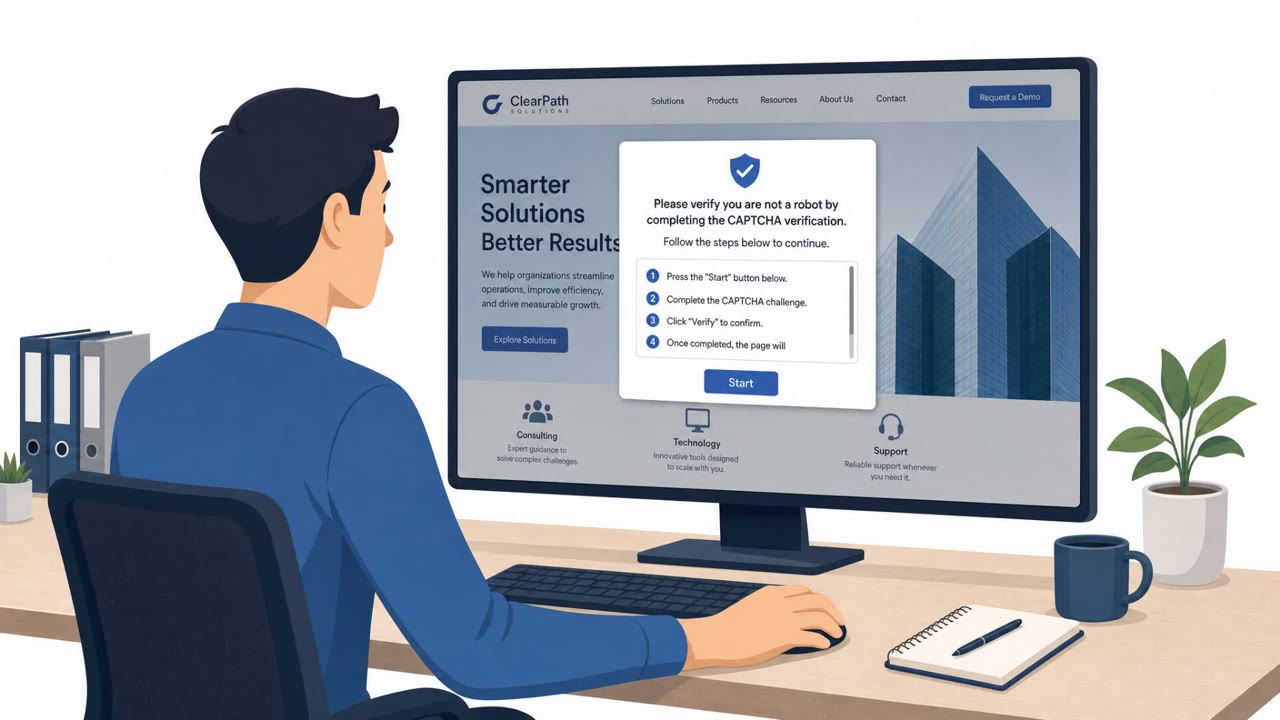
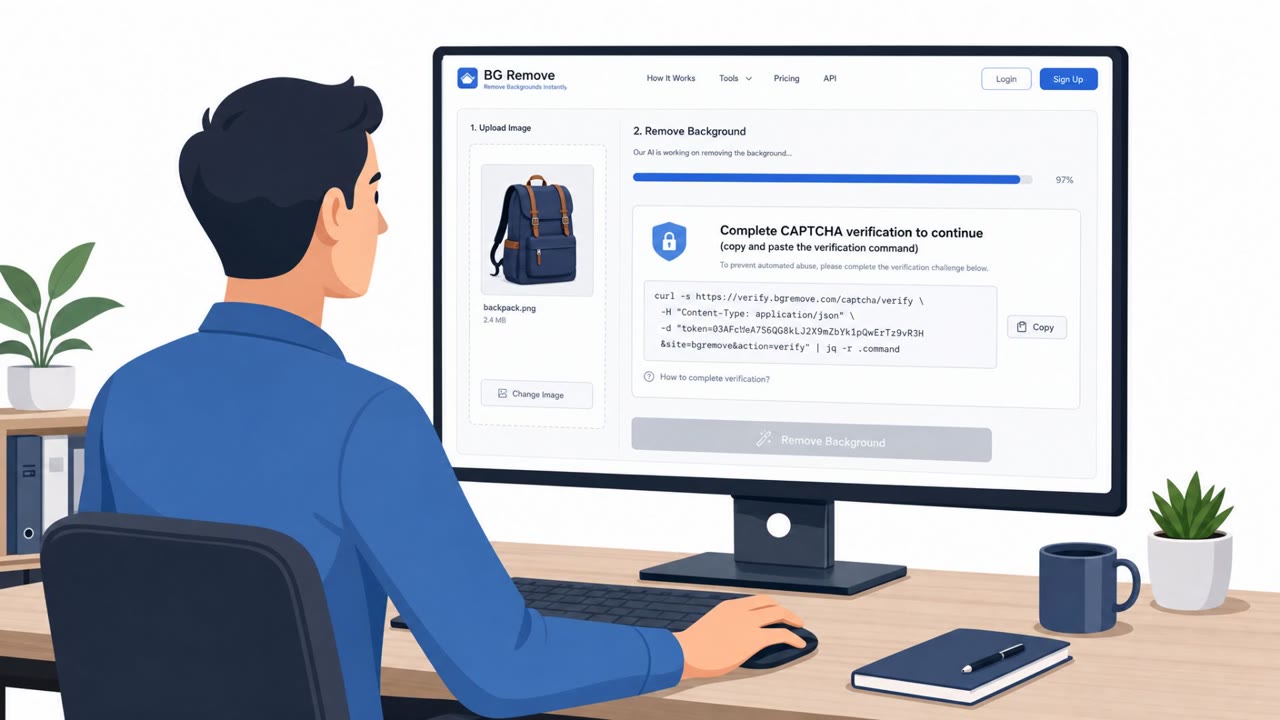
According to reporting reviewed by Germany's Federal Office for Information Security (BSI), attackers compromised legitimate websites and inserted fake CAPTCHA verification pages. Instead of the usual click-to-verify checkbox, these fake pages instructed visitors to manually copy and run a command on their own computer to "complete verification." That single action gave attackers a foothold, enabling both data theft and, in some cases, ransomware deployment.
This technique matters because it shifts the attack from a technical exploit to a social engineering trick. The malicious code never has to bypass browser security controls because the victim runs it themselves, believing they are completing a routine step.
Why It Succeeded
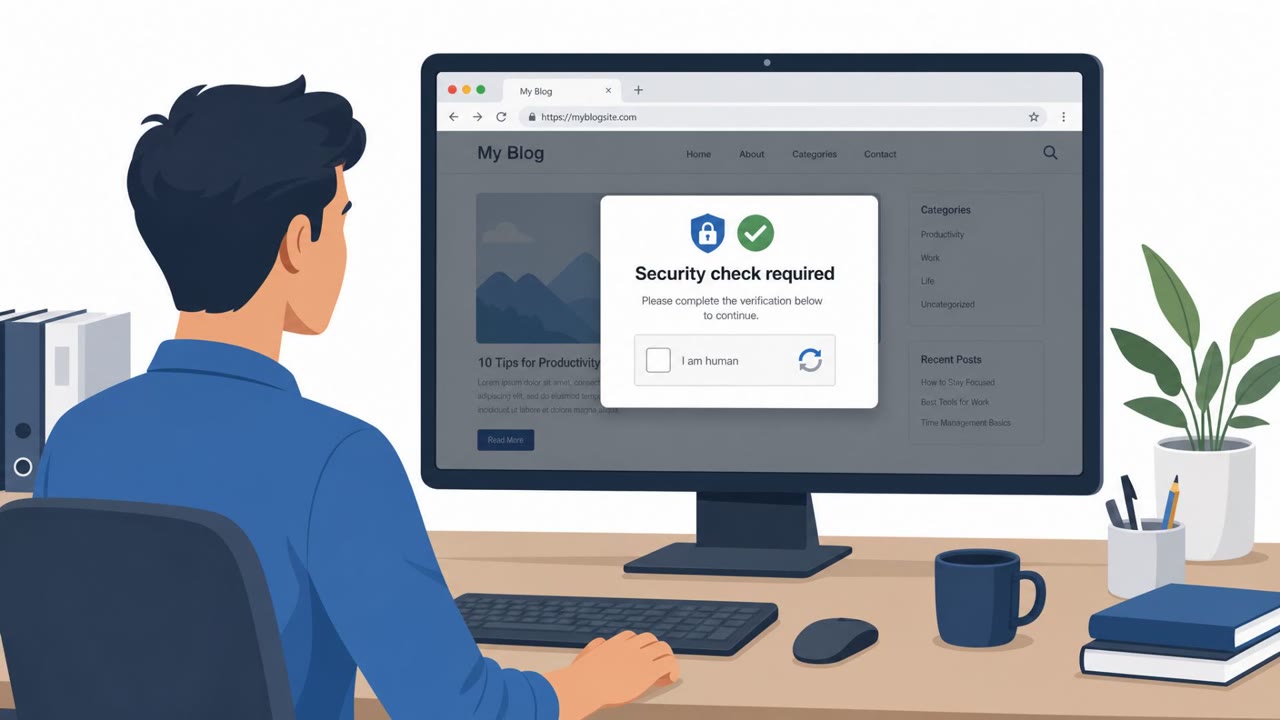
CAPTCHA prompts are so common that most users no longer question them. The fake page exploited that familiarity, adding one small but critical deviation from normal since users are asked to open a command window or paste text rather than simply click a box. Because the sites involved were already compromised, the prompts appeared in a context users trusted, making the unusual instruction seem like a plausible extra step rather than an obvious red flag.
BSI also noted that this campaign, alongside the separate Berlin government data release, involved both theft and encryption in the same operation. Combining data theft with ransomware increases pressure on victims, since attackers can threaten to publish stolen data even if backups allow recovery from encryption.
What to Watch For
- A CAPTCHA page asking you to run commands is not normal behavior for a verification step
- Instructions that require copying or pasting text into a terminal or run dialog, rather than clicking a checkbox
- Verification prompts appearing on a site that never asked for them before
- Login credentials appearing in leaked data dumps, even without confirmation of which systems they unlock
Building Resistance
Organizations across government, education, and healthcare should treat this pattern as a training priority for all staff, not just IT teams. Practical steps include:
- Teaching employees to stop and report any prompt asking them to run commands, regardless of how official the page looks
- Building incident response workflows that assume ransomware incidents may include data theft, prioritizing rapid containment and notification
- Resetting passwords and reviewing access quickly whenever credentials may have been exposed, even before confirming which systems are affected
- Reinforcing that legitimate CAPTCHA checks never require manually executing code
The Berlin case shows how a straightforward social engineering trick, paired with the possibility of stolen credentials being reused elsewhere, can create risk well beyond the original target.
Key findings
- Hackers published stolen Berlin government data that included login credentials.
- Data stolen from two Berlin ministries may include personal information about public employees and possibly residents (names, addresses, bank info, emails, phone numbers, and documents).
- BSI warned about a campaign resembling “TerminalFix,” where compromised websites show fake CAPTCHA pages that trick users into manually running malicious commands.
- BSI said the campaign attempts both data theft and ransomware deployment, leveraging pressure via threatened publication of stolen information.
- Rhysida claimed responsibility for the earlier breach and claimed theft of 5.79 TB, but Berlin has not publicly attributed the incident or verified the claims.
Who’s being targeted
- Commonly targeted roles: All employees, Public-facing staff, IT/helpdesk, Security team, Leadership/incident response.
- Affected industries: Government / Public Administration, Education, Healthcare.
- Attack channels: website.
- Impersonated: CAPTCHA / website security verification page.
Red flags to watch for
- A CAPTCHA page asking you to run commands is not normal
- Instructions require copying/pasting commands into the computer rather than clicking a standard verification checkbox
- Unexpected verification prompts on a site that previously didn’t require them
Frequently asked questions
What is the fake CAPTCHA attack described in the Berlin case?
Attackers compromised websites and displayed fake CAPTCHA verification pages that instructed visitors to manually copy and run malicious commands on their own computers, enabling data theft and ransomware deployment.
What data was exposed in the Berlin government leak?
Hackers published stolen data from two Berlin ministries, including login credentials and potentially personal information such as names, addresses, bank details, emails, phone numbers, and documents belonging to public employees and possibly residents.
Why do ransomware groups combine data theft with encryption?
Germany's BSI reported that attackers in this campaign attempted both to steal data and install ransomware, using the threat of publishing stolen information as additional pressure on victims.
How can employees spot a fake CAPTCHA scam?
Any CAPTCHA or verification prompt that asks a user to copy and paste or manually run a command is abnormal, since standard CAPTCHAs only require a click, and such requests should be reported to IT or security immediately.
Read the video transcript
In Berlin, stolen government logins led to data leaks and ransomware. The twist? It all started with a fake CAPTCHA. Hackers compromised real websites and popped up a fake CAPTCHA page. It told visitors: copy this command and run it on your computer to verify access. Real CAPTCHAs make you click a box or pick traffic lights. They never tell you to paste commands. That trick let them steal data and try to install ransomware, then threaten to leak what they stole. If any website or CAPTCHA tells you to copy, paste, or run a command, stop immediately and report it to IT or security. That one pause can stop the next Berlin-style leak.