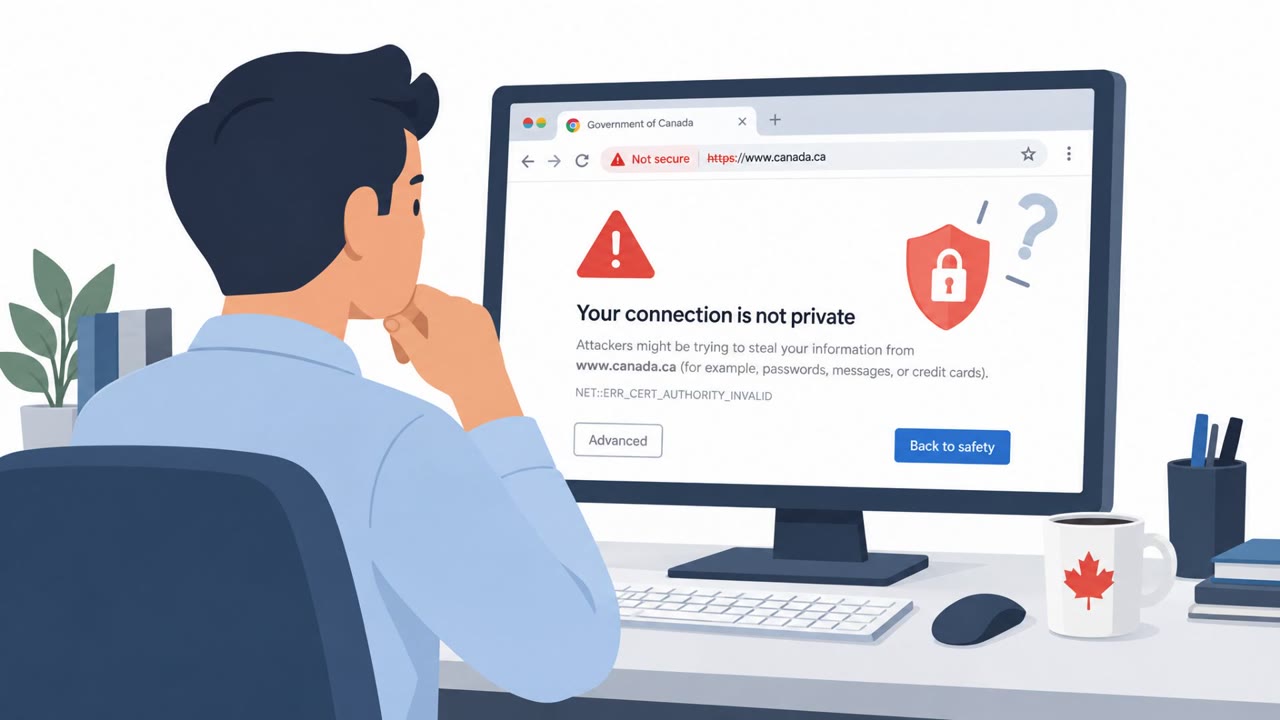
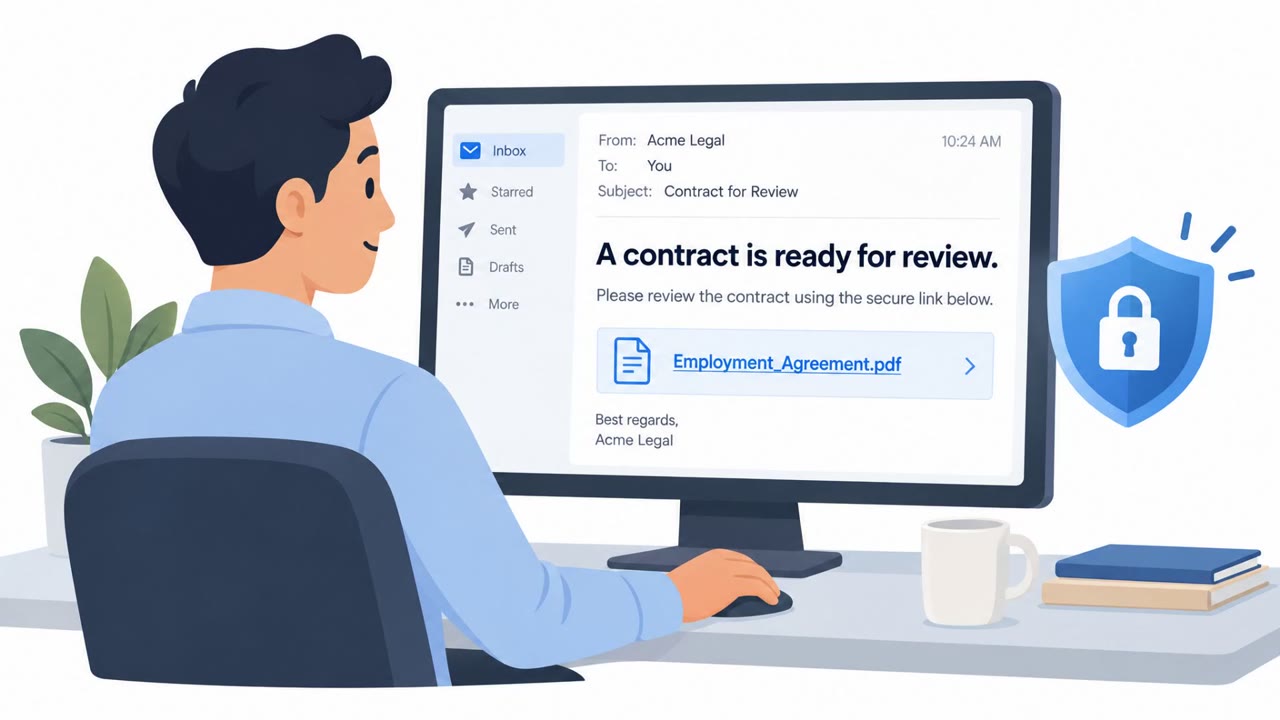
China-linked espionage campaigns used compromised websites to show selected visitors a fake Chrome certificate warning and persuade them to install a “Certificate Fix” utility. The same malware was also delivered to Indonesian organizations in phishing emails using a shortcut file disguised as a PDF, showing employees how a trusted-looking warning or document can become an entry point for espionage.
How the attack worked
This campaign used two different lures to deliver the same malware family. In the first, attackers compromised legitimate websites belonging to government, shipping, IT, and research organizations, injecting obfuscated JavaScript that selectively served visitors a fake Google Chrome SSL certificate warning. The warning instructed targets to install a "Certificate Fix" utility, packaged as a trojanized MSI installer, which actually deployed SquadC or a SparrowDoor variant.
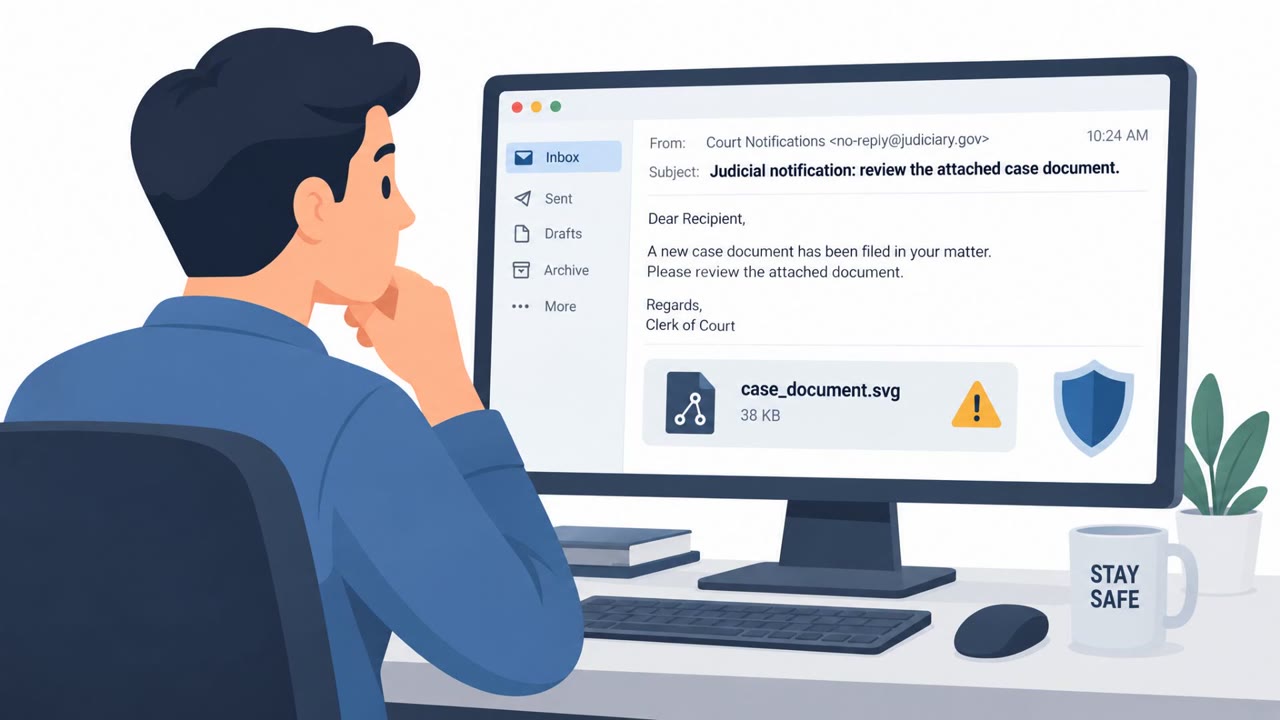
In a second, related chain, the same malware reached Indonesian organizations through phishing emails carrying a Windows Shortcut (LNK) file disguised as a PDF document. Opening the file abused the legitimate ftp.exe binary to run a batch script that displayed an empty decoy file while quietly launching SquadC through DLL sideloading.
Why it succeeded
Both lures relied on trust in something employees normally accept without question: a browser security warning and a document attachment. Because the compromised websites were legitimate and frequented by the intended targets, visitors had no obvious reason to doubt a warning appearing on a familiar site. Similarly, a file that looks like a PDF, even when it is actually a shortcut, is easy to open without a second thought, especially when Windows hides file extensions by default.
What to watch for
- A legitimate website unexpectedly asking visitors to download and install software.
- A browser or certificate warning that directs the user to a "fix" tool rather than standard browser guidance.
- A document attachment that behaves like an executable, opens an unexpected program, or displays a blank or empty file.
- Attachments with a shortcut (.LNK) extension disguised to look like a PDF.
How to build resistance
- Never install a security fix, certificate tool, or browser utility offered by a website; report the warning to IT and reach the site through a known, trusted route instead.
- Treat unexpected PDF attachments cautiously and verify the actual file type before opening, especially if the extension shows as a shortcut (.LNK).
- Remember that a familiar or legitimate website does not make every prompt trustworthy, since attackers can alter trusted sites to target specific visitors.
- Report any attachment that opens a blank file, shows an unexpected error, or otherwise behaves differently from a normal document, since this can indicate a decoy hiding malicious activity, as described in MITRE technique T1036 (Masquerading) and T1574.002 (DLL Side-Loading).
Key findings
- Check Point linked the SilentDelivery, OceanGate, and DarkWire activity clusters through the Sparrow malware ecosystem, which it attributes to a China-nexus tool supplier called CopperDragon.
- SilentDelivery compromised legitimate government, shipping, IT, and research websites and selectively showed visitors a fake Chrome SSL certificate warning.
- The fake warning instructed targets to install a “Certificate Fix” utility, delivered as a trojanized MSI installer that installed SquadC or a SparrowDoor variant.
- SquadC was also distributed through phishing emails aimed at Indonesian organizations, using an LNK file disguised as a PDF document.
- Targeted sectors included telecommunications, government, military, research institutions, and critical infrastructure across Latin America, Asia, and Europe.
Who’s being targeted
- Commonly targeted roles: All employees, Government staff, Telecommunications personnel, Shipping-sector employees, IT staff, Research personnel, Users who routinely download documents or software from the web.
- Affected industries: Telecommunications, Government, Military, Research institutions, Critical infrastructure, Shipping, Information technology.
- Attack channels: website, email.
- Impersonated: Google Chrome browser security warning, Not specified.
Red flags to watch for
- A legitimate website unexpectedly asks visitors to download and install software.
- A browser or certificate warning directs the user to a “fix” tool rather than normal browser guidance.
- The warning appears only after visiting a website and pressures the visitor to install an MSI utility.
- The attachment is a Windows Shortcut (.LNK), not a PDF.
- Opening the file displays an empty decoy document.
- A document attachment launches a process rather than opening as an ordinary PDF.
Frequently asked questions
How did the fake certificate warning attack work?
Attackers injected obfuscated JavaScript into compromised government, shipping, IT, and research websites, then showed selected visitors a fake Google Chrome SSL certificate warning urging them to install a "Certificate Fix" utility, which actually deployed SquadC or a SparrowDoor variant.
Was email phishing also used in this campaign?
Yes. The same malware was distributed via phishing emails to Indonesian organizations using a Windows Shortcut (LNK) file disguised as a PDF document, which triggered a decoy file display while launching SquadC through DLL sideloading.
Which industries were targeted?
Targeted sectors included telecommunications, government, military, research institutions, critical infrastructure, shipping, and information technology across Latin America, Asia, and Europe.
What should employees do if a website asks them to install a certificate fix?
Never install a security fix, certificate tool, or browser utility offered by a website; instead report the warning to IT and access the site through a known, trusted route.
Read the video transcript
A real website can show you a fake Chrome warning. Compromised government and shipping sites told selected visitors: ‘Install a Certificate Fix utility to restore access.’ That download was an MSI installer for SquadC or SparrowDoor malware. Here’s the giveaway: Chrome doesn’t need a website’s repair tool. Another route used a ‘PDF’ email attachment that was really a Windows shortcut, .LNK. If a site offers a certificate fix or an attachment isn’t a real PDF, stop and report it to IT.