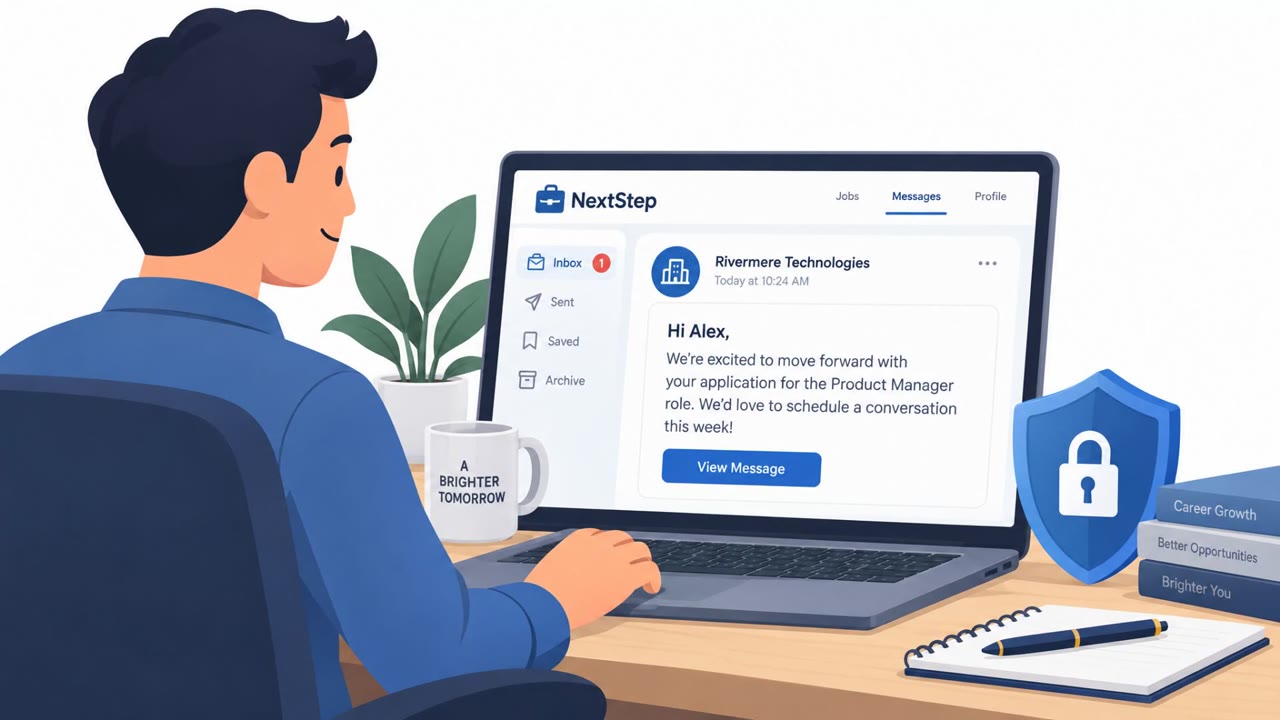
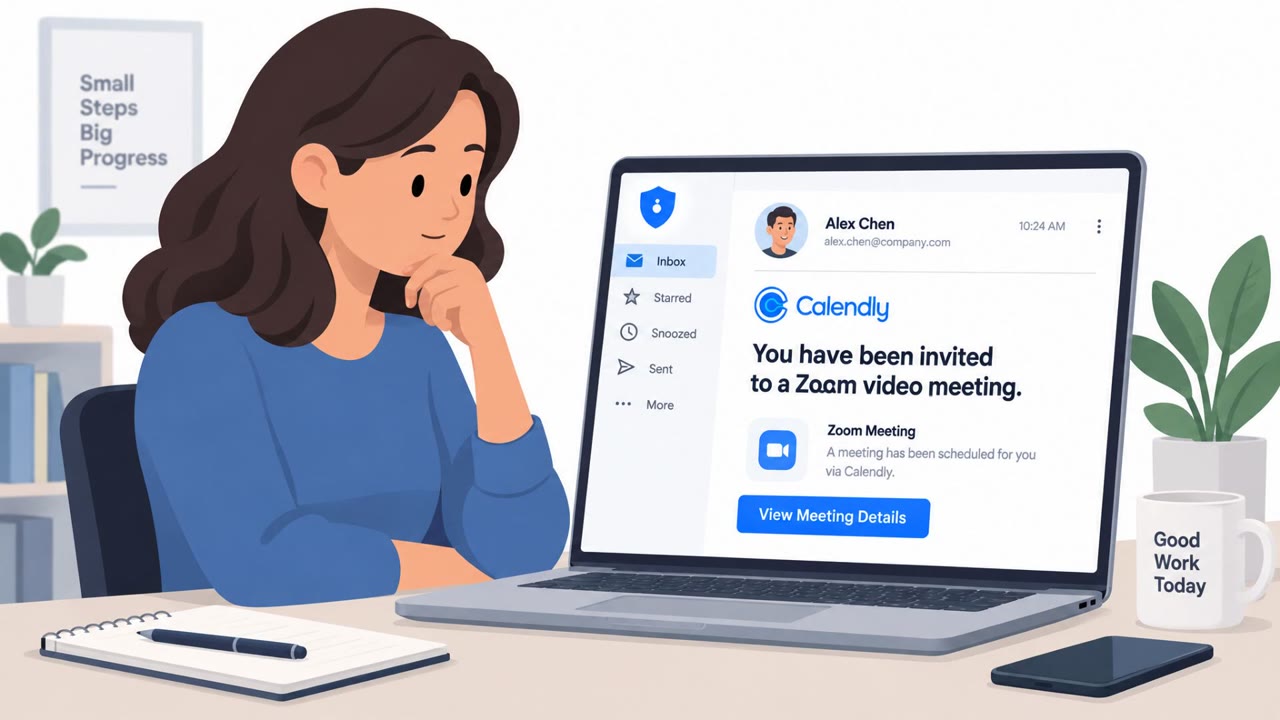
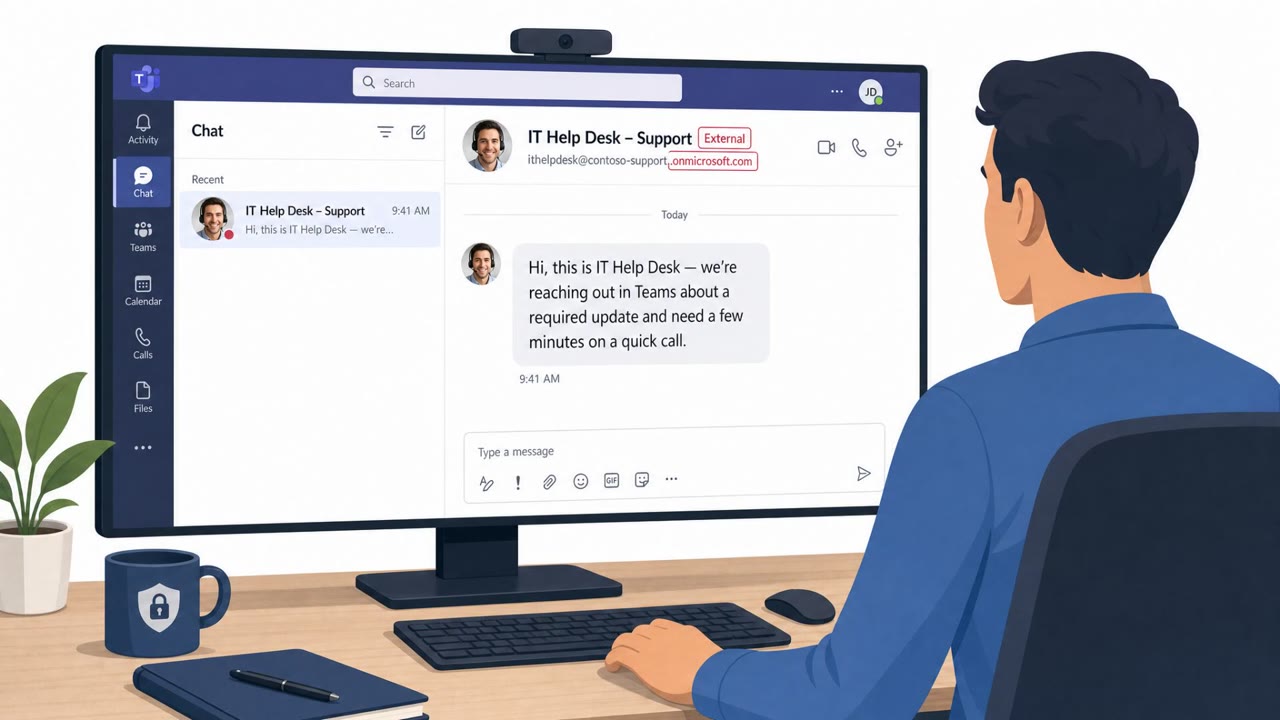
North Korean-linked attackers used fake Zoom or Microsoft Teams meetings to pressure cryptocurrency and Web3 workers into installing a malicious “update.” The criminals secretly recorded victims in a fake meeting waiting room, then replayed that genuine video to impersonate them and lure their colleagues into the same scam.
How the attack worked
Attackers contacted people in cryptocurrency and Web3 through what looked like trusted professional contacts on platforms such as LinkedIn or Telegram, then invited them to a video call. The meeting site resembled Zoom or Microsoft Teams but was fake, and it secretly recorded the target while they waited for the meeting to start. During the call, an alleged microphone problem appeared, and the target was prompted to install a supposed update, patch, codec, or audio driver. That installer was actually malware.
Why it succeeded
The scheme's most effective element was reuse of real webcam footage from earlier victims. Rather than relying on deepfakes, attackers replayed genuine recordings of prior targets as if those people were live participants waiting in the meeting room. This created social pressure: a room full of apparently real colleagues or contacts waiting for the recipient to fix their microphone made the request to install software feel routine and urgent rather than suspicious. Because the invitations often came from accounts or identities connected to previous victims, the social proof of a known contact reaching out added another layer of credibility.
What to watch for
- An unexpected request to install software, drivers, or codecs during a video meeting
- A meeting link that only imitates Zoom or Microsoft Teams instead of using the platform you expect
- Multiple apparent attendees creating urgency around an unresolved audio or microphone issue
- Video-call invitations arriving through LinkedIn, Telegram, or similar channels from contacts in cryptocurrency, Web3, or open-source communities
- A familiar face on camera that may actually be replayed footage rather than a live participant
How to build resistance
Organizations in cryptocurrency, Web3, financial services, and open-source software should train staff to never install software because someone in a video meeting asks them to fix an audio problem. Any such request should be verified through a separate, known contact method before action is taken. Because a familiar face on screen does not guarantee the caller is genuine, teams should also build habits around confirming meeting invitations independently, especially when they are unexpected or involve financial assets or privileged access. If an account or device may be compromised, contacts should be warned through verified out-of-band channels so a compromised identity cannot be used to extend the same scam to colleagues or collaborators. These habits are especially important for finance and treasury staff, developers, and project maintainers who are common targets for this kind of impersonation.
This pattern reflects known techniques including spearphishing via service, impersonation, malicious file execution through user interaction, and video capture, as tracked in frameworks such as MITRE ATT&CK.
Key findings
- Attackers contacted people in cryptocurrency and Web3 through trusted-looking professional contacts and invited them to a video call.
- The fake meeting site resembled Zoom or Microsoft Teams and secretly recorded the target while they waited for the meeting to start.
- Attackers replayed webcam footage of prior victims to make the meeting appear genuine and create pressure to resolve an alleged microphone problem.
- Victims were prompted to install a supposed update, patch, codec, or audio driver, which was actually malware.
- The FBI called the campaign FaceStealer and said it led to more than $400 million in thefts in 18 months.
- The campaign reportedly impersonated more than 900 victims and targeted cryptocurrency, Web3, open-source developers, and software maintainers.
Who’s being targeted
- Commonly targeted roles: Cryptocurrency and Web3 employees, Finance and treasury teams handling digital assets, Open-source developers, Open-source project maintainers, Executive assistants and employees who schedule external meetings.
- Affected industries: Cryptocurrency, Web3, Financial services, Software development, Open-source software.
- Attack channels: linkedin, website, telegram.
- Impersonated: A known cryptocurrency or Web3 industry contact, followed by a fake Zoom or Microsoft Teams meeting service, A colleague, conference contact, or other known contact whose webcam footage was stolen.
Red flags to watch for
- An unexpected request to install software during a video meeting.
- A meeting link that only imitates Zoom or Microsoft Teams rather than using the expected service.
- Urgency created by several apparent attendees waiting for the recipient to fix an audio issue.
- The person on camera may be a replayed recording rather than participating live.
- A chat message claims there is an audio issue and immediately directs the user to an update.
- The supposed meeting participants create social pressure to install software quickly.
Frequently asked questions
How did attackers make fake video calls look real?
They replayed genuine webcam footage recorded from prior victims while those victims sat in a fake meeting waiting room, making it appear as though real contacts were present on the call.
What was the actual goal of the fake microphone error?
The alleged microphone problem was a pretext to pressure the target into installing a supposed update, patch, codec, or audio driver, which was actually malware.
Who was targeted by this campaign?
The campaign targeted people in cryptocurrency and Web3, including finance staff handling digital assets, open-source developers, and open-source project maintainers.
Why couldn't victims tell the webcam video was fake?
The footage was not a deepfake but genuine prior recordings of real people, so it looked authentic even though the person was not actually present live.
Read the video transcript
A familiar face on a call doesn’t prove it’s live. In FaceStealer, a known crypto contact sends a LinkedIn or Telegram invite. The Zoom- or Teams-looking site records you waiting, then replays that footage to your contacts. Then the replayed face says, ‘Sorry, Ray, we can’t hear you.’ A microphone error offers an audio-driver update. That ‘fix’ is malware. If a meeting asks you to install a fix, leave and call that contact using a number you already know.