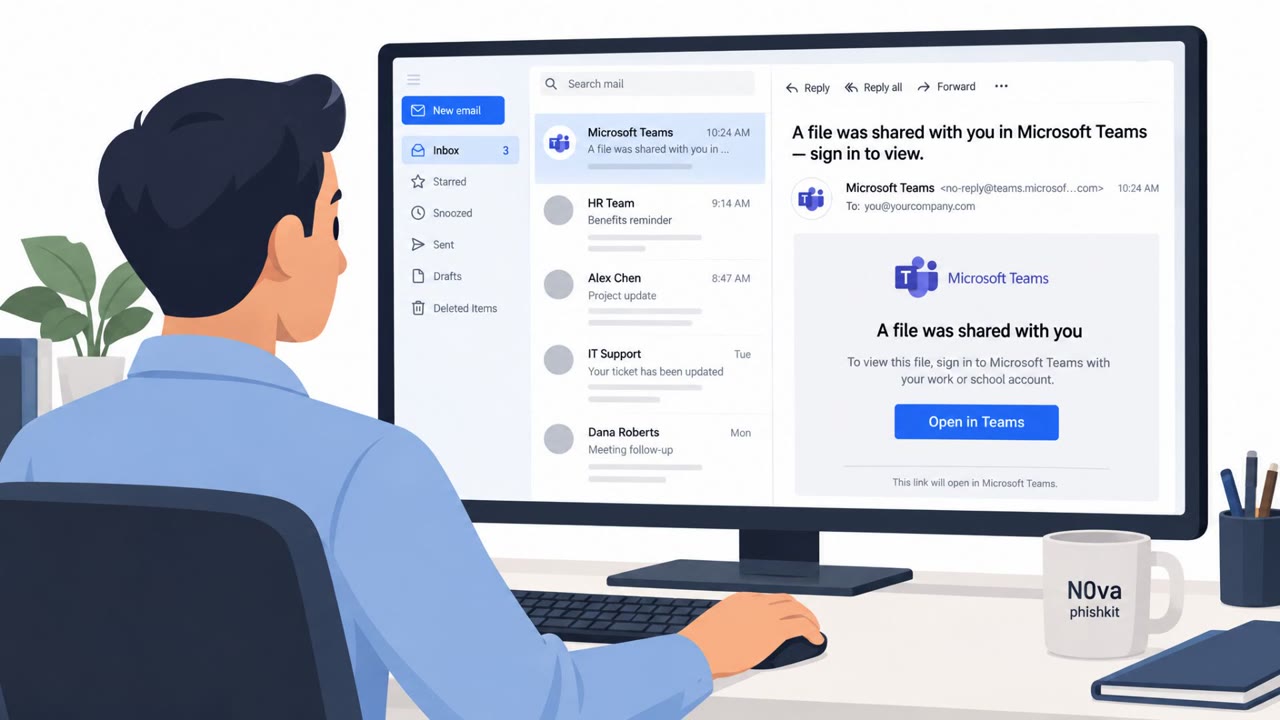
Researchers report Kali365 is actively targeting US organizations using “device code phishing” that sends victims through Microsoft’s real login flow. Instead of stealing passwords directly, the attacker gets OAuth access and refresh tokens after the user approves a code, enabling ongoing access to Microsoft 365 email and files with fewer obvious phishing signs.
Key findings
- Kali365 is a Phishing-as-a-Service platform using device code phishing to abuse Microsoft’s legitimate authentication flow.
- Victims are redirected to Microsoft’s real device login portal and enter an attacker-provided code, making the activity look trustworthy.
- Attackers aim to obtain OAuth access and refresh tokens, potentially enabling continued access to Microsoft 365 resources without the victim’s password.
- ANY.RUN telemetry indicates sustained activity primarily targeting US organizations and spanning multiple industries (manufacturing, technology, healthcare, government, consulting, MSSPs).
Who’s being targeted
- Commonly targeted roles: All employees, Executives, Finance, Legal, HR, IT.
- Affected industries: Manufacturing, Technology, Healthcare, Government, Consulting, Managed Security Service Providers (MSSPs).
- Attack channels: website.
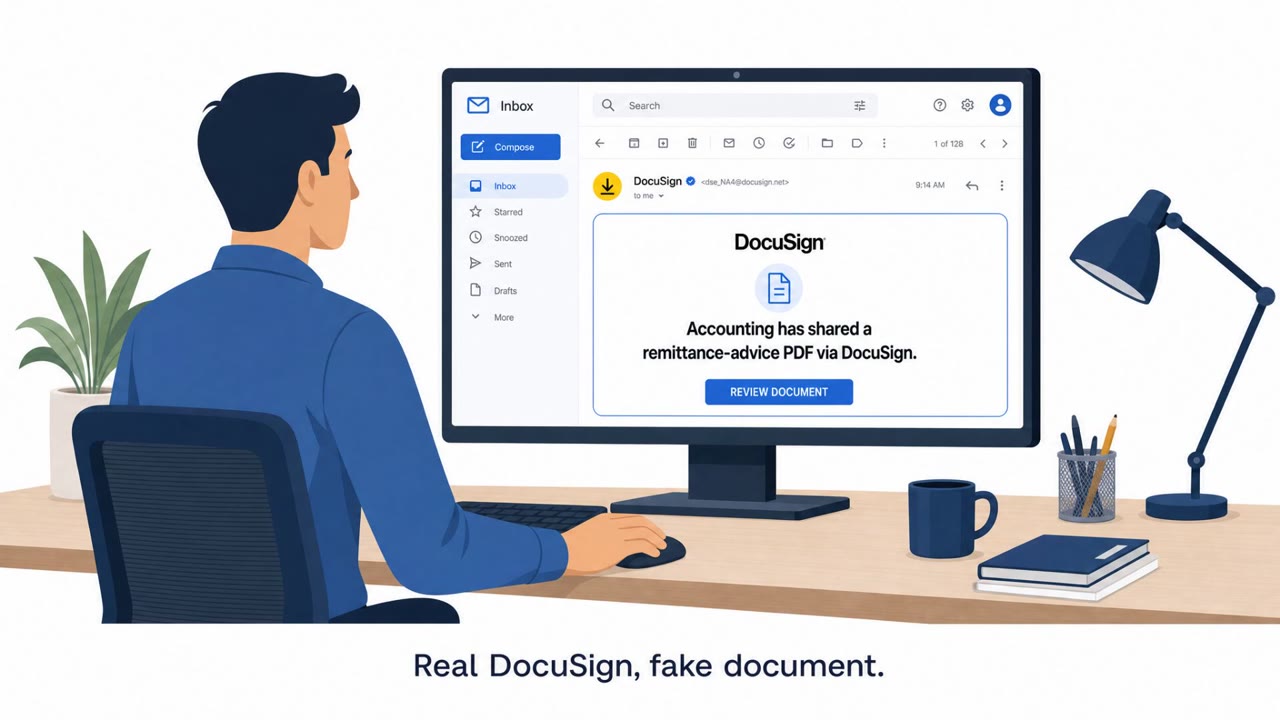
- Impersonated: SharePoint, DocuSign.
Awareness takeaways
- Treat unexpected “device code” login prompts as high risk, only enter device codes you personally initiated.
- Don’t assume a login is safe just because it’s on a real Microsoft page; the danger can be what you approve (tokens/access), not where you type the password.
- Be extra cautious with document-themed lures (SharePoint/OneDrive/DocuSign) and verify unexpected file-share or signature requests via a known, separate channel.
Red flags to watch for
- You are asked to enter a code you did not request
- The flow is unusual for viewing a shared document (device-code login)
- The initial page is a lure even though the final login page is real Microsoft
- Unexpected signature request
- Device-code login appears during routine document signing
- No clear reason a code is needed to view/sign the document
Read the video transcript
You get this: “A document was shared with you in SharePoint. Continue to Microsoft device login and enter this code.” Looks normal, right? This is Kali365’s device code phishing. You click, and it sends you to the real Microsoft device login page. You type the code, sign in like usual, and they grab OAuth tokens to your email and files without ever stealing your password. Here’s the trap: the Microsoft page is real, but the code isn’t. You never asked for it. For a simple shared file or DocuSign review, being forced into a device-code login is weird, that’s your red flag. If you see a device code prompt you didn’t start yourself, stop. Don’t enter the code, close it and report it to security.