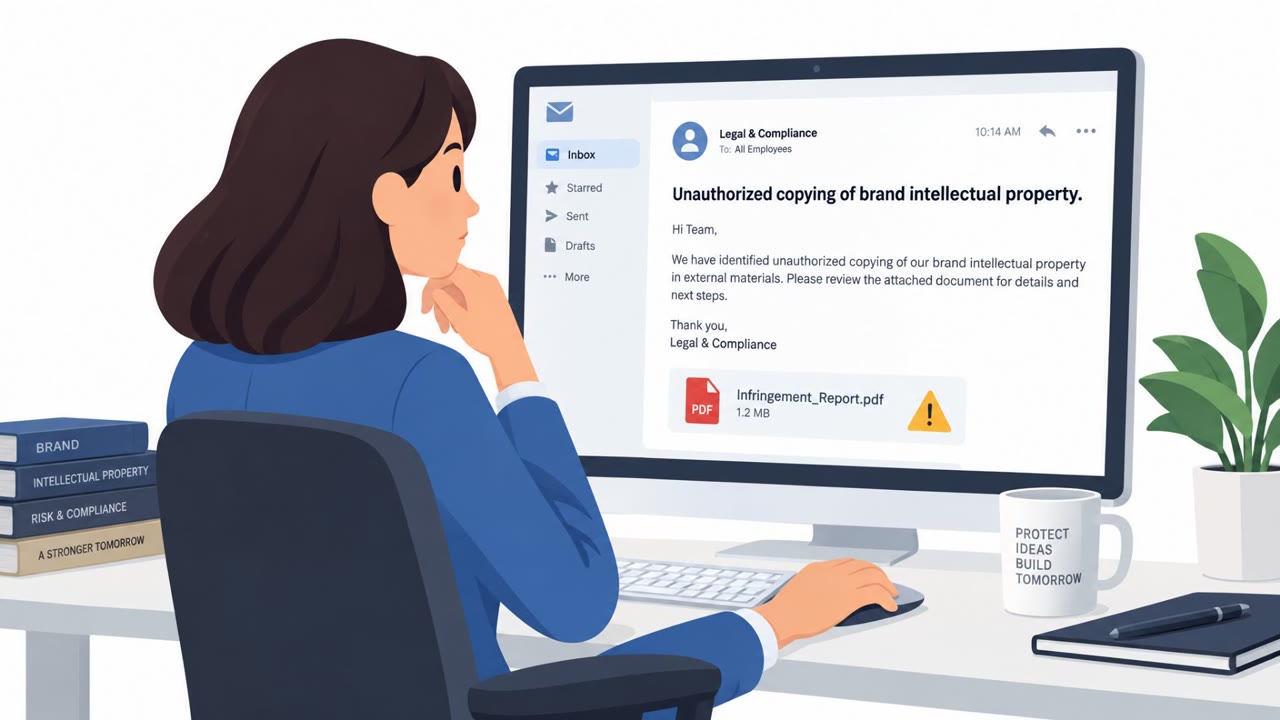
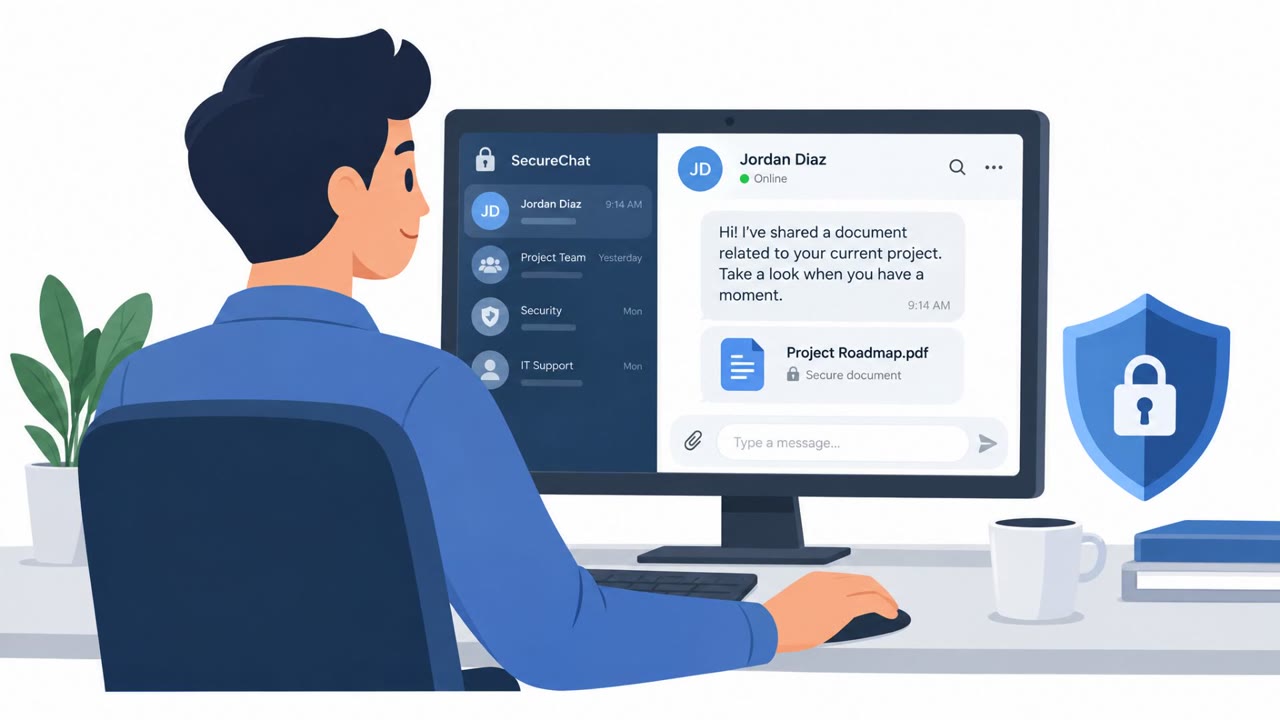
A trucking company reported that an attacker used a fake routine setup request from a business partner to compromise a dispatcher’s email. The attacker hid booking messages and blocked notifications for about a week, apparently attempting to divert cargo. The incident shows how mailbox forwarding and filtering rules can support business email compromise after a phishing login theft.
How the Attack Worked
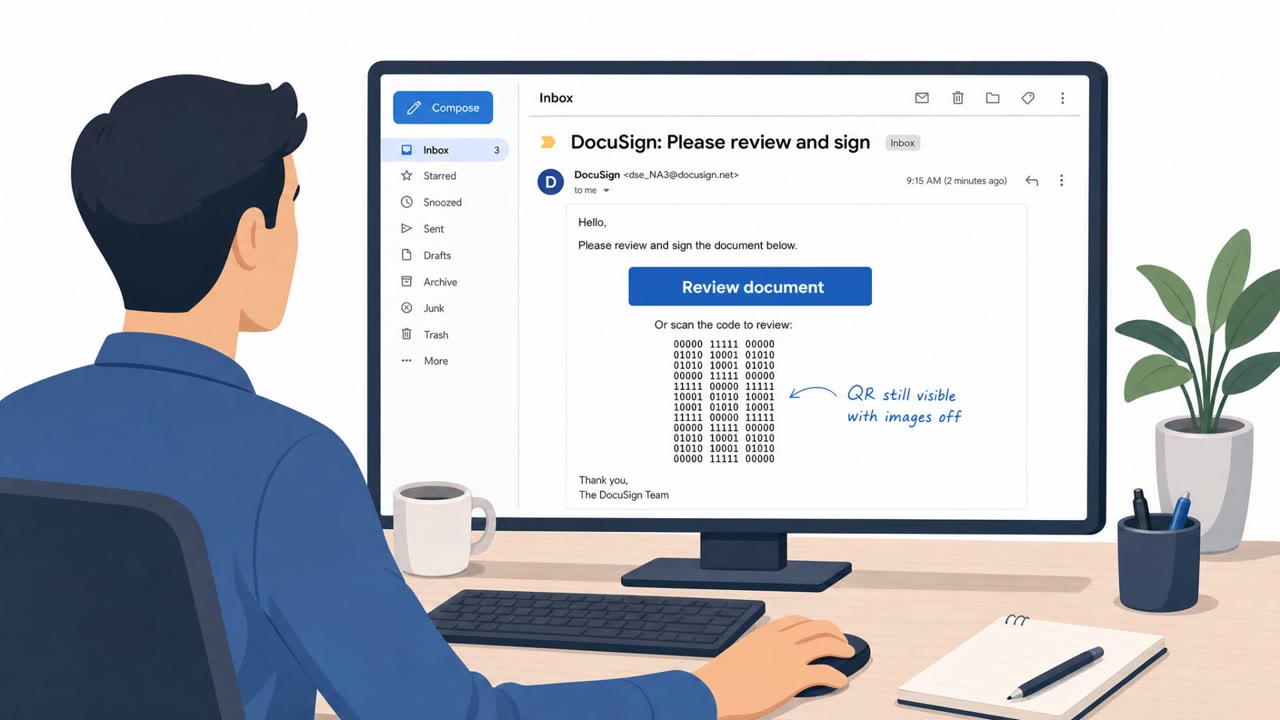
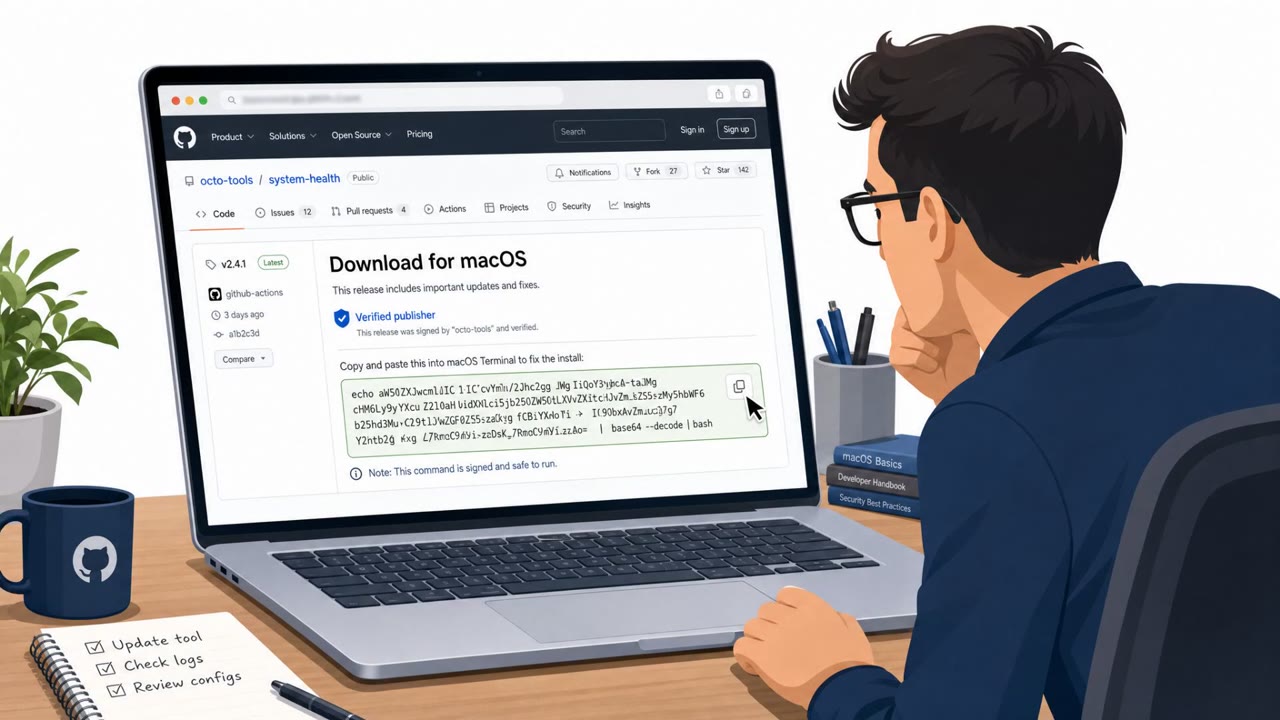
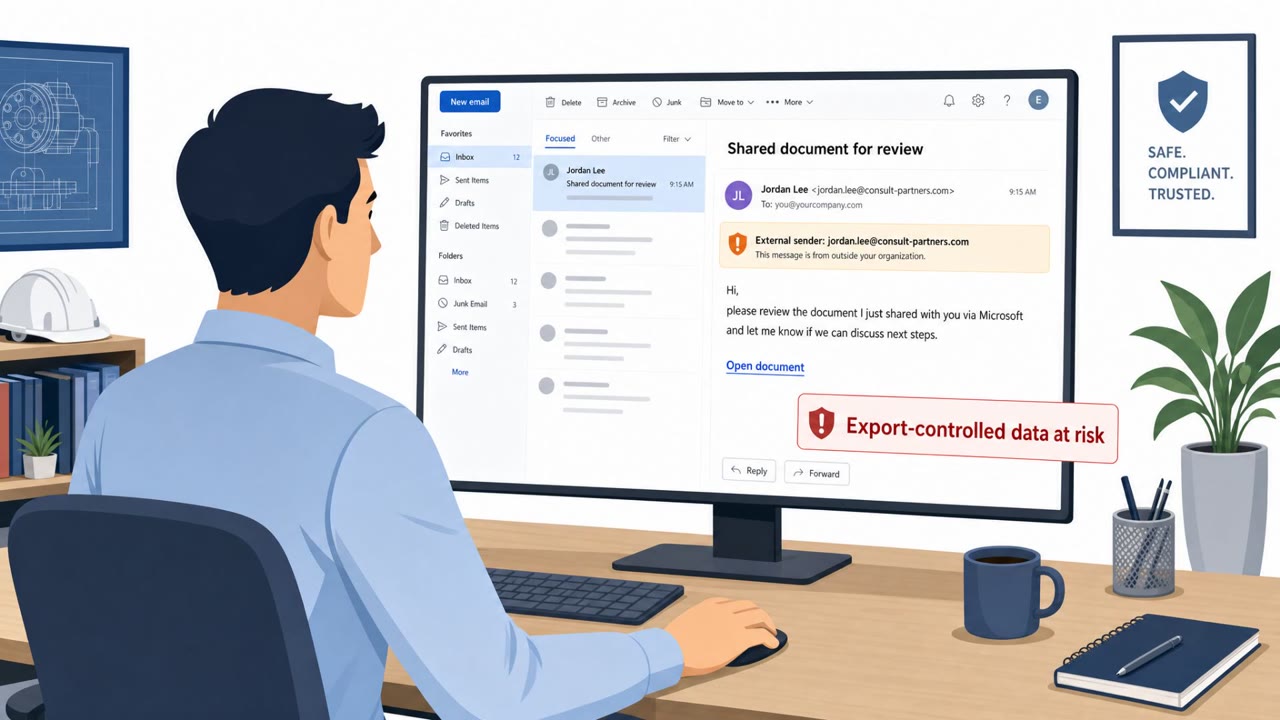
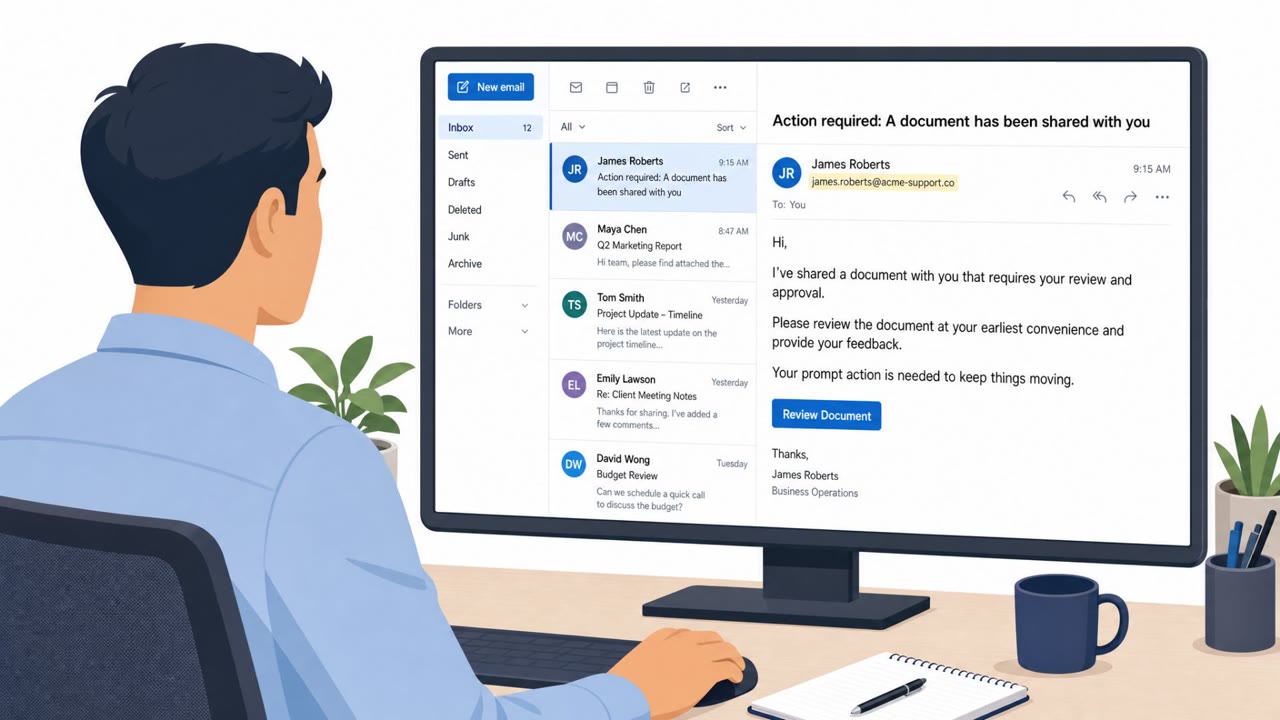
According to the reported incident, a trucking company's dispatcher received what looked like a routine setup request from a business partner. The message included a link that, once clicked, led the dispatcher to sign in through a page that captured their credentials. With access to the mailbox, the attacker began manipulating the inbox rather than immediately acting, a pattern consistent with business email compromise following credential theft.
Once inside, the attacker deleted booking emails and blocked notification senders, effectively hiding evidence of the compromise. This activity reportedly went unnoticed for about a week, during which the attacker appears to have been working toward an attempted cargo diversion scheme.
Why It Succeeded
The pretext relied on a routine, low-suspicion request, a setup or booking link that fit naturally into a dispatcher's daily workflow. Because the request appeared to come from a known business partner and mimicked an ordinary administrative task, it did not trigger the scrutiny a more obviously suspicious email might receive.
Once access was obtained, the attacker used mailbox rules, a technique that often escapes notice because victims assume a password change is sufficient protection. Forwarding and filtering rules can persist even after credentials are reset, allowing continued visibility into sensitive conversations, including ones about payments and bank details.
What to Watch For
- Unexpected links presented as part of a routine booking, setup, or account process
- Requests to sign in through a link instead of a known bookmarked site
- Missing or unusually delayed booking, client, supplier, or security emails
- Unfamiliar or unexpected addresses appearing on a mailbox block list
- Any request to change bank or payment details, especially if it arrives only by email
Building Resistance
Dispatchers, booking coordinators, freight brokers, and accounts payable staff are the roles most exposed to this type of pretext, since they routinely handle setup requests and payment-related communication. Verifying unexpected links or setup requests through a separate, already-known contact channel before acting is a simple but effective control.
Organizations should also build routine checks for hidden mailbox rules into their incident response process. If expected emails stop arriving, checking forwarding rules, filters, and block lists should be an early step, not an afterthought. Finding an unfamiliar rule should be treated as evidence that an account was accessed, prompting a password change, a full sign-out of active sessions, and a review of recovery methods and connected applications. Finally, making phone confirmation with a known number mandatory for any bank detail change removes the final opportunity for attackers to complete a diversion fraud, even after gaining inbox access.
Key findings
- The attacker reportedly sent a phishing link disguised as a routine setup request from a business partner.
- After accessing a dispatcher’s mailbox, the attacker deleted booking emails and blocked notifications to avoid detection.
- The activity reportedly went unnoticed for about a week and was connected to an attempted cargo-diversion fraud.
- Attackers can use inbox rules to forward valuable emails, delete messages, mark them read, archive them, or hide messages matching terms such as “invoice,” “payment,” or “bank details.”
- Changing an email password alone may not remove malicious forwarding or filtering rules already created in the mailbox.
- A company policy requiring phone confirmation through an already-known number for bank-detail changes can disrupt email-based payment fraud.
Who’s being targeted
- Commonly targeted roles: Dispatchers, Freight brokers, Operations staff, Booking coordinators, Accounts payable, Finance teams, IT administrators.
- Affected industries: Trucking, Freight brokerage, Transportation and logistics.
- Attack channels: email, website.
- Impersonated: Business partner.
Red flags to watch for
- An unexpected link is presented as part of a routine booking or setup process.
- The recipient is asked to sign in through a link rather than using a known bookmarked site.
- The request cannot be verified with the supposed partner through an established contact method.
Frequently asked questions
How did the attacker first gain access to the dispatcher's mailbox?
The attacker sent a phishing link disguised as a routine setup request from a business partner, and once the dispatcher signed in through that link, the attacker gained access to the mailbox.
Why did the fraud go unnoticed for about a week?
The attacker deleted booking emails and blocked notification senders, which hid the activity until strange addresses on the block list tipped off someone that something was wrong.
Is changing a password enough after finding a suspicious mailbox rule?
No. Changing a password alone may not remove malicious forwarding or filtering rules already created in the mailbox, so those rules also need to be checked and removed.
What policy can help stop email-based payment fraud like this?
A company policy requiring that any change to bank details be confirmed by phone using a number already on file, not one supplied in an email, can disrupt this type of fraud.
Read the video transcript
A partner emails: ‘Routine setup request.’ There’s a booking link. The dispatcher clicks and signs in. Now someone else is in the mailbox, deleting booking emails and blocking notifications while a cargo-diversion attempt unfolds. The giveaway? Missing mail. Inbox rules can silently delete or forward messages for a week. Changing your password alone won’t remove those rules. Unexpected setup link? Call your partner using the number already on file before you sign in.