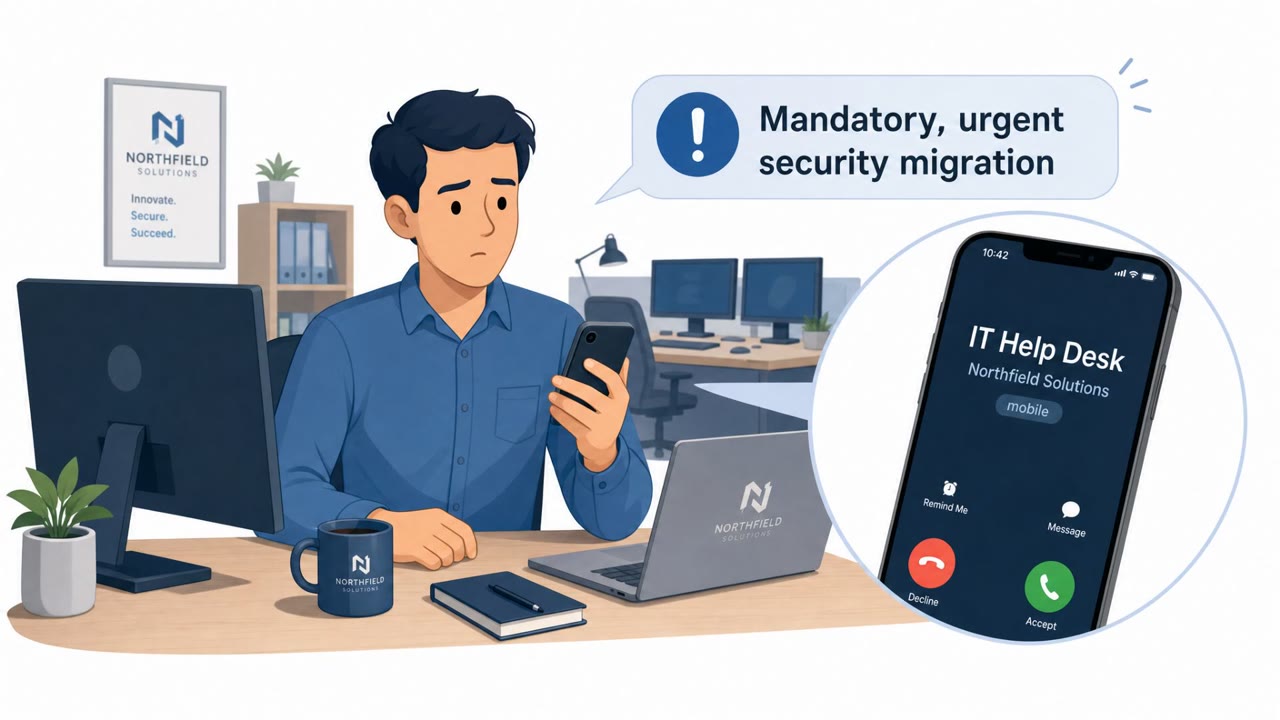
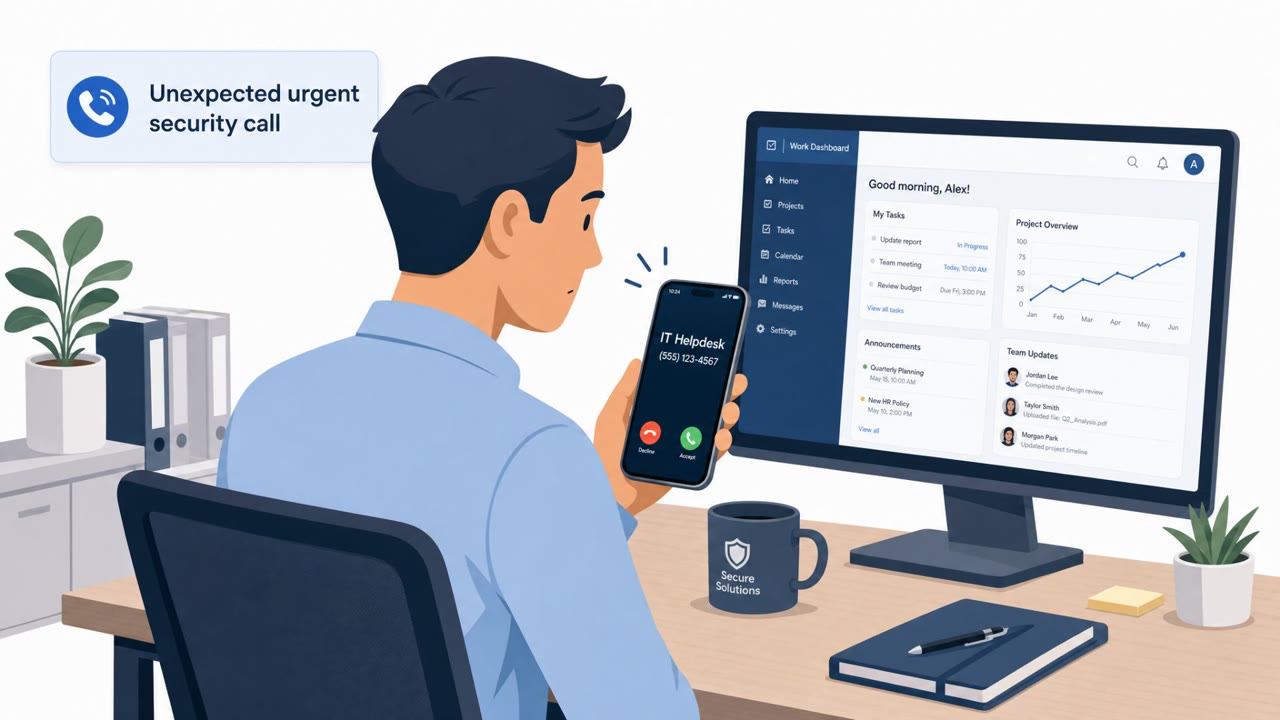
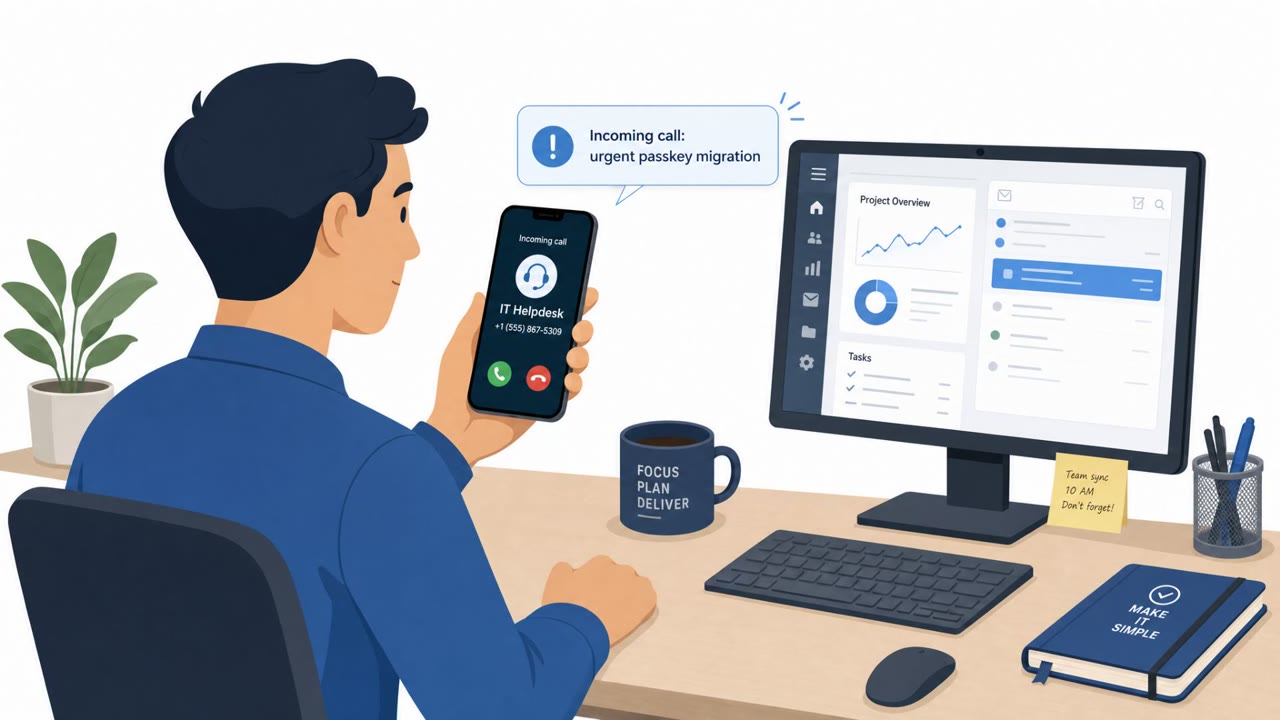
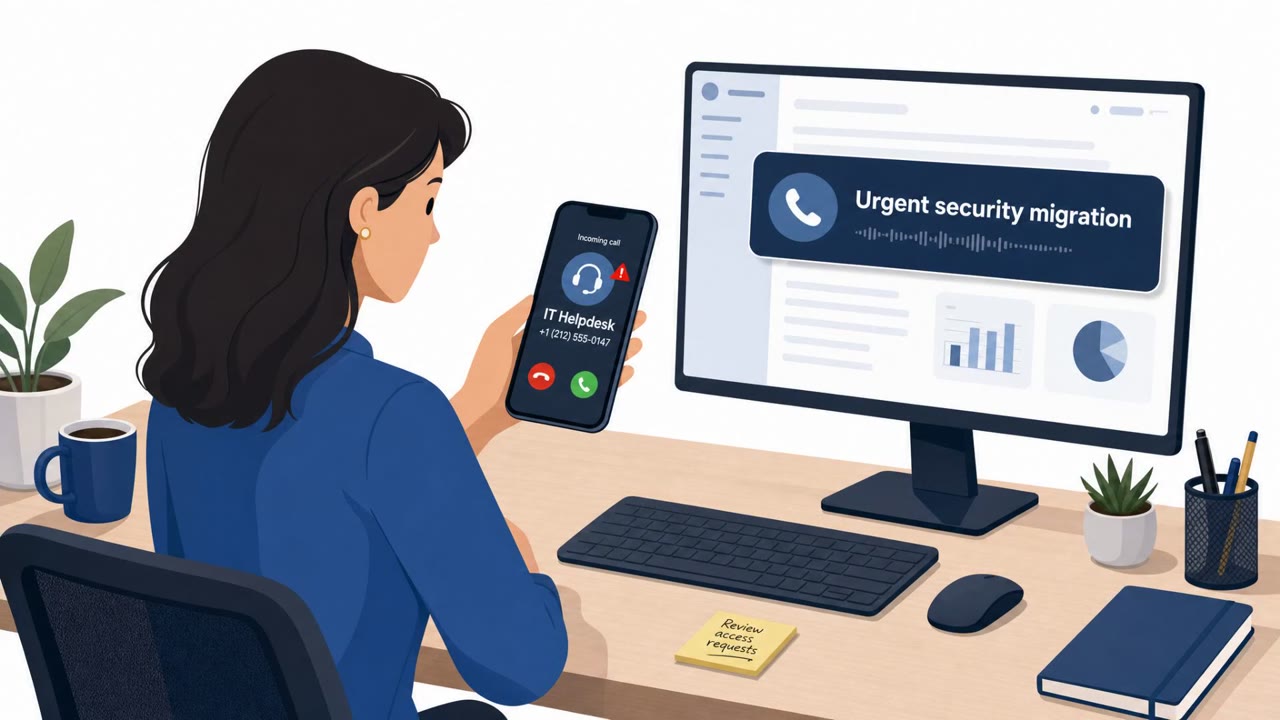
Google reports UNC6671 is still actively compromising organizations by calling employees and pretending to be IT helpdesk staff running an urgent security migration. Victims are pushed to visit lookalike login pages that steal passwords and MFA codes, which then enables data theft and extortion from cloud services like Microsoft 365 and Okta.
How the attack worked
UNC6671 runs a real-world vishing campaign where callers impersonate internal IT helpdesk staff and pressure employees with claims of an urgent, mandatory security migration. The pretext typically centers on enabling FIDO2 passkeys or updating multi-factor authentication enrollment. Employees are directed to a lookalike credential-harvesting subdomain designed to resemble a legitimate company login portal, such as domains using patterns like createssopasskey or addssopasskey. Once a victim signs in, adversary-in-the-middle infrastructure captures both the password and the MFA token in real time, giving the attacker a live, authenticated session.
Why it succeeded
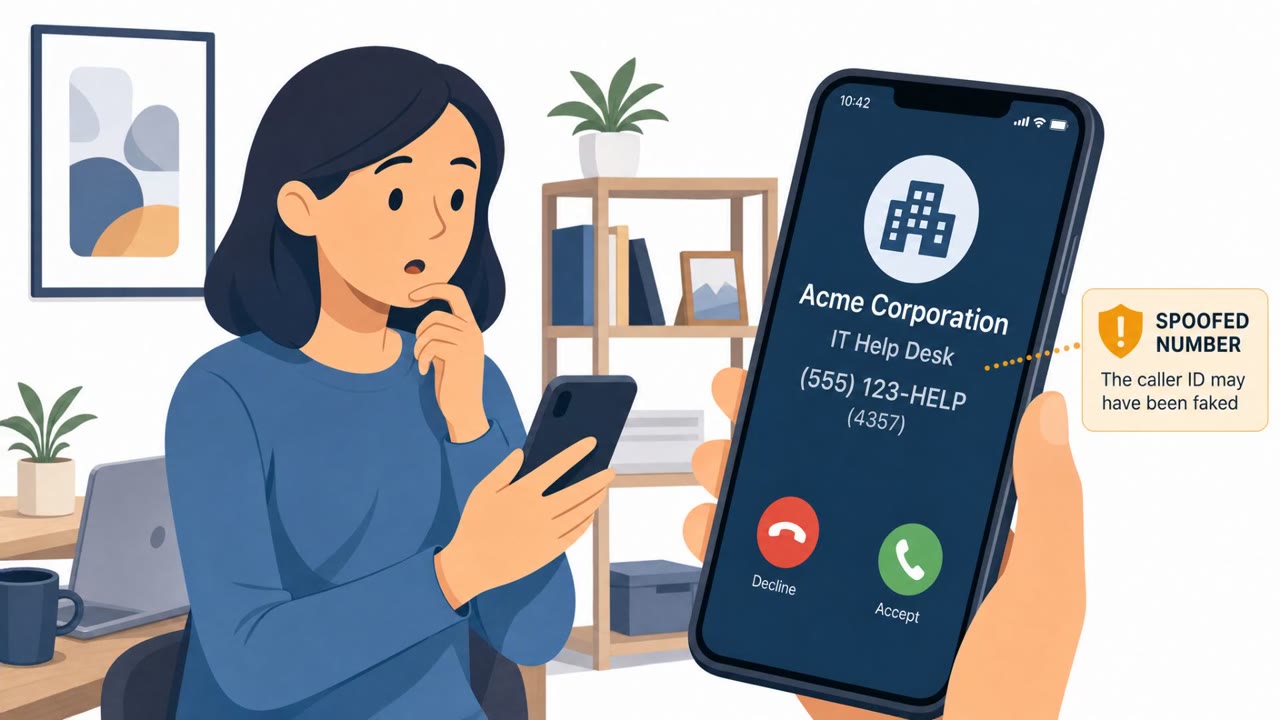
Several factors make this pretext effective. Calls often arrive on an employee's personal mobile device rather than a work line, which can bypass expectations about how corporate IT normally communicates. In some cases the caller has spoofed the legitimate helpdesk phone number, adding a false sense of legitimacy to the interaction. The urgency framing, a mandatory security update that must happen now, discourages employees from pausing to verify the request through other channels. Because the scenario touches identity and access management directly, it also targets employees who are primed to treat MFA and passkey prompts as routine security hygiene rather than a potential threat.
What to watch for
- Unsolicited calls claiming a mandatory, urgent security migration is required
- A request to visit a web address that is not an official corporate domain, particularly one referencing passkeys, MFA, or SSO
- Calls received on a personal mobile number rather than a work line
- Pressure to act immediately without time to verify the request
- Missing password reset confirmations or security alert emails, which attackers have deleted to avoid detection
How to build resistance
Organizations should train employees, including finance, executive, legal, and IT staff, to treat unexpected helpdesk calls as unverified until confirmed through a known internal number or directory, rather than any number or link provided during the call itself. Employees should be reminded to only use official company bookmarks or portals for MFA and passkey enrollment, never a link given over the phone. Because attackers have been observed deleting password-reset confirmations and security notifications to reduce detection, staff should also be encouraged to report any gaps in expected security alerts. Reinforcing these habits across all employee groups, not just IT and IAM administrators, helps reduce the chance that an urgent-sounding call leads to a compromised account.
Key findings
- UNC6671 continues to run real-world vishing-led compromises, despite a claimed “retirement” of an extortion brand.
- Callers impersonate IT helpdesk staff and pressure employees with urgent “mandatory” security migration instructions.
- Victims are directed to spoofed login portals using adversary-in-the-middle (AiTM) tooling to capture credentials and MFA tokens.
- The actor often calls employees on personal mobile phones and in some cases spoofs the legitimate helpdesk phone number.
- Compromised email accounts are used to reset passwords and attackers delete security notifications to reduce detection.
- Infrastructure shows reuse of “passkey/mfa/sso” themed domains across multiple extortion brands (Redact, Pink, Helix, Falcon, BlackFile).
Who’s being targeted
- Commonly targeted roles: All employees, Finance teams, Executives, Legal teams, IT helpdesk/service desk, Identity & access management (IAM) administrators.
- Affected industries: Financial services, Private equity, Professional services, Legal services, Manufacturing, Real estate, Healthcare, Insurance, Technology, Transportation, Hospitality.
- Attack channels: vishing, website.
- Impersonated: Internal IT Helpdesk.
Red flags to watch for
- Unsolicited urgent call about a “mandatory” security migration
- Request to use a web address that isn’t an official corporate domain (lookalike “passkey/mfa/sso” site)
- Call comes to a personal mobile number and/or the caller pressures you to act immediately
Frequently asked questions
What is the UNC6671 vishing scam?
UNC6671 is a threat actor that calls employees pretending to be IT helpdesk staff, claiming an urgent mandatory security migration requires enabling passkeys or updating MFA enrollment, then directs victims to a spoofed login portal that steals credentials and MFA tokens.
How does UNC6671 make the calls seem legitimate?
The actor often calls employees on their personal mobile phones, and in some cases spoofs the legitimate helpdesk phone number to add credibility to the request.
What happens after credentials are stolen in this scam?
Adversary-in-the-middle infrastructure captures passwords and MFA tokens, allowing attackers to compromise email and cloud accounts, reset passwords, delete security alerts, and pursue data theft and extortion.
What are warning signs employees should watch for?
Red flags include unsolicited urgent calls about a mandatory security migration, requests to visit a non-official login web address, and pressure to act immediately, especially when the call arrives on a personal phone.
Read the video transcript
You get a call on your personal phone: “Hi, this is IT helpdesk, urgent mandatory security migration…” They say you must enable a new passkey now, then send you to a fake login like company.createssopasskey.com that looks just like Microsoft 365 or Okta. This is UNC6671 vishing: they grab your password and MFA code, log in as you, reset things, and quietly delete the security emails so you never see alerts. If IT ever calls you unexpectedly about passkeys or MFA, hang up and call the helpdesk back using the number in our internal directory.