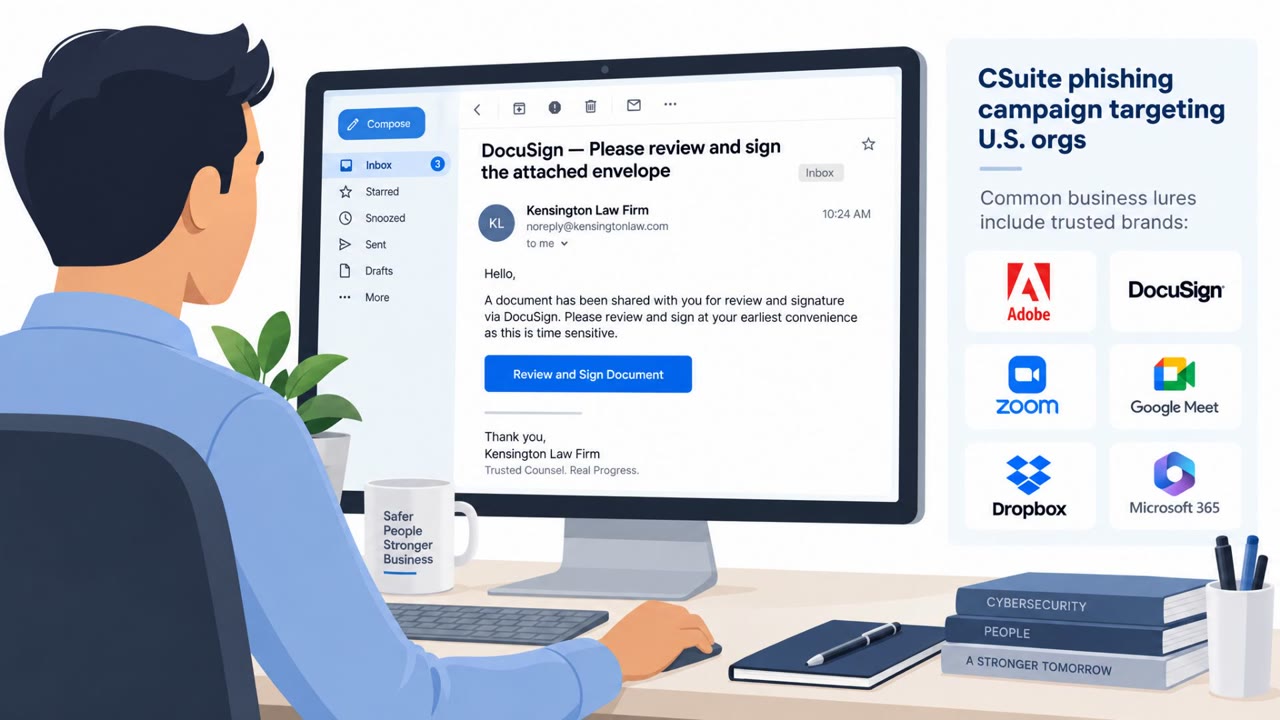
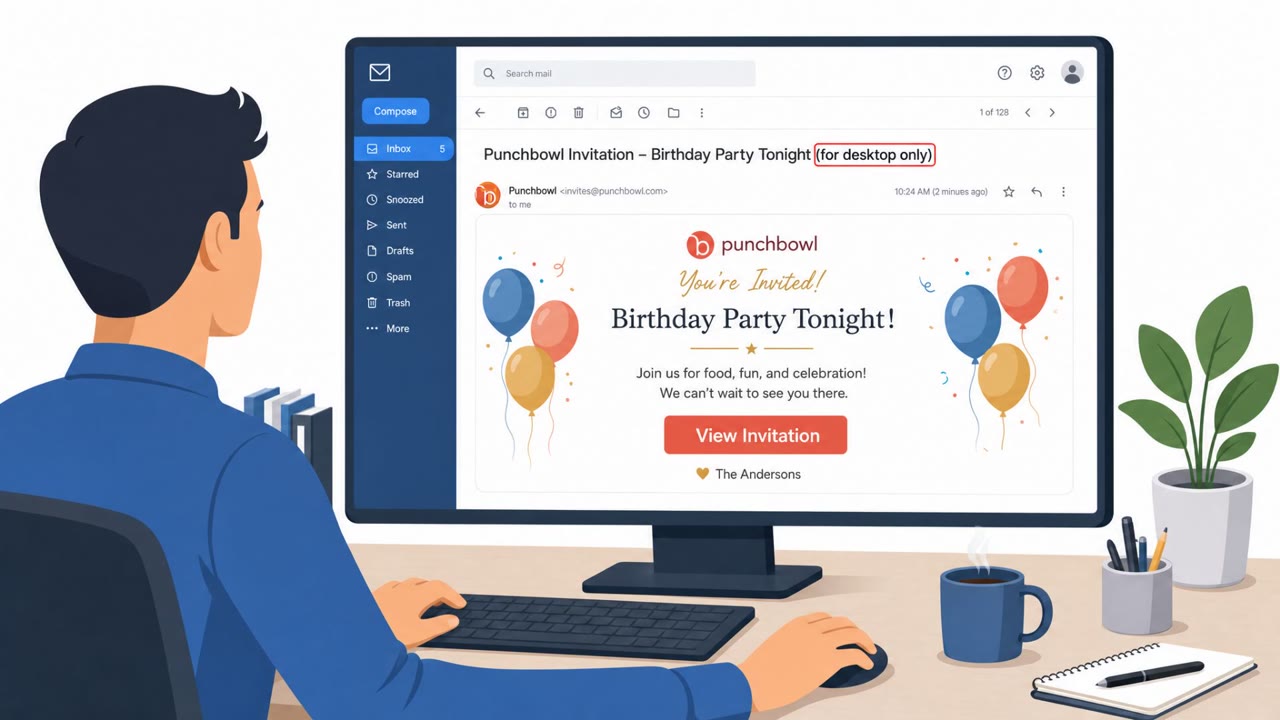
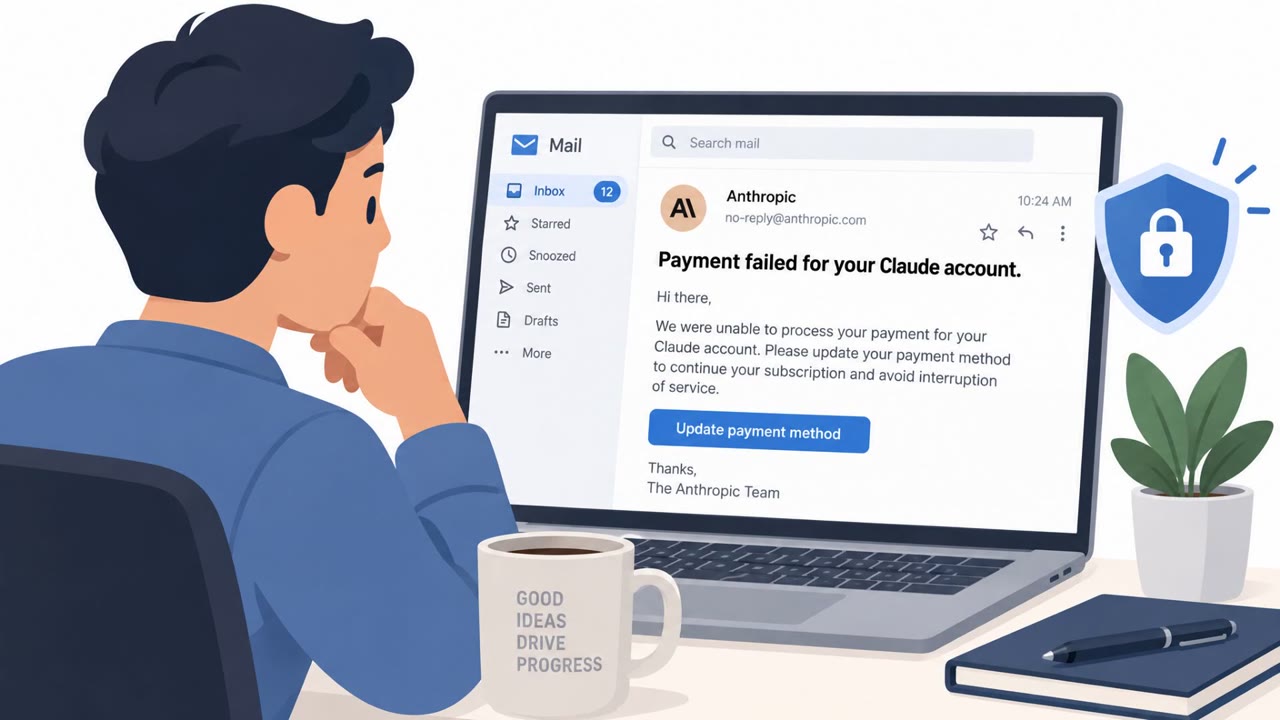
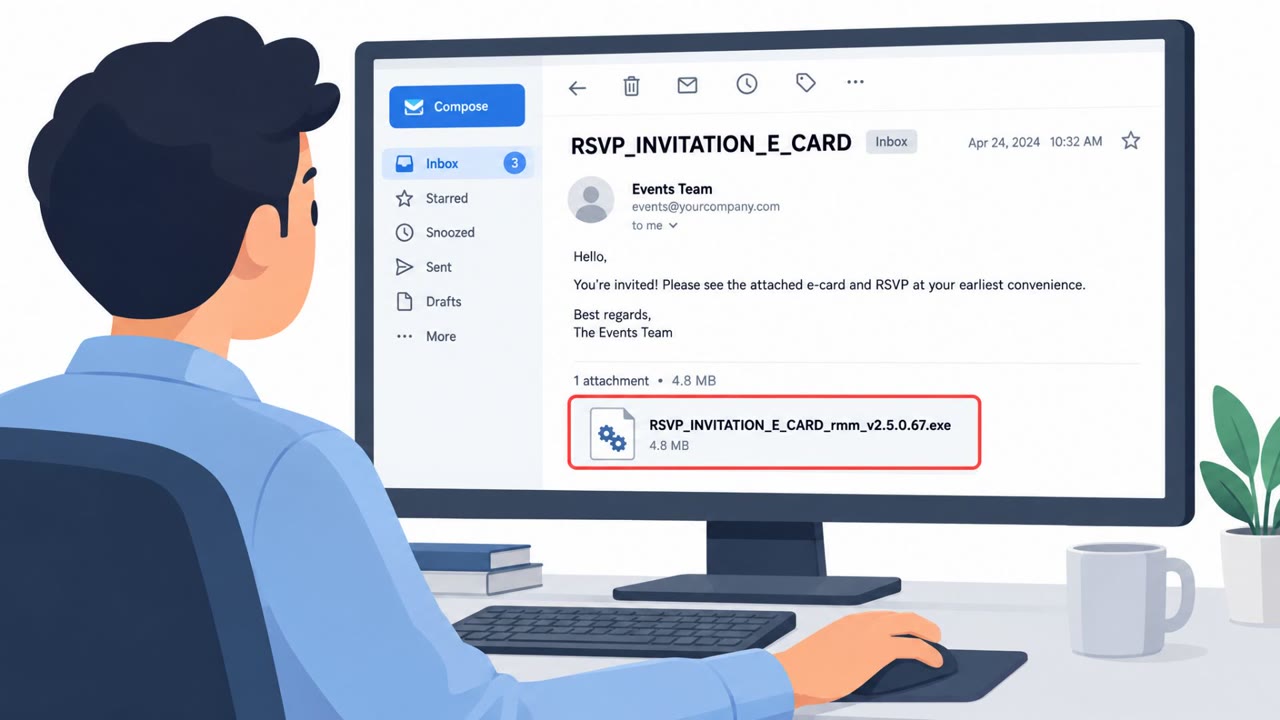
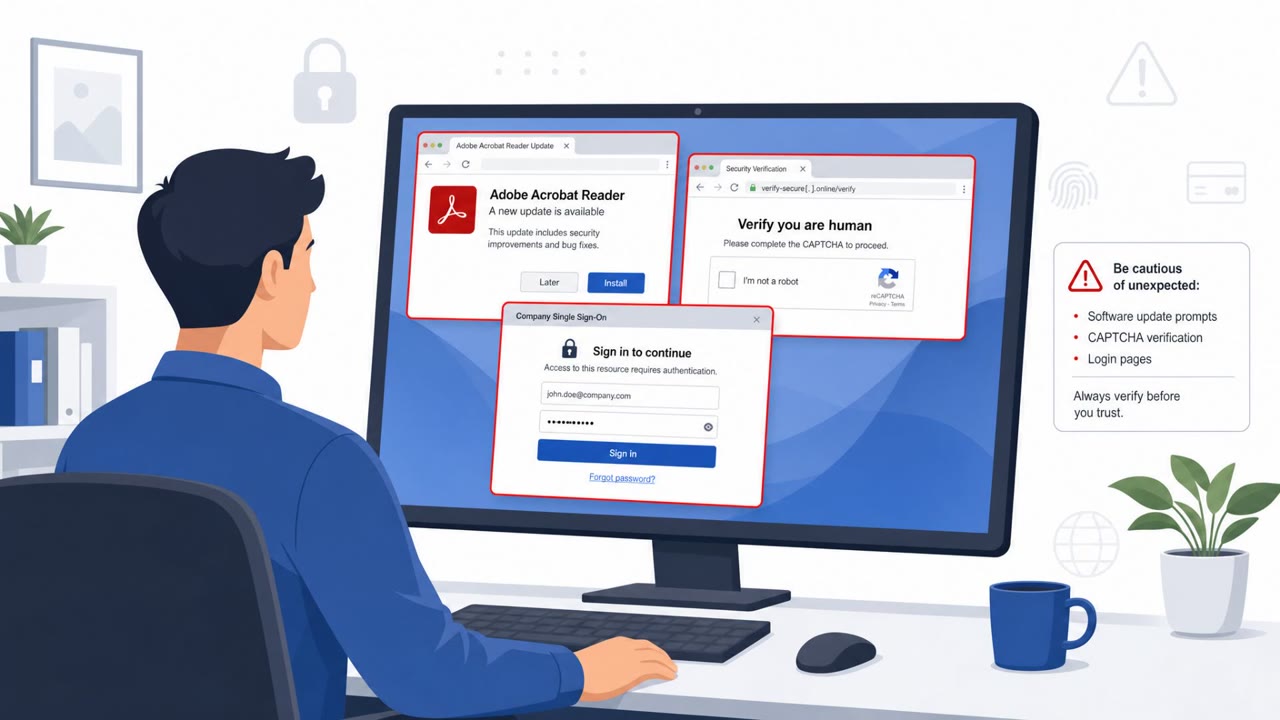
Cofense observed a sharp rise in real phishing campaigns that impersonate familiar brands such as Adobe, the IRS, Social Security Administration, DocuSign, and Zoom. The messages lure employees to download what appears to be a document, update, refund notice, or meeting application, but instead install remote-access software controlled by attackers.
Key findings
- Cofense observed a 239% increase in brand-impersonation phishing campaigns delivering malware in the first half of 2026 compared with the first half of 2025.
- Adobe, the Social Security Administration, DocuSign, the IRS, and Zoom were among the most abused brands.
- Attackers match the downloaded file name to the impersonated brand, using examples such as "Social_Security_Administration_v02.4_EN_US.msi," "setup_Zoom.msi," and "Adobe software update.msi."
- The campaigns commonly use legitimate cloud services for hosting and legitimate remote-support products, making malicious activity look more trustworthy.
- Cofense reported that 94% of malware-delivery campaigns abused legitimate remote-access tools, including ConnectWise RAT, Datto RMM, and SimpleHelp.
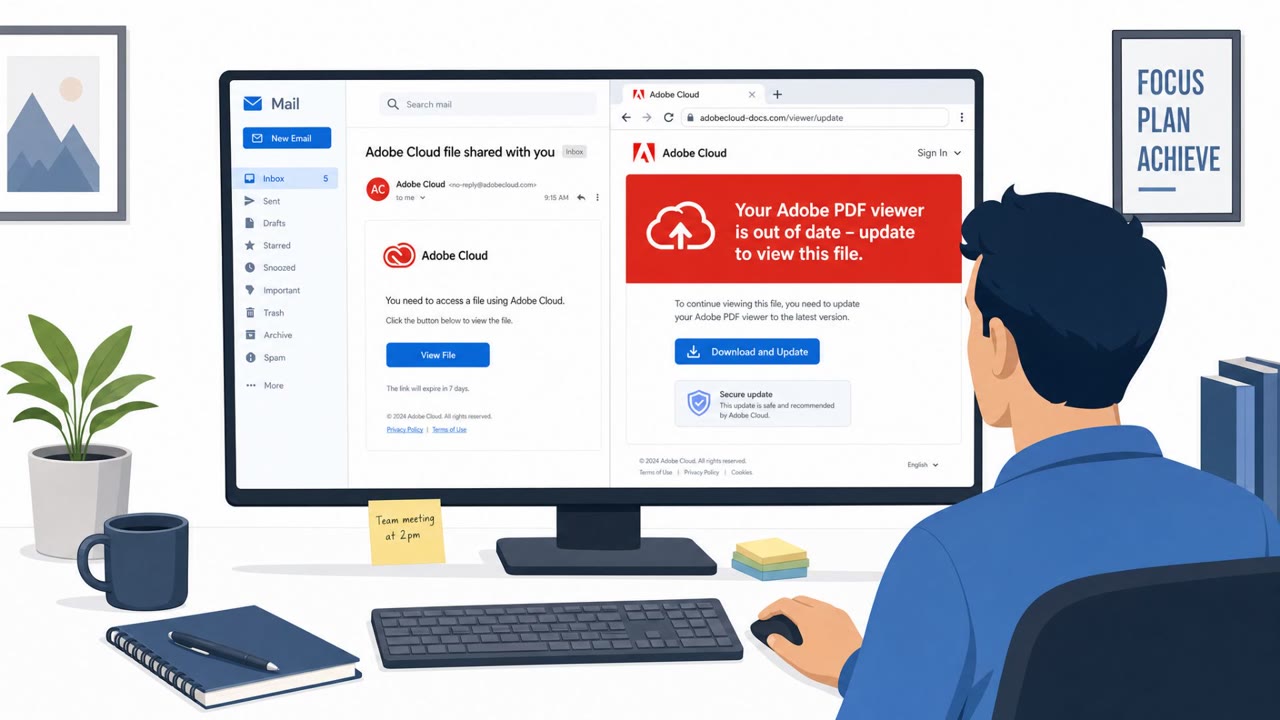
- Adobe-themed campaigns often claim a document is ready to view, then present a fake Adobe Reader update after the recipient clicks the link.
- IRS campaigns used tax-refund, late-filing, and tax-extension themes, including after the normal tax filing deadline.
Who’s being targeted
- Commonly targeted roles: All employees, Administrative staff, Document approvers, Finance and payroll teams, Tax-related staff, Employees nearing retirement age, IT support teams.
- Affected industries: Cross-industry, Professional services, Government, Finance and insurance, Healthcare, Education, Manufacturing.
- Attack channels: email, website.
- Impersonated: Adobe, Social Security Administration, Internal Revenue Service (IRS).
Awareness takeaways
- Treat unexpected document, statement, refund, and meeting invitations as suspicious even when they use a familiar brand name.
- Do not install a software update offered by a page reached from an email link; obtain updates only through approved software-management processes or the official application.
- Be wary when a supposed document download is an installer file, especially when its name imitates a trusted brand.
- Report unexpected brand-themed emails rather than trusting them because the link is hosted on a familiar cloud service.
Red flags to watch for
- An unexpected document notification
- A document viewer unexpectedly requires a software update
- The download is an installer file rather than a PDF
- An unsolicited government statement sent by email
- A supposed benefits letter downloads as an installer file
- The page claims Adobe Reader is out of date before showing a document
- An unexpected tax notice, especially outside expected filing activity
- Pressure to download software or a file to access a refund
- An IRS-branded message leading to a software installer rather than an official government page
Read the video transcript
An Adobe document alert lands in your inbox: “A document is available to view.” You click. The page says Adobe Reader is out of date and offers an update before showing the PDF. But the download is an installer, not a document. That’s the trick: the brand name follows you into the file. “setup_Zoom.msi” isn’t a meeting; an SSA statement ending in .msi isn’t a letter. These installers can put remote-access software on your computer. If an unexpected document asks you to install anything, stop. Report the email using your company’s phishing-report button.