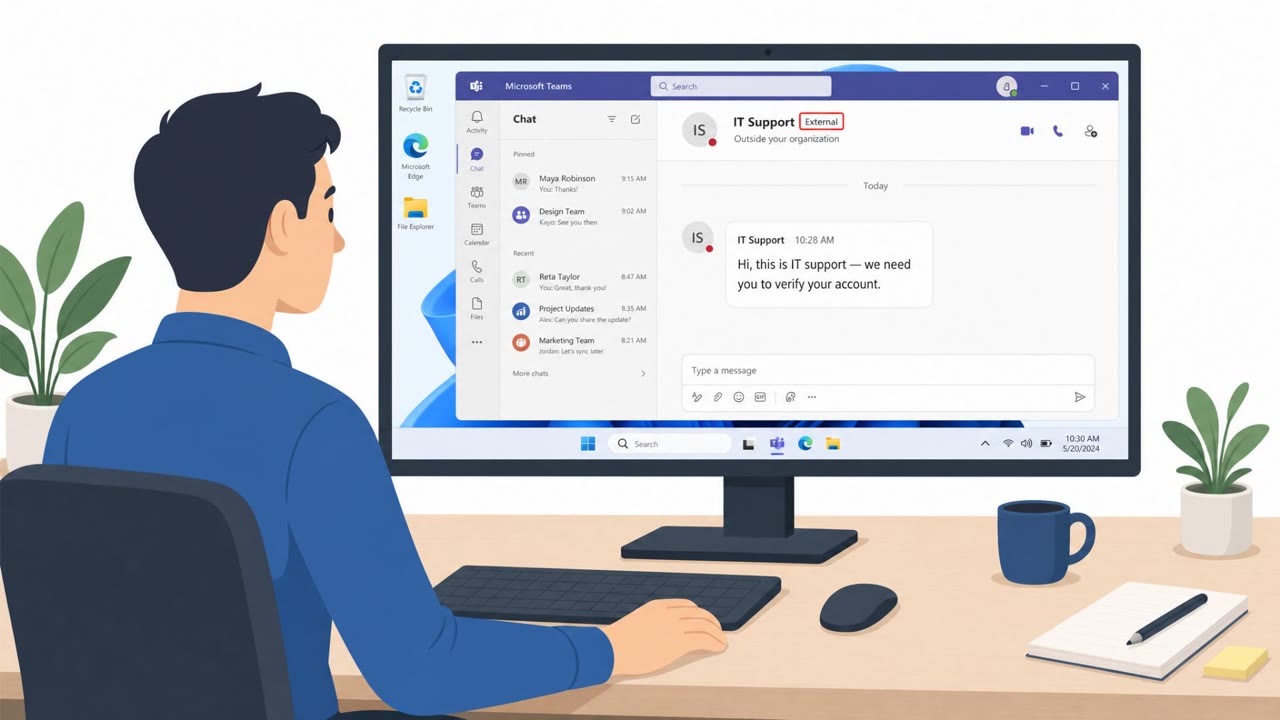
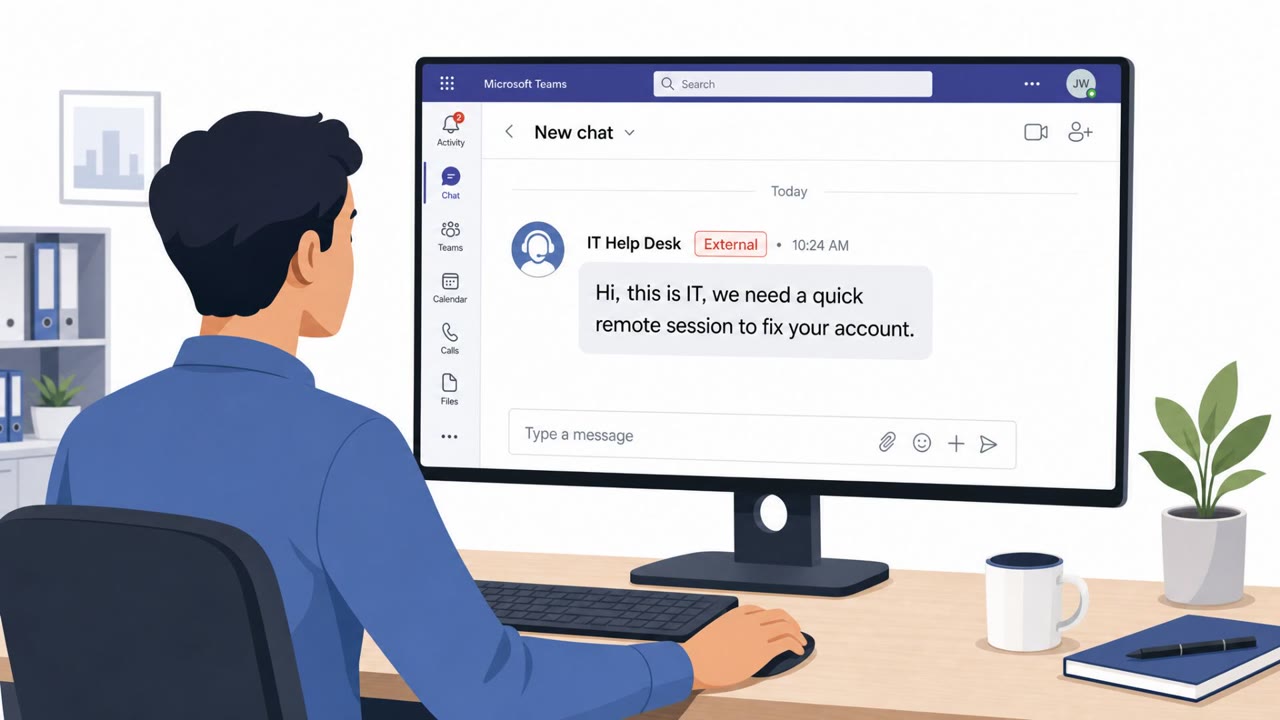
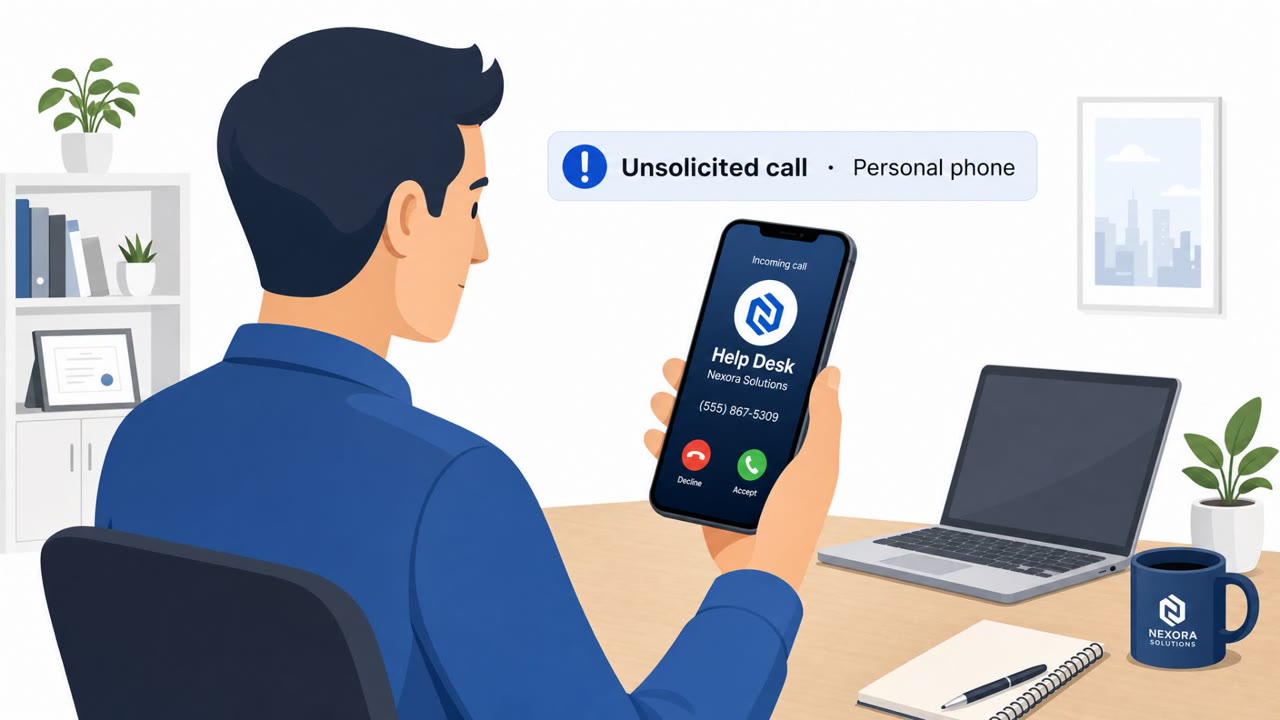
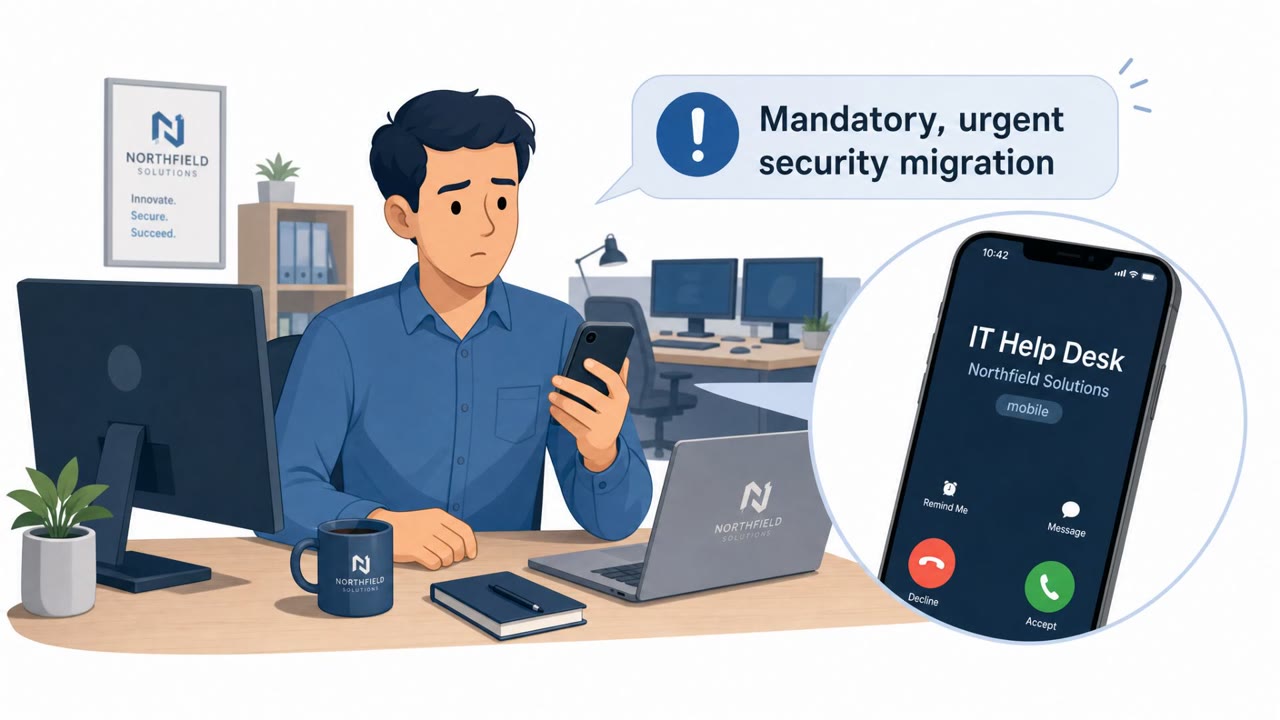
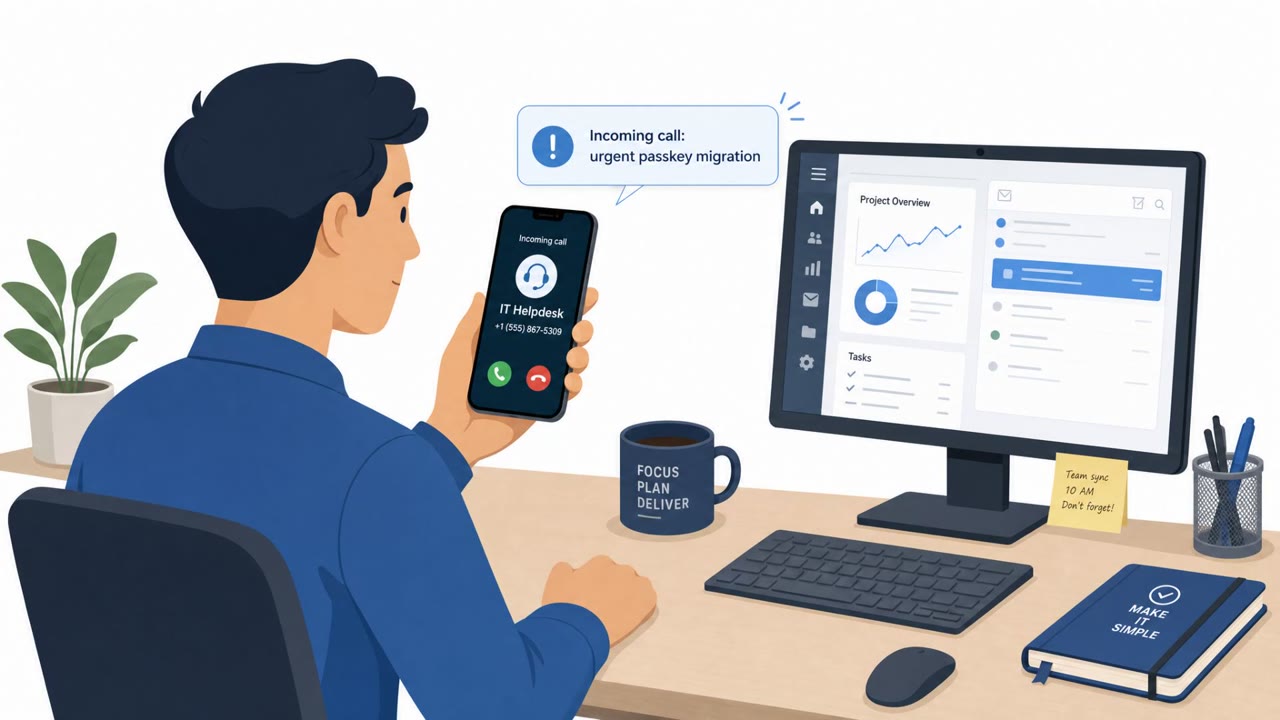
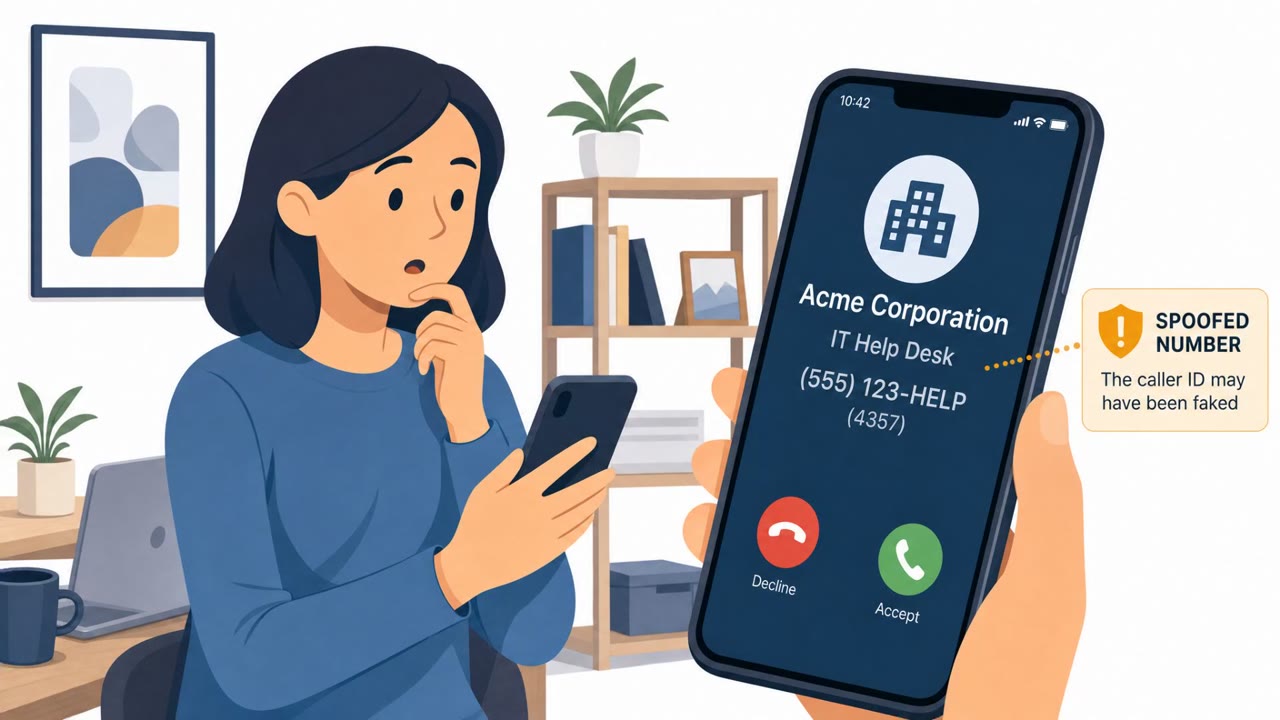
Com-affiliated criminal groups are calling employees while posing as internal IT support, claiming there is an authentication problem and directing them to company-branded phishing pages. The pages capture sign-in details and MFA approvals in real time, allowing attackers to add their own MFA devices, steal cloud data, and send internal extortion messages.
How the Attack Worked
Com-affiliated criminal groups have run vishing campaigns since August 2026 against organizations holding high-impact corporate data. The intrusions begin with a phone call in which the attacker poses as internal IT support, claiming there is an authentication issue that needs to be resolved. The employee is directed to a phishing page built specifically for their organization. These pages function as adversary-in-the-middle proxies, passing captured credentials and MFA approvals to the attacker in real time, which allows immediate account takeover.
From Access to Extortion
Once inside an account, the attackers move quickly. They register their own MFA devices, create temporary cloud credentials, and approve unauthorized OAuth applications to maintain access. From there, they collect data from Microsoft 365 mailboxes, OneDrive, and SharePoint, and abuse connected SaaS tools such as Salesforce, DocuSign, and Slack. One cluster reused an unauthorized MFA device labeled "Pixel 10a" across multiple compromised accounts, a sign of consistent tradecraft across incidents.
After data is collected, attackers use the compromised account itself to send extortion messages internally through email and Microsoft Teams, directing recipients to a Tor-hosted negotiation site. This turns a trusted internal channel into the delivery mechanism for the threat.
Why It Succeeded
This technique works because it targets trust rather than technical defenses. A phone call claiming an authentication problem creates urgency, and being directed to a page that looks tailored to the organization lowers suspicion further. Because the MFA approval happens during what feels like a legitimate support interaction, employees may approve prompts without realizing they are granting an attacker access. The reuse of internal accounts for extortion messaging also exploits the natural trust employees place in colleague-to-colleague communication.
What to Watch For
- An unsolicited call creating urgency around an authentication problem
- Being directed to a sign-in page instead of the normal corporate portal
- An unexpected MFA prompt during or after a support call
- Internal email or Teams messages pressuring recipients to visit an unfamiliar site, including Tor-hosted links
Building Resistance
Organizations and employees can reduce exposure by treating unsolicited authentication-related calls as suspicious and verifying them through a known IT service desk number. Credentials and MFA approvals should only ever be entered through the organization's standard sign-in portal, never a link supplied by a caller. Unexpected MFA enrollment or approval requests should be reported immediately, since rapid MFA registration is a key step in this attack chain. Finally, any internal message claiming data theft and pointing to a negotiation site should be reported through an out-of-band channel rather than acted upon directly, since the sending account may itself be compromised.
Key findings
- Com-affiliated groups have conducted numerous vishing campaigns since August 2026 against organizations holding high-impact corporate data.
- Attackers impersonate IT staff, claim an authentication issue needs resolving, and direct staff to phishing pages tailored to the victim organization.
- The adversary-in-the-middle phishing pages capture credentials and MFA approvals in real time, enabling account takeover.
- After access, attackers rapidly register their own MFA devices, create temporary cloud credentials, approve unauthorized OAuth applications, and collect data from cloud services.
- Observed data theft included Microsoft 365 mailboxes, OneDrive, and SharePoint; attackers also abused connected SaaS services such as Salesforce, DocuSign, and Slack.
- Attackers sent extortion messages from compromised accounts through internal email and Microsoft Teams, directing recipients to Tor-hosted negotiation sites.
- One cluster reused an unauthorized MFA device labeled "Pixel 10a" across compromised accounts.
Who’s being targeted
- Commonly targeted roles: All employees, Microsoft 365 users, Finance and insurance staff, Healthcare staff, Legal teams, IT support and service desk, Cloud administrators, Executives, Security operations teams.
- Affected industries: Finance and insurance, Healthcare, Legal services, Construction, High technology, Transportation, Manufacturing, Pharmaceuticals, Real estate.
- Attack channels: vishing, website, email, teams.
- Impersonated: Internal IT support, Compromised employee account.
Red flags to watch for
- An unsolicited caller creates urgency around an authentication problem.
- The caller directs the employee to a sign-in page rather than having them use the normal corporate portal.
- An unexpected MFA approval is requested while speaking with an unverified caller.
- The message arrives unexpectedly, even if it appears to come from a colleague's internal account.
- The sender pressures recipients to visit an unfamiliar Tor-hosted site.
- A data-theft claim is sent broadly through internal collaboration or email tools rather than established incident-response channels.
Frequently asked questions
How do these attackers gain initial access?
They call employees posing as internal IT support, claim there is an authentication problem, and direct them to an organization-tailored phishing page that captures credentials and MFA approvals in real time.
What happens after an account is compromised?
Attackers quickly enroll their own MFA devices, create temporary cloud credentials, approve unauthorized OAuth applications, and collect data from services like Microsoft 365, OneDrive, SharePoint, Salesforce, DocuSign, and Slack.
How is the extortion carried out?
Using a compromised account, attackers send internal email and Microsoft Teams messages claiming data theft and directing recipients to a Tor-hosted ransom negotiation site.
What is the biggest warning sign for employees?
An unsolicited call about an authentication issue that pushes the employee toward an unfamiliar sign-in page or an unexpected MFA approval request is the clearest red flag.
Read the video transcript
“Internal IT here. There’s a problem with your login.” Sound familiar? The caller sends you a company-branded sign-in page. You enter your password and approve MFA. Their adversary-in-the-middle page relays both in real time. Aha: your MFA approval can let them add their own device, even one labeled “Pixel 10a”, then reach Microsoft 365 files and send extortion messages in Teams. If an unexpected caller directs you to sign in, hang up and call IT using the number you already know.