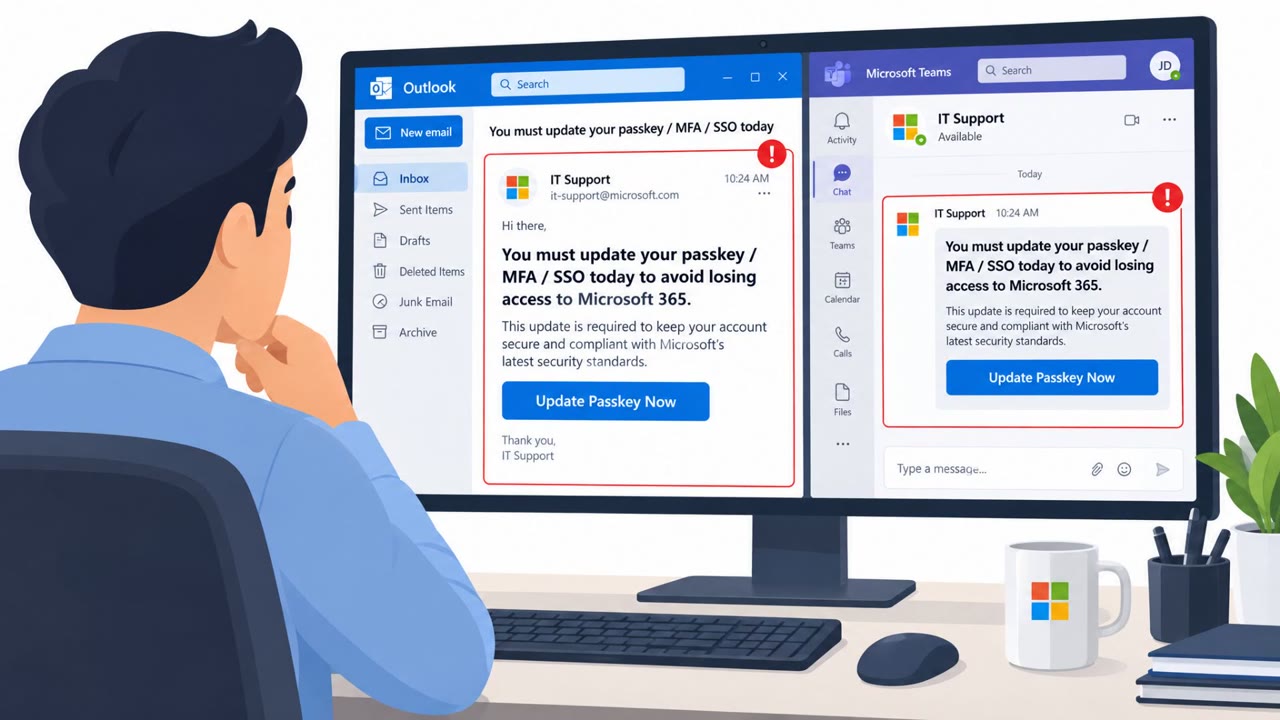
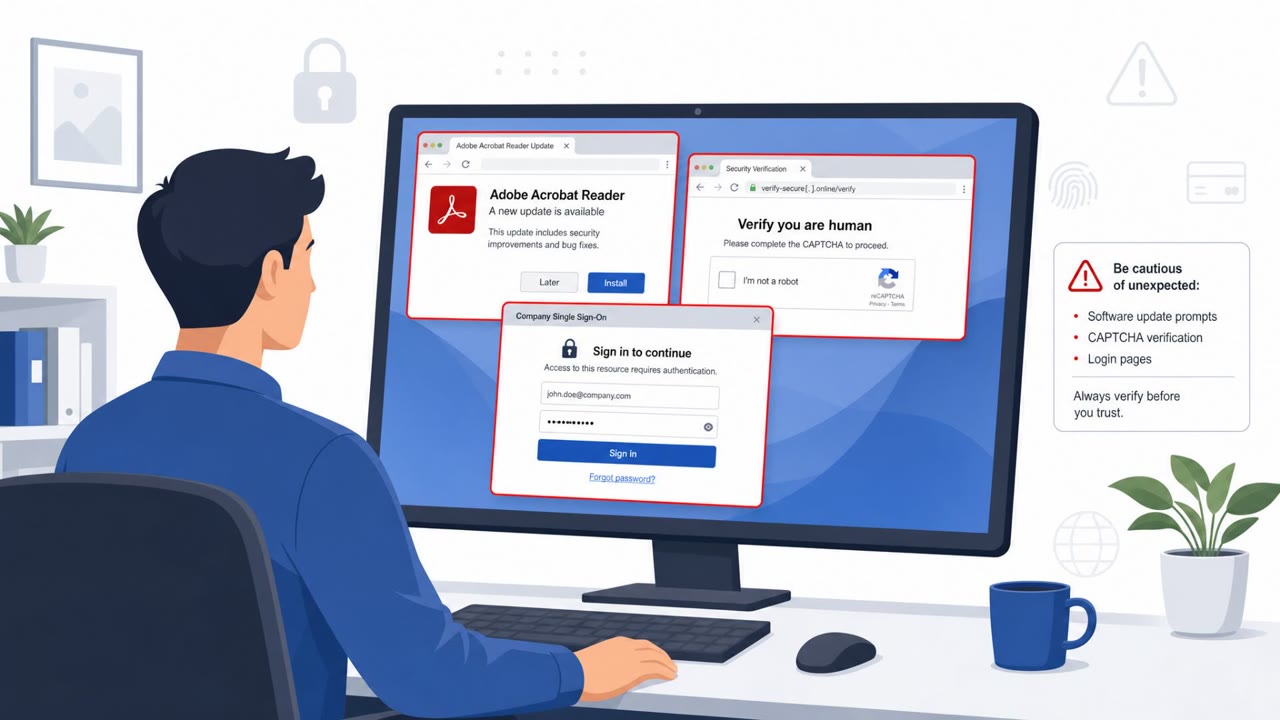
Researchers report attackers compromising hotel and conference Wi‑Fi gateway equipment to silently redirect travelers to fake Microsoft 365 sign-in pages, without sending phishing emails. In some cases, attackers also abuse Microsoft device-code login prompts so victims unintentionally approve access tokens, potentially bypassing normal protections even when MFA is used.
How the attack worked
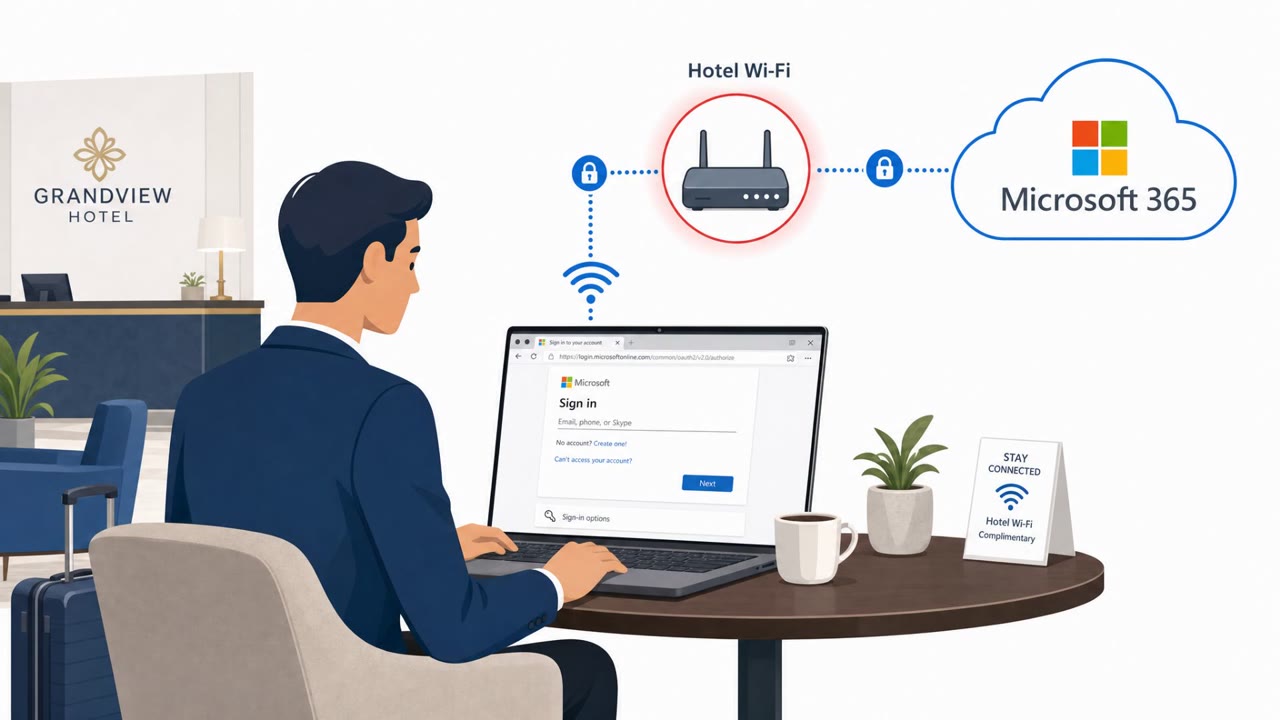
Instead of sending a phishing email, attackers reportedly compromised the Wi-Fi gateway equipment used by hotels and conference venues. By changing how that equipment handled traffic and DNS, they were able to silently redirect connected guests to fake Microsoft 365 or Outlook Web Access sign-in pages hosted on lookalike domains such as m365-owa.com, owa-ms365.com, and ms365-live.com. Because the manipulation happens at the network level, a traveler joining the venue's genuine Wi-Fi network can still be routed to a fraudulent login page without any obvious sign that something is wrong.
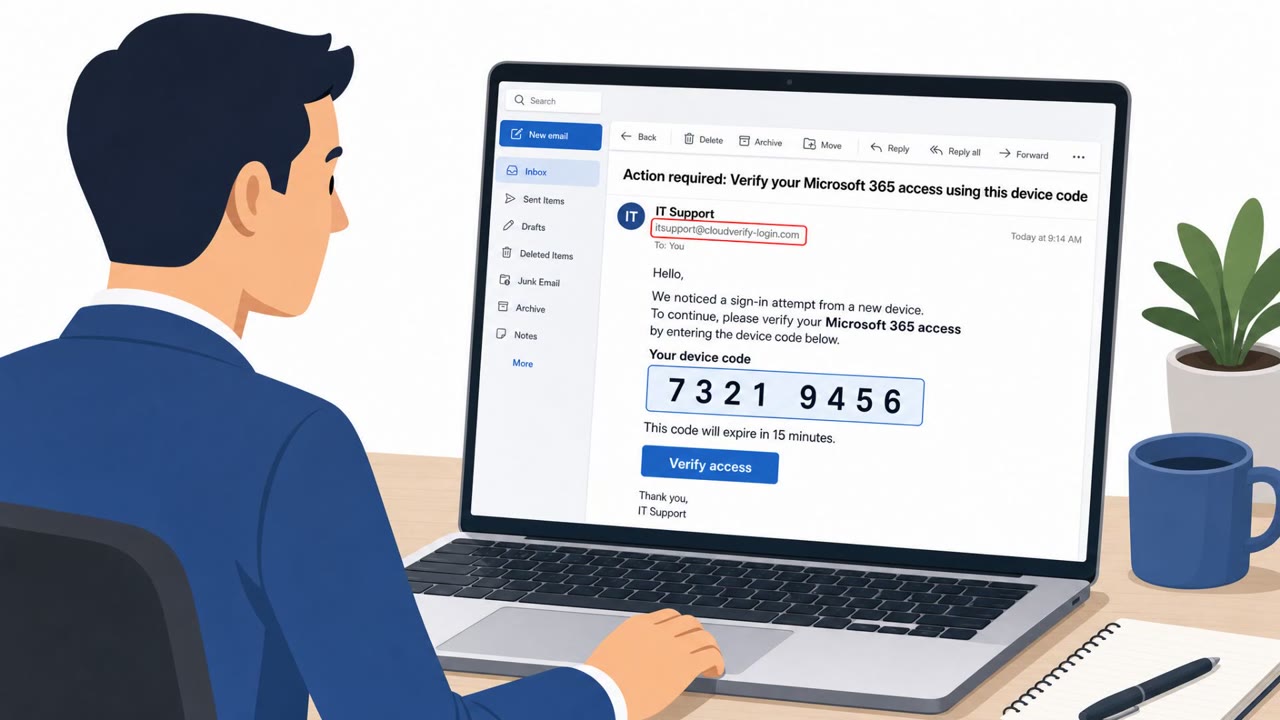
In a smaller number of cases, the attackers went further and abused Microsoft's device-code authentication flow. If a victim approved an unexpected device-code request, the attacker could receive valid access tokens, even if the victim had already completed multifactor authentication on a real Microsoft page. This is what makes the technique notable: it can produce working access credentials without ever triggering the usual MFA safeguards.
Why it succeeded
The campaign works because it removes the phishing email that most awareness training focuses on. Travelers expect to see a Microsoft sign-in prompt when connecting to public Wi-Fi, so an unexpected login page or authorization request doesn't necessarily raise suspicion. The activity has reportedly been observed since at least June 2026 across multiple US cities, India, and Saudi Arabia, suggesting the technique is being used broadly rather than against a single target. Researchers suspect the gateways were reached through internet-exposed management interfaces and weak or reused admin passwords, though the exact entry method has not been confirmed.
What to watch for
- A Microsoft sign-in page appearing unexpectedly after joining hotel or conference Wi-Fi, especially if you didn't initiate a sign-in.
- A domain that looks close to a Microsoft address but isn't quite right, such as variations on m365 or owa.
- An unexpected Microsoft device-code or authorization prompt asking you to approve a sign-in you didn't start.
Building resistance
Travelers connecting to public or venue Wi-Fi should treat any unexpected Microsoft login or device-code approval request as suspicious and decline it, then report which venue and network they were using. Organizations should equip traveling staff with an always-on, full-tunnel VPN that activates immediately on connection, since a manually started VPN or split tunneling can leave gaps where the network can still interfere with DNS traffic. Simply switching to a public DNS resolver is not a substitute, because unencrypted DNS requests still pass through the compromised gateway and can be intercepted regardless of which resolver is configured.
Key findings
- Attackers compromise hotel/conference Wi‑Fi gateways and change traffic/DNS handling so guests are redirected to attacker-controlled Microsoft-lookalike login pages.
- The campaign has been active since at least June 2026 and was observed across multiple geographies (several US cities, India, Saudi Arabia).
- ReliaQuest observed Microsoft-themed lookalike domains (e.g., m365-owa.com, owa-ms365.com) used to capture credentials.
- In a limited number of cases, attackers abused Microsoft’s device-code authentication so victims approving the request could grant valid access tokens (even when MFA is completed on a real Microsoft page).
- Researchers suspect initial compromise of gateways via internet-exposed management interfaces and weak/reused admin passwords, but could not confirm entry method.
- Always-on, full-tunnel VPN is recommended to prevent DNS/traffic manipulation on hostile Wi‑Fi; manual VPN start and split tunneling can leave gaps.
Who’s being targeted
- Commonly targeted roles: All traveling staff, Executives, Finance, Legal, IT/Helpdesk, Security awareness training audience, Anyone using Microsoft 365 on public Wi‑Fi.
- Affected industries: Hospitality (hotels/conferences), Finance, Legal services, Healthcare, Energy, Retail, Professional services.
- Attack channels: physical, website.
- Impersonated: Microsoft 365 / Outlook Web Access (OWA) sign-in, Microsoft device-code authentication prompt.
Red flags to watch for
- Microsoft login page appears unexpectedly after joining public Wi‑Fi
- The address/domain looks similar to Microsoft but is not a real Microsoft domain (e.g., ms365-live.com)
- Login prompts appear when you didn’t initiate a sign-in
- Unexpected Microsoft authorization/device sign-in request
- Approval request appears even though the user is not actively signing in
- Occurs immediately after joining hotel/conference Wi‑Fi
Frequently asked questions
How are hotel Wi-Fi networks being used to steal Microsoft 365 credentials?
Attackers compromise the Wi-Fi gateway equipment at hotels and conference venues, changing traffic or DNS handling so guests are silently redirected to attacker-controlled, Microsoft-lookalike login pages without ever receiving a phishing email.
Can this attack bypass multifactor authentication?
In a limited number of cases, attackers abused Microsoft's device-code authentication process, so a victim approving the request could hand over valid access tokens even after completing MFA on a genuine Microsoft page.
Does joining the hotel's real Wi-Fi network protect you?
No. Because the gateway itself is compromised, a hotel guest can join the venue's genuine Wi-Fi network and still be exposed to the redirect.
Is switching to a public DNS service like Google's 8.8.8.8 enough to stay safe?
No, simply changing the device to Google's 8.8.8.8 DNS service is not enough, since unencrypted DNS requests still travel through the compromised gateway and can be intercepted and returned with a false address.
Read the video transcript
You join hotel Wi‑Fi, and boom, before you even open Outlook, a Microsoft 365 login page pops up. Researchers found hotel and conference Wi‑Fi gear hijacking traffic, silently sending travelers to fake Microsoft sites like m365-owa.com and ms365-live.com to steal logins. In some hotels, you even get a real Microsoft device-code prompt, 'enter this code, approve this sign-in', but it’s for the attacker. Approving can hand over valid access tokens, even with MFA. Your move: on hotel or conference Wi‑Fi, if a Microsoft login or approval pops up you didn’t start, stop. Don’t enter anything, connect your always-on, full-tunnel VPN first.