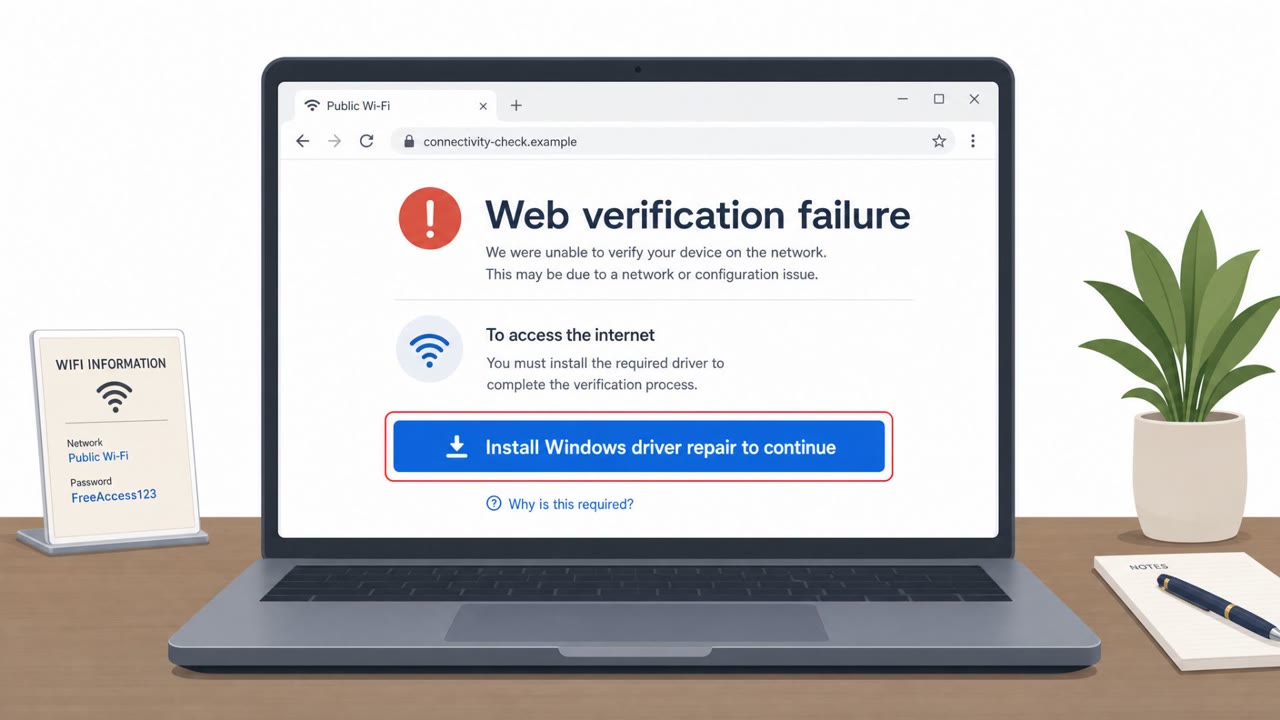
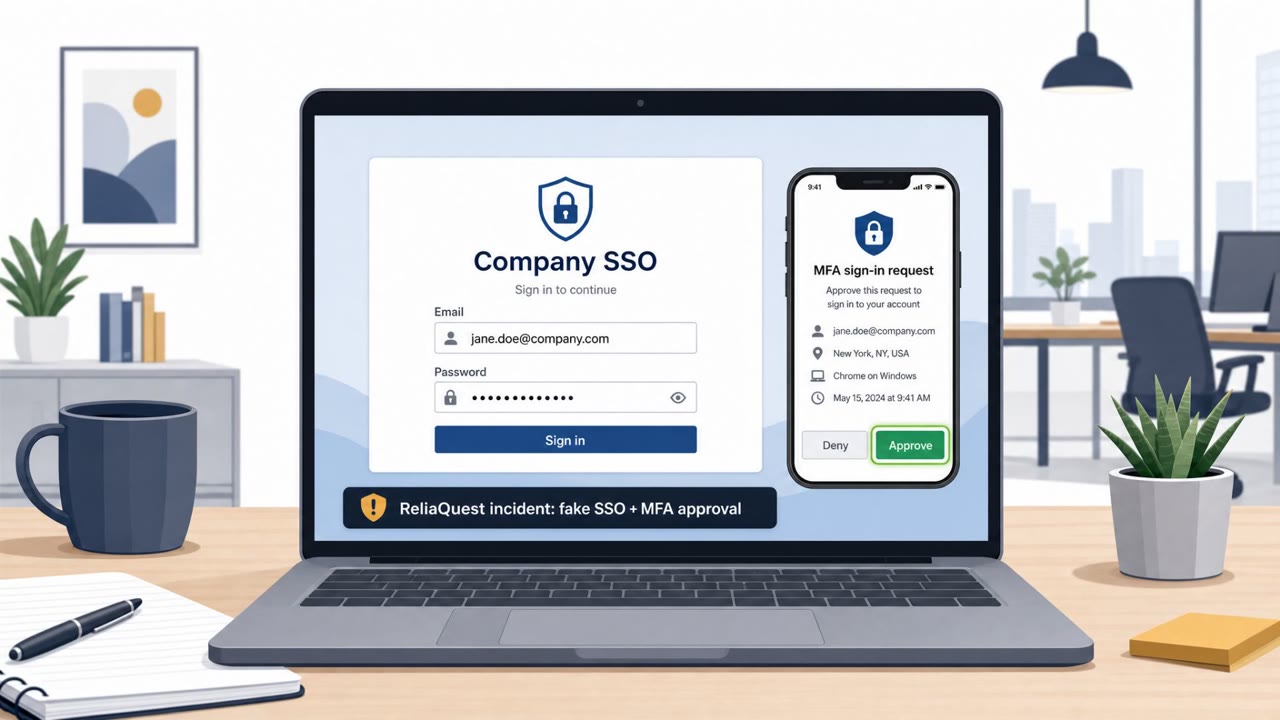
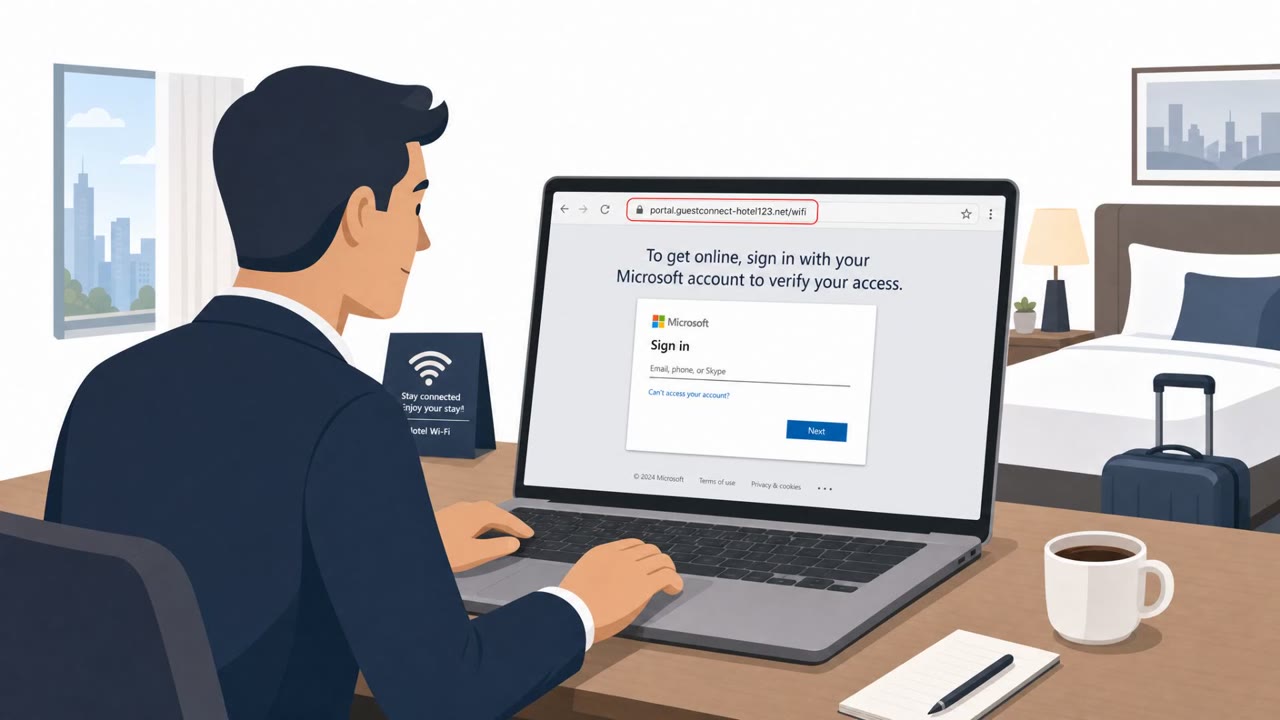
Researchers report attackers compromising hotel and venue Wi‑Fi “captive portal” gateways to redirect Microsoft 365 sign-ins to attacker-controlled lookalike domains. Victims can have their Microsoft 365 credentials stolen without clicking a phishing link or installing malware, because the manipulation happens at the network gateway level.
How the attack worked
Researchers at ReliaQuest identified a campaign in which attackers compromised captive Wi-Fi gateway and portal appliances at hotels, conference centers, and similar shared venues. Once a gateway is compromised, an attacker can use DNS poisoning to silently redirect a connected user's Microsoft 365 sign-in traffic to attacker-controlled lookalike domains. Four Microsoft-impersonation domains were identified in this campaign: m365-owa[.]com, owa-ms365[.]com, ms365-device[.]com, and ms365-live[.]com. Because the manipulation happens at the network level, victims can have their Microsoft 365 credentials stolen without clicking a phishing link or installing malware on their device.
Why it succeeded
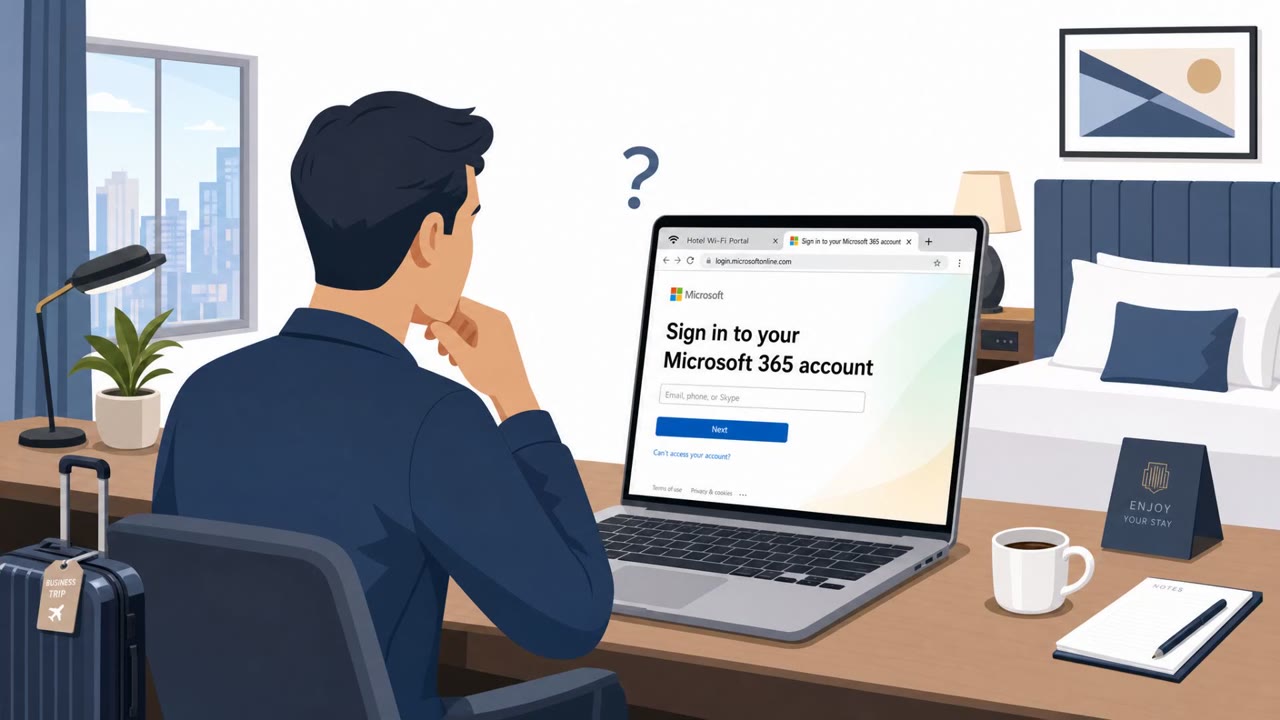
This technique bypasses the usual mental checklist people use to spot phishing. There is no suspicious email, no attachment, and no unusual download. The user simply connects to a hotel or conference network as normal and is presented with what looks like a standard Microsoft 365 login prompt. The compromised gateways were found across multiple US cities as well as in India and Saudi Arabia, and affected users across professional services, financial services, legal, retail, healthcare, and energy. Many organizations also assume that pointing devices at a specific DNS provider protects them, but the local network gateway can still intercept and redirect DNS traffic before it ever reaches that provider.
What to watch for
- Sign-in pages that don't match the exact domain login.microsoftonline.com, especially variants using "ms365-" or "owa-" naming
- Unexpected Microsoft 365 credential prompts appearing while connected to hotel, conference, or other public Wi-Fi
- Certificate or URL details that don't align with Microsoft's legitimate domain
- Any credential prompt that appears immediately after joining a new network, before normal work activity has resumed
Building resistance
Because endpoint telemetry typically confirms a redirect only after it has already occurred, prevention-focused controls matter more than detection alone. Recommended steps include:
- Requiring corporate devices to use a full-tunnel VPN, so all traffic including DNS is routed through an encrypted connection to a trusted server
- Hardening WPAD/PAC configurations and considering encrypted DNS (DoH/DoT) where always-on VPN isn't feasible
- Training employees to verify the exact URL and certificate of any page requesting credentials, particularly on public Wi-Fi
- Treating hotel, conference, and other shared-venue networks as untrusted by default, regardless of which DNS provider is configured on the device
Key findings
- Attackers compromised captive Wi‑Fi gateway/portal appliances at hotels, conference centers, and similar venues to hijack Microsoft 365 accounts.
- The method relies on DNS poisoning at the gateway, letting attackers redirect users to fraudulent Microsoft lookalike domains without sending phishing emails or infecting endpoints.
- ReliaQuest observed four attacker-registered Microsoft-impersonation domains used as lures: m365-owa[.]com, owa-ms365[.]com, ms365-device[.]com, and ms365-live[.]com.
- The compromised gateways were found across multiple US cities and also in India and Saudi Arabia, impacting users across multiple industries (professional and financial services, legal, retail, health care, and energy).
- Using a “trusted” DNS provider alone (e.g., 8.8.8.8 or 1.1.1.1) does not prevent this because DNS queries still traverse the local network where the gateway can intercept/redirect them.
- ReliaQuest recommends full-tunnel VPN (including DNS), plus hardening controls such as WPAD/PAC restrictions and considering encrypted DNS (DoH/DoT) where always-on VPN is not feasible.
Who’s being targeted
- Commonly targeted roles: All employees who travel, Executives, Finance teams, Legal teams, Professional services/consultants, IT/Endpoint management, Security/Identity teams.
- Affected industries: Hospitality (hotels, conference centers, shared venues), Professional services, Financial services, Legal services, Retail, Healthcare, Energy.
- Attack channels: website.
- Impersonated: Microsoft 365 (login.microsoftonline.com).
Red flags to watch for
- URL is not login.microsoftonline.com (e.g., uses ms365- or owa- lookalike domains)
- Unexpected sign-in prompts when on public Wi‑Fi
- Certificate/URL details don’t match Microsoft’s legitimate domain
Frequently asked questions
How does the hotel Wi-Fi DNS hijack attack work?
Attackers compromise captive Wi-Fi gateway or portal appliances at hotels and conference centers, then use DNS poisoning to silently redirect users' Microsoft 365 sign-in traffic to attacker-controlled lookalike domains.
Does the attack require clicking a phishing link?
No. Because the redirection happens at the network gateway level, victims can have their Microsoft 365 credentials stolen without clicking a link or installing malware.
Does using a trusted DNS provider like 8.8.8.8 protect against this?
No. Locking devices to a specific DNS provider does not help because the local network gateway can still intercept or redirect DNS queries before they reach that provider.
What is the best defense against this kind of attack while traveling?
Security researchers recommend requiring a full-tunnel VPN that routes all traffic, including DNS, through an encrypted connection to a trusted VPN server.
Read the video transcript
You connect to hotel Wi‑Fi, open Outlook, and the Microsoft 365 login pops up like normal… but the hotel’s Wi‑Fi is quietly in the middle. Researchers found hotel and conference Wi‑Fi gateways doing DNS hijacks, silently redirecting Microsoft 365 logins to lookalike sites like m365-owa.com or owa-ms365.com, even if you set DNS to 8.8.8.8 or 1.1.1.1. Here’s the trap: you’re on public Wi‑Fi, Outlook suddenly wants you to sign in again, the page looks perfect, but the URL is ms365-live.com instead of login.microsoftonline.com, and the certificate details don’t match Microsoft. On hotel or conference Wi‑Fi, before typing your Microsoft 365 password, pause and check one thing: the address bar must say login.microsoftonline.com, if it doesn’t, stop and connect through your full‑tunnel VPN first.