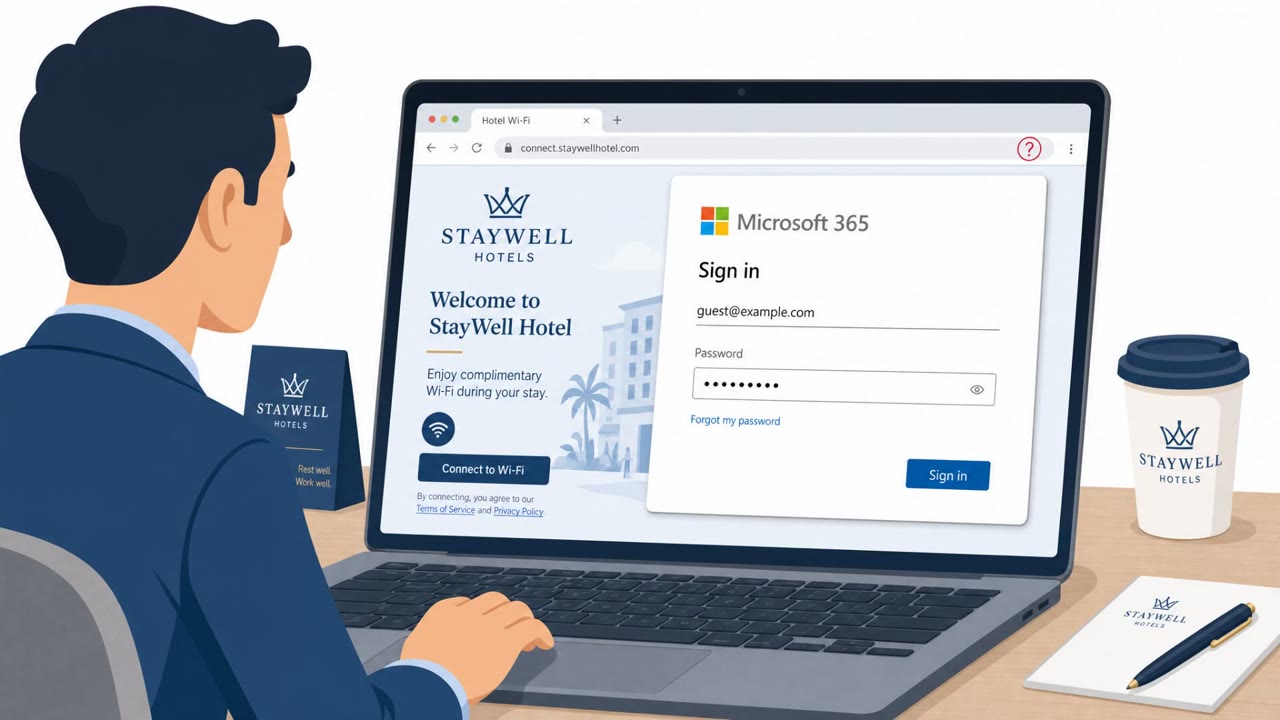
Attackers are compromising hotel and conference center Wi‑Fi gateways and changing DNS settings so business travelers are silently redirected to fake Microsoft 365 login pages. When victims sign in, attackers steal passwords and potentially session tokens, allowing account takeover even when multi-factor authentication is enabled.
How the attack worked
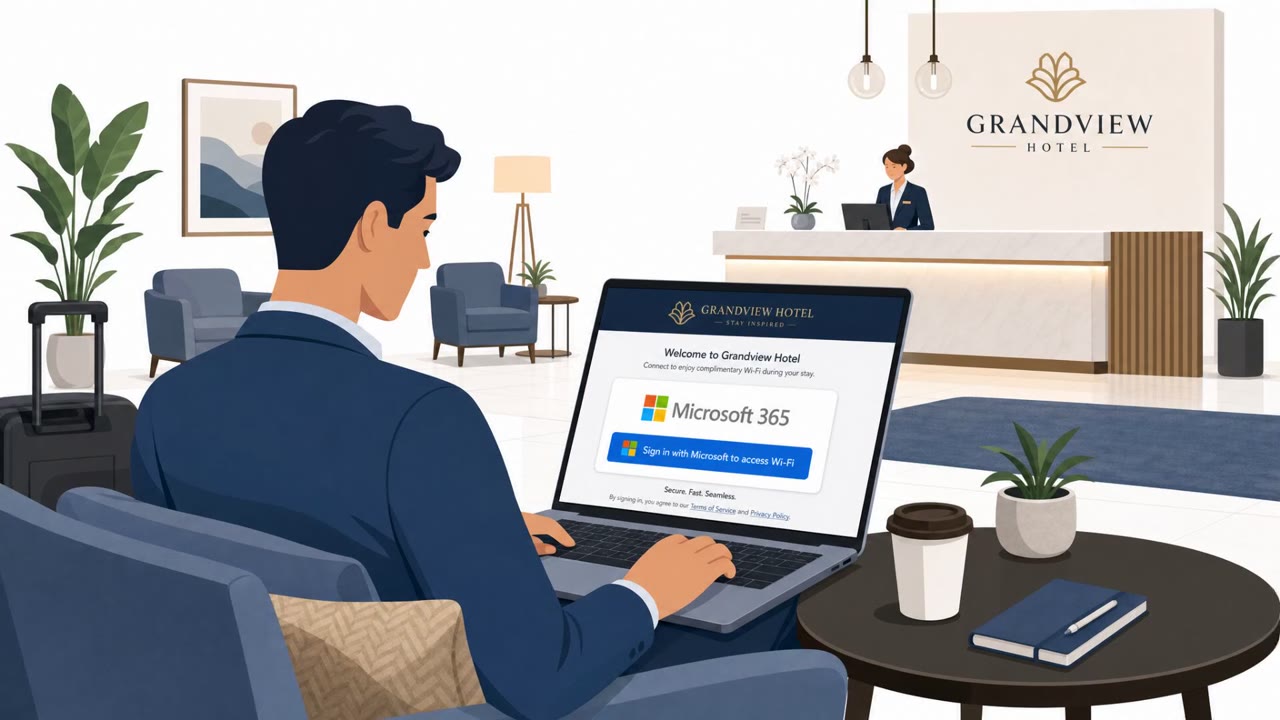
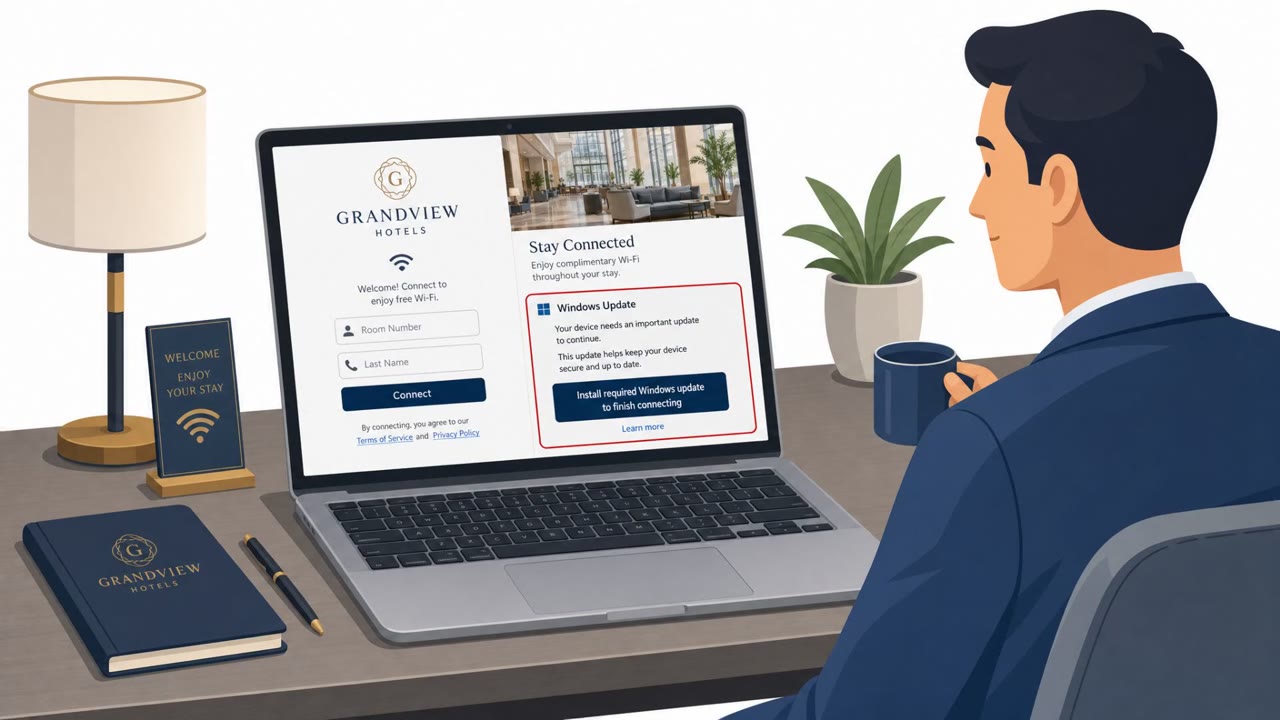
This campaign targets the network infrastructure that business travelers rely on rather than their inboxes. Attackers gain access to hotel or conference center Wi-Fi gateway and captive portal equipment, frequently through weak or default passwords. Once inside, they alter the gateway's DNS settings. When a guest connects to the public Wi-Fi and tries to reach Microsoft 365 services, the compromised gateway resolves the request to a malicious IP address instead of the legitimate one, routing the victim to a fraudulent phishing site built on a lookalike domain such as m365-owa[.]com.
Why it succeeded
The redirection happens at the network level rather than on the user's device, so traditional email security tools and some endpoint defenses may never see it. There is no phishing email to flag, no suspicious attachment, and no obvious link to inspect, because the malicious redirect is baked into the network path itself. Victims who enter their Microsoft 365 username and password on the fake page may also expose authenticated session tokens, which attackers can use to bypass multi-factor authentication through adversary-in-the-middle techniques. ReliaQuest assessed this tradecraft as similar to techniques previously linked to APT28 (Fancy Bear), reflecting a level of sophistication rated high.
Who is at risk
The technique is broadly aimed at anyone who travels for work, but it carries particular weight for executives, finance, legal, healthcare staff, sales teams, and frequent travelers, along with IT and identity and access management personnel who manage corporate credentials. Affected industries extend beyond hospitality itself to banking, legal services, and healthcare, since employees from these sectors regularly connect to hotel and conference Wi-Fi while traveling.
What to watch for
- A Microsoft 365 sign-in page appearing on an unfamiliar or lookalike domain instead of the normal corporate or Microsoft domain
- A login prompt that appears immediately after joining public Wi-Fi and looks different from the usual sign-in experience
- Public Wi-Fi infrastructure requesting credentials for a corporate service at all
Building resistance
Organizations should treat public Wi-Fi as untrusted by default and train travelers not to enter Microsoft 365 credentials if a sign-in page's domain looks unusual. Because this attack bypasses inbox-based controls entirely, awareness training should emphasize that credential theft can occur without any email involved. Mandating always-on, full-tunnel VPNs for staff devices helps ensure DNS queries and web traffic route through reliable corporate infrastructure rather than depending on potentially compromised public networks. Finally, users should understand that MFA alone is not a guarantee of safety if session tokens are captured, and should report suspicious sign-in prompts quickly.
Key findings
- Attackers break into hotel/conference Wi‑Fi gateway and captive portal equipment, often via “weak or default passwords,” then change DNS settings.
- Victims attempting to access Microsoft 365 are redirected to “fraudulent phishing websites” on lookalike domains (example provided: m365-owa[.]com).
- The attack may evade email security because “the alteration takes place at the network level rather than on the user’s device.”
- Stolen data may include “authenticated session tokens” that can be used to get past MFA via “adversary-in-the-middle attacks.”
- ReliaQuest assessed the tradecraft as similar to techniques previously linked to APT28 (Fancy Bear).
Who’s being targeted
- Commonly targeted roles: Executives, Finance, Legal, Healthcare staff, Sales (frequent travelers), IT / Identity & Access Management, Anyone who travels for work.
- Affected industries: Hospitality (hotels, conference centers), Banking, Legal services, Healthcare.
- Attack channels: website.
- Impersonated: Microsoft 365 / Outlook Web Access (OWA) login.
Red flags to watch for
- The Microsoft 365 sign-in page is on a lookalike domain (example: m365-owa[.]com) instead of the normal corporate/Microsoft domain
- The login prompt appears immediately after joining public Wi‑Fi and may not match the user’s usual sign-in experience
- Public Wi‑Fi infrastructure is requesting credentials for a corporate service
Frequently asked questions
How does the hotel Wi-Fi Microsoft 365 scam work?
Attackers compromise hotel or conference center Wi-Fi gateways, often through weak or default passwords, then change DNS settings so guests trying to reach Microsoft 365 are silently redirected to fraudulent phishing websites on lookalike domains such as m365-owa[.]com.
Can this attack bypass multi-factor authentication?
Yes. Stolen data may include authenticated session tokens, which attackers can use to bypass MFA through adversary-in-the-middle techniques.
Why does email security fail to catch this attack?
The redirection happens at the network level rather than on the user's device, so traditional email security solutions and some endpoint defenses can miss it entirely.
How can travelers protect themselves on public Wi-Fi?
Organizations can mandate always-on, full-tunnel VPNs so DNS queries and web traffic route through corporate infrastructure instead of relying on potentially compromised public Wi-Fi networks.
Read the video transcript
You’re in a hotel, hop on the Wi‑Fi, open Outlook, and a Microsoft 365 login pops up before anything loads. Behind the scenes, someone broke into the hotel’s Wi‑Fi gateway, changed DNS, and silently redirected you to a fake Microsoft 365 site on a lookalike domain like m365-owa.com. If you type your password there, they don’t just get your login, they can grab your authenticated session tokens and slip past MFA, with no phishing email in your inbox at all. When you’re on hotel or conference Wi‑Fi, pause, if the Microsoft 365 sign‑in page isn’t on the usual Microsoft or corporate domain, close it and use your VPN before trying again.