Attackers exploited a real Microsoft 365 outage by sending fake service-health notices that threatened to delete held email unless recipients acted quickly. The campaign used the real incident number, organization-like display names, personalized links, and fake sign-in pages to steal credentials across multiple industries.
How the attack worked
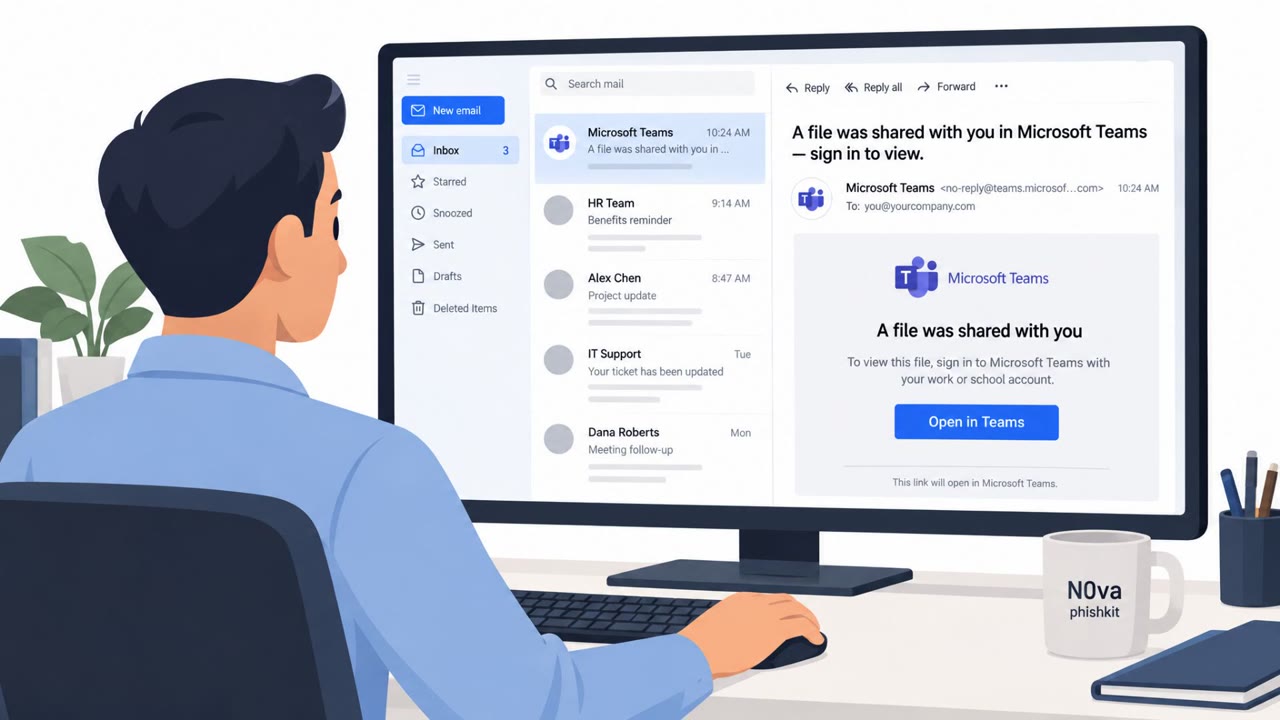
Shortly after a real Microsoft 365 outage, attackers launched a high-volume credential-phishing campaign that Microsoft itself confirmed. The first wave impersonated Microsoft service-health notifications and cited the real incident identifier, EX1550543, telling recipients that mail held during the outage would be deleted within 24 hours unless they clicked a link to restore it. Display names were crafted to resemble the recipient's own organization combined with phrases like Outage Notification or Service Health, adding a layer of false legitimacy.
A second campaign, detected the following week, used the lowercase subject line disconnected after the outage. It led targets through a sign-in clone that requested an account name, a verification code, and offered a use your password fallback at every step, giving attackers multiple paths to capture credentials.
Why it succeeded
The campaign worked because it attached itself to a real, verifiable event. Citing the actual incident number gave the lure factual grounding that generic phishing lacks. The personalized links routed through a legitimate email delivery service, then a redirector that displayed a decoy blog to anyone who was not an actual target, before reaching a landing page on a random subdomain behind a bot check. This structure resembles an adversary-in-the-middle sign-in proxy, designed to evade casual inspection and automated scanning while still harvesting live credentials and session data from genuine victims.
What to watch for
- Urgent messages claiming your email will be deleted unless you act within a strict time window.
- Sender display names that combine your own organization's name with generic terms like Outage Notification or Service Health.
- Vague, lowercase subject lines referencing a recent, widely reported outage.
- Unexpected requests to enter a verification code or password after clicking a link from an email, especially when a password fallback option appears after a code request.
How to build resistance
Organizations across Microsoft 365 users, executives, finance teams, IT and help desk staff, and remote workers should be reminded that real outage communications rarely require urgent credential entry through an emailed link. Encourage employees to verify service status through a known company bookmark or official portal rather than clicking links in unsolicited messages. Reinforce that no verification code or password should be entered after following an unexpected email link, and that such messages should be reported to security teams immediately. Because attackers reuse real news and outage details to make existing lures more believable, awareness training should specifically address how legitimate-sounding incident numbers and organizational branding can be repurposed in phishing attempts.
Key findings
- Microsoft confirmed a high-volume credential-phishing campaign shortly after its Microsoft 365 outage.
- The phishing emails impersonated Microsoft service-health notifications and cited the real incident identifier, EX1550543.
- Recipients were told that mail held during the outage would be deleted within 24 hours unless they clicked a link to restore it.
- Attackers used display names resembling the recipient's organization plus “Outage Notification” or “Service Health.”
- A separate campaign used the subject line “disconnected after the outage” and directed targets to a sign-in clone that requested an account name and verification code.
- Event-related domains appeared within hours of the outage, showing how quickly criminals can claim the naming space around a major incident.
Who’s being targeted
- Commonly targeted roles: All employees, Microsoft 365 users, Executives, Finance teams, IT and help desk staff, Remote workers.
- Affected industries: Information technology and cloud services, All industry sectors using Microsoft 365, Financial services, Government, Retail, Healthcare, Education.
- Attack channels: email, website.
- Impersonated: Microsoft 365 Service Health, presented with the recipient organization's name, Microsoft 365 or Outlook account service.
Red flags to watch for
- An urgent threat that email will be deleted within 24 hours
- A service notice directs the recipient to a sign-in link rather than the official Microsoft 365 portal
- The sender display name uses the recipient organization's name plus “Outage Notification” or “Service Health”
- A vague, lowercase subject line tied to a widely reported outage
- An unexpected request to enter a verification code after following an email link
- A sign-in flow offers a “use your password” fallback after asking for a code
Frequently asked questions
How did attackers use the Microsoft 365 outage in this phishing campaign?
They sent fake service-health notices citing the real incident identifier, EX1550543, and warned recipients that email held during the outage would be deleted within 24 hours unless they clicked a link to restore it.
What made the phishing emails look convincing?
The display names combined the recipient's own organization name with terms like Outage Notification or Service Health, and the links were personalized per recipient.
What happened after a victim clicked the link?
Links routed through a legitimate email delivery service, then a redirector showing a decoy blog to non-targets, before reaching a sign-in landing page behind a bot check, consistent with an adversary-in-the-middle sign-in proxy.
Was there more than one version of this scam?
Yes, a second campaign used the subject line disconnected after the outage and led targets through a sign-in clone requesting an account name and verification code, with a use your password fallback option.
Read the video transcript
The Microsoft 365 outage was real. This recovery email isn’t. It says ‘[Your Organization] Outage Notification,’ cites real incident EX1550543, and claims held mail disappears in 24 hours. Its personalized restore link leads to a fake Microsoft sign-in. That’s the trick: a real incident number makes a fake deadline feel official. Another email says ‘disconnected after the outage’ and sends you to a clone asking for a verification code. Don’t use the email link. Open your company’s bookmarked Microsoft 365 portal to check service status.