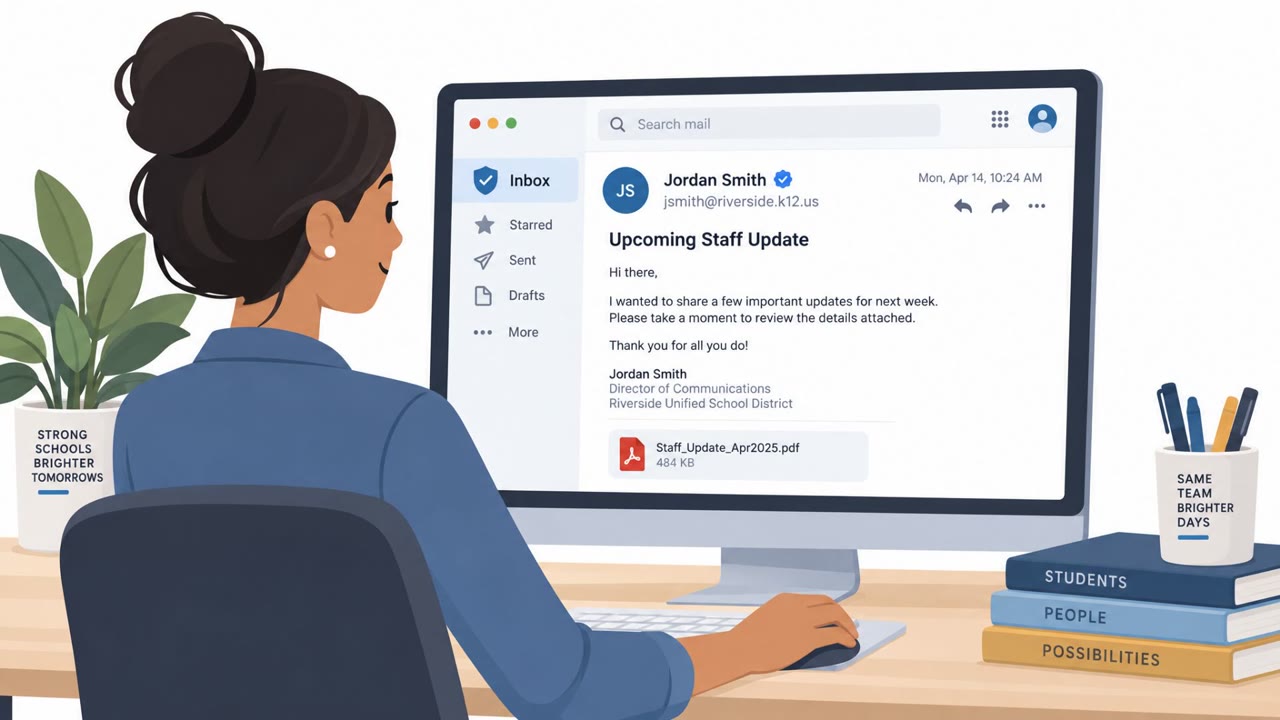
Com-affiliated threat actors used phone-based impersonation of internal IT support to trick employees into visiting fake, organization-specific sign-in sites. The sites captured credentials and MFA approvals in real time, enabling attackers to access cloud data, enroll their own MFA device, steal files and extort victims.
How the Attack Worked
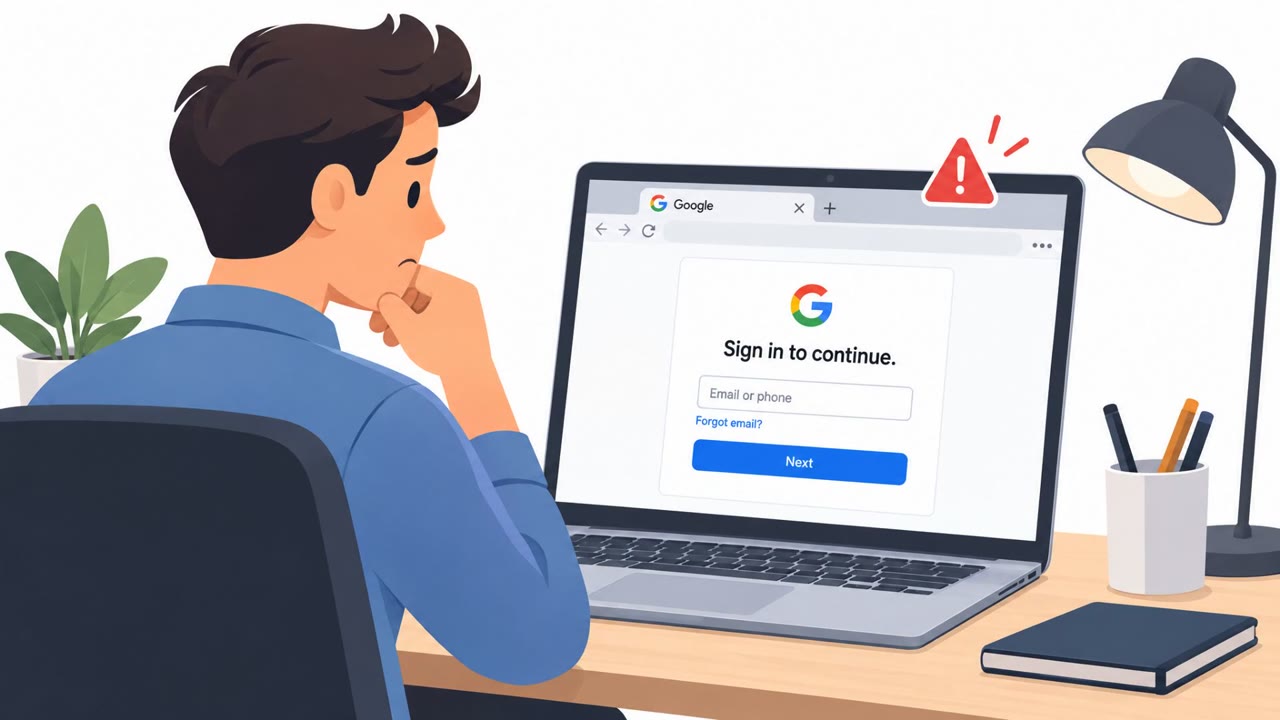
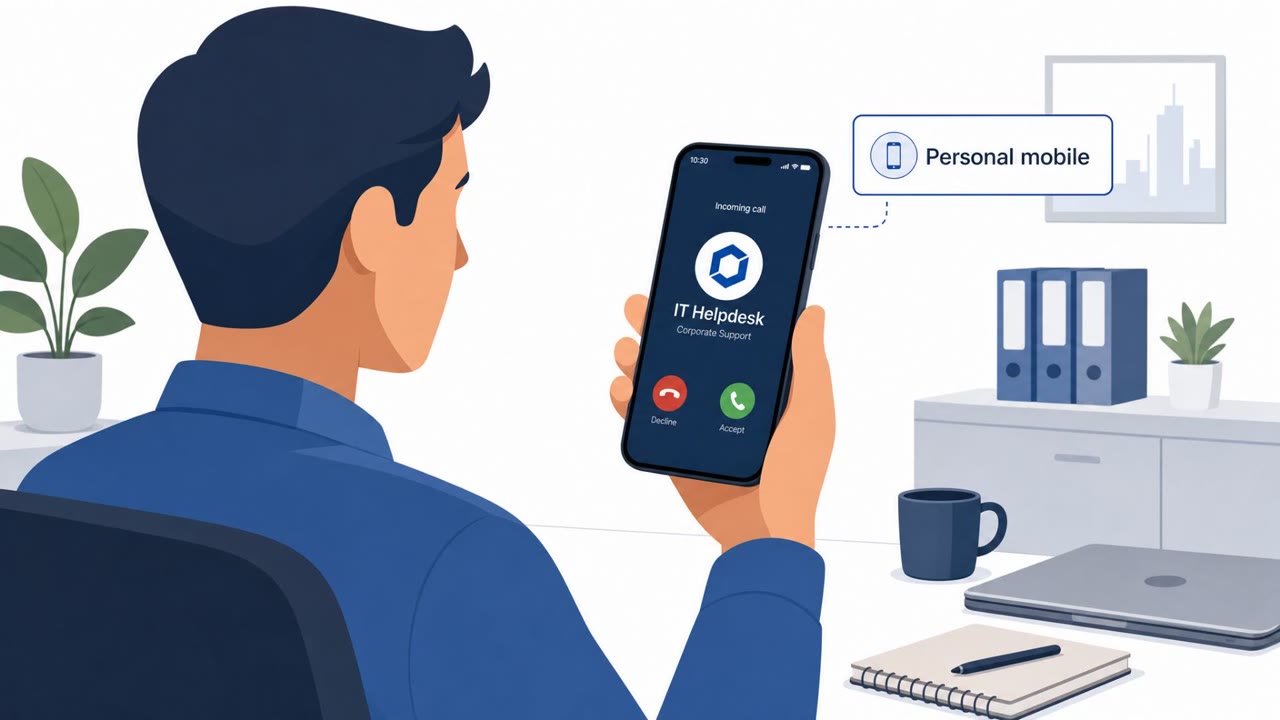
Com-affiliated threat actors used phone calls to impersonate internal IT support, telling employees they needed to complete a sign-in or MFA registration step. The call directed victims to an organization-specific website built to look like a legitimate internal portal. These sites functioned as adversary-in-the-middle proxies, meaning they passed real credentials and MFA approvals straight through to the attacker in real time, giving the attacker a live, authenticated session.
Once inside, one cluster, tracked as CL-CRI-1264, moved quickly to register its own MFA device, sometimes named "Pixel 10a," to maintain access even if the victim later changed a password. A separate cluster, CL-CRI-1274, took a different route, using vishing to avoid triggering a new MFA prompt altogether by replaying a persistent sign-in session token, then using scripted tools to pull data from SharePoint and OneDrive.
Why It Succeeded
The pretext worked because it exploited an interaction employees are trained to comply with: a call from "IT support" asking for sign-in verification. The sign-in pages were tailored per organization, often using subdomains that resembled internal SSO portals, passkey setup pages, or IT support pages, making them harder to distinguish from the real thing at a glance. Because the proxy relayed MFA approvals live, the usual safeguard of a second authentication factor did not stop the attack.
What to Watch For
- An unsolicited call asking you to visit a new or unfamiliar sign-in page
- Urgency around approving an MFA prompt you did not initiate
- A sign-in page on an external domain or unusual company-name subdomain
- Internal Teams or email messages claiming data theft and linking to an external negotiation site
- Browser extensions that require Developer Mode or manual sideloading rather than installation from the official store
How to Build Resistance
Employees should treat any unexpected IT-support call asking for credentials or MFA approval as suspicious and verify it independently through a known support number or ticketing system rather than a number or link provided by the caller. MFA approvals should only be given for sign-ins the employee personally initiated on a recognized corporate page. Organizations should also reinforce that legitimate IT support will never require installing extensions outside the official browser store, and that internal messages claiming data theft should be reported rather than acted on directly.
Key findings
- Com-affiliated actors, including Bling Libra and several activity clusters, conducted vishing-led data theft and extortion campaigns from early 2026 onward.
- CL-CRI-1264 (Vortex) impersonated internal IT support and directed employees to organization-specific adversary-in-the-middle sign-in servers.
- The fake sign-in servers relayed credentials and MFA approvals to attackers in real time; attackers then enrolled unauthorized MFA devices, sometimes named "Pixel 10a."
- CL-CRI-1264 targeted healthcare, pharmaceutical and other medical organizations, while broader activity also affected financial services and legal organizations.
- CL-CRI-1274 (Cinder) used vishing, replayed persistent sign-in tokens, stole SharePoint and OneDrive data, and sent internal email and Teams extortion messages.
- A separate cluster, CL-CRI-1192/UNC6671, used a malicious extension disguised as "Google Chrome" and required victims to sideload it through browser Developer Mode.
Who’s being targeted
- Commonly targeted roles: All employees, Healthcare and pharmaceutical staff, Financial services staff, Legal and professional services staff, Executives and executive assistants, Users with access to Microsoft 365, SharePoint or OneDrive, IT help desk and identity teams, Employees responsible for sensitive files, contracts, customer data or research.
- Affected industries: Healthcare, Pharmaceuticals and life sciences, Financial services, Legal and professional services, Construction, High technology, Transportation and logistics, Manufacturing, Insurance, Real estate.
- Attack channels: vishing, website.
- Impersonated: Internal IT support, Unspecified caller posing as a trusted support-related contact.
Red flags to watch for
- An unsolicited caller asks you to sign in through a new or unfamiliar web address.
- The caller creates urgency around MFA approval or account access.
- The supposed IT site uses an external domain or a company-name subdomain rather than the normal corporate sign-in page.
- The caller contacts you unexpectedly about your current sign-in session.
- The request attempts to avoid a normal MFA prompt rather than using established support procedures.
- The caller cannot be verified through a known internal support number or ticketing process.
Frequently asked questions
How did the attackers trick employees into giving up credentials?
Attackers called employees while posing as internal IT support and directed them to organization-specific sign-in servers that acted as adversary-in-the-middle proxies, relaying credentials and MFA approvals to the attackers in real time.
How did attackers maintain access after stealing credentials?
In one cluster, attackers enrolled an unauthorized MFA device within minutes of authenticating. In another, they avoided a new MFA prompt entirely by replaying a persistent sign-in session token.
What industries were targeted in these vishing campaigns?
CL-CRI-1264 targeted healthcare, pharmaceutical and other medical organizations, while broader activity also affected financial services and legal organizations, among others listed in affected industries.
How did attackers extort victims after stealing data?
After exfiltrating data from SharePoint and OneDrive, attackers sent internal Microsoft Teams messages and emails claiming data theft and directing recipients to a Tor-hosted negotiation site.
Read the video transcript
“Internal IT Support” calls: “Go to our MFA registration page.” Vortex uses vishing to send you to a company-name subdomain on an external site. Its adversary-in-the-middle page relays your password and MFA approval live. Aha: approving MFA doesn’t make that page safe. They can enter your account and add their own MFA device, even one named “Pixel 10a.” Unexpected IT call asking for a new sign-in page? Hang up and call IT on the number you already know.