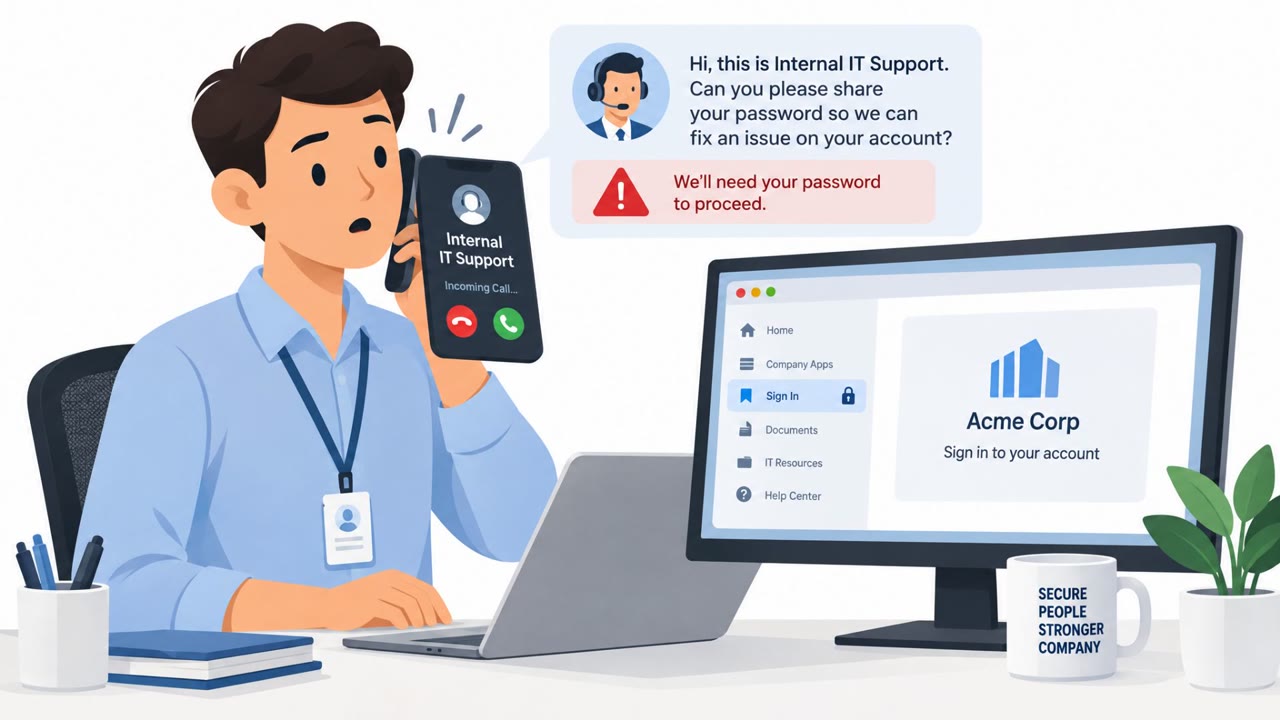
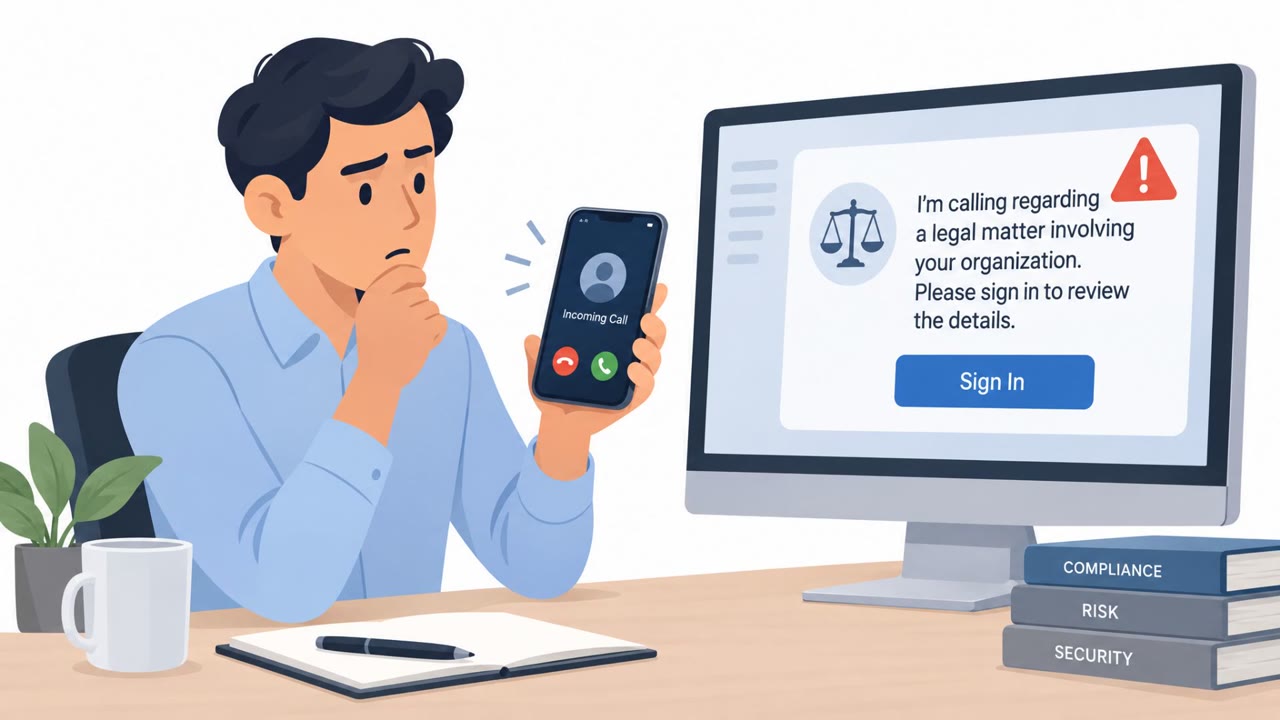
Scattered Spider has repeatedly gained access to major businesses by calling IT help desks and impersonating employees who need urgent password or MFA resets. The group uses employee details gathered from public sources to sound credible, then moves quickly to steal data, disable defenses, and sometimes deploy ransomware through partners.
How the attack worked
Scattered Spider's method centers on a single weak point: the IT help desk phone line. Attackers first research a real employee using LinkedIn, company websites, social media, and prior breach data to collect names, job titles, and reporting lines. Armed with this background, they call the help desk pretending to be that employee, often claiming a new phone, a login problem, or an upcoming meeting. If the support agent resets the password and MFA to be helpful, the attacker has a working account within minutes and can begin causing serious damage within hours.
Why it succeeded
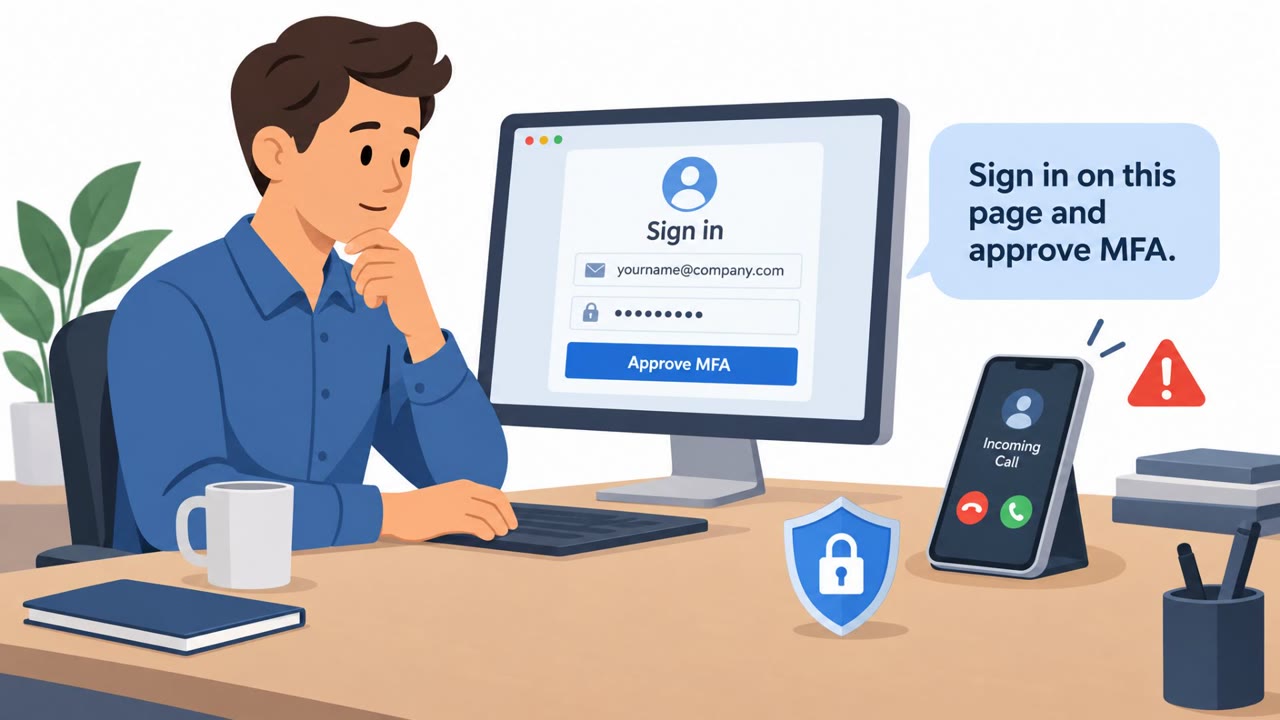
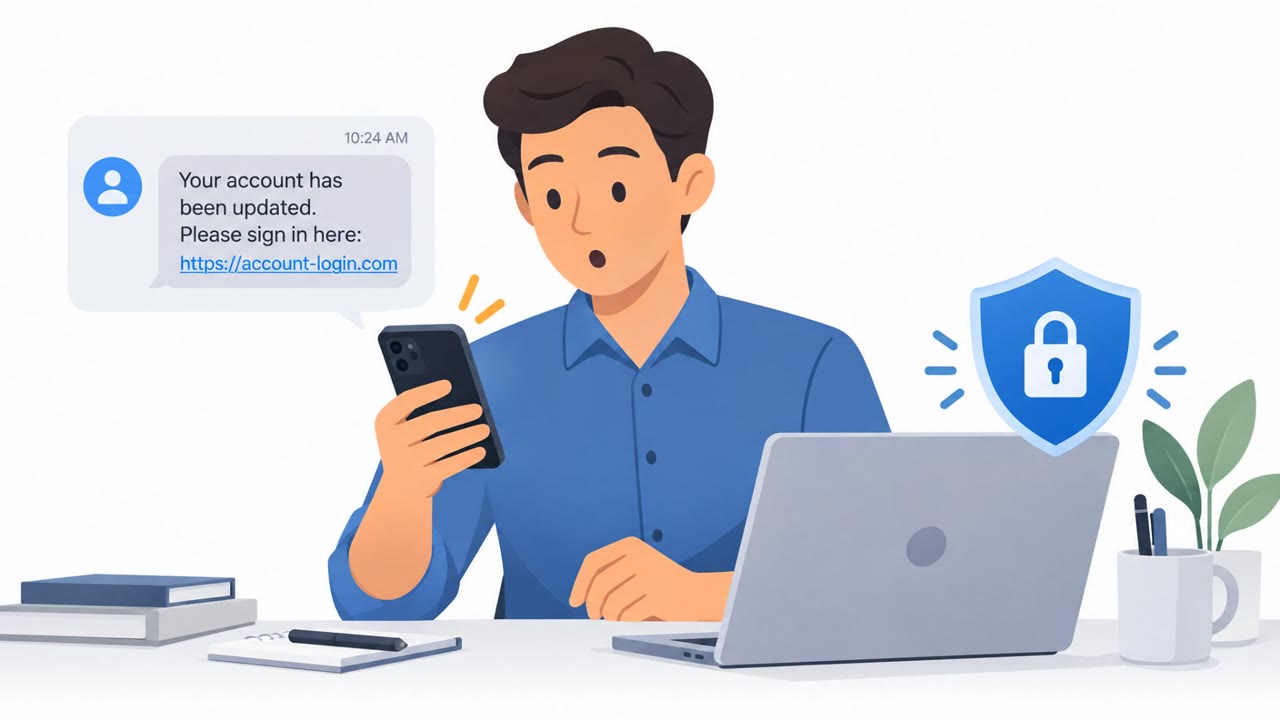
The technique succeeds because it targets people, not just systems. Help desk staff are measured on helpfulness, and a caller who sounds informed and urgent pushes them toward skipping verification steps. The article notes that both of Scattered Spider's casino-related attacks went through outsourced IT support rather than in-house teams, suggesting that external providers may follow less rigorous reset processes. Related techniques such as MFA fatigue, repeatedly sending login approval requests until an employee approves one, and SIM swapping add further paths to the same outcome: an account takeover that bypasses normal authentication.
What to watch for
- A caller citing a new phone or device loss combined with a request for a password or MFA reset.
- Urgency framing, such as a meeting starting in minutes, used to rush the support agent.
- Personal or biographical details that sound accurate but could have been gathered from public profiles.
- Requests routed to outsourced support providers rather than internal teams.
- Repeated MFA approval prompts sent to an employee outside of normal login activity.
How to build resistance
Organizations can reduce exposure to this pattern with a few concrete controls. Require several independent verification steps before any password reset, MFA change, or access change, regardless of how routine the request sounds or how senior the caller claims to be. For any sensitive request, end the call and phone the employee back using the number already on file in the HR system, never a number supplied by the caller. Replace simple MFA approval buttons with number matching, so repeated prompts cannot wear an employee down into approving a fraudulent login. Finally, train both internal help desk staff and outsourced support providers specifically on the tactics described here: urgency, a believable backstory, and pressure to be helpful, so they can recognize these calls before taking action.
Key findings
- Scattered Spider commonly calls IT help desks while impersonating employees and asks for password or MFA resets.
- Attackers research names, job titles, reporting lines, and other employee details through LinkedIn, company sites, social media, and prior breach data.
- The group uses urgency, such as a new phone, a login problem, or an imminent meeting, to pressure help desk staff to bypass verification steps.
- MGM Resorts, Caesars Entertainment, Marks & Spencer, Co-op, Harrods, and Coinbase were cited as examples of attacks affecting support functions or employee access.
- The group can begin causing serious damage within hours after a help desk-assisted account takeover.
- The article also describes MFA fatigue and SIM swapping as related methods used to obtain account access.
Who’s being targeted
- Commonly targeted roles: IT Help Desk, Service Desk, Identity and Access Management teams, Outsourced IT support providers, Finance leaders and managers, HR, All employees using MFA.
- Affected industries: Retail, Hospitality and casinos, Financial services and insurance, Airlines, Cryptocurrency exchanges, IT support and managed service providers.
- Attack channels: vishing.
- Impersonated: A finance manager or another specific employee, An employee of the victim organization.
Red flags to watch for
- The caller creates time pressure by citing a meeting starting soon.
- The request combines a new phone story with a password and MFA reset.
- The caller relies on biographical details that could have been collected from LinkedIn or other public sources.
- The caller asks for a sensitive account change over the phone.
- The support agent may be pressured to prioritize being helpful over following verification procedures.
- An outsourced support provider may use a weaker reset process than the organization’s internal team.
Frequently asked questions
How does Scattered Spider gain initial access to a company?
The group calls IT help desks while impersonating a real employee, using details gathered from LinkedIn, company sites, and prior breach data to sound credible, then pressures staff to reset a password or MFA enrollment.
Why do help desk calls work so well for this group?
Attackers create urgency, such as a new phone or an upcoming meeting, which pushes support staff to prioritize being helpful over completing verification steps.
What should IT help desks do to stop this kind of attack?
Require multiple independent verification steps before any password or MFA change, and call the employee back using the number stored in the HR system rather than any number the caller provides.
Is this only a risk for in-house IT support?
No, the JSON notes that outsourced IT support providers have also been used as the entry point, since they may follow weaker reset processes than internal teams.
Read the video transcript
“Board meeting in ten minutes.” That’s the trap. Scattered Spider calls IT pretending to be a finance manager: “New phone. Can’t log in. Reset my password and MFA.” They know the manager’s name and boss from LinkedIn. Here’s the giveaway: knowing someone’s boss doesn’t prove identity. At MGM and Caesars, help desk calls led to access. A reset can hand over an account within minutes. Before any password or MFA reset, hang up and call the employee’s HR-listed number.