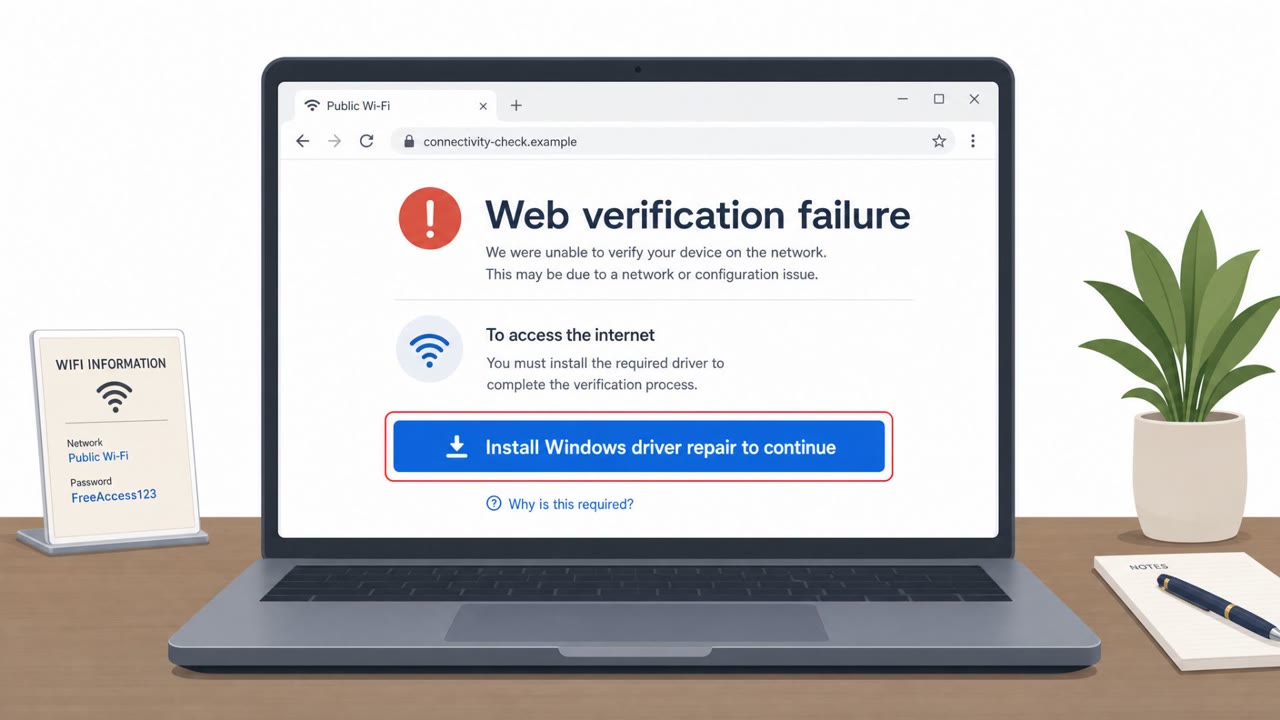
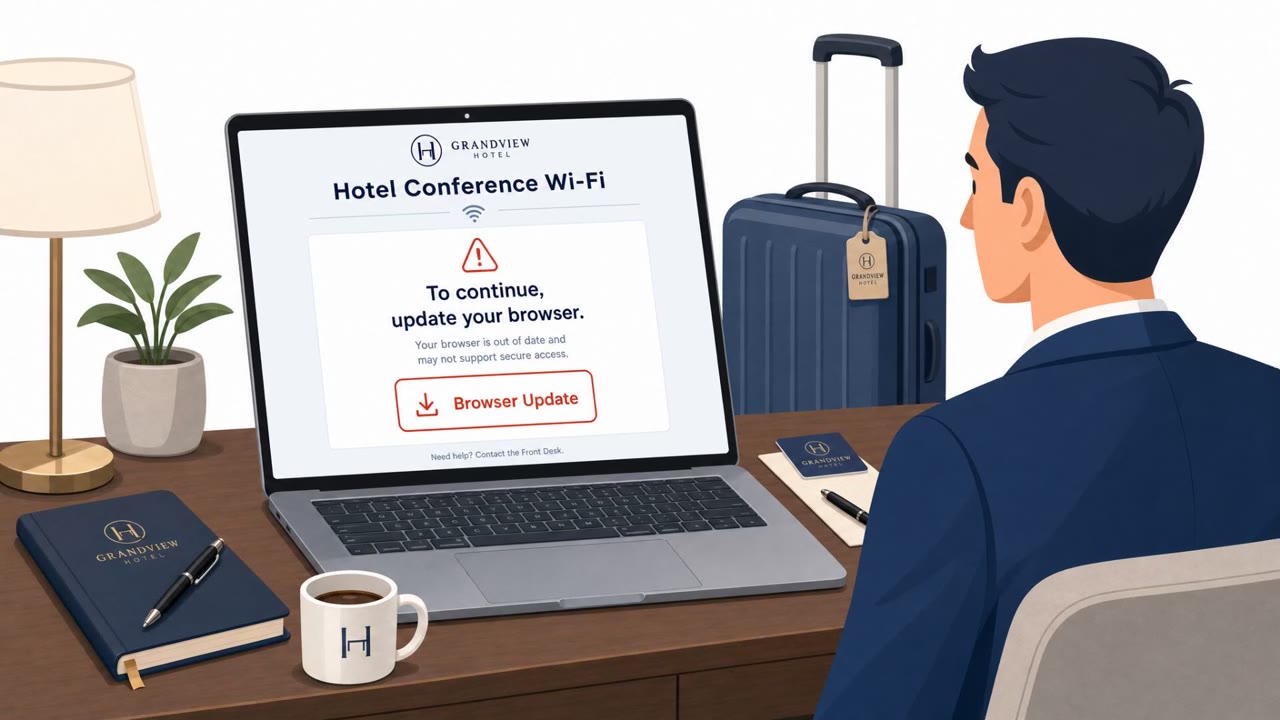
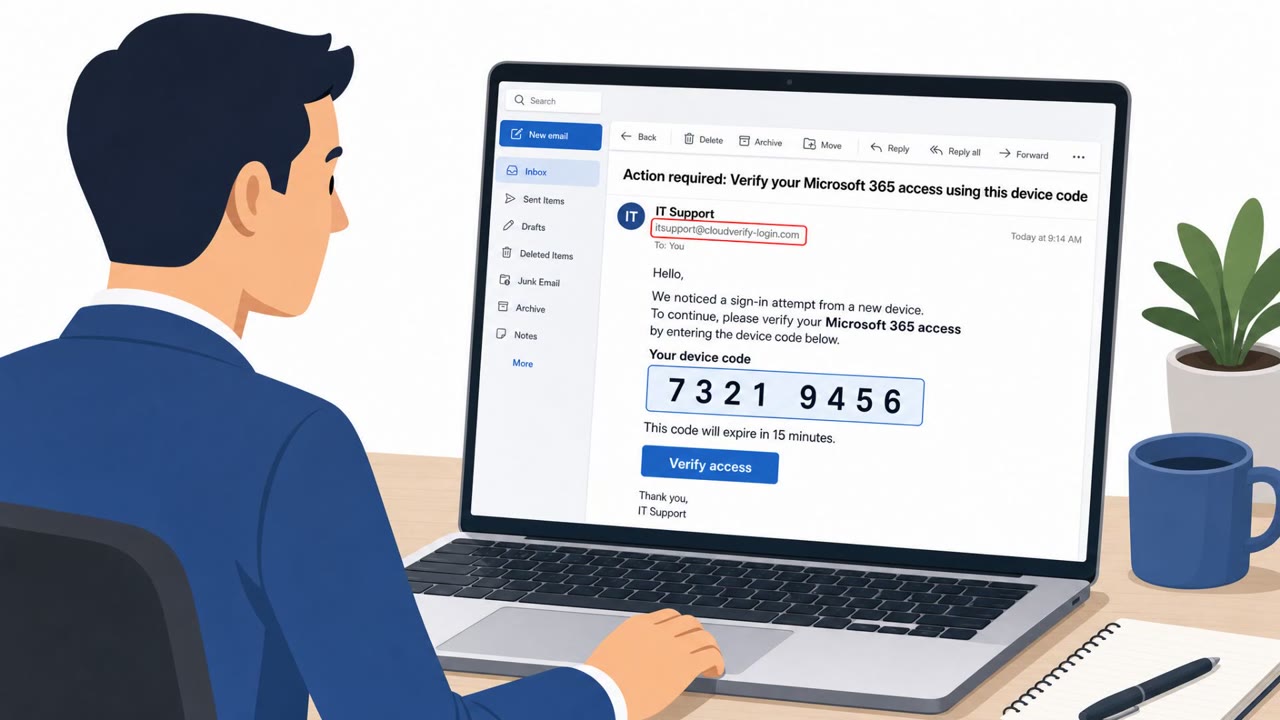
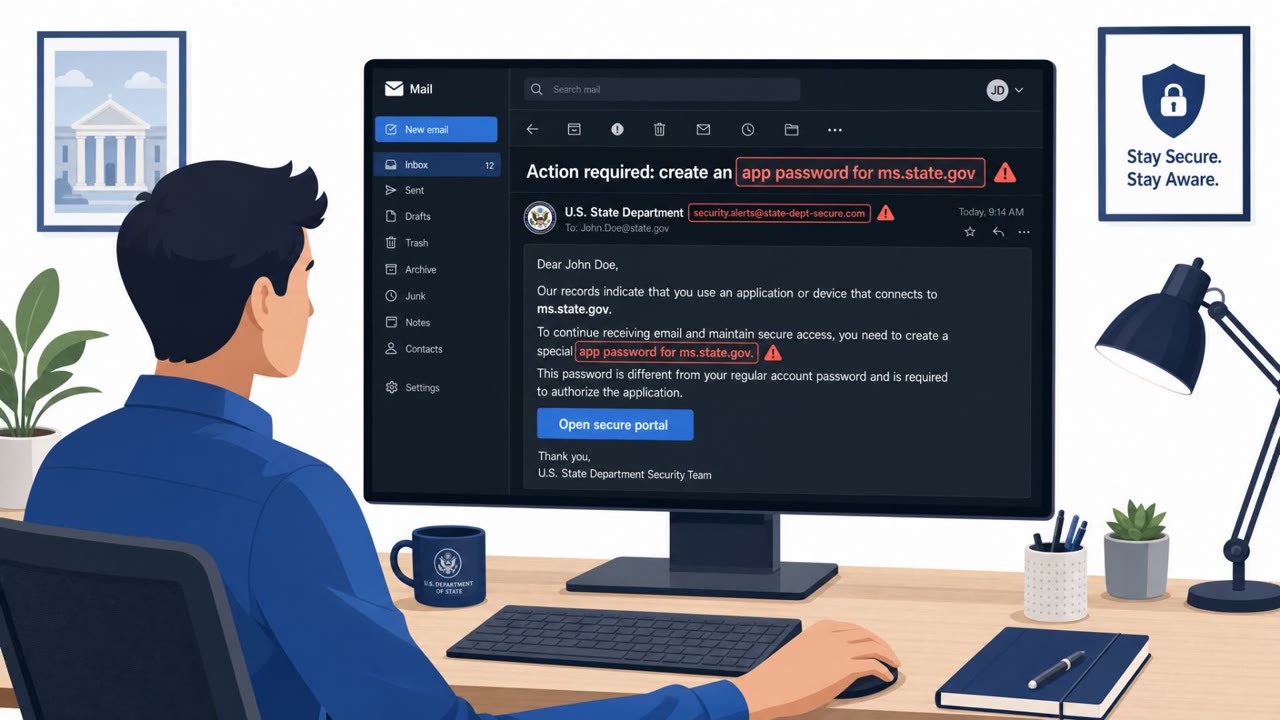
Researchers found attackers taking over hotel and conference-center Wi‑Fi gateways and silently redirecting guests to fake Microsoft 365 sign-in pages to steal credentials. In some cases, the attackers also tried to route broader device traffic through a malicious proxy (WPAD) or trick users into approving Microsoft “device-code” sign-ins, which can bypass passwords and MFA.
How the attack worked
Researchers at ReliaQuest found that attackers were compromising Wi-Fi gateways at hotels and conference centers used by traveling corporate employees. Because the attackers controlled the gateway, they had control over DNS resolution for anyone connected to that network. This let them quietly redirect victims to attacker-controlled infrastructure without any obvious change to the address bar or browsing experience. Once redirected, victims landed on lookalike Microsoft 365 sign-in pages hosted on domains such as m365-owa.com and ms365-live.com.
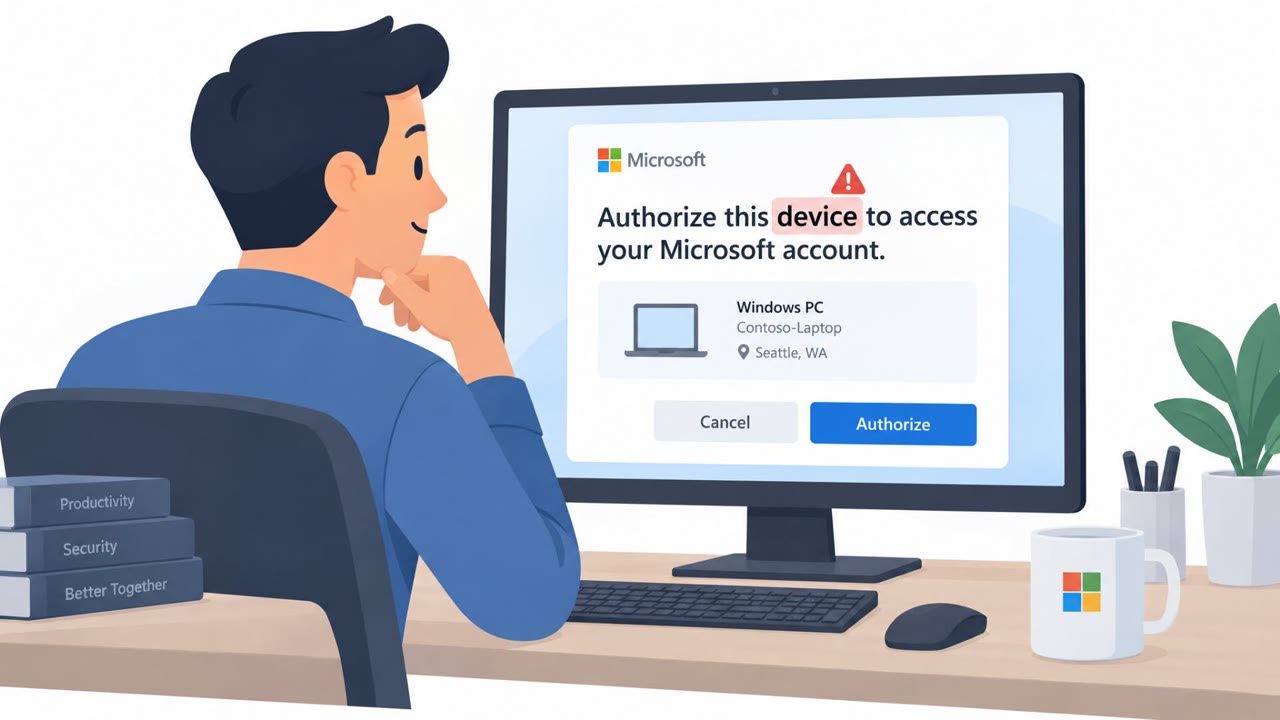
In a smaller subset of cases, attackers skipped credential theft entirely and instead targeted Microsoft's device-code sign-in flow, tricking users into approving a login that actually belonged to the attacker. Approving that prompt hands over a valid, MFA-cleared session token with no password required. In roughly a third of the observed cases, attackers also attempted to abuse Windows' automatic proxy discovery feature (WPAD) to route broader application traffic through their own proxy.
Why it succeeded
The attack works because it exploits trust in the underlying network rather than tricking users through an obvious phishing email. Since DNS is controlled at the gateway level, users can be redirected even when everything else about their session looks normal. Employees connecting to hotel or conference Wi-Fi generally expect a captive portal or login screen, which primes them to enter credentials without close scrutiny of the domain or certificate. The device-code approval technique is especially effective because it does not require stealing a password at all, it only requires the victim's brief cooperation.
What to watch for
- Sign-in pages appearing immediately after connecting to hotel or conference Wi-Fi
- Microsoft login domains that don't match official Microsoft domains, such as m365-owa.com or ms365-live.com
- Unexpected sign-in approval prompts, particularly device-code approvals, that weren't initiated by the user
- Being asked to re-authenticate on a network outside organizational control
How to build resistance
- Require an always-on, full-tunnel VPN for corporate devices so DNS requests are routed through the corporate tunnel before reaching untrusted network gateways
- Train employees to check the domain and certificate before entering credentials on any public Wi-Fi
- Disable or restrict WPAD automatic proxy discovery on corporate devices where possible
- Reinforce that sign-in approvals, especially device-code prompts, should never be approved unless the user personally initiated the request
These controls target the specific mechanics of the attack, cutting off DNS manipulation at the network layer while also addressing the human decision point where a device-code prompt or fake login page is presented.
Key findings
- Attackers compromised public Wi‑Fi gateways at hotels and conference centers and redirected users to attacker-controlled infrastructure to steal Microsoft 365 credentials.
- The technique relies on DNS control at the gateway, so users can be redirected even when the web address appears normal.
- ReliaQuest observed attacker lookalike domains used for fake Microsoft login pages, including m365-owa.com and ms365-live.com.
- In roughly one-third of cases, attackers attempted WPAD abuse to push a malicious proxy configuration and route broader application traffic through the attacker.
- In some cases, attackers targeted Microsoft’s device-code sign-in flow to obtain an authenticated session without a password.
- ReliaQuest noted tradecraft similarities to FrostArmada and referenced possible links to APT28, but stated it is not a confirmed attribution.
Who’s being targeted
- Commonly targeted roles: All employees who travel, Executive leadership, Finance, Legal, Healthcare operations, Retail managers, IT/Identity & Access Management teams.
- Affected industries: Hospitality (hotels, conference centers), Finance, Legal services, Healthcare, Energy, Retail.
- Attack channels: website.
- Impersonated: Microsoft 365 login page, Microsoft device-code sign-in flow.
Red flags to watch for
- Login domain is not a real Microsoft domain (e.g., m365-owa.com, ms365-live.com)
- Unexpected sign-in request appears immediately after joining public Wi‑Fi
- Being asked to re-authenticate on a network you don’t control (hotel/conference Wi‑Fi)
- A sign-in approval prompt you did not initiate
- Prompt appears while on public Wi‑Fi (hotel/airport/conference)
- Approval request lacks a clear match to your current action/device
Frequently asked questions
How did attackers steal Microsoft 365 credentials through hotel Wi-Fi?
Attackers compromised Wi-Fi gateways at hotels and conference centers and used DNS control to silently redirect users to lookalike Microsoft login pages such as m365-owa.com and ms365-live.com.
Can this attack bypass multi-factor authentication?
Yes, in some cases attackers targeted Microsoft's device-code sign-in flow, tricking users into approving a login and handing over an MFA-cleared session token without needing a password.
What is WPAD abuse and why does it matter here?
In roughly a third of observed cases, attackers abused Windows' automatic proxy discovery feature (WPAD) to route broader application traffic through an attacker-controlled proxy.
How can organizations protect traveling employees from this attack?
A full-tunnel VPN that routes all DNS through the corporate tunnel before the network gateway can intercept it, combined with training to check certificates and deny unexpected sign-in approvals, are effective defenses.
Read the video transcript
You connect to hotel Wi‑Fi, and boom, before your email even loads, a Microsoft 365 login page pops up. Researchers found hotel and conference Wi‑Fi gateways hijacked so they can quietly redirect you to fake Microsoft pages like m365-owa.com or ms365-live.com, even when the web address bar looks normal. In some cases they skip passwords entirely, abusing Microsoft’s device-code sign-in: you see an approval prompt on hotel Wi‑Fi that you didn’t start, and if you click approve, they get a valid, MFA-cleared session. On hotel or conference Wi‑Fi, if a Microsoft 365 login or approval pops up that you didn’t expect, stop and open our full-tunnel VPN first, then only sign in through pages you browse to yourself.